

You’ve invested in a smart doorbell, but now you’re wondering if it’ll actually ring your existing chime. The answer isn’t straightforward—compatibility depends on your specific doorbell model, transformer specifications, and wiring setup. Some smart doorbells seamlessly integrate with traditional chimes, while others don’t support them at all. Before you start the installation process, there’s a critical compatibility check that’ll determine whether your new tech can coexist with your old-school chime system.
Compatibility Requirements for Smart Doorbells and Traditional Chimes

When setting up a smart doorbell with your existing traditional chime, you’ll need to verify compatibility first since certain models like the Video Doorbell Wired and Peephole Cam won’t work with in-home chimes at all.
You’ll need to check your doorbell’s specifications to confirm compatibility with existing chimes before installation.
For compatible models, you’ll require a hardwired connection using the proper wiring diagram.
Your transformer must be rated between 8 to 24 VAC with maximum 40 VA power output to properly power both the doorbell and chime connection.
Once installed, you can use the Ring app to configure your setup through the in-home chime settings feature.
This allows you to select your specific chime type and test the connection to verify everything’s working correctly.
Identifying Compatible Ring Doorbell Models
Before purchasing a Ring doorbell, you’ll need to identify which models actually work with traditional chimes since compatibility varies considerably across the product line.
Compatible Ring doorbells must be hardwired to your existing in-home chime to function properly with traditional systems.
To determine which models work with your setup, follow these steps:
- Check the Ring app for model specifications and compatibility information
- Use Ring’s online compatibility checker to verify your doorbell works with your chime system
- Review the wiring diagram in installation instructions for proper hardwired connections
Note that certain models like Video Doorbell Wired and Peephole Cam won’t work with traditional chimes.
For incompatible models, you’ll need alternatives like Ring Chime, Ring Chime Pro, or Echo devices for notifications.
Alternative Solutions for Incompatible Doorbell Models
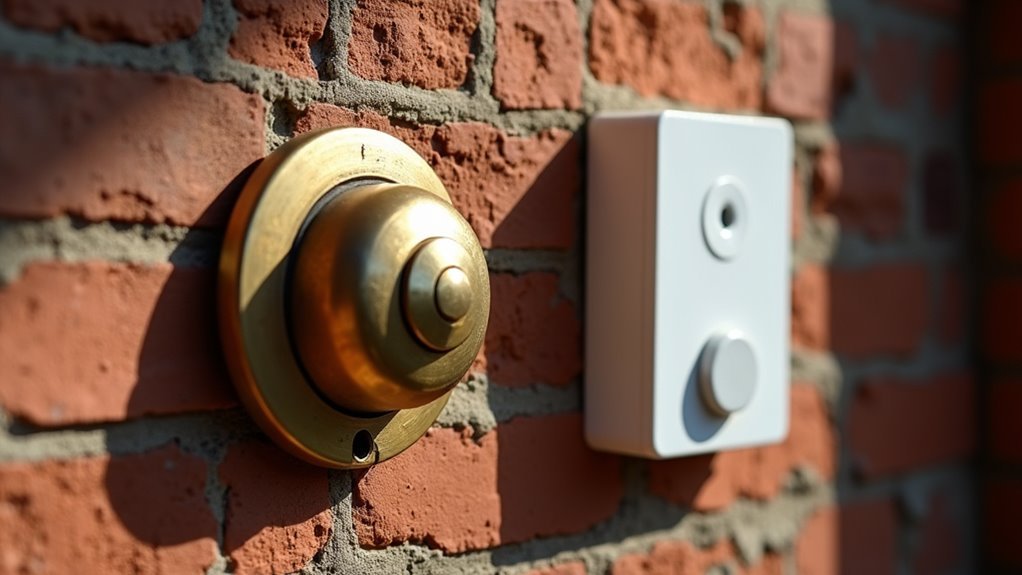
If you’ve discovered that your Ring doorbell won’t work with your traditional chime system, several effective alternatives can restore doorbell functionality throughout your home.
The Ring Chime or Ring Chime Pro provides an excellent standalone solution, plugging directly into any wall outlet to deliver audible alerts when visitors press your doorbell.
For broader home coverage, connecting your doorbell to Echo devices creates audio notifications in multiple rooms through Alexa integration.
The Ring app requires stable Wi-Fi connectivity for these alternative solutions to function properly, so verify your network supports reliable communication.
While your doorbell isn’t compatible with existing chimes, these alternatives often provide superior functionality and placement flexibility compared to traditional hardwired systems.
Essential Tools and Equipment for Installation
You’ll need specific tools and power requirements to successfully install your Ring doorbell with a traditional chime system.
Your transformer must provide 8 to 24 VAC with maximum 40 VA power at 50-60 Hz frequency for proper hardwired operation.
Before beginning installation, gather essential tools including a Phillips screwdriver, drill with 3/32 inch bit, masonry bit for concrete surfaces, and wire connectors to guarantee safe electrical connections.
Required Power Specifications
Several critical power specifications must be met to confirm your smart doorbell operates correctly with traditional chimes.
You’ll need a transformer that’s compatible with your existing setup to facilitate seamless integration between your new smart device and traditional chiming system.
The transformer must deliver specific voltage requirements for peak performance:
- Voltage Range: Your transformer should provide between 8 to 24 VAC to maintain proper compatibility with traditional chimes.
- Maximum Power Output: Verify your transformer doesn’t exceed 40 VA to prevent system overload.
- Operating Frequency: The transformer must operate at 50 to 60 Hz for standard electrical compatibility.
These power specifications are non-negotiable for safe operation.
Without meeting these requirements, you’ll experience malfunctions, inconsistent chiming, or potential damage to your doorbell system.
Essential Installation Tools
Once you’ve confirmed your transformer meets the necessary power requirements, gathering the right tools becomes your next priority for a successful installation. Having the essential installation tools ready guarantees you’ll complete your Ring Video Doorbell setup efficiently with your traditional chimes.
| Tool Category | Specific Tool | Purpose |
|---|---|---|
| Marking/Measuring | Pencil | Mark mounting positions |
| Drilling | Drill with 3/32″ bit | Create pilot holes |
| Masonry Work | 1/4″ masonry bit | Mount on brick/concrete |
| Fastening | Phillips screwdriver | Secure mounting screws |
| Anchoring | Rubber mallet/hammer | Set wall anchors |
Before starting, always turn off power at the breaker box and verify it’s completely off. This safety step protects you while working with your voltage transformer and existing doorbell wiring connections.
Compatibility Testing Equipment
Proper compatibility testing equipment assures your Ring Video Doorbell integrates seamlessly with your existing traditional chime system before you begin the installation process.
You’ll need specific tools to verify your doorbell wiring meets the required specifications when hardwired to your in-home electrical system.
Essential testing equipment includes:
- Digital multimeter – Measures voltage output from your transformer to confirm it operates within the 8 to 24 VAC range required for proper functionality.
- Compatibility checker tool – Verifies your existing in-home chime system works with smart doorbell technology before installation begins.
- Wire tester – Identifies correct wiring connections and assures proper electrical continuity throughout your doorbell circuit.
These tools prevent installation issues and assure your new doorbell communicates effectively with your traditional chime system.
Power Requirements and Transformer Specifications
Two critical specifications determine whether your smart doorbell will work seamlessly with your existing traditional chime system.
First, verify your transformer’s power requirements match the doorbell’s needs. Traditional chimes operate between 8 to 24 VAC with a maximum power rating of 40 VA. Your transformer must also support a frequency range of 50 to 60 Hz for proper compatibility.
Before installation, examine your existing wiring and transformer specifications carefully. Check that your current setup meets these voltage and power thresholds.
If you’re installing a Ring Video Doorbell, follow the wiring diagram specific to your model to guarantee proper function.
Always turn off power at the breaker box before beginning any installation work. This safety measure prevents electrical hazards while you verify compatibility between components.
Preparing Your Home for Smart Doorbell Installation
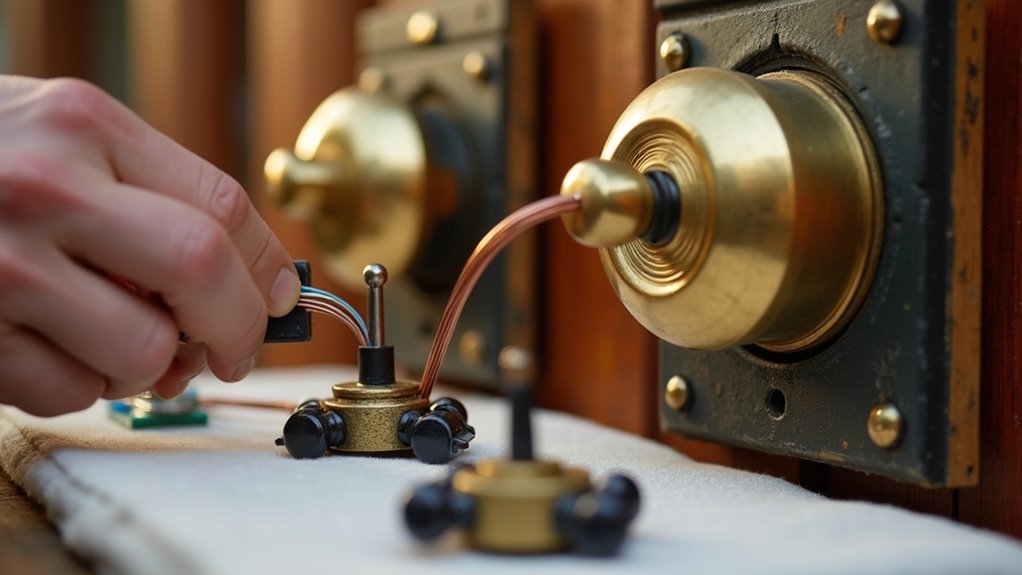
Before installing your smart doorbell, you’ll need to verify that your existing chime works with your chosen Ring model through the Ring app’s compatibility checker.
Gather your essential tools including a pencil, Phillips screwdriver, drill with bits, and rubber mallet to streamline the installation process.
Most importantly, turn off power at the breaker box and test that it’s off by pressing your current doorbell to ascertain your safety during the swap.
Check Compatibility Requirements
When installing a smart doorbell to work with your traditional chime, you’ll need to verify several compatibility requirements first. Not all smart doorbells support in-home chimes, so you’ll want to check compatibility requirements through the Ring app before proceeding.
Here are the essential requirements you must verify:
- Device compatibility – Confirm your Ring model works with existing chimes, as Video Doorbell Wired and Peephole Cam aren’t compatible.
- Hardwired connection – Ascertain you have proper wiring between your doorbell and in-home chime using the appropriate diagram.
- Transformer specifications – Verify your doorbell transformer provides 8-24 VAC, maximum 40 VA power, and 50-60 Hz frequency.
Meeting these requirements guarantees your smart doorbell will function properly with your traditional chime system.
Gather Essential Tools
After confirming compatibility, you’ll need to gather the right tools to guarantee a smooth installation process. Proper preparation prevents complications and guarantees your smart doorbell integrates seamlessly with traditional chimes.
| Basic Tools | Electrical Components |
|---|---|
| Pencil, Phillips screwdriver | Transformer (8-24 VAC, 40 VA max) |
| Drill with 3/32″ and 1/4″ masonry bits | Wire connectors for secure connections |
| Rubber mallet for wall anchors | Breaker box access for power shutoff |
Before starting installation, turn off power at the breaker box to prevent electrical hazards. Verify your transformer meets specifications: 8 to 24 VAC with maximum 40 VA power and 50-60 Hz frequency. Clear 2.25 inches above the installation area for tool access. Having wire connectors ready guarantees secure electrical connections throughout the process.
Turn Off Power
With your tools assembled and workspace prepared, power disconnection becomes your immediate priority for safe installation.
Before connecting your smart doorbell that’s hardwired to an existing system, you must turn off power at the breaker box. This prevents electrical shock and protects both you and your device during installation.
Follow this safety sequence:
- Locate and flip the appropriate breaker switch to disconnect power to your existing in-home chime system.
- Test the old doorbell by pressing it – silence confirms successful power disconnection.
- Use a voltage tester on all wiring connections to verify no electrical current remains.
Once you’ve confirmed power is off, you can safely remove the old doorbell.
Remember to maintain proper clearance above the mounting area – your new smart doorbell will detect your in-home chime system once properly connected.
Removing Your Old Doorbell System Safely
Before you begin removing your old doorbell system, you’ll need to turn off power at the breaker box to prevent electrical shock or damage.
Once you’ve switched off the breaker, test the doorbell by pressing the button. If it doesn’t ring, you can safely proceed with removing your old doorbell.
After switching off the breaker, press the doorbell button to confirm no power remains before proceeding with removal.
Carefully detach the doorbell unit from your wall, disconnecting any wire connectors you encounter.
Take a photo or make notes of the wire arrangement before removal—this reference will prove invaluable during installation.
Check that you have at least 2.25 inches of clearance above the doorbell location for proper tool access.
Finally, dispose of the old doorbell responsibly by following your local electronic waste guidelines to guarantee safety and environmental protection.
Installing the Base Plate and Mounting Hardware
Now you’ll mount the new doorbell’s base plate to replace your old system.
Start by positioning the base plate against the wall with the “G” marking upright, then mark where you’ll drill the screw holes.
Before securing it permanently, you’ll need to thread your existing doorbell wires through the base plate opening to set up the electrical connections.
Positioning and Marking Holes
Proper positioning of your doorbell’s base plate sets the foundation for a successful installation that’ll work reliably with your traditional chimes. Start by positioning the base plate on your wall with the “G” facing upright, then use a level to guarantee it’s straight. This careful positioning prevents connection issues later.
Follow these essential steps for accurate marking:
- Mark screw holes directly through the base plate onto the wall surface for precise placement.
- Feed doorbell wires through the base plate opening before securing to prevent wire damage.
- Maintain 2.25 inches clearance above the unit for tool access during installation and future maintenance.
When mounting on angled surfaces, attach your wedge first and mark those holes separately to guarantee a secure fit.
Securing Base Plate
Once you’ve marked your screw holes accurately, you’ll need to secure the base plate firmly to create a stable foundation for your doorbell system.
Feed the doorbell wires through the base plate first, ensuring they don’t touch each other or the plate itself to prevent short circuits. For uneven surfaces, drill pilot holes using a masonry bit and install appropriate wall anchors before proceeding with the installation.
Attach the base plate using the provided screws, maintaining the proper orientation with the “G” marking upright. If you’re using an angled wedge, secure it first and mark holes specifically for that configuration.
Once mounted, test your doorbell to confirm everything’s working properly. Keep the release tool handy for future adjustments or maintenance needs.
Wire Connection Setup
Before making any wire connections, turn off the power at your circuit breaker to confirm safe installation. Your doorbell must be hardwired to work with your existing in-home chime system. The wire connection setup requires careful attention to prevent damage and guarantee proper functionality.
Follow these essential steps for safe wire connection setup:
- Feed existing doorbell wires through the base plate before securing it to the wall with screws.
- Connect doorbell wires to the provided connectors using the appropriate wiring diagram included with your device.
- Confirm wires don’t touch each other or the base plate during installation.
Once connections are complete, turn the power back on and verify your doorbell’s secure installation by checking for live video feed and chime functionality.
Connecting Wires to Your New Smart Doorbell
After confirming your smart doorbell’s compatibility with traditional chimes, you’ll need to turn off power to both the doorbell and chime at your home’s breaker box.
Confirm the power’s off before disconnecting your old doorbell. Use the appropriate wiring diagram to hardwire your new smart doorbell, ensuring your transformer provides 8 to 24 VAC with maximum 40 VA power.
Feed the existing doorbell wires through the smart doorbell’s base plate. Connect the wires using the provided connectors, securing them tightly.
It’s essential that wires don’t touch each other or the base plate to prevent short circuits. After you’ve properly connected all wiring, test your doorbell functionality with your existing in-home chime by following the setup instructions in the accompanying app.
Configuring Hardwired Doorbell Settings Through the App
Once you’ve wired your smart doorbell, you’ll need to configure it through the manufacturer’s app to work with your existing chime.
Navigate to the chime settings menu and select the proper chime type that matches your traditional doorbell system.
After making these adjustments, you’ll want to test the connection functionality to guarantee everything’s working correctly.
Accessing Chime Settings Menu
How do you configure your hardwired doorbell to work seamlessly with your traditional chime?
You’ll need to access the Ring app’s chime settings menu to establish proper communication between your smart doorbell and existing chime system.
Follow these steps to configure your chime settings:
- Navigate to the main dashboard – Open the Ring app and tap the more (•••) button next to your selected camera.
- Access device settings – Select “In-home Chime Settings” from the menu options.
- Configure chime compatibility – Choose your chime type (Mechanical, Digital Type 1, or Digital Type 2) based on your existing system.
After selecting the appropriate chime type, toggle the chime on/off as needed and save your changes to finalize the configuration for ideal performance.
Selecting Proper Chime Type
When you reach the In-home Chime Settings menu, selecting the correct chime type becomes essential for establishing reliable communication between your Ring doorbell and existing chime system.
The Ring app presents three compatible options: Mechanical, Digital Type 1, and Digital Type 2. You’ll need to match your selection with your existing in-home chime’s specifications to guarantee proper functionality.
If the app’s automatic detection doesn’t identify your chime correctly during initial setup, you can manually perform the configuration through Advanced Settings.
Simply choose the appropriate type that corresponds to your traditional chime mechanism. After selecting proper chime type, always save your changes within the Ring app to finalize the configuration.
Test the chime response immediately to verify successful integration between devices.
Testing Connection Functionality
After configuring your chime type selection, you’ll need to verify the connection works properly through the Ring app’s testing features.
Testing connection functionality guarantees your hardwired doorbell communicates effectively with your traditional chime system.
Follow these steps to complete the testing process:
- Navigate to your doorbell in the Ring app’s main dashboard and tap on the camera you’ve configured.
- Initiate a test ring through the In-home Chime Settings to confirm proper hardwired connection functionality.
- Use troubleshooting options if the chime doesn’t ring correctly, selecting feedback like “My chime didn’t ring” to adjust settings.
If automatic detection failed during initial setup, access Advanced Settings to manually configure chime settings.
This testing phase validates that your doorbell’s hardwired connection successfully triggers your existing chime mechanism.
Setting Up Battery-Powered Hardwired Devices
Three simple steps will get your battery-powered hardwired doorbell working seamlessly with your traditional chime system.
First, open the Ring app and navigate to the main dashboard to access device settings for your doorbell. Enable Automatic Chime Detection in the In-home Chime Settings and wait for the app to detect your existing chime.
Navigate to your Ring app dashboard and enable Automatic Chime Detection to seamlessly connect with your existing doorbell system.
If detection fails, access Advanced Settings to manually select the appropriate Chime Type: Mechanical, Digital Type 1, or Digital Type 2. This verifies compatibility with your specific chime model.
Finally, test the doorbell by following the app prompts to ring your in-home chime. Adjust settings based on the chime’s response during testing to guarantee proper operation and reliable performance.
Automatic Chime Detection and Manual Configuration
While Automatic Chime Detection streamlines the setup process by identifying your in-home chime automatically, you’ll need to configure settings manually if the initial detection fails.
When automatic chime detection doesn’t work with your battery-powered hardwired device, you can take control through manual configuration.
Access Advanced Settings in the Ring app to manually select your Chime Type from three options:
- Mechanical
- Digital Type 1
- Digital Type 2
After selecting your chime type, tap “Continue” to initiate testing.
The Ring app will ring your in-home chime and request feedback. If issues occur, you can report problems like “My chime rang partially” or “My chime didn’t ring.”
The app adjusts settings based on your responses, ensuring proper functionality between your doorbell and chime.
Testing Your Doorbell and Chime Connection
Once you’ve configured your chime settings, testing the connection between your doorbell and chime guarantees everything’s working properly.
For hardwired doorbells, open the Ring app and navigate to In-home Chime Settings. Select your chime type, save changes, then test the functionality.
Battery-powered doorbell users should enable Automatic Chime Detection in the same settings menu.
If your chime doesn’t ring correctly during testing, use the app’s troubleshooting options. Select “My chime rang partially” or “My chime didn’t ring” to adjust settings accordingly.
For manual configuration, access Advanced Settings and choose the appropriate Chime Type: Mechanical, Digital Type 1, or Digital Type 2.
Follow the prompts to complete testing and verify your doorbell communicates effectively with your traditional chime system.
Troubleshooting Common Connection Issues
When your Ring doorbell doesn’t communicate properly with your traditional chime, compatibility issues often serve as the primary culprit. Not all models work with existing chimes—Video Doorbell Wired and Peephole Cam can’t connect to traditional systems.
Here’s your troubleshooting approach for configure compatible Ring doorbells:
- Verify power requirements – Confirm your transformer provides 8-24 VAC with maximum 40 VA power for proper in-home chime operation.
- Manual configuration – If automatic setup fails to detect your chime, access Advanced Settings in the Ring app to manually select your Chime Type (Mechanical, Digital Type 1, or Digital Type 2).
- Enable detection features – For battery-powered units, activate Automatic Chime Detection and follow app prompts for successful troubleshooting.
Test functionality by selecting “My chime didn’t ring” if issues persist.
Frequently Asked Questions
Can a Ring Doorbell Work With a Regular Chime?
Yes, you can connect most Ring doorbells to your regular chime if they’re compatible models. You’ll need to hardwire the doorbell and configure it through the Ring app’s chime settings.
How Do I Get My Ring Doorbell to Work With Chime?
You’ll need to access your Ring app, go to device settings, and select “In-home Chime Settings.” Configure your chime type as mechanical or digital, then test the functionality.
Why Does My Ring Doorbell Not Ring My Existing Chime?
Your Ring doorbell doesn’t ring your existing chime because it’s likely not hardwired properly, you’re using an incompatible model, or your In-home Chime Settings aren’t configured correctly in the app.
What Chimes Are Compatible With a Ring Doorbell?
You can use mechanical chimes, Digital Type 1, and Digital Type 2 chimes with most Ring Video Doorbells. Check your Ring app for specific compatibility with your doorbell model.



