
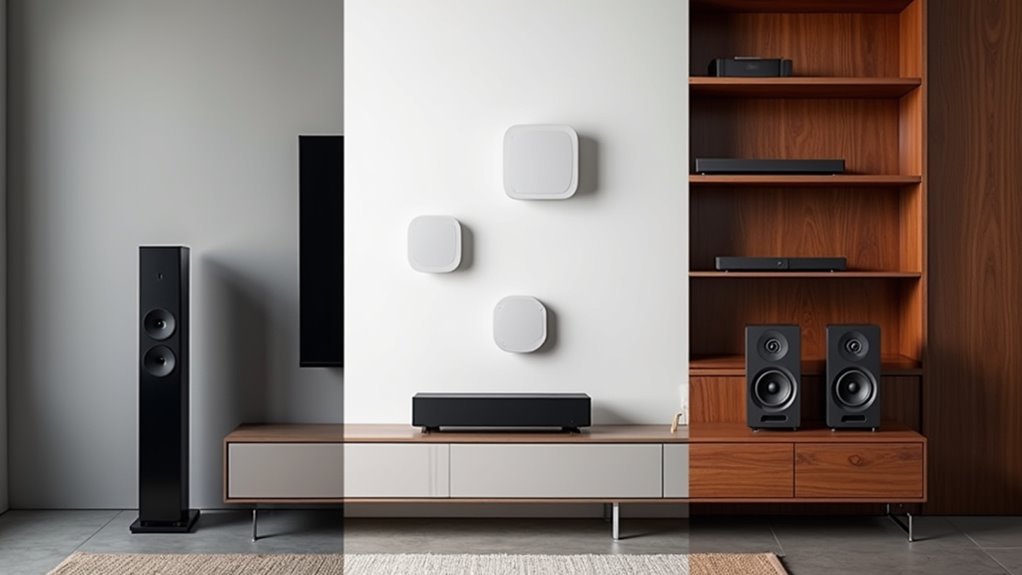
You’ve probably dreamed of walking from room to room with your favorite playlist following seamlessly behind you, but assumed whole-home audio systems were either too expensive or too complicated to set up yourself. The truth is, you don’t need thousands of dollars or an audio engineering degree to transform your living space into a connected musical environment. Three straightforward approaches can get you there, each with distinct advantages depending on your budget and technical comfort level.
Building a Closed System With Brand-Matched Components
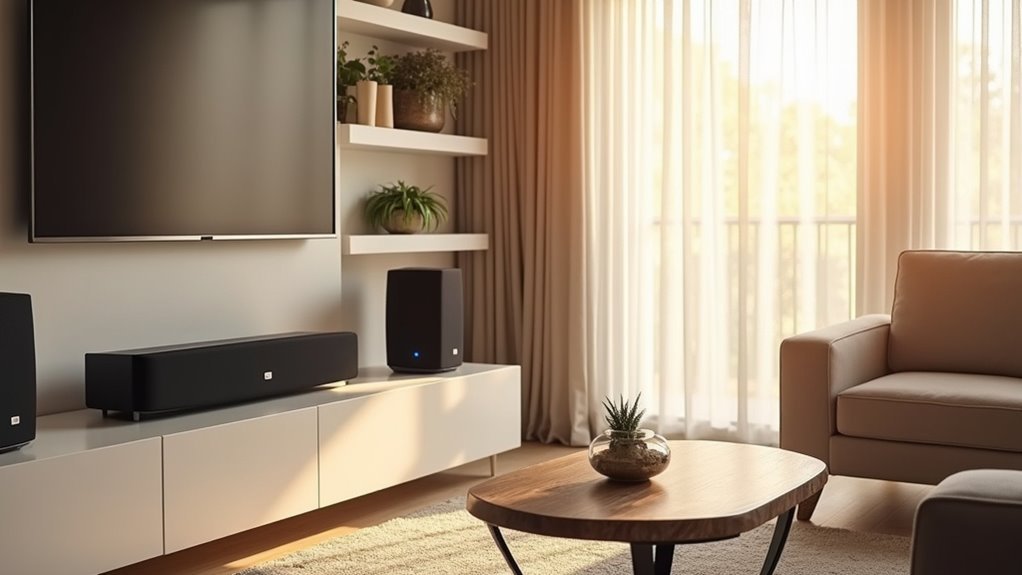
When you’re ready to invest in a whole-home music system, building a closed system with brand-matched components offers the most streamlined experience you’ll find.
This approach simplifies your audio system setup since you’ll control everything through one proprietary app designed specifically for your chosen brand. You’ll enjoy enhanced user convenience with lifestyle features like sleep timers and seamless integration of streaming services across your multiroom audio network.
Brand-matched components guarantee superior compatibility and reliability because they’re designed to work together perfectly.
While this limits your flexibility in component selection, you’ll benefit from premium audio quality that brands like Sonos deliver.
However, consider the investment carefully—these systems cost more upfront, and you’ll depend entirely on the manufacturer’s continued support.
Creating an Open System Using Mixed Hardware and Protocols
Why limit yourself to one brand when you can create a flexible multiroom audio system using mixed hardware and protocols? An open system lets you integrate various speakers from different manufacturers, giving you more choices for your setup.
Break free from single-brand limitations and build a versatile multiroom audio system with mixed hardware from multiple manufacturers.
You’ll use existing wireless protocols like AirPlay and Google Cast to connect diverse devices and enable seamless streaming across platforms.
For iOS users, consider the Apple HomePod at $299 for excellent AirPlay 2 compatibility. Budget-conscious consumers can choose the Google Nest Audio at $69, while the Audio Pro A10 MKII WiiM Edition supports multiple protocols for broader integration.
When selecting components, guarantee proper broadcasting and synchronization by choosing compatible devices that work well with your preferred music sources and audio streaming requirements.
Setting Up a DIY Raspberry Pi Multi-Room Audio Network

Building your own Raspberry Pi multi-room audio network offers complete control over your music streaming setup while keeping costs considerably lower than commercial alternatives.
You’ll need multiple Raspberry Pi 3 devices running Raspberry Pi OS with the Mopidy framework installed. Configure each device with a static IP address to guarantee reliable communication across your audio network.
Install Mopidy along with Spotify integration libraries for accessing your music streams. Create separate service files for each Mopidy instance, assigning unique ports to prevent conflicts.
Implement Snapserver and Snapclient for synchronized playbook across all connected devices. This combination allows you to stream different music to various rooms simultaneously while maintaining perfect synchronization when desired, creating a professional-grade multi-room audio experience.
Frequently Asked Questions
Can I Make My Own Surround Sound System?
Yes, you can create your own surround sound system using multiroom wireless speakers, Raspberry Pi with Mopidy software, and amplifiers like Arylic’s Up2Stream products for customized audio experiences.
How Much Does a Whole House Sound System Cost?
You’ll spend $200-$1,500 for a whole house sound system. DIY solutions with existing speakers cost less, while premium brands like Sonos cost more. Add $50-$200 for wiring and installation expenses.
How Can I Listen to Music Throughout My House?
You can create a multiroom wireless speaker system using affordable DIY options like Arylic devices or Raspberry Pi connected to existing speakers, controlled through apps for synchronized playbook throughout your home.
What Do I Need to Build a Home Sound System?
You’ll need powered speakers with Bluetooth or Wi-Fi compatibility, a multi-channel amplifier for multiple rooms, a streaming preamp for music sources, proper speaker wiring, and control apps for management.



