
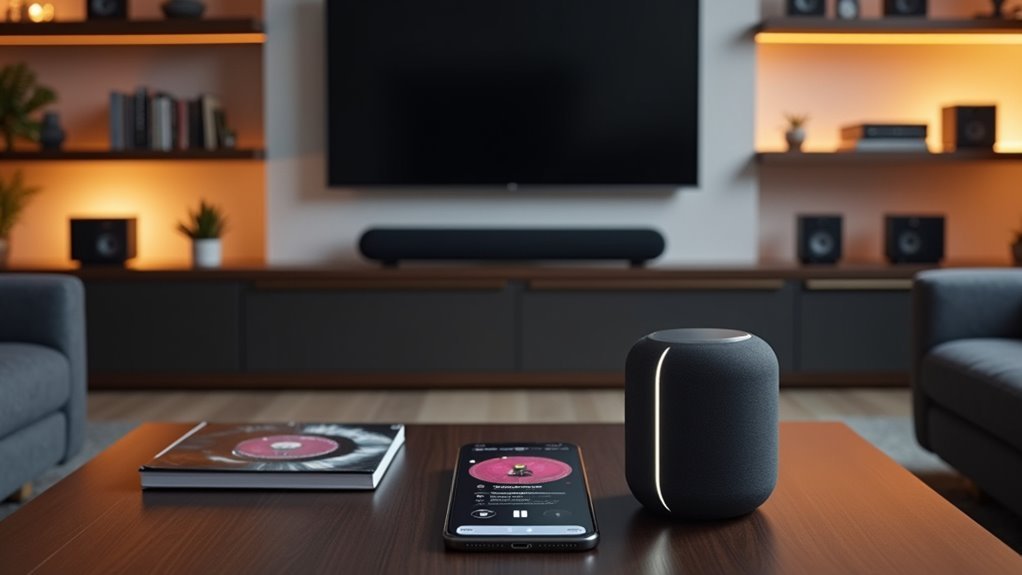
You’ve probably experienced that frustrating moment when your favorite song cuts out as you move from the kitchen to the living room. While streaming services have revolutionized how we access music, they haven’t solved the challenge of maintaining consistent audio throughout your entire home. Whether you’re hosting a dinner party or simply want background music that follows you seamlessly from room to room, there are strategic approaches that’ll transform your disconnected devices into a unified sound system.
Setting Up Apple Music Sync Library Across All Devices
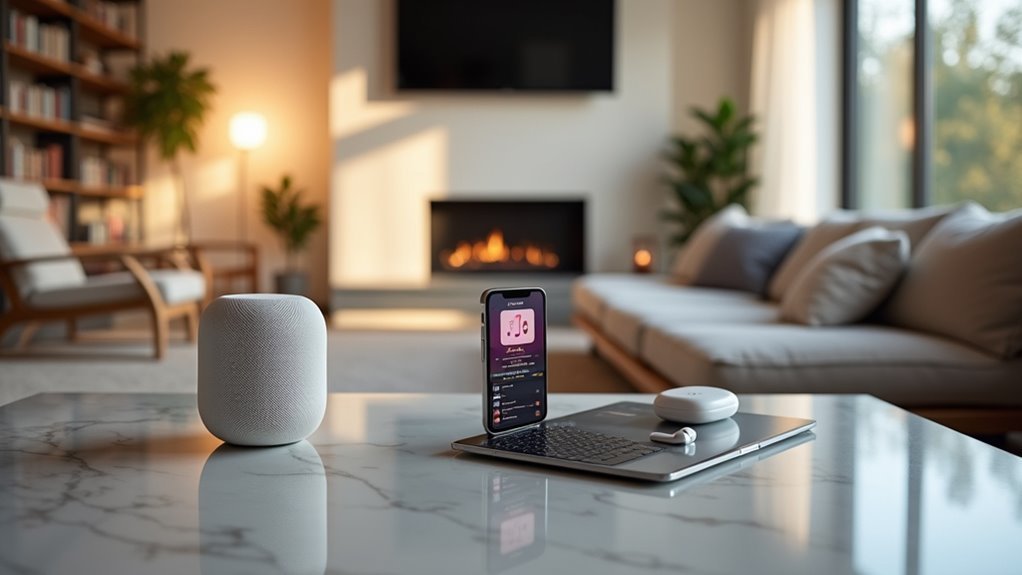
When you want to access your entire music collection seamlessly across all your devices, Apple Music’s Sync Library feature makes this possible by keeping your library synchronized wherever you go.
You’ll need an Apple Music or iTunes Match subscription and must sign in with the same Apple Account on each device.
On Mac, open Apple Music, navigate to Music Settings, select the General tab, and check Sync Library.
On Mac, open Apple Music, go to Music Settings, select General, and check Sync Library to enable synchronization.
For PCs using Apple Music or iTunes, access Settings via Sidebar Actions, find the General section, and enable Sync Library.
On iPhones or iPads, open Apple Music, verify your account, go to Settings, select Music, and turn on Sync Library.
Once activated, you can stream your music library anywhere with the Apple Music app.
Creating a Centralized Music Hub Using Your Mac
You’ll transform your Mac into the command center for your entire home’s music ecosystem by configuring the Sync Library feature and establishing reliable device connections.
Start by organizing your music collections into logical playlists and categories that’ll make sense across all your devices.
Once you’ve set up these foundational elements, your Mac will seamlessly distribute your curated music library to every connected device in your household.
Setting Up Sync Library
Before you can enjoy seamless music playbook across your home, you’ll need to establish your Mac as the central hub for your entire music collection.
Start by opening the Apple Music app and signing in to your Apple Music or iTunes Match account through the Account menu.
Next, access Music Settings by selecting Preferences, then navigate to the General tab where you’ll enable the Sync Library option. This activates synchronization across all your devices.
Monitor the syncing status at the sidebar’s bottom to confirm proper synchronization.
Verify your Mac stays connected to the internet and uses the same Apple Account as your subscription.
If Sync Library isn’t visible, check your Apple Music or iTunes Match subscription status, as you’ll need an active subscription for this feature to work.
Managing Device Connections
Once you’ve established your Sync Library, transforming your Mac into a centralized music hub requires connecting and managing your other Apple devices strategically.
Connect your iPhone or iPad using USB, USB-C cables, or Wi-Fi, then open Finder to access device management options. Select your device from the Finder sidebar to view syncing preferences.
Enable “Sync music onto [device name]” to begin transferring content from your music library. You’ll see Sync options for specific artists, albums, and playlists—select what you’d like across multiple speakers or bluetooth speaker setups.
After making selections, click “Apply” to initiate syncing.
Regularly monitor your Library on your Mac to maintain peak performance across all connected Apple devices for seamless music access.
Organizing Music Collections
Creating an effective centralized music hub starts with organizing your collection within the Apple Music app on your Mac. First, verify you’re running the latest version and sign in with your Apple ID that has an Apple Music or iTunes Match subscription.
Import your songs, albums, and playlists into the app to manage your library efficiently and access it across all devices.
Enable Sync Library in the Music settings under the General tab to keep your collection updated everywhere.
Categorize your music using playlists, genres, and albums for easier navigation when streaming throughout your home.
Don’t forget to regularly back up your music library to prevent data loss and maintain your centralized hub’s integrity.
Connecting Multiple Smartphones With Ampme for Room-To-Room Audio
You can transform your smartphones into a distributed sound system using AmpMe, which lets you sync audio playback across multiple devices throughout your home.
Setting up an AmpMe party requires one host device to launch the app and select music, while other phones join the stream to create seamless room-to-room coverage.
The key to maximizing this setup lies in strategically placing your connected devices and understanding how each phone’s speaker quality affects your overall audio experience.
Setting Up AmpMe Parties
AmpMe transforms your collection of smartphones into a powerful, synchronized sound system that spans multiple rooms throughout your home.
Setting up your AmpMe party is straightforward and takes just minutes. As the host, you’ll launch the app on your device and select music from your personal library, YouTube, or SoundCloud.
Once you’ve chosen your playlist, other participants simply open AmpMe on their smartphones and connect to your stream. There’s no limit to how many devices can join, whether they’re iOS or Android.
Each connected phone becomes a speaker in your network, with sound quality depending on individual device speakers. This creates an immersive audio experience that flows seamlessly from room to room.
Optimizing Multi-Device Sound Coverage
Once you’ve established your AmpMe network, strategic phone placement becomes essential for achieving ideal sound distribution across your living space.
Position smartphones in corners and central locations within each room to maximize sound coverage. Since AmpMe supports unlimited devices, you can place multiple phones throughout hallways, bedrooms, and common areas for seamless audio shifts as you move around your home.
The sound quality depends on each smartphone’s individual speakers, so experiment with different orientations and surfaces.
Place phones on hard surfaces like tables or countertops to amplify bass, or position them at varying heights to create layered audio effects.
This creative placement strategy transforms your entire home into an immersive sound environment without expensive equipment.
Establishing Wi-Fi Based Music Synchronization Networks

When you’re ready to transform your home into a synchronized audio experience, establishing a Wi-Fi-based music synchronization network connects multiple devices throughout your space for simultaneous streaming. You’ll need all devices connected to the same Wi-Fi network and apps like AmpMe that support unlimited device connections.
| Device Type | Setup Requirements | Sync Capability |
|---|---|---|
| Smartphones | AmpMe app, Wi-Fi connection | Unlimited devices |
| Computers | Compatible software, network access | Multi-room coverage |
| Smart Speakers | Built-in Wi-Fi, network integration | Native synchronization |
| Tablets | Sync apps, shared network | Portable placement |
| Audio Systems | Wi-Fi capability, streaming apps | Enhanced sound quality |
Modern smart speakers simplify this process with built-in Wi-Fi capabilities, eliminating additional hardware needs. This setup dramatically improves sound coverage in larger spaces while enabling seamless music sharing from personal libraries or streaming services.
Building a Multi-Speaker Setup Using Existing Smart Devices
You can transform your existing smartphones into a powerful multi-speaker system using the AmpMe app, which connects unlimited devices to create synchronized audio throughout your home.
Start by ensuring all phones connect to the same Wi-Fi network, then strategically position them around different rooms to maximize sound coverage and create an immersive listening experience.
The key lies in optimizing both the placement of your devices and adjusting individual volume levels to achieve balanced audio distribution across your entire living space.
Multi-Device Connection Setup
Since most people already own multiple smartphones, creating a multi-speaker setup doesn’t require purchasing expensive audio equipment.
You can transform your existing devices into a synchronized sound system using the AmpMe app. Start by ensuring all smartphones connect to the same Wi-Fi network for ideal syncing and audio quality. Launch AmpMe on your host device and select music from your personal library, YouTube, or SoundCloud. Other devices can then join your stream effortlessly.
The app supports unlimited device connections, making it perfect for large gatherings where you need increased volume and broader sound coverage.
Each smartphone contributes to a cohesive audio experience, delivering synchronized playback throughout your space without requiring additional hardware investments.
Volume Coverage Optimization
Positioning your connected smartphones strategically throughout your space creates an immersive audio environment that dramatically improves sound distribution.
By placing devices in different corners and areas of a room or outdoor space, you’ll achieve more even volume coverage than relying on a single speaker source.
Each smartphone functions as an independent speaker, contributing its unique audio capabilities to enhance overall sound quality.
You can connect unlimited devices through AmpMe, scaling your setup based on your space’s size and your desired audio intensity. This approach eliminates dead zones where sound doesn’t reach effectively.
The strategic placement method works particularly well for parties and gatherings, where you need consistent audio levels throughout the entire area without overwhelming any specific zone.
Configuring Cross-Platform Music Streaming Solutions

When you’re streaming music across different devices and platforms, the foundation of a seamless experience starts with ensuring all your devices share the same music service account.
Whether you’re using Apple Music or Spotify, signing into the same account across smartphones, tablets, and computers enables instant access to your entire library.
Consider apps like AmpMe for synchronized playback across multiple smartphones, creating shared listening experiences without dedicated speakers.
Look for services with Sync Library features that maintain your collection across all devices with an active subscription.
Explore platforms that integrate with YouTube or SoundCloud for unified library experiences.
Always update your music apps regularly to access the latest features and maintain compatibility across different operating systems.
Installing Dedicated Multi-Room Audio Applications
While cross-platform streaming solutions work well for individual devices, dedicated multi-room audio applications like Sonos, Google Home, and Amazon Alexa take your home music experience to the next level. You’ll get synchronized playback across multiple rooms, voice control capabilities, and access to your favorite streaming services like Spotify and Apple Music.
| Feature | Benefit |
|---|---|
| Wi-Fi Connection | More stable than Bluetooth with higher audio quality |
| Multi-Room Grouping | Create custom speaker zones throughout your home |
| Voice Control | Hands-free music management and playlist selection |
Setting up these systems is straightforward. Download the manufacturer’s app, connect your speakers to your Wi-Fi network, and follow the in-app configuration steps. You’ll have seamless music control across your entire home within minutes.
Utilizing Bluetooth Connectivity for Adjacent Room Pairing
Most Bluetooth speakers can stream music to adjacent rooms within a 30-foot range, making them an affordable alternative to dedicated multi-room systems.
Bluetooth speakers offer budget-friendly multi-room audio solutions with 30-foot wireless range for seamless home entertainment.
You’ll need to guarantee your devices are compatible and properly paired by putting your speakers in pairing mode first.
For the best experience, choose devices supporting Bluetooth 5.0, which offers improved range and stability compared to earlier versions.
Many modern speakers feature multi-room functionality, letting you play music simultaneously across multiple rooms.
Consider these options to maximize your setup:
- Bluetooth mesh systems – Enable seamless communication between multiple connected devices
- Speaker placement strategy – Position speakers strategically to minimize audio dropouts between rooms
- Device compatibility check – Verify all your audio sources support the same Bluetooth protocols
Implementing Smart Home Integration for Automated Music Distribution
Smart home integration takes your multi-room audio setup beyond basic Bluetooth pairing by offering automated music distribution and voice control throughout your entire home.
You can implement smart speakers like Amazon Echo or Google Nest to enable voice-controlled playbook across multiple rooms. Multi-room audio systems such as Sonos or Bose let you sync music seamlessly from a single source throughout your house.
Smart home hubs like Apple HomeKit or SmartThings automate your music distribution by scheduling playlists or triggering playback when you arrive home.
You’ll maintain perfect synchronization by connecting all devices to the same Wi-Fi network and configuring them under one music streaming account. This integration creates an intelligent audio ecosystem that responds to your daily routines and preferences automatically.
Optimizing Network Performance for Seamless Audio Playback
Because your multi-room audio system relies heavily on network connectivity, you’ll need to optimize your Wi-Fi infrastructure to prevent dropouts and maintain synchronized playback across devices.
Start by upgrading to Wi-Fi 6 standards, which deliver higher data transfer speeds and reduced latency essential for seamless audio streaming. Position your router centrally to maximize coverage and eliminate dead zones that disrupt music flow. For stationary devices like streaming players or computers, use wired Ethernet connections to bypass wireless interference entirely.
- Update router firmware regularly to enhance performance and security for uninterrupted streaming
- Limit connected devices during audio playback to reduce network congestion and improve quality
- Create a dedicated network specifically for your audio devices to prioritize music traffic over other data
Frequently Asked Questions
How Do You Get Music Throughout Your House?
You’ll install multi-room audio systems like Sonos, use wireless streaming through AirPlay or Chromecast, set up smart speakers with voice control, or create a home music server to distribute audio throughout your house.
What Is the App That Syncs Music on Multiple Devices?
AmpMe’s the app that syncs music across multiple devices. You’ll download it free on iOS or Android, then one device hosts while others join the stream for synchronized playback throughout your space.
How Do I Sync My Music Library Across Devices?
You’ll need an active Apple Music or iTunes Match subscription and the same Apple Account on all devices. Enable Sync Library in your Music settings on each device to access your complete music collection anywhere.
How Do I Get Music Sync Placement?
You’ll achieve ideal music sync placement by positioning devices away from walls and corners throughout your home. Connect everything to the same Wi-Fi network and experiment with different locations for best sound coverage.



