

You don’t need to spend thousands on premium audio systems to enjoy synchronized music throughout your home. While major brands market expensive ecosystems, clever alternatives can deliver the same whole-home experience for a fraction of the cost. From leveraging existing technology you already own to mixing budget components from different manufacturers, these five strategies will transform how you approach multi-room audio without breaking your bank account.
Build an Open System Using AirPlay 2 and Google Cast
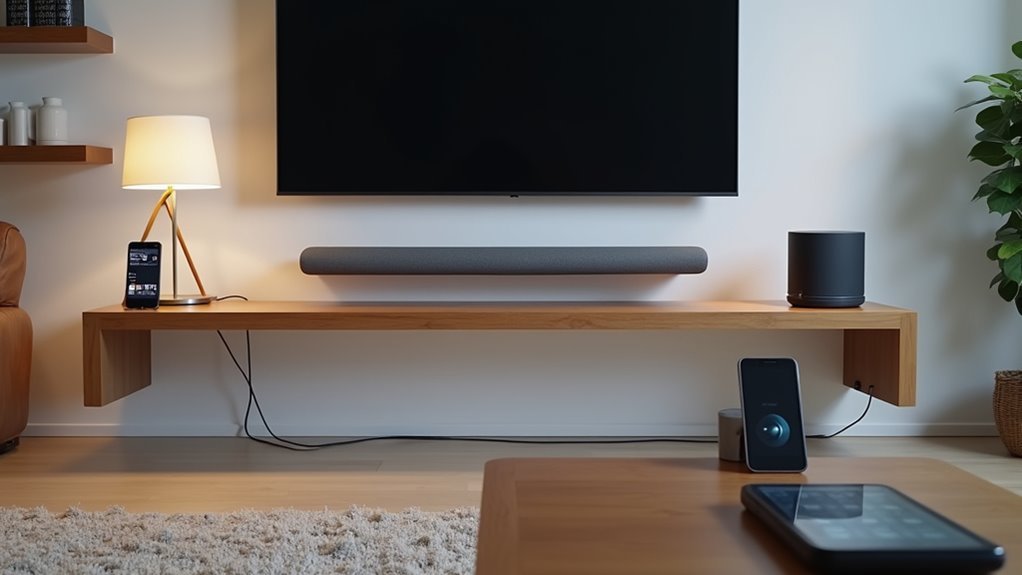
When building a whole-home audio system on a budget, you’ll find that combining AirPlay 2 and Google Cast technologies offers the most flexibility without locking you into a single ecosystem.
This open system approach lets you mix affordable speakers from different brands while maintaining seamless streaming capabilities. You can control playback from your iPhone, Android device, or computer, creating a truly versatile multiroom audio system.
Budget-friendly options like Google Nest Audio support both protocols, making it easy to expand your setup gradually.
You’ll access diverse audio sources, from streaming services like Spotify to your local music library. For ideal results, choose speakers supporting both technologies and use a unified control app to streamline your experience across all devices.
Repurpose Existing Hardware With Raspberry Pi Streamers
If you’ve got old hardware collecting dust, Raspberry Pi streamers offer an incredibly cost-effective way to transform those forgotten devices into powerful multi-room audio endpoints. You can create an affordable multi-room audio system by equipping Raspberry Pi Zero W devices with HiFiBerry DAC+ Zero hats for high-quality output.
| Software Solution | Key Features | Best For |
|---|---|---|
| Logitech Media Server | Synchronize audio across zones | FLAC file playback from NAS |
| SnapCast | Low-latency streaming protocols | Real-time audio synchronization |
This DIY approach lets you build a modular setup that’s easily expandable. You’ll add or remove streamers as needed without breaking the bank. Your repurposed Raspberry Pi streamers support popular streaming protocols while delivering excellent audio playbook performance throughout your home.
Create a Centralized Server With Network-Attached Storage

A Network-Attached Storage (NAS) device transforms your home network into a powerful audio distribution hub that’ll serve high-quality audio files to every connected zone.
This centralized server stores your entire music library in one accessible location, eliminating scattered storage across multiple devices. You’ll stream superior formats like FLAC throughout your multi-room audio system while maintaining exceptional sound quality.
Most NAS systems support essential streaming protocols including DLNA and UPnP, ensuring seamless compatibility with various audio devices.
Setup involves connecting the network-attached storage unit to your home network, then accessing content through dedicated apps on smartphones, tablets, or computers.
You’ll gain extensive playback control while simplifying organization and management of your audio collection across all zones.
Deploy Budget Wireless Adapters Across Multiple Zones
Building on your centralized music server, budget wireless adapters transform individual rooms into synchronized audio zones without breaking the bank.
You’ll find protocols like AirPlay 2 and Google Cast enable seamless integration across your devices for effortless music streaming.
The Raspberry Pi with HiFiBerry DAC+ Zero hat delivers exceptional value, providing high-quality sound while managing multiple audio zones effectively.
The Raspberry Pi with HiFiBerry DAC+ Zero hat offers unmatched value for high-quality multiroom audio management.
You can achieve synchronized playback using SnapCast or Logitech Media Server with Squeezelite, ensuring cohesive audio throughout your home.
Low-cost amplifiers like the Monoprice 6-zone model support multiple wireless adapters simultaneously, letting you control several zones from one central hub.
This approach eliminates extensive wiring requirements, simplifying installation and making your multiroom audio setup easily expandable as your whole-home audio system grows.
Configure Used Sonos Components for Maximum Value

While new Sonos equipment commands premium prices, savvy buyers can build exceptional whole-home audio systems using carefully selected used Sonos components at fraction of retail costs.
You’ll find devices like the Connect:Amp deliver outstanding sound quality when paired with passive speakers, creating an affordable path to premium audio.
The Sonos app streamlines setup and control, letting you manage your entire audio system from your smartphone.
You’ll enjoy seamless multiroom audio experience with independent volume control across zones, plus synchronized playback throughout your home.
Used components integrate perfectly with streaming services like Spotify and Apple Music, eliminating additional equipment needs.
Many users report excellent satisfaction with refurbished devices’ reliability and performance, proving you don’t need new gear for exceptional results.
Frequently Asked Questions
How Can I Listen to Music Throughout My House?
You can install multiroom wireless speakers like Sonos throughout your house, use Apple AirPlay or Google Cast for mixed brands, or build budget systems with Raspberry Pi and existing speakers.
How Much Does It Cost to Install a Whole House Audio System?
You’ll spend $1,000 to $10,000 for professional whole-house audio installation, depending on zones and speaker types. DIY options drastically cut costs to $400 for basic setups, while Raspberry Pi solutions cost just $100-$300.
What Is the Best Way to Set up a Home Audio System?
You’ll want to assess your home’s layout first, then choose between wired systems for better sound quality or wireless for easier installation. Include multiroom amplifiers and streaming protocols for seamless control.
How to Have Music in the Whole House?
You can install a multiroom wireless speaker system or use Raspberry Pi with HiFiBerry DAC+ for streaming. Consider SnapCast servers for zone management, or pair in-ceiling speakers with budget multiroom amplifiers.



