
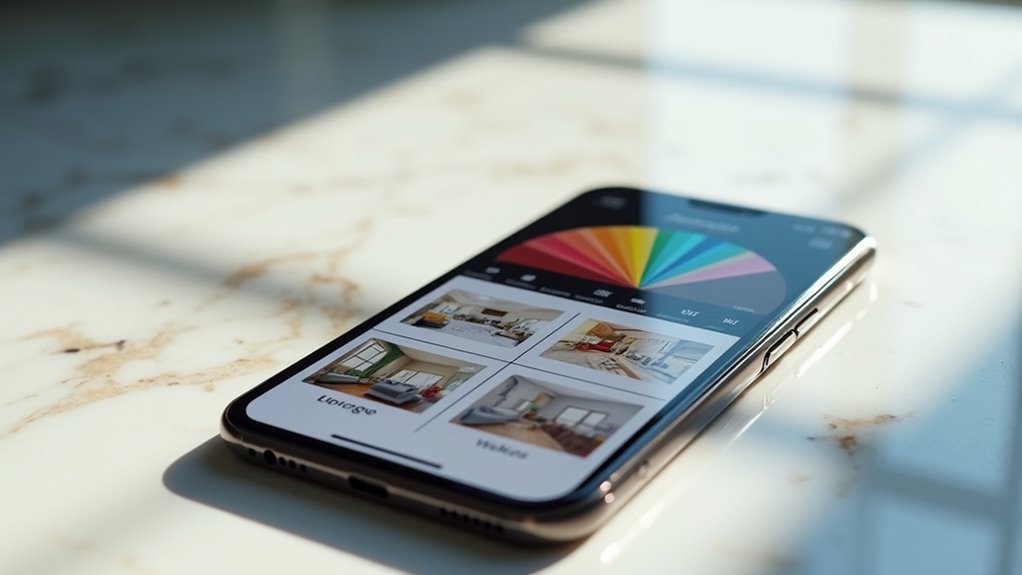
You’re tired of sketching room layouts on paper only to discover your dream couch won’t actually fit through the doorway. Modern home design interfaces have evolved beyond basic drawing tools, offering sophisticated platforms that let you visualize every detail before making costly decisions. These three interactive tools transform how you approach interior planning, each bringing unique capabilities that address different aspects of the design process, but choosing the right one depends on your specific needs.
Planner 5D: Comprehensive Floor Plan Creation and 4K Visualization
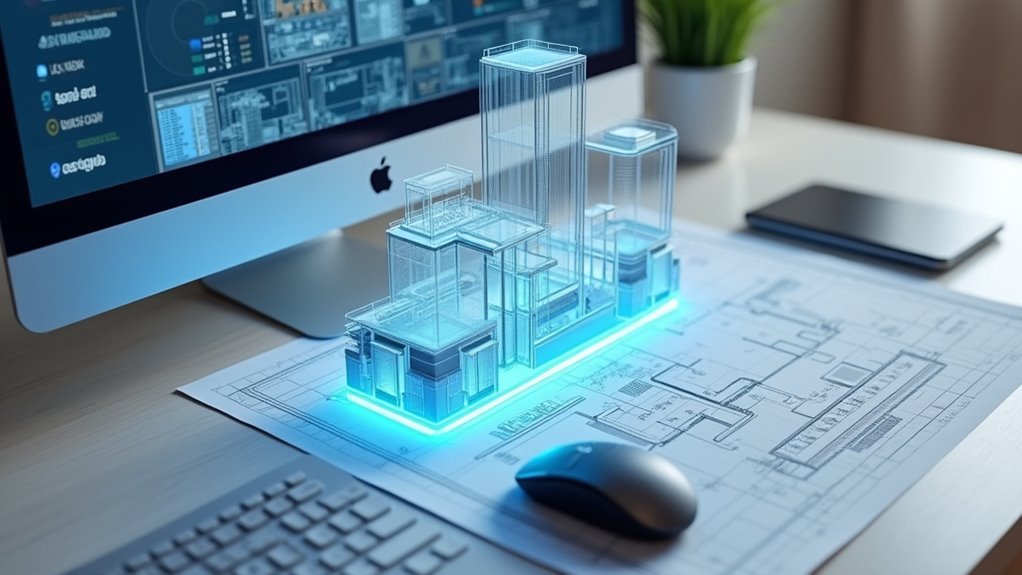
When you’re ready to transform your home design ideas into reality, Planner 5D delivers an intuitive platform that seamlessly bridges the gap between imagination and visualization.
You’ll create professional floor plans effortlessly with user-friendly tools that support both 2D and 3D formats, allowing smooth shifts between design views.
The platform’s advanced 4K visualization capabilities provide stunning realistic previews with adjustable lighting, shadows, and colors for enhanced accuracy.
You can explore over 8,000 customizable furniture and decor items, enabling personalized interior design styling and creative experimentation.
Quick floor plan recognition and drag-and-drop functionality make the software accessible for professionals and DIY enthusiasts alike.
Collaborative design features let you share projects through simple links, facilitating seamless teamwork and feedback collection throughout your design process.
Arcadium: Ai-Powered 3D Modeling With Real-Time Collaboration
As design complexity increases, Arcadium steps in with AI-powered 3D modeling that revolutionizes how you’ll approach home visualization projects. This design tool transforms house design workflows through its user-friendly interface that delivers professional results for both experts and beginners.
You’ll instantly visualize your projects through multiple perspectives:
- Real-time collaboration enables seamless teamwork with instant URL sharing
- Multiple visualization styles including top-down, floor plan, isometric, and first-person views
- Instant rendering capabilities help you make informed interior decisions before implementation
- Virtual tours allow clients to explore designs and provide immediate feedback
The collaborative design process eliminates costly decorating mistakes while streamlining communication between designers and clients.
Arcadium’s fast, AI-powered approach makes detailed interior modeling accessible to everyone.
RoomToDo: Intuitive Blueprint Integration and Material Customization
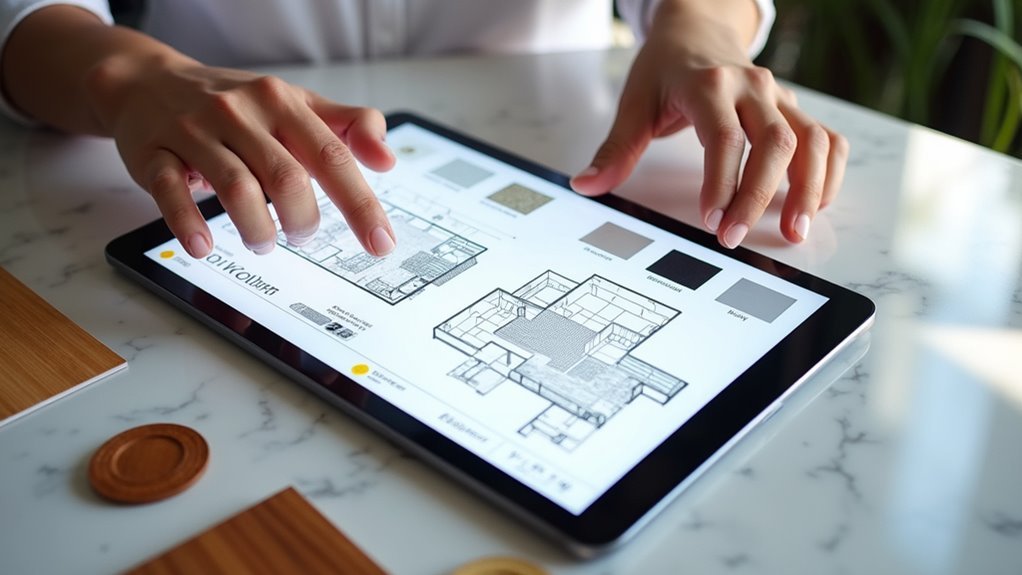
While Arcadium excels at AI-powered modeling, RoomToDo takes a different approach by letting you upload existing blueprints directly into the software for seamless design modifications.
This house planning tool features thousands of door and window styles plus structural elements, making your home design fully customizable. You’ll experiment with extensive wall, floor, and ceiling materials to express your personal style.
The software handles complex configurations including angled walls, accommodating diverse architectural designs. Its easy to use interface makes powerful features accessible without professional skills, appealing to both homeowners and interior designers.
User reviews consistently praise RoomToDo’s intuitive approach to house customization, highlighting how effortlessly you can transform existing blueprints into personalized living spaces.
Frequently Asked Questions
What App Does Joanna Gaines Use to Design Homes?
Joanna Gaines uses SketchUp as her primary design software for creating detailed 3D home models. You’ll find she appreciates its intuitive interface and extensive material libraries that help visualize design concepts effectively.
Can I Design My Own House Online for Free?
You can design your own house online for free using platforms like Arcadium and RoomToDo. They’ll let you create floor plans, 3D models, and experiment with layouts without downloads or costs.
Can I Use Home Design 3D on My Computer?
Yes, you can use Home Design 3D on your computer. It’s compatible with Windows and macOS systems. You’ll download it from the official website, then create detailed 2D and 3D floor plans easily.
Is There a Program Where You Can Design Your Own House?
Yes, you can design your own house using programs like Arcadium and RoomToDo. They’ll let you create detailed floor plans, add furniture, and generate 3D visualizations without needing professional design experience.



