
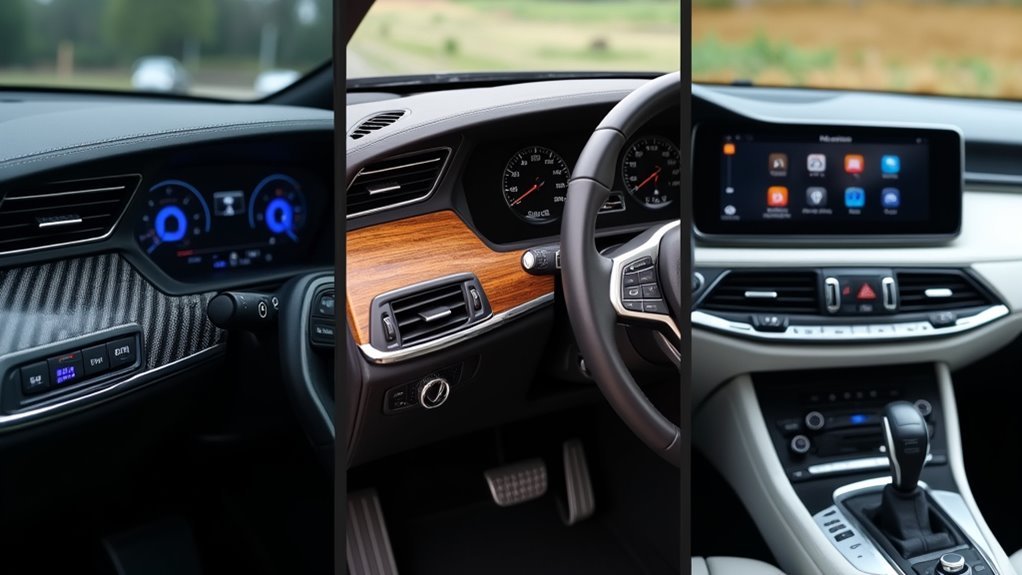
You’re likely spending too much time fumbling through cluttered apps just to adjust your thermostat or check security cameras. Your mobile home dashboard shouldn’t feel like traversing a maze when you need quick access to essential controls. The right design approach can transform your smartphone into an intuitive command center that anticipates your needs and responds effortlessly. Three specific strategies will revolutionize how you interact with your smart home system.
Card-Based Layout for Essential Home Controls
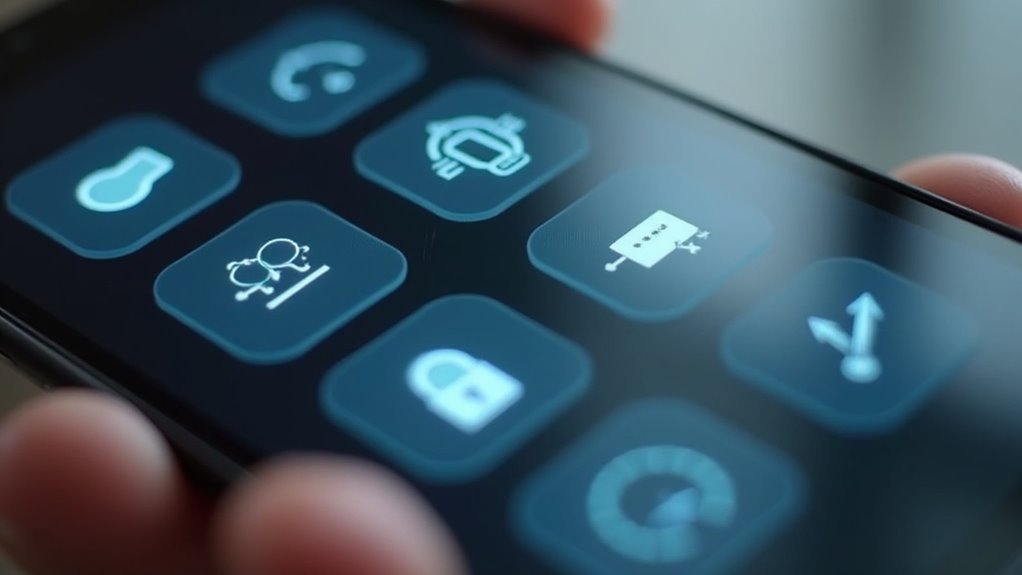
A card-based layout transforms your mobile home dashboard into an intuitive control center where each function gets its own dedicated space.
You’ll organize essential controls into visually distinct sections, making it effortless to access and manage your smart home devices. Each card represents specific functions like lighting, climate control, or security, giving you a clear status overview at a glance.
Your dashboard design becomes more engaging through interactive elements within cards, letting you turn lights on/off or adjust thermostat settings with simple taps.
You can customize cards to match your preferences, prioritizing frequently used controls for better accessibility. This mobile-friendly approach guarantees you’ll navigate and display information seamlessly across smartphones and tablets, perfect for managing your home automation systems anywhere.
Voice-Activated Navigation With Visual Feedback
Beyond touch controls, voice-activated navigation elevates your mobile home dashboard experience by letting you manage everything hands-free.
You’ll appreciate the convenience when your hands are occupied or if you have mobility challenges that make touch interaction difficult.
The key to effective implementation lies in combining voice commands with visual feedback. When you speak a command, animated highlights and button confirmations show exactly what’s happening, preventing errors and building confidence in the system.
Natural Language Processing technology means you can use conversational phrases rather than rigid commands.
Smart design integrates both voice and touch seamlessly, letting you switch between methods as needed.
This flexibility greatly improves user experience, with studies showing up to 30% increased efficiency in daily dashboard interactions.
Customizable Widget Grid for Room-Specific Management

When managing different areas of your mobile home, you’ll find that customizable widget grids transform how efficiently you control room-specific functions.
Your dashboard allows complete personalization of each widget to display essential information like temperature readings, lighting status, or security alerts tailored to individual rooms. The touch-friendly grid layout guarantees seamless smartphone and tablet control, letting you manage devices with simple taps and swipes.
You can create and save multiple configurations for different scenarios—”Movie Night” dims lights and adjusts climate, while “Away Mode” activates security systems.
Home Assistant integration provides powerful automation capabilities, enabling your widget grid to dynamically respond to sensor data and learned preferences, creating an intelligent control center that anticipates your needs.
Frequently Asked Questions
What Color Schemes Work Best for Mobile Home Dashboard Visibility?
You’ll want high-contrast combinations like white text on dark backgrounds or dark text on light surfaces. Avoid red-green pairings since colorblind drivers can’t distinguish them. Choose matte finishes to reduce glare.
How Often Should Real-Time Data Updates Refresh on the Dashboard?
You’ll want real-time data revitalizing every 5-15 seconds for critical systems like GPS and engine diagnostics, while less urgent information like weather can update every 30-60 seconds to balance accuracy with performance.
Which Typography Fonts Are Most Readable on Small Mobile Screens?
You’ll want sans-serif fonts like Roboto, Open Sans, or System UI. They’re specifically designed for screens and maintain clarity at smaller sizes. Avoid decorative fonts and guarantee minimum 14px size for ideal readability.
What Feedback Mechanisms Help Improve Dashboard User Experience Over Time?
You’ll improve dashboard UX through user analytics tracking, A/B testing different layouts, collecting in-app feedback surveys, monitoring user behavior patterns, implementing iterative design updates, and gathering direct user reviews regularly.
How Can Dashboard Design Ensure Quick Access to Emergency Controls?
You’ll want emergency controls prominently positioned at dashboard’s top center with bright red coloring. Use large, clearly labeled buttons that’re easily accessible while seated. Consider dedicated emergency panel with backup power for critical functions during outages.



