
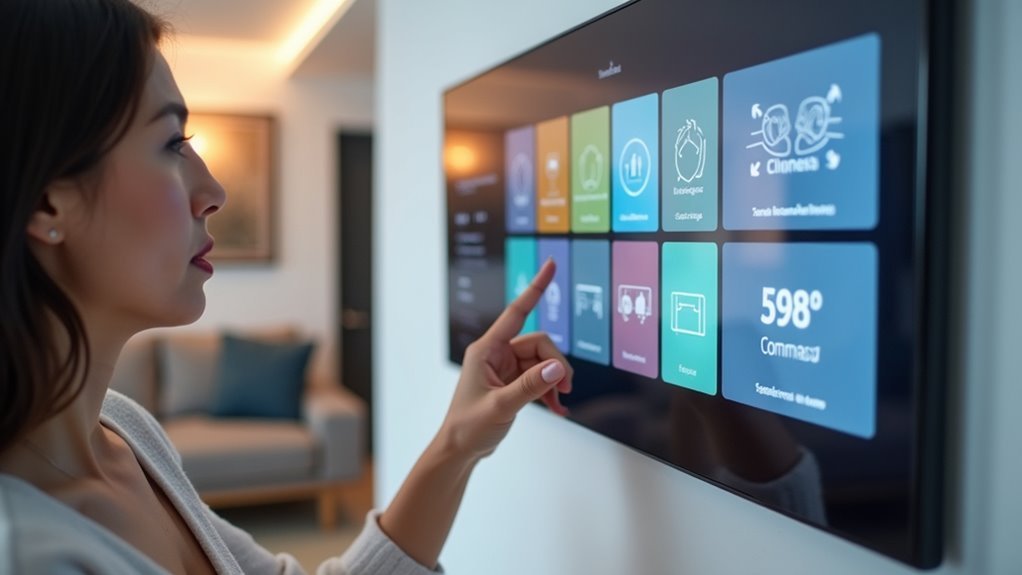
You’ve probably mastered basic smart home automation, but imagine controlling your entire ecosystem with nothing more than your voice. Creating voice-controlled dashboards transforms how you interact with your connected devices, eliminating the need to fumble for apps or physical switches. While the concept sounds straightforward, the technical implementation involves vital decisions about hardware, software platforms, and integration protocols that’ll determine whether your system becomes genuinely intuitive or frustratingly unreliable.
Understanding Voice Control Technology for Smart Homes
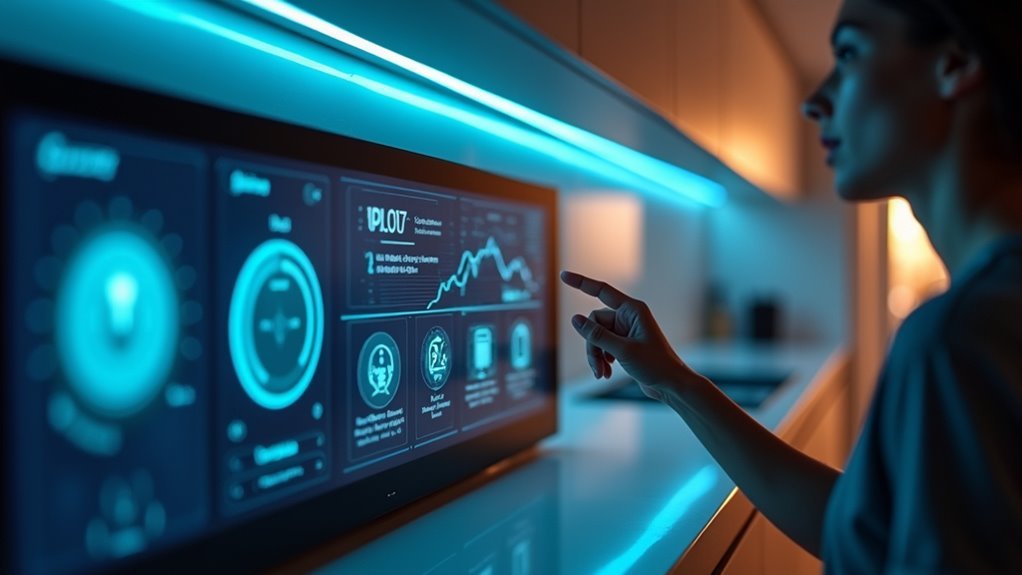
While traditional home controls require physical interaction with switches and panels, voice control technology transforms your smart home into an intuitive, hands-free environment through natural language processing.
You’ll find popular assistants like Amazon Alexa, Google Assistant, and Apple’s Siri seamlessly integrating with your smart home ecosystem, giving you complete control over appliances and services.
Voice recognition technology allows you to customize commands based on your preferences, creating personalized experiences when managing lights, thermostats, and security systems.
Voice commands create tailored smart home experiences, letting you control lighting, temperature, and security with personalized verbal instructions.
Platforms like Home Assistant support voice integration, enabling you to create custom routines triggered by specific commands.
Machine learning algorithms continuously enhance effectiveness by learning your speech patterns and preferences, making your voice-controlled dashboard increasingly responsive over time.
Essential Hardware Components for Voice-Controlled Systems
Creating a functional voice-controlled smart home system requires specific hardware components that work together to process commands and automate your devices.
You’ll need several key components to build an effective system that rivals commercial voice assistants.
Your essential hardware includes:
- Arduino Uno microcontroller – serves as the brain of your system, processing commands and managing device interactions
- HC-05 Bluetooth module – enables wireless communication between your Arduino and Android smartphone for seamless voice command transmission
- 2-channel relay module – switches your appliances on and off based on received voice commands
You’ll also need jumper wires and a breadboard for flexible connections between components.
An Android smartphone runs your voice recognition application, interpreting commands and communicating with the Arduino for complete automation control.
Software Platforms and Development Tools
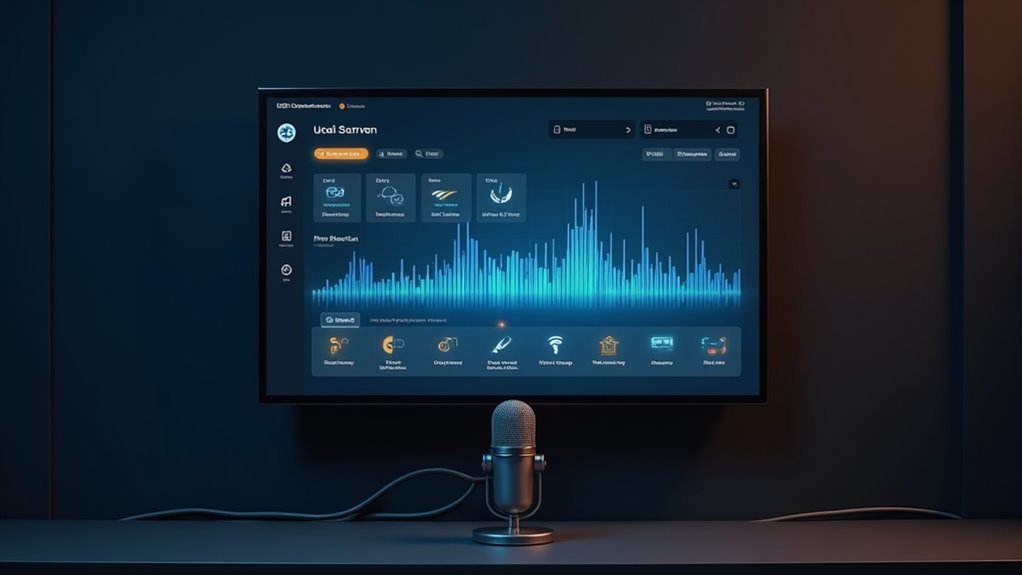
After assembling your hardware components, you’ll need powerful software platforms to bring your voice-controlled dashboard to life.
Home Assistant stands out as an open-source solution where you’ll configure dashboards using YAML, providing extensive customization based on your device compatibility and preferences.
Home Assistant’s YAML configuration delivers unmatched customization for your smart home dashboard, tailored to your exact device setup and personal preferences.
If you prefer visual design without coding, Node-RED offers a no-code approach that lets you create automations and dashboards through intuitive drag-and-drop interfaces.
SharpTools delivers user-friendly dashboard creation with emphasis on visual appeal and accessibility for voice control.
For specialized projects, ESPHome enables custom voice assistant development for specific devices.
These software platforms each offer unique features, allowing you to choose the best solution for your smart home automation needs and technical expertise level.
Setting Up Your Voice Recognition System
Two primary hardware options will kickstart your voice recognition setup: the Home Assistant Voice Preview Edition, which includes a guided configuration wizard, or integrating voice capabilities into your existing smart home hub.
You’ll need to choose between local processing or Home Assistant Cloud for handling voice commands, with cloud being the simplest for beginners.
Here’s your setup process:
- Configure your hardware using the guided wizard to establish basic voice recognition functionality.
- Select your processing method between local or cloud-based voice commands based on your privacy preferences and technical requirements.
- Customize your experience by experimenting with different wake words, personalities, and creating custom sentences for personalized interactions.
Ensure your system supports multiple languages to accommodate all household members and enhance overall accessibility.
Designing Custom Dashboard Interfaces

With your voice recognition system configured and operational, you’ll want to create dashboard interfaces that complement your spoken commands with visual controls.
Home Assistant stands out as the premier platform for voice-controlled dashboards, offering extensive YAML customization and robust community resources.
For those preferring no-code solutions, Node-Red delivers seamless integration across devices with intuitive visual programming.
Alternative tools like SharpTools and HousePanel provide aesthetically pleasing interfaces that visualize your smart home setup effectively.
You can program voice commands directly into these custom dashboards, creating personalized control schemes that respond to your specific spoken instructions.
Community forums and GitHub repositories offer invaluable support when designing unique interfaces.
These resources help you troubleshoot issues and discover innovative dashboard configurations that enhance both functionality and visual appeal.
Integrating Multiple Smart Home Devices
You’ll need to evaluate which smart home devices can work together before building your voice-controlled dashboard.
Setting up unified control requires choosing a central hub like Home Assistant or Hubitat that’ll bridge different communication protocols such as Z-Wave, Zigbee, and WiFi.
Cross-platform communication becomes essential when you’re connecting devices from various manufacturers like Philips Hue lights and Kasa smart plugs into a single cohesive system.
Device Compatibility Assessment
Before diving into voice-controlled dashboard setup, you’ll need to evaluate how well your existing smart home devices can work together within a unified system.
Most devices like Philips Hue lights and Kasa kits can integrate seamlessly without disrupting your current setup, maintaining their existing functionalities while adding voice-controlled capabilities.
Your compatibility assessment should focus on three key areas:
- Local Control Protocols – Prioritize Z-Wave and Zigbee devices for enhanced responsiveness and reliability in your voice-controlled system.
- Bridge Connectivity – Verify devices like Hue bridges can connect with platforms like Hubitat for unified local control.
- Community Support – Research community-developed drivers for devices with limited official support, such as Wiser heating controls.
Leverage community resources to maximize device compatibility and functionality.
Unified Control Setup
Once you’ve assessed device compatibility, establishing a unified control setup transforms scattered smart home devices into a cohesive ecosystem that responds to your voice commands through a single interface.
You’ll achieve seamless integration by connecting devices like Philips Hue lights, Kasa smart plugs, and Wiser heating controls through local communication protocols, eliminating cloud dependencies for faster response times.
Using Home Assistant provides the flexibility you need for extensive home automation management. You can customize dashboards to display all device controls aesthetically while maintaining centralized control.
Community drivers and APIs expand your system’s capabilities, though you should exercise caution with undocumented services.
Prioritizing local control platforms ensures your voice-activated smart home operates with enhanced security and reliability.
Cross-Platform Communication Protocols
While your unified control setup provides centralized management, cross-platform communication protocols bridge the gap between devices from different manufacturers, creating true interoperability in your smart home ecosystem.
Cross-platform communication protocols guarantee your voice commands work seamlessly across all devices, regardless of brand. You’ll find several effective options:
- MQTT and Zigbee – Enable direct device-to-device communication without vendor restrictions, allowing your voice dashboard to control everything from smart lights to thermostats.
- Matter Protocol – Standardizes connectivity across ecosystems, letting you issue voice commands through any compatible platform while maintaining device functionality.
- Local Communication Methods – Use LAN or Bluetooth connections to reduce cloud dependency and improve response times for your voice-controlled dashboard.
These protocols eliminate compatibility concerns and create a truly unified smart home experience.
Programming Voice Commands and Responses
Programming voice commands and responses forms the technical backbone of any effective smart home dashboard, requiring you to define specific intents that map user requests to device actions.
Platforms like Home Assistant let you create custom commands that control your voice controlled devices seamlessly. You’ll need to experiment with different wake words and voice training options to guarantee accurate recognition of your commands.
Enhance user engagement by programming custom responses that provide context-aware replies. This creates more personalized interactions beyond simple confirmations.
Don’t overlook community-contributed voice command libraries – they’ll expand your assistant’s capabilities and improve sentence recognition. These collaborative resources save development time while offering proven command structures that work reliably across various smart home scenarios.
Creating Real-Time Device Status Displays
You’ll need real-time device status displays that show your smart home’s current state at a glance.
Setting up automated status updates guarantees your dashboard reflects actual device conditions without manual refresh, while visual indicators like color-coded icons make it easy to quickly assess which devices are active.
These displays become the foundation for effective voice control, letting you see immediate feedback when you issue commands to your smart home system.
Live Device Monitoring
As smart home ecosystems grow more complex, maintaining awareness of your connected devices becomes essential for effective management and troubleshooting.
Live device monitoring provides real-time visibility into your smart home’s health, allowing you to track whether devices are online, offline, or experiencing issues.
You can implement extensive monitoring through platforms like Home Assistant, which integrates Z-Wave, Zigbee, and Wi-Fi devices for unified status tracking. This creates a centralized view of your entire ecosystem.
Here are three key benefits of live device monitoring:
- Immediate alerts when devices go offline or require attention
- Enhanced security through real-time door and window status tracking
- Proactive maintenance by identifying performance issues before they escalate
Voice integration lets you query device statuses hands-free, making monitoring effortless.
Status Update Automation
While live monitoring gives you visibility into your smart home’s current state, status update automation takes this further by creating dynamic, real-time displays that refresh automatically without manual intervention.
You’ll want to leverage platforms like Home Assistant or Node-RED to set up automations that update device statuses at regular intervals or when specific triggers occur.
Integrating community-driven drivers for devices such as Wiser or Kasa enhances your ability to fetch real-time data without disrupting existing setups.
You can also implement voice commands to query device statuses hands-free.
Visual dashboard tools like SharpTools or HousePanel let you design aesthetically pleasing interfaces that prominently feature these automated status updates, creating an enhanced user experience that keeps you informed effortlessly.
Visual Indicator Configuration
Three core elements define effective visual indicator configuration: color coding, icon selection, and positioning strategy.
You’ll want to establish a consistent system where green indicates active devices and red signals problems or inactive states. This approach enables quick system health assessments across your voice-controlled dashboard.
Using platforms like Home Assistant or Node-RED, you can create dynamic visual elements that automatically update as device statuses change.
Your dashboard should incorporate real-time data including battery levels, connection status, and sensor readings like temperature or humidity.
- Color-coded bars and icons – Green for active, red for issues, yellow for warnings
- Real-time sensor displays – Temperature, humidity, and environmental conditions
- Community templates – GitHub resources and forum examples for specific device configurations
Implementing Security and Access Controls
Since voice-controlled dashboards serve as gateways to your entire smart home ecosystem, you’ll need robust security measures to prevent unauthorized access and protect your family’s privacy.
Start by implementing authentication protocols like voice recognition or PIN codes for sensitive functions.
Customize access controls based on user roles—let children control entertainment systems while restricting access to home security features to adults only.
Keep firmware and software updated regularly to patch vulnerabilities that hackers could exploit.
Use encrypted communication protocols between devices and cloud services to prevent eavesdropping during command processing.
Monitor user interactions continuously to identify suspicious activities or unauthorized access attempts.
This feedback helps you adjust security settings promptly and maintain tight control over who can access specific dashboard functions and connected devices.
Testing and Calibrating Voice Accuracy
After installing your voice-controlled dashboard, you’ll need to thoroughly test and calibrate its accuracy to confirm reliable performance across various scenarios.
Testing voice accuracy requires systematic evaluation using diverse phrases and commands to verify proper recognition and response capabilities.
Systematic evaluation with varied commands and phrases ensures your voice dashboard recognizes and responds accurately across all scenarios.
Here’s your calibrating approach:
- Adjust microphone sensitivity and placement to minimize background noise while optimizing voice recognition performance.
- Test across multiple languages and accents to guarantee your system works inclusively in diverse environments.
- Collect regular user feedback during testing phases to identify common misinterpretations and guide model improvements.
You should also utilize sentiment analysis tools to evaluate response effectiveness and refine interaction strategies.
This extensive testing and calibrating process confirms your voice-controlled dashboard delivers consistent, accurate performance for all household members.
Optimizing Performance and Response Times
Once your voice-controlled dashboard demonstrates accurate recognition, you’ll want to focus on maximizing its speed and efficiency to create seamless user experiences.
To optimize performance, prioritize local processing over cloud-based solutions to minimize latency. Implement efficient wake word detection algorithms that reduce false positives and guarantee your system only activates when intended.
Cache frequently accessed commands and responses to accelerate retrieval times and provide instant feedback. Regularly update your voice recognition models based on user interactions to enhance accuracy while reducing processing time.
Consider network optimization by limiting devices connected to your router, guaranteeing stable connections during voice command execution.
These strategies collectively create a responsive, efficient voice-controlled dashboard that meets user expectations for speed.
Troubleshooting Common Voice Control Issues
Even with ideal performance settings, voice-controlled dashboards can encounter various technical challenges that disrupt their functionality. When your smart Home system doesn’t respond properly, systematic troubleshooting becomes vital for maintaining seamless voice assistant control.
Start by addressing these fundamental issues:
- Physical positioning – Verify your voice assistant’s microphone isn’t obstructed and position it within reasonable distance from where you’ll issue commands to improve recognition rates.
- Software maintenance – Check for updates on both your voice assistant and connected devices, as outdated software creates compatibility problems that affect overall system performance.
- Wake word optimization – Confirm your wake phrase doesn’t conflict with similar-sounding commands or background noises that confuse the assistant.
Test functionality across different environments to identify interference sources, and utilize built-in troubleshooting features within your assistant’s app for resolving connectivity issues.
Expanding Your Dashboard With Advanced Features
Why settle for basic voice commands when you can transform your smart home dashboard into a sophisticated control center?
You’ll access powerful capabilities by integrating AI chatbots directly into your dashboard interface. These conversational AI systems enable natural interactions for music recommendations, device scheduling, and complex automation sequences that go beyond simple on/off commands.
Expand your AI smart home dashboard using community-contributed drivers and custom YAML configurations in Home Assistant.
Leverage Home Assistant’s extensible architecture through community drivers and YAML customization to create truly personalized smart home control experiences.
These additions provide enhanced visual themes, specialized device controls, and personalized layouts that match your specific needs.
Don’t forget to continuously test and refine your dashboard’s performance.
Collect user feedback and monitor usage metrics to identify which advanced features work best. This iterative approach guarantees your voice-controlled dashboard evolves into an intuitive, powerful smart home command center.
Maintaining and Updating Your Voice-Controlled System
You’ll need to stay on top of regular software updates to keep your voice-controlled dashboard running smoothly and securely.
These updates often include bug fixes, new features, and compatibility improvements that enhance your system’s overall performance.
You should also leverage built-in performance monitoring tools to track how well your voice commands are being recognized and identify any areas that need attention.
Regular Software Updates
Maintaining your voice-controlled dashboard’s peak performance hinges on implementing a consistent software update strategy. Regular updates deliver essential security patches, vulnerability fixes, and performance improvements that keep your system running smoothly.
These updates also enhance compatibility with new devices and services, guaranteeing your smart home stays current with evolving technology.
Here’s how to maximize your update strategy:
- Enable automatic updates to guarantee your Home Assistant and voice assistant platforms receive critical patches without manual intervention.
- Monitor community forums regularly to stay informed about new features, best practices, and user-driven improvements.
- Schedule updates during low-usage periods to minimize disruption while maintaining ideal voice recognition accuracy and response times.
Using automated processes saves time while delivering improved functionality and stronger security protection.
Performance Monitoring Tools
Beyond keeping your software current, monitoring your voice-controlled dashboard’s performance provides the data you need to optimize user experience and system reliability.
Performance monitoring tools track essential metrics like response times and user interaction rates, helping you identify bottlenecks before they impact functionality. You’ll want to implement sentiment analysis capabilities within these tools to measure user satisfaction across different conversational scenarios.
Set up automated alerts for unusual behavior patterns or system slowdowns.
Performance monitoring tools should also track command recognition accuracy and processing speeds across various devices in your smart home network. Regular analysis of this data reveals trends that guide optimization decisions.
Frequently Asked Questions
How Do I Create a Custom Home Assistant Dashboard?
You’ll create custom Home Assistant dashboards using Lovelace UI with YAML configuration. Choose card types, customize layouts, apply themes, and utilize community templates from GitHub for enhanced visual appeal and functionality.
Can Chatgpt Control My Smart Home?
You can’t directly connect ChatGPT to your smart home devices, but you can integrate it with platforms like Home Assistant or IFTTT to control lights, temperature, and security through natural language commands and automation.
What Is Voice-Controlled Home Automation?
Voice-controlled home automation lets you manage household devices like lights, thermostats, and security systems using spoken commands. You’ll speak naturally to voice assistants, which interpret your requests and control compatible smart devices throughout your home.
What Do Smart Homes Use Devices That Are Internet and Dash Enable?
You’ll find smart homes use internet-enabled devices like smart speakers, thermostats, and locks because they can communicate wirelessly and integrate into centralized dashboards, letting you control everything from one convenient platform.



