
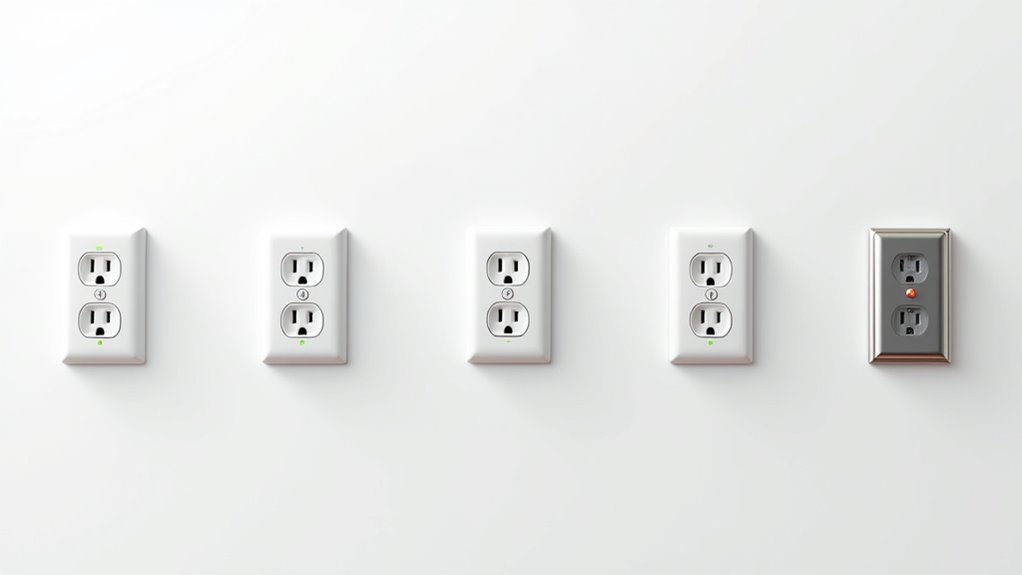
You’re excited about upgrading to smart outlets, but one wrong move during installation could turn your tech upgrade into a safety nightmare. While smart outlets offer incredible convenience and control, they also introduce new electrical and cybersecurity risks that many homeowners overlook. Before you start swapping out those traditional outlets, there are seven critical safety measures you’ll need to follow to protect both your home and your family from potential hazards.
Assess Your Home’s Electrical System Before Installation
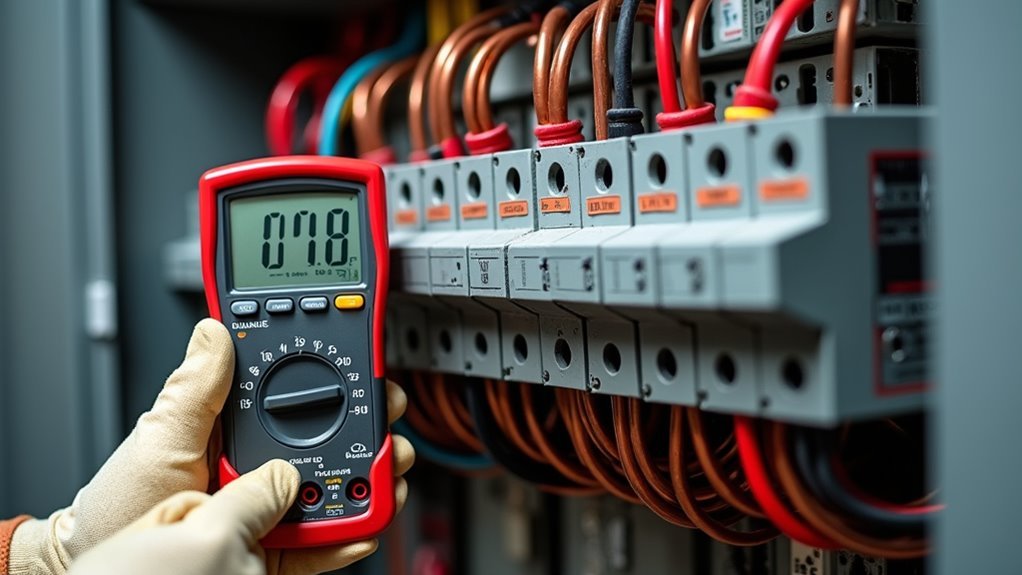
Before you plug in your first smart outlet, you’ll need to verify that your home’s electrical system can safely handle the conversion.
Start by confirming your home operates on 120 volts, which most smart outlets require for proper function. Check your existing outlets’ amperage ratings—typically 15 or 20 amps—and ascertain you won’t exceed these limits to prevent overheating.
Look for warning signs like warm wall plates, frequently tripped breakers, or dimming lights, as these indicate potential electrical hazards.
Evaluate whether your electrical panel can meet the power requirements of your new devices. If you notice any concerning symptoms or feel uncertain about your system’s capacity, consult a licensed electrician for a professional assessment before proceeding.
Choose Smart Outlets With Proper Amperage Ratings
You’ll need to understand amperage limits when selecting smart outlets to guarantee safe operation in your home.
Most smart outlets are rated for 15 amps, which translates to a maximum capacity of 1,800 watts under ideal conditions.
However, you should match your device requirements carefully and remember that sustained loads shouldn’t exceed 80% of the outlet’s capacity to prevent overheating and electrical hazards.
Understanding Amperage Limits
When installing smart outlets, understanding their amperage ratings becomes critical for preventing electrical hazards and ensuring safe operation. Most smart outlets handle 15 amps maximum, supporting up to 1,800 watts at 120 volts. However, you’ll want to stay within 80% of capacity (1,440 watts) for sustained use to prevent overheating and safety risks.
Always verify your electrical appliances’ wattage before connecting them. High-power devices like space heaters can easily exceed these limits. Some smart outlets are rated for only 10 amps, further limiting their power needs compatibility.
| Outlet Rating | Maximum Watts | Safe Operating Limit |
|---|---|---|
| 10 amps | 1,200 watts | 960 watts |
| 15 amps | 1,800 watts | 1,440 watts |
Matching Device Requirements
Since exceeding amperage limits poses serious fire risks, selecting smart outlets with proper ratings that match your device requirements becomes essential for safe operation.
You’ll need to verify that your smart outlets can handle the electrical demands of your appliances safely.
When choosing smart outlets, follow these critical safety tips:
- Check amperage rating – Select 15 or 20 amp outlets matching your household requirements
- Review wattage specifications – Most smart plugs handle 1,800 watts maximum, but operate at 80% capacity (1,440 watts)
- Verify high-wattage appliances – Space heaters drawing 1,500 watts need properly rated outlets
- Calculate total load – Don’t exceed circuit capacity when connecting multiple devices
- Distribute appliances – Spread high-demand devices across different circuits to prevent overloading
Turn Off Power at the Circuit Breaker During Installation
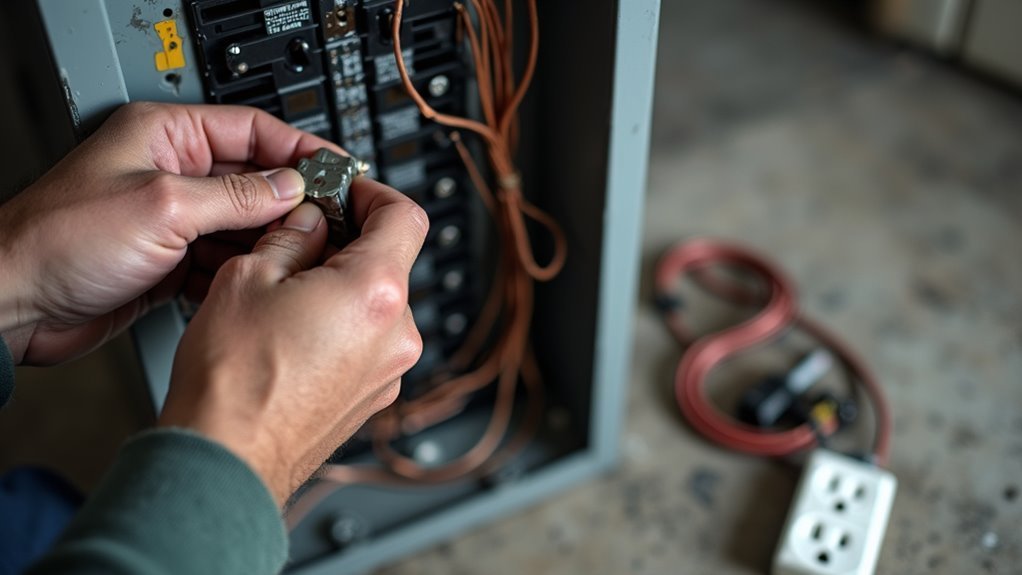
Before you begin any smart outlet installation, you’ll need to locate the correct circuit breaker that controls the outlet you’re replacing.
Turn off that specific breaker and use a voltage tester to confirm the power is completely off at the outlet.
This critical safety step protects you from electrical shock and prevents damage to your new smart outlet during installation.
Locate Correct Circuit Breaker
The foundation of any safe smart outlet installation starts with identifying and switching off the correct circuit breaker. This critical step prevents electrical shocks and accidents during your project.
Here’s how to locate the right circuit breaker safely:
- Use a circuit breaker finder tool to accurately identify which breaker controls your target outlet.
- Test the outlet with a non-contact voltage tester after turning off the breaker to confirm power’s off.
- Consider labeling circuit breakers for future reference and easier identification.
- Turn off the main power switch if you’re uncertain about which breaker controls the specific outlet.
- Double-check your work before beginning any installation to guarantee maximum safety.
Taking time to properly identify the correct circuit breaker is essential when installing smart outlets and protects you throughout the conversion process.
Verify Power Is Off
After switching off what you believe is the correct circuit breaker, you must verify that electrical power has actually been disconnected from your work area.
Use a voltage tester to confirm the electrical outlet is completely de-energized before beginning your installation. Insert the tester’s probes into both slots of the outlet you’re planning to replace. A properly functioning voltage tester won’t light up or beep when power is truly off.
Don’t rely solely on flipping the circuit breaker – always verify power is off with this vital testing step. This simple verification creates a safe working environment and prevents potentially dangerous electrical accidents.
Testing takes only seconds but guarantees your smart outlet installation proceeds without electrical hazards threatening your safety.
Verify Compatibility With Your Home’s Wiring
While smart outlets offer convenient automation features, you’ll need to verify your home’s electrical system can safely support them. Most smart outlets require standard 120-volt circuits, but you must confirm your home’s voltage and amperage specifications match these requirements.
Before proceeding with installation, check these critical compatibility factors:
- Verify circuit breaker ratings align with smart outlet specifications (typically 15 or 20 amps)
- Assess your home’s wiring age and condition, as older wiring may be unsafe
- Use a voltage tester to confirm stable power supply without fluctuations
- Check that existing outlets provide proper electrical connections
- Consider hiring a licensed electrician for thorough assessment if you’re uncertain
Proper compatibility verification prevents electrical hazards and guarantees your smart outlets function reliably long-term.
Install Surge Protection for Connected Devices
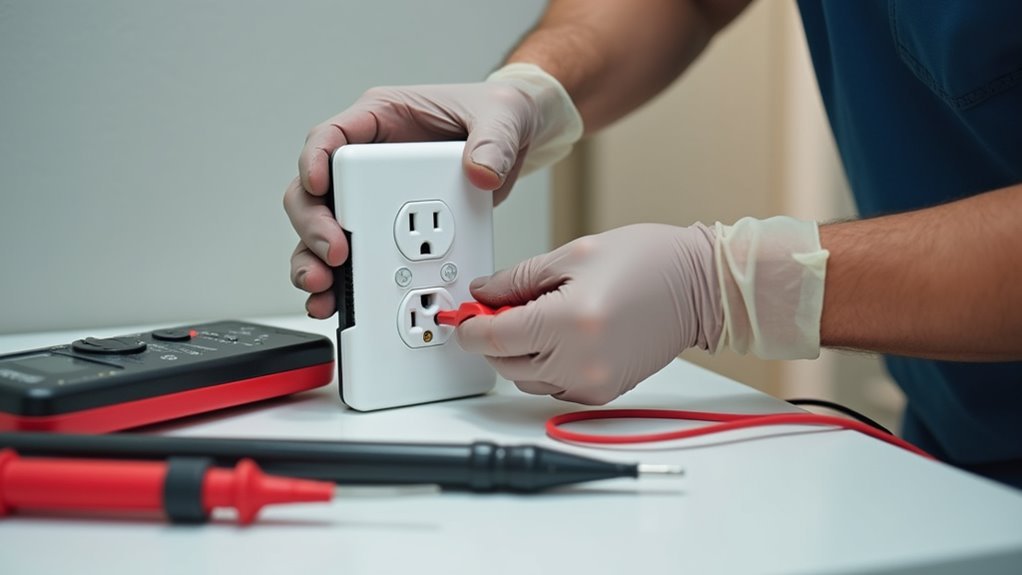
Power surges can instantly destroy your expensive smart devices, making surge protection an essential safety component for any smart outlet conversion. When selecting surge protectors for your electrical outlets, choose units with at least 1,000 joules to effectively safeguard your equipment.
Many smart plugs include built-in surge protection, but you’ll need to verify this feature before installation.
Regularly inspect your surge protectors for signs of wear like discolored outlets or burning smells, which indicate they’re no longer effective.
Consider installing a whole-home surge protector alongside individual device protection for thorough coverage. This dual approach protects your entire electrical system while reducing energy consumption risks and maintaining your home security systems’ reliability during unexpected voltage spikes.
Secure Your Smart Home Network With Strong Passwords
Since smart outlets connect directly to your home’s Wi-Fi network, they create potential entry points for cybercriminals who can exploit weak security to access your entire system.
Protecting your smart home requires implementing robust security measures that will keep hackers at bay:
- Create complex passwords using uppercase letters, lowercase letters, numbers, and special characters for maximum network protection.
- Change default passwords on smart plugs immediately after installation to prevent unauthorized access.
- Enable two-factor authentication on smart home applications whenever it’s available.
- Update firmware regularly on all connected devices to patch security vulnerabilities.
- Set up a separate Wi-Fi network dedicated exclusively to smart devices, isolating them from your main network.
These security steps guarantee your smart home stays secure while maintaining the convenience you expect from your connected devices.
Test All Functions Before Regular Use
Once you’ve secured your smart home network, testing every function of your new smart outlets becomes essential before incorporating them into your daily routine.
Before regular use, you’ll want to conduct thorough testing of all capabilities, including remote control and voice commands, to verify your smart outlet responds correctly.
Check that energy monitoring features accurately track power consumption and confirm the device doesn’t exceed rated capacity limits.
During initial testing, monitor for potential safety concerns like overheating or connectivity issues.
Don’t forget to test functions with various appliances while checking wattage compatibility against manufacturer specifications.
Regular app updates can enhance functionality and address emerging safety issues, so stay current with software versions.
Frequently Asked Questions
What Should You Not Plug Into a Smart Plug?
You shouldn’t plug high-wattage appliances like space heaters, devices with mechanical switches, multiple devices on one plug, critical medical equipment, or older incompatible appliances into smart plugs.
Are Smart Plugs Safe to Leave On?
Smart plugs are generally safe to leave on when used properly with low-wattage devices. However, you shouldn’t leave them on with high-wattage appliances like space heaters without monitoring for overheating signs.
Is It Safe to Plug a Heater Into a Smart Plug?
You can safely plug a heater into a smart plug if the heater’s wattage doesn’t exceed the plug’s 15-amp rating. Always check both ratings and avoid using multiple high-wattage appliances together.
What Is the Difference Between a Smart Outlet and a Smart Plug?
Smart outlets permanently replace your wall outlets and require electrical installation, while smart plugs are portable devices you insert into existing outlets. Both control appliances remotely, but outlets offer more permanent integration.




Leave a Reply