
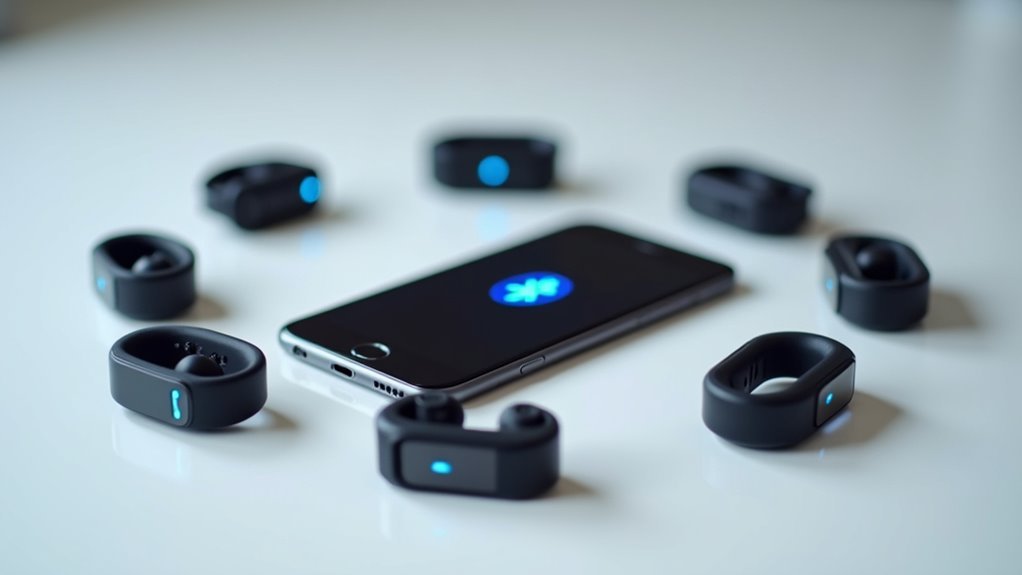
You’re likely missing vital detection opportunities with your current Bluetooth Low Energy presence system. Most implementations fail because they overlook fundamental optimization strategies that determine whether your setup consistently identifies devices or struggles with false positives and missed connections. The difference between a reliable system and a frustrating one often comes down to these specific configuration choices and environmental considerations that many developers unknowingly compromise.
Optimize Beacon Placement for Maximum Range Coverage
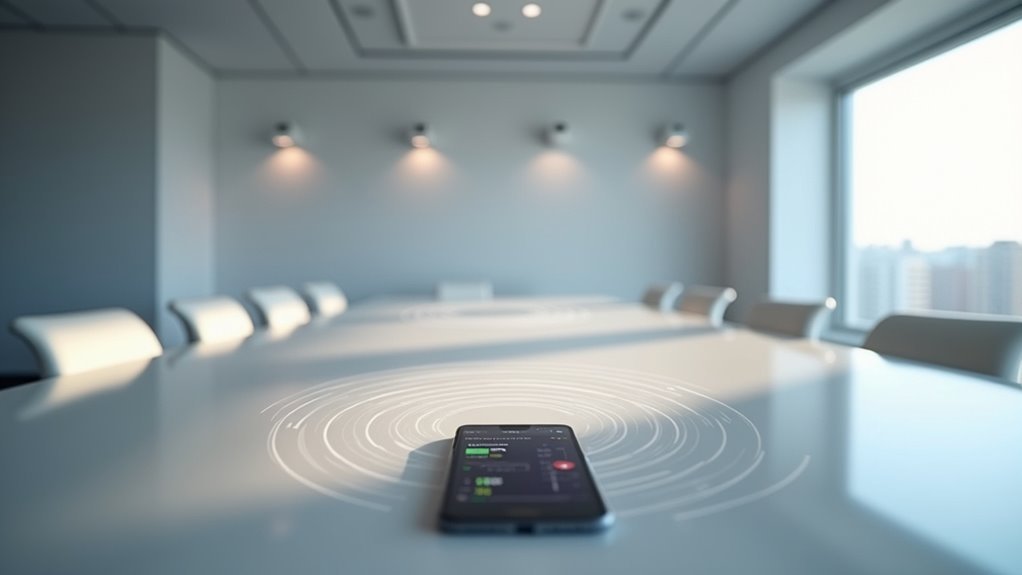
When implementing Bluetooth Low Energy presence detection, you’ll find that beacon placement directly impacts your system’s effectiveness and accuracy.
Position your Bluetooth beacon at a height of 2 to 3 meters to maximize line-of-sight and minimize obstructions. Keep beacons away from electronic devices, metal surfaces, and thick walls, as these create signal attenuation and reduce effective range.
Optimal beacon placement at 2-3 meters height, away from electronics and metal surfaces, ensures maximum signal strength and detection accuracy.
While Tile Pro beacons advertise 90 meters in open space, expect around 8 meters indoors due to environmental factors.
Regularly test and adjust locations based on RSSI readings to optimize detection accuracy. For larger spaces, employ a triangular configuration with multiple beacons to guarantee overlapping coverage and eliminate dead zones, creating thorough presence detection throughout your desired area.
Configure RSSI Thresholds for Accurate Distance Detection
Since RSSI (Received Signal Strength Indicator) values determine how accurately your BLE system detects proximity, you’ll need to establish proper thresholds that filter relevant devices from background noise.
Start with a baseline of -56 dBm at one meter, then set your threshold around -70 dBm to capture devices within approximately five meters indoors.
You’ll want to adjust the path-loss exponent to n=2 for open spaces or n=3 for indoor environments with obstacles.
Don’t rely solely on theoretical values—conduct real-world testing in your actual deployment environment.
Take multiple RSSI measurements at various distances and conditions, then fine-tune your thresholds based on these results to guarantee your system accurately distinguishes between nearby and distant devices.
Implement Multiple Device Tracking for Enhanced Reliability

You’ll greatly improve your presence detection reliability by deploying multiple BLE devices throughout your space, creating overlapping coverage zones that guarantee consistent tracking even when individual beacons fail.
However, you must carefully manage cross-platform compatibility between different device manufacturers and firmware versions to prevent communication breakdowns that can compromise your entire tracking network.
Additionally, you’ll need to strategically position your devices and configure proper channel management to minimize signal interference that occurs when multiple BLE devices compete for the same frequency spectrum.
Redundant Device Strategy
Multiple BLE devices working together create a robust safety net that dramatically improves presence detection reliability.
You’ll want to deploy several Bluetooth Low Energy devices throughout your space – combining wearable beacons with stationary ones guarantees extensive coverage. When your phone’s MAC will frequently shift between devices, this redundancy prevents missed detections.
Position BLE beacon devices running at different signal strength indicator (RSSI) levels to create overlapping zones. If one beacon fails or experiences interference, another device picks up the slack.
You should test received signal strength indicator values regularly, verifying devices found within effective range maintain consistent performance.
Deploy beacons several meters away from each other to support iBeacon protocols effectively. This Bluetooth LE strategy eliminates single points of failure, keeping your presence detection system operational from start to end.
Cross-Platform Compatibility Issues
When different operating systems handle Bluetooth Low Energy protocols inconsistently, your presence detection system faces significant reliability challenges.
You’ll encounter varying implementations across iOS, Android, and other platforms that can disrupt seamless tracking.
To minimize these cross-platform issues with your Bluetooth devices:
- Adopt standardized protocols like iBeacon or Eddystone for better interoperability between manufacturers
- Deploy multiple BLE-enabled devices including smartphones, smartwatches, and dedicated beacons for redundancy
- Maintain current firmware and software versions to benefit from compatibility patches and performance improvements
- Conduct thorough testing across diverse environments and operating systems before full deployment
Regular updates from manufacturers often resolve compatibility gaps, while standardized protocols guarantee your system works reliably regardless of the device ecosystem your users prefer.
Signal Interference Mitigation
Beyond platform compatibility challenges, environmental factors create another layer of complexity for BLE presence detection systems.
Signal interference mitigation requires strategic deployment of multiple BLE devices to create redundancy and guarantee reliable detection even in challenging environments.
You’ll want to implement a mesh network configuration with overlapping coverage areas to eliminate dead zones and improve accuracy.
Monitor your RSSI values regularly to identify interference hotspots and adjust beacon placement accordingly.
Consider using different protocols like iBeacon and Eddystone together, as they may perform differently depending on environmental conditions.
Deploy advanced filtering algorithms in your software to manage signals from multiple devices effectively.
These algorithms prioritize stronger signals while reducing the impact of weaker or conflicting transmissions, considerably enhancing your overall detection reliability.
Choose the Right BLE Protocol for Your Setup

Since successful BLE presence detection hinges on protocol compatibility, you’ll need to evaluate three main options: Apple’s iBeacon, Google’s Eddystone, and the open-source AltBeacon.
Each BLE protocol offers distinct advantages for different applications:
- iBeacon – Broadcasts unique identifiers for proximity-based applications with theoretical 100-meter range, though real-world performance varies by environment.
- Eddystone – Supports URL and telemetry data transmission, providing versatile use cases beyond basic proximity detection.
- AltBeacon – Open-source flexibility allows custom beacon management and implementation for developers requiring specific functionality.
- Protocol Selection – Match your choice to required data types, range accuracy, and real-time update capabilities.
Consider your application’s specific needs for location tracking, environmental factors affecting signal strength, and device compatibility requirements when selecting your BLE protocol.
Minimize Interference From Wifi and Other Devices
You’ll face interference issues when your BLE presence detection system competes with Wi-Fi networks operating on the same 2.4 GHz frequency band.
The key is selecting ideal channels and positioning your devices strategically to avoid signal conflicts.
Let’s explore how proper channel selection and smart placement can dramatically improve your system’s reliability.
Choose Optimal Channels
Although Bluetooth Low Energy operates across the entire 2.4 GHz spectrum, its advertising channels 37, 38, and 39 are strategically positioned to avoid the heaviest Wi-Fi traffic that typically concentrates on channels 1 through 11.
You’ll need to enhance your BLE channel selection to maximize presence detection reliability. While BLE’s theoretical 100-meter range drops to about 30 meters in real conditions, smart channel management can preserve connection quality.
Here’s how to choose prime channels:
- Perform regular scans to identify the clearest channels in your environment
- Monitor Wi-Fi network activity to avoid congested frequency bands
- Adjust advertising intervals to reduce transmission overlap with Wi-Fi traffic
- Leverage BLE’s adaptive frequency hopping to automatically avoid interference
This proactive approach guarantees your presence detection system maintains consistent performance despite surrounding wireless activity.
Strategic Device Placement
Beyond optimizing your channel selection, physical placement of your BLE devices directly impacts detection performance.
Position your beacons away from Wi-Fi routers and wireless devices to prevent interference on overlapping 2.4 GHz frequencies. Place beacons in open spaces with minimal obstructions, as walls and furniture considerably reduce signal strength and range.
Monitor RSSI measurements during placement, targeting -70 dBm or better for reliable detection within five meters.
When deploying multiple beacons, maintain 5-10 meters spacing between devices to minimize cross-talk and facilitate clearer signals for BLE scanners.
Don’t rely solely on theoretical placement. Test your beacon positioning in real-world conditions, as environmental variables can unexpectedly affect signal propagation and detection accuracy.
Regular testing helps identify and resolve placement issues before they impact your presence detection system’s reliability.
Set Up Proper Power Management for Extended Battery Life
Two critical factors determine how long your BLE presence detection system will run on battery power: sleep mode implementation and smart advertising intervals. Proper power management can extend battery life from months to years depending on your usage patterns.
You’ll need to balance several key elements:
- Optimize transmission power – Set levels between -20 dBm to +4 dBm to maintain adequate range while conserving energy.
- Configure advertising intervals – Use longer intervals to reduce power consumption, though this may affect detection responsiveness.
- Monitor signal strength regularly – Position beacons and receivers closer together to reduce transmission power requirements.
- Update firmware consistently – Manufacturers release updates that improve battery efficiency and fix power-related bugs.
Strategic positioning prevents devices from overexerting themselves while maintaining reliable presence detection performance.
Create Verification Processes to Prevent False Triggers
You’ll want to implement signal strength thresholds (RSSI) to filter out weak signals that might cause false triggers in your presence detection system.
Set minimum signal strength requirements so only devices within your specified range get recognized as present.
You should also establish multiple device confirmation processes that require consistent detection over time rather than relying on single detection events.
Multiple Device Confirmation
One of the most effective strategies for eliminating false presence triggers involves implementing multiple device confirmation, which requires at least two distinct BLE devices to be detected before your system considers you present.
This approach dramatically reduces false positives by creating redundancy in your detection network. You’ll need to configure your system to wait for confirmation from multiple sources rather than relying on a single device signal.
Multiple device confirmation works best when you implement these key components:
- Device diversity – Use different types of BLE devices like smartphones, smartwatches, fitness trackers, or key fobs.
- Signal validation – Require simultaneous detection from at least two devices within your specified timeframe.
- Backup detection – Maintain presence status even if one device temporarily disconnects.
- Configuration flexibility – Adjust device requirements based on household members and available devices.
Signal Strength Thresholds
While multiple device confirmation provides excellent redundancy, implementing proper signal strength thresholds creates an additional verification layer that prevents false triggers from distant or weak BLE signals.
You should establish a signal strength threshold like -70 dBm to filter out devices that are too far away to be considered present. Use the Received Signal Strength Indicator (RSSI) to dynamically adjust detection sensitivity, ensuring only devices within desired proximity are recognized.
Implement a verification process requiring stable beacon signals over several consecutive readings before confirming presence.
Add time-based checks where devices must remain within defined RSSI thresholds for specific durations, like 5 seconds, avoiding brief fluctuations causing false positives.
Regularly calibrate RSSI values in real-world scenarios to account for environmental factors affecting signal strength, ensuring detection thresholds remain effective.
Update Firmware Regularly for Improved Performance
Updating your BLE device firmware consistently delivers measurable improvements in presence detection accuracy and system reliability.
When you update firmware regularly, you’ll gain access to enhanced signal processing algorithms and refined RSSI calculations that directly improve distance estimations. These updates also strengthen your system’s security posture by patching vulnerabilities that could compromise your tracking network.
Key benefits of maintaining current firmware include:
- Enhanced stability – Reduced connectivity issues and improved overall system performance
- Better accuracy – Refined signal processing for more precise presence detection
- Increased compatibility – Improved detection range and reliability with newer devices
- Advanced features – Access to latest capabilities designed specifically for BLE presence applications
Check for firmware updates periodically to maximize your BLE presence detection system’s effectiveness and maintain peak performance standards.
Design Failsafe Mechanisms for Connection Drops
Since BLE connections can drop unexpectedly due to interference, distance, or device power management, you’ll need robust failsafe mechanisms to maintain reliable presence detection. Implement a watchdog timer that automatically resets your system when connection drops persist beyond your specified threshold. This guarantees reconnection attempts continue without manual intervention.
Your state management system should track each device’s last known presence status, maintaining functionality during brief disconnections. Design multiple connection attempts with exponential backoff to prevent resource exhaustion.
| Mechanism | Purpose | Implementation |
|---|---|---|
| Watchdog Timer | Auto-reset on prolonged drops | 30-60 second timeout |
| State Tracking | Maintain last known status | Cache device presence |
| Fallback Actions | Trigger backup responses | Light activation/notifications |
| Connection Logging | Pattern identification | RSSI and status recording |
| Retry Logic | Gradual reconnection attempts | Exponential backoff timing |
Regular logging helps identify patterns, improving your detection algorithm’s reliability from start to end.
Test Your System in Real-World Conditions
After implementing your failsafe mechanisms, you’ll need to validate your BLE presence detection system through thorough real-world testing. Simply relying on theoretical specifications won’t guarantee peak performance in your actual environment.
Real-world testing validates your BLE presence detection system beyond theoretical specifications, ensuring peak performance in your actual environment.
When you test your system in real-world conditions, focus on these critical factors:
- Environmental simulation – Set up testing areas that mirror actual usage with obstacles like walls, furniture, and electronic devices.
- RSSI measurement – Document signal strength values at various distances to establish reliable detection thresholds.
- Device variation – Test different BLE beacons and wearables to understand how transmission strengths vary between models.
- Regular validation – Update your testing whenever environmental changes occur, such as furniture rearrangement or new electronic equipment.
This all-encompassing approach guarantees your presence detection system performs reliably when deployed.
Frequently Asked Questions
How to Fix Bluetooth Low Energy?
Update device firmware, adjust RSSI filtering thresholds, check for wireless interference, reposition devices to reduce obstructions, monitor Bluetooth logs for connectivity issues, and clean up your known_devices.yaml file regularly.
How Accurate Is Bluetooth Low Energy?
You’ll find Bluetooth Low Energy accuracy varies considerably based on environment. Indoors, you can expect roughly 5-meter precision, but interference and obstacles reduce reliability, making it suitable for general presence detection rather than precise positioning.
How Do I Know if I Have Bluetooth Low Energy?
You can check your device specifications for Bluetooth 4.0 or higher, look for “Bluetooth Smart” logos, or download BLE scanner apps to detect nearby devices and verify you’ve got Bluetooth Low Energy capability.
What Are the Limitations of Bluetooth Low Energy?
You’ll face limited range of about 30 meters, inconsistent signal strength from environmental interference, missed detections during sleep modes, congestion from nearby devices, and one-way communication that restricts interactivity.




Leave a Reply