
You’re spending too much on nightstands that can’t keep up with your devices. Traditional furniture stores charge premium prices for basic tech features, while your smartphone dies overnight because there’s nowhere convenient to charge it. Smart nightstands cost hundreds, but what if you could build one that’s perfectly tailored to your needs for a fraction of the price? The materials and components you need are more accessible than you might think.
Budget-Friendly Materials for Smart Nightstand Construction
Three key materials can considerably reduce your smart nightstand construction costs without sacrificing functionality or style.
MDF and particleboard offer budget-friendly alternatives to solid wood, delivering durability at a fraction of the price. These affordable materials provide excellent bases for integrating modern tech features like wireless charging pads and USB ports.
MDF and particleboard deliver exceptional value, providing durable foundations for smart technology integration at budget-friendly prices.
Plywood strikes the perfect balance between cost and strength for your nightstand construction. It’s considerably cheaper than solid wood while maintaining the structural integrity needed for smart components.
Metal elements like steel or aluminum legs add contemporary appeal and exceptional stability without breaking your budget.
Laminate finishes create high-end wood aesthetics affordably, while reclaimed materials promote sustainability and reduce costs.
You’ll achieve professional results using these smart material choices for your tech-enabled nightstand project.
Essential Tech Features to Include in DIY Smart Nightstands
When designing your smart nightstand, USB charging ports serve as the foundation for modern bedside convenience. These USB outlets eliminate the need for multiple extension cords while charging devices simultaneously.
Tech-savvy users will appreciate these three essential features:
- Touch-activated sensor bars for effortless lamp control, perfect for middle-of-the-night lighting adjustments without fumbling for switches
- Strategic media cutouts that organize cords and prevent tangling when you’re moving devices around your bedside area
- Built-in power outlets positioned directly on the nightstand surface for immediate access to power sources
Quality materials like solid wood guarantee your tech-enhanced furniture withstands daily use while supporting modern electronics.
These integrated features transform ordinary nightstands into sophisticated charging stations that maintain organization and accessibility.
Cost Comparison: Building Vs Buying Smart Nightstands
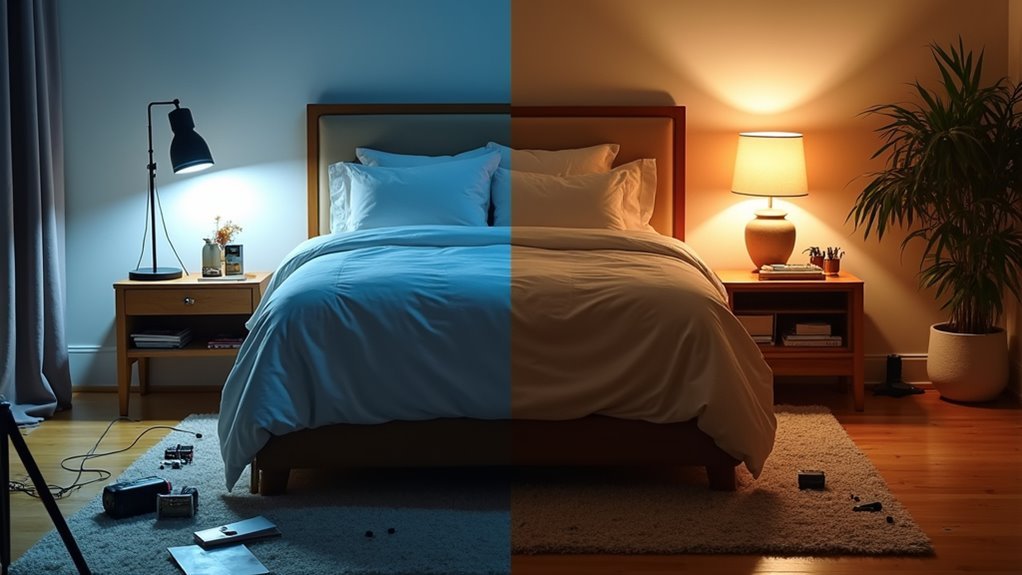
You’ll face a significant cost difference when comparing DIY component expenses against retail smart nightstand prices.
Building your own tech nightstand often exceeds $300 when you factor in quality materials, electronics, and necessary tools, while you can purchase ready-made options starting around $120.
The retail analysis reveals that buying pre-made units typically offers better value since they include integrated features and warranties that’d cost extra to replicate in DIY builds.
DIY Component Costs
While pre-made smart nightstands can drain your wallet with prices ranging from $120 to $700, building your own tech-savvy bedside table costs just $50 to $150 in materials.
You’ll find DIY nightstands perfect for small spaces and easy to assemble with basic woodworking skills.
Your component breakdown includes:
- Wood used: One sheet of plywood costs approximately $30, providing excellent storage foundation.
- USB ports: Around $10 each for convenient device charging integration.
- Power outlets: $5 to $15 for seamless electrical connectivity.
This affordable approach eliminates labor costs while delivering customization that retail options can’t match.
You’re looking at savings of $100 to $500 compared to purchasing smart nightstands with similar features, making DIY the economical choice for tech-enhanced bedside storage.
Retail Price Analysis
Three major retailers consistently offer smart nightstands that challenge the DIY cost advantage.
When conducting a retail price analysis, you’ll discover that pre-assembled tech nightstands from Nathan James and Crate & Barrel range from $120 to $700, often undercutting DIY material costs of $150 to $300.
These ready-made options include built-in charging capabilities, USB ports, and cord management features that would require separate purchases in DIY projects.
You’ll save $20 to $50 on individual charging solutions while gaining warranties and return policies.
The time investment alone makes purchasing affordable tech nightstands a cost-effective choice.
Your smart nightstand purchase eliminates labor costs and provides immediate functionality without the risk of construction errors.
Basic Tools and Equipment Needed for Smart Nightstand Projects
Before diving into your smart nightstand project, gather the fundamental tools that’ll make your build smooth and professional. Your drill creates precise holes for wiring routes and mounting brackets, while a screwdriver handles component assembly required throughout the process. A measuring tape guarantees everything fits perfectly in your bedroom space.
Essential equipment for tech integration includes:
- Soldering iron – connects USB ports and charging stations with custom wiring
- Utility knife – cuts cable management materials and adjusts component sizing
- Safety equipment – goggles and gloves protect against power tool hazards
These basic tools transform any standard nightstand into a functional tech hub.
With proper preparation, you’ll avoid mid-project trips to the hardware store and achieve professional-looking results that rival expensive retail alternatives.
Step-by-Step Guide to Adding USB Charging Capabilities
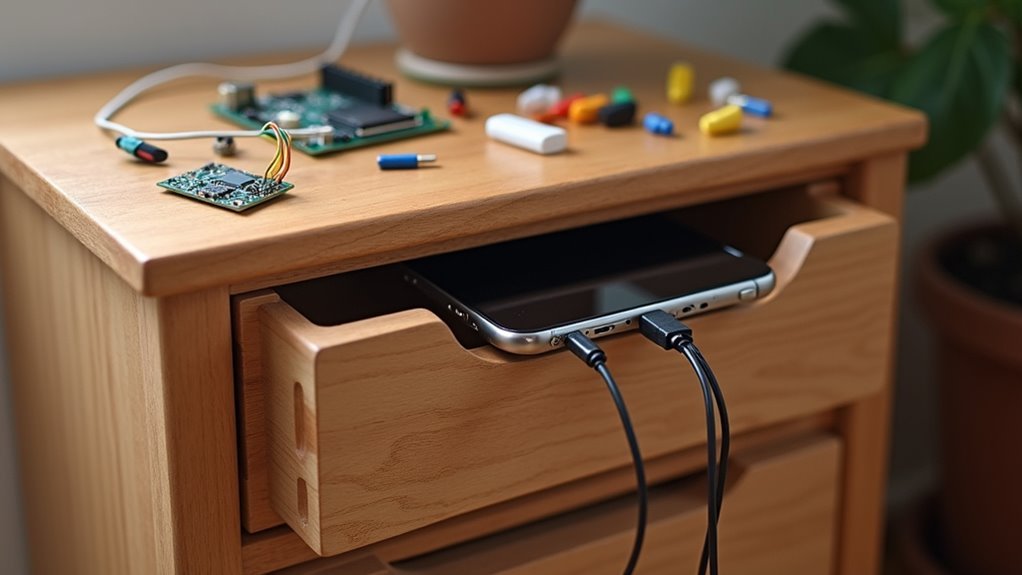
You’ll need to start by calculating your power requirements to determine how many USB ports your nightstand can safely support.
Next, you’ll install the USB port hardware by drilling precise holes and securing the charging modules in easily accessible locations.
Throughout the process, you must follow proper wiring safety practices to prevent electrical hazards and guarantee your DIY charging station operates reliably.
Planning Power Source Requirements
When designing an affordable tech nightstand with USB charging ports, calculating your devices’ power requirements forms the foundation of a successful installation.
You’ll need to assess the total wattage of all devices you plan to charge simultaneously to guarantee maximum functionality.
Follow these essential steps for proper power planning:
- Calculate total device wattage – Add up power needs for phones, tablets, smartwatches, and other electronics.
- Select appropriate power sources – Choose outlet strips or USB hubs meeting electrical safety standards.
- Plan accessible port placement – Position USB charging ports on the surface or front panel for easy reach.
Consider incorporating touch-activated controls for convenient on/off functionality.
Don’t forget cable management through integrated cutouts or channels to keep everything organized and clutter-free.
Installing USB Port Hardware
Five essential components make up a complete USB port installation kit: USB outlet modules, mounting hardware, electrical wiring, wire nuts, and a compatible power adapter. You’ll start by selecting a hardware kit that matches your nightstand’s specifications and design requirements.
Use a drill to create precise holes where you’ll install the USB ports. Connect the hardware to your chosen power source following manufacturer guidelines. Secure the ports firmly into the drilled openings to prevent movement that could damage internal wiring.
| Installation Step | Tool Required | Time Estimate |
|---|---|---|
| Measure and mark | Ruler/pencil | 5 minutes |
| Drill mounting holes | Power drill | 10 minutes |
| Connect wiring | Wire strippers | 15 minutes |
| Test functionality | USB devices | 5 minutes |
Test your installation by connecting various devices to verify the USB ports are accessible and functioning properly.
Wiring Safety Best Practices
Before you begin any electrical work on your nightstand, turn off the power at the circuit breaker to eliminate risk of shock or electrocution. Proper wiring safety guarantees your USB ports function reliably while protecting your devices and home.
Follow these essential safety practices:
- Use only UL-listed components – These certified parts meet rigorous safety standards and prevent electrical failures that could damage your nightstand or cause fires.
- Install a surge protector – This protects against power surges that can destroy expensive electronics and guarantees peak device compatibility.
- Inspect wiring regularly – Check connections monthly for wear, damage, or loose components that could lead to dangerous situations.
Route all wires securely within the nightstand, avoiding sharp edges that might cause damage.
These wiring safety practices assure reliable charging capabilities.
Integrating Wireless Charging and Touch Controls on a Budget
Once considered luxury features reserved for high-end furniture, wireless charging pads and touch controls have become surprisingly accessible in budget-friendly nightstands.
You’ll find affordable options that seamlessly combine wireless charging surfaces with touch-activated sensor bars, eliminating the need for traditional lamp switches while keeping your devices powered throughout the night. These integrated modern features work alongside practical additions like USB ports and power outlets, letting you charge multiple devices simultaneously without breaking your budget.
Smart cord management through built-in media cutouts guarantees your bedside area stays organized while accommodating all your tech needs.
The convenience of simply placing your phone on the charging pad while controlling your lighting with a gentle touch transforms your bedroom experience without the premium price tag.
Maximizing Storage While Maintaining Smart Functionality
While smart features enhance your nightstand’s functionality, you shouldn’t have to sacrifice storage space for tech capabilities. Affordable tech nightstands prove you can have both through clever design solutions that maximize every inch of your bedside area.
These nightstands combine modern design with practical storage options:
- Drawers with built-in USB ports – Keep personal items organized while charging devices simultaneously.
- Open shelves with media cutouts – Display books and electronics while managing cord clutter effectively.
- Hidden compartments behind touch panels – Conceal belongings without disrupting smart functionality.
The key lies in strategic cord management systems that route cables through designated cutouts, keeping your storage areas accessible and tidy.
You’ll find that well-designed affordable tech nightstands integrate charging capabilities seamlessly into existing storage solutions, ensuring your bedside essentials remain organized while maintaining full smart functionality.
Frequently Asked Questions
Why Are Nightstands so Expensive?
You’re paying for quality materials like solid wood, skilled craftsmanship, and modern features such as USB ports. Brand reputation and high demand for stylish, functional bedroom furniture also drive prices up considerably.
What Does Feng Shui Say About Bedside Tables?
You’ll create balance and harmony by placing matching bedside tables on both sides of your bed. Keep them clutter-free with meaningful items like lamps and plants to promote positive energy and better sleep quality.
What Are the Features of Smart Nightstand?
You’ll find smart nightstands offer integrated USB ports, wireless charging pads, touch-activated lighting, and cord management cutouts. They’re designed with storage drawers while maintaining modern aesthetics that complement your contemporary bedroom decor.
How Much Should You Spend on a Nightstand?
You should spend $100-300 for a quality mid-range nightstand that balances functionality and durability. If you want smart features like USB ports, budget $150-500. Consider your bedroom’s needs and choose solid materials over particleboard.




Leave a Reply