
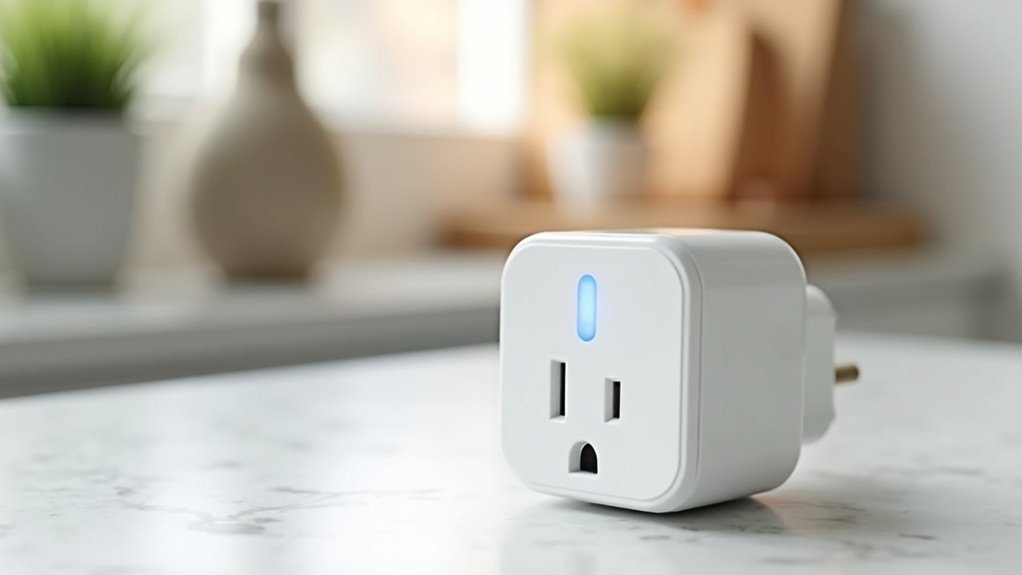
You’ve probably looked at your regular household appliances and wondered how you could make them smarter without breaking the bank or calling an electrician. Smart plugs offer the perfect solution—they’re inexpensive, require zero installation skills, and instantly transform any device into a connected one. But before you rush to buy the first option you see, there’s a strategic approach that’ll maximize your investment and avoid common pitfalls.
What Makes Smart Plugs the Perfect Entry Point for Home Automation
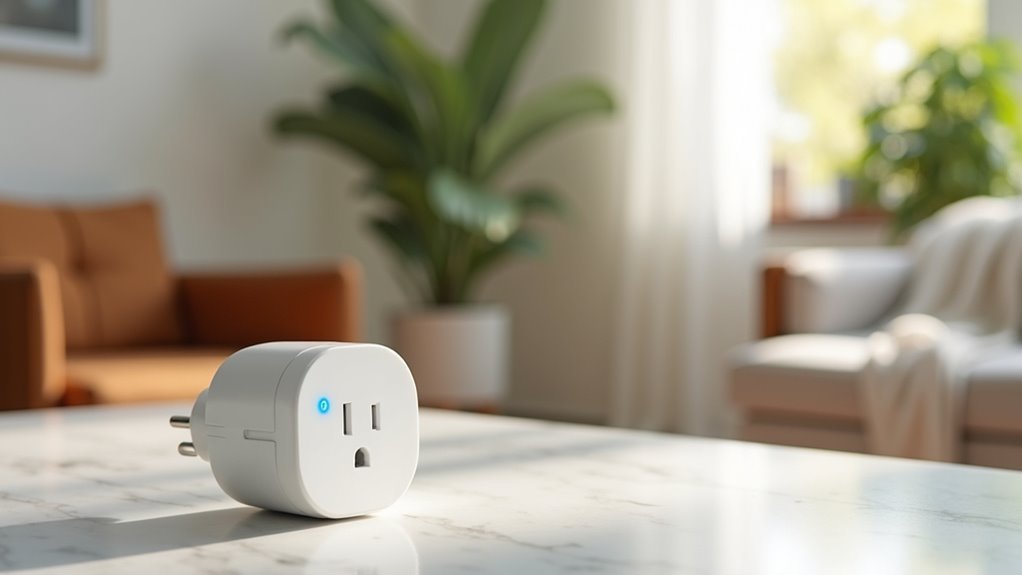
While home automation might seem expensive and complicated, smart plugs offer an incredibly simple solution that won’t break your budget. At under $20, these affordable devices instantly transform your regular appliances into smart ones without any technical expertise required.
You’ll gain remote control over lamps, coffee makers, and other devices through smartphone apps or voice assistants like Alexa and Google Assistant. Smart plugs integrate seamlessly into existing home automation systems while offering practical features like energy monitoring to track consumption and reduce electricity costs.
The scheduling options let you automate when devices turn on or off, creating convenience and efficiency. You won’t need tools, rewiring, or professional installation—simply plug in and start controlling your home remotely within minutes.
Essential Features to Look for When Shopping Smart Plugs
When you’re shopping for smart plugs, you’ll want to focus on three key features that deliver the most value for your investment.
Energy monitoring capabilities let you track real-time electricity usage and identify power-hungry devices that’re driving up your bills.
You’ll also need voice assistant compatibility with Alexa or Google Assistant, plus a compact design that won’t block neighboring outlets when plugged in.
Energy Monitoring Capabilities
Because energy costs continue rising, smart plugs with extensive energy monitoring capabilities have become invaluable tools for budget-conscious homeowners. You’ll want real-time energy monitoring that tracks electricity use down to the watt, helping you identify which devices drain the most power. Look for models that integrate seamlessly with mobile apps, allowing you to monitor consumption remotely and adjust habits based on detailed usage reports.
| Feature | Benefit |
|---|---|
| Real-time tracking | Instant electricity use visibility |
| Usage alerts | Prevents unexpected cost spikes |
| Historical reports | Identifies consumption trends |
| Off-peak scheduling | Maximizes cost efficiency |
Smart plugs with extensive energy monitoring transform how you track energy consumption, providing actionable insights that directly impact your monthly utility bills while reducing grid strain.
Voice Assistant Compatibility
Smart plugs offering robust voice assistant compatibility eliminate the hassle of manually controlling your devices while providing effortless integration across multiple smart home ecosystems.
You’ll want models compatible with Amazon Alexa, Google Assistant, and Apple HomeKit to guarantee seamless operation regardless of your preferred platform.
Look for smart plugs that respond to voice commands, enabling hands-free control of connected appliances for enhanced convenience and accessibility.
Many quality options support multiple voice assistant platforms simultaneously, giving you flexibility to switch between ecosystems.
The best smart plugs feature programmable routines and scenes activated through voice commands, allowing advanced automation of your smart home devices.
Confirm the accompanying app supports voice assistant integration for straightforward setup and management of voice-controlled functionalities across your entire smart home network.
Compact Design Features
The most frustrating smart plug experiences stem from bulky designs that block adjacent outlets, forcing you to choose between convenience and functionality.
When selecting smart plugs, prioritize compact design that fits standard outlets without obstructing neighboring sockets. Look for models with slim profiles that are only slightly larger than traditional plugs, guaranteeing maximum usability in tight spaces.
Consider dual outlets that allow independently controlled devices from a single socket without sacrificing space. This feature doubles your smart home capabilities while maintaining outlet availability.
Choose smart plugs with integrated energy monitoring so you can track usage through compact app interfaces without additional hardware. Ascertain compatibility with voice assistants like Alexa and Google Assistant for hands-free operation while maintaining sleek, unobtrusive aesthetics throughout your home.
Top Budget-Friendly Smart Plug Recommendations Under $20
Upgrading your home doesn’t require breaking the bank when you’re shopping for smart plugs. These budget-friendly options under $20 deliver impressive functionality without the hefty price tag.
Here are three standout choices that’ll transform your space:
- TP-Link Kasa Smart Wi-Fi Plug Mini – At $15 for two plugs, you get smartphone control, scheduling, and voice commands that work seamlessly with your daily routine.
- Emporia 15W Smart Plug – Perfect for energy monitoring enthusiasts, this under-$20 option features easy setup and helps track your device consumption effectively.
- GE Cync Smart Plug – Offers exceptional app experience with multi-device support and automated routines, plus it’s compatible with Alexa for hands-free control.
Each option provides reliable performance and smart home integration without compromising your budget.
Step-by-Step Setup Process Without Any Tools Required
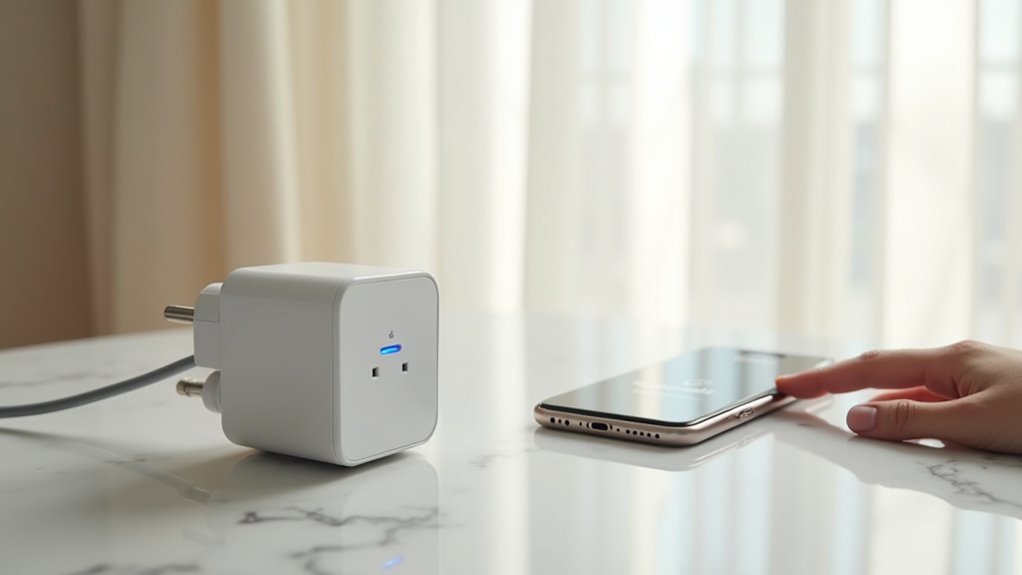
Once you’ve chosen your budget-friendly smart plug, you’ll discover that installation couldn’t be simpler.
Setting up your new smart plug is refreshingly straightforward—no technical expertise or complicated wiring required.
The setup process begins by plugging your device into any standard outlet, ensuring it fits snugly without blocking adjacent ports. Next, download the corresponding smartphone app from either the App Store or Google Play. The app will guide you through connecting your smart plug to your Wi-Fi network by entering your password when prompted.
Once connected, you can control remotely and create automated schedules directly through the app.
For enhanced convenience, most smart plugs integrate seamlessly with voice assistants like Alexa or Google Assistant. After linking through the app, you’ll enjoy hands-free operation and complete automation of your connected devices without ever needing physical access to the plug again.
Connecting Your Smart Plugs to Voice Assistants and Apps
Two simple steps will transform your basic smart plug into a voice-controlled powerhouse that responds to your every command.
After downloading the Kasa app or your smart plug’s corresponding app, you’ll create an account and connect your device to Wi-Fi.
Then you’ll integrate with popular voice assistants like Alexa or Google Assistant.
Your smart plugs reveal three game-changing features:
- Voice Control – Command your devices hands-free through Amazon Alexa or Google Assistant
- Smart Scheduling – Set automatic on/off times and create custom routines
- Energy Monitoring – Track power consumption to optimize usage
Most smart plugs are compatible with Apple Home and other smart-home devices, creating seamless automation throughout your house.
You’ll control everything through simple voice commands or app controls.
Energy Monitoring Benefits That Pay for Themselves
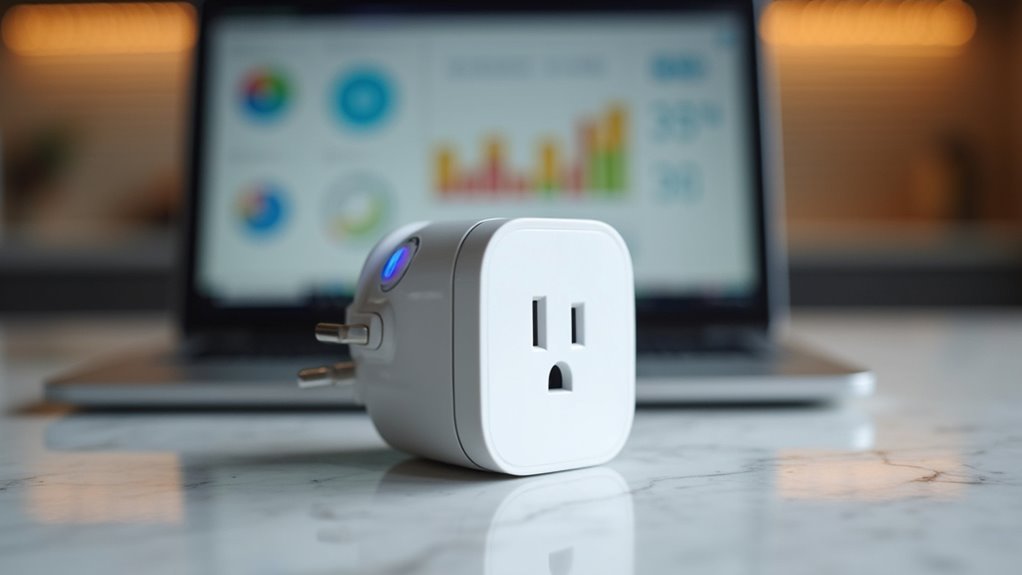
Beyond the convenience of voice commands and scheduling, the real magic happens when your smart plug starts tracking exactly how much energy each device consumes.
Energy monitoring smart plugs reveal which appliances are secretly draining your wallet. You’ll track energy consumption in real-time through smartphone apps that deliver detailed insights about usage patterns.
By identifying energy hogs and optimizing schedules during peak hours, you can reduce electricity costs by 15-20%. The data helps you make smart decisions about when to run high-consumption devices.
Most households see annual savings of $100 or more, meaning these plugs literally pay for themselves.
You’ll also receive alerts about excessive energy consumption, preventing overheating issues and potential electrical hazards before they become costly problems.
Creative Ways to Use Smart Plugs Throughout Your Home
You’ll discover smart plugs offer endless possibilities beyond basic on-off control, transforming how you manage devices throughout your home.
Seasonal lighting automation becomes effortless when you can schedule your holiday decorations, outdoor displays, and festive indoor lights to turn on at sunset and off at bedtime without any manual intervention.
Energy saving schedules let you automatically control coffee makers, lamps, and electronics based on your daily routine, ensuring devices aren’t wasting power when you’re asleep or away.
Seasonal Lighting Automation
When the seasons change, smart plugs transform your home’s lighting into an automated spectacle that responds to your schedule and preferences.
These smart devices eliminate the hassle of manually controlling seasonal decorations while reducing energy usage through precise timing.
Smart plugs offer incredible flexibility to create schedules that automate your holiday displays effortlessly:
- Holiday String Lights – Program outdoor Christmas lights to activate at sunset and shut off at midnight, controlling them via smartphone apps or voice commands through Alexa or Google Assistant.
- Festive Indoor Ambiance – Schedule decorative lamps and accent lighting to create welcoming atmospheres during special occasions without lifting a finger.
- Synchronized Displays – Integrate multiple smart plugs with home automation systems to coordinate elaborate seasonal lighting schemes that operate simultaneously.
Energy Saving Schedules
Smart plugs become powerful energy-saving tools when you harness their scheduling capabilities to eliminate wasteful electricity consumption throughout your home. You’ll create customized energy-saving schedules for devices like lamps, fans, and coffee makers through your smartphone app.
| Device Type | Schedule Benefits | Annual Savings |
|---|---|---|
| Gaming Consoles | Prevents phantom energy draw | Up to 10% electricity bill |
| Coffee Makers | Morning automation with minimal usage | Reduced peak hour costs |
| Outdoor Lights | Dusk-to-dawn security scheduling | Lower energy consumption |
| Phone Chargers | Automatic shutoff after charging | Eliminates standby power |
The Kasa Smart Wi-Fi Plug integrates seamlessly with Amazon Alexa and Google for hands-free control. You can schedule devices to turn off during peak hours, program your coffee maker for morning brewing, and eliminate phantom energy draw from electronics that typically stay plugged in unnecessarily.
Scheduling and Automation Tips for Maximum Convenience
Once you’ve installed your smart plug, scheduling becomes your gateway to effortless automation that transforms how you interact with everyday devices.
Smart plugs offer powerful app controls that let you create customized routines matching your lifestyle perfectly.
Here are three essential automation strategies:
- Create weekday and weekend schedules – Set different timing patterns for work days versus relaxing weekends, giving you maximum flexibility without constant manual adjustments.
- Connect voice assistants like Alexa or Google Assistant – Enable hands-free control so you can adjust schedules or activate devices using simple voice commands from anywhere in your home.
- Group multiple smart plugs together – Streamline control by creating routines that simultaneously manage several appliances, while using energy monitoring features to optimize power consumption during off-peak hours.
Troubleshooting Common Smart Plug Connection Issues
Even with careful setup, you’ll occasionally encounter connection hiccups that can disrupt your smart plug’s performance and leave you manually controlling devices you’ve grown accustomed to automating.
First, ascertain your smart plug stays within your Wi-Fi network’s range, as weak signals cause frequent disconnections. When problems arise, restart both your smart plug and router to reset connections.
Weak Wi-Fi signals are the primary culprit behind smart plug disconnections, so prioritize signal strength and restart devices when issues occur.
Check your app settings to verify proper network linking and correct credentials. Smart plugs are rated for specific voltage ranges, but firmware issues can still cause connectivity problems.
Update the firmware through your app regularly, as manufacturers release performance improvements. If connection issues persist, remove it from the app completely before re-adding it, following the manufacturer’s setup instructions precisely.
Frequently Asked Questions
What Is the Easiest Smart Plug to Install?
You’ll find the TP-Link Kasa Smart Wi-Fi Plug Mini easiest to install. You simply plug it into any standard outlet, download the user-friendly mobile app, and you’re connected to Wi-Fi within minutes.
What Should You Not Plug Into a Smart Plug?
You shouldn’t plug high-wattage appliances, medical equipment, or devices with motors into smart plugs. Don’t connect space heaters, oxygen concentrators, vacuum cleaners, security systems, or heavy-duty extension cords as they’ll create safety hazards.
How Do You Make a Plug Socket Smart?
You’ll plug a smart plug into your existing outlet, then connect it to your home Wi-Fi network using a smartphone app. It’s tool-free and typically works with voice assistants like Alexa.
What Is the Difference Between a Smart Outlet and a Smart Plug?
You’ll find that a smart plug connects to your existing outlet and controls devices plugged into it, while a smart outlet replaces your wall outlet entirely with built-in smart features.




Leave a Reply