

You’ve probably wondered why your home’s lighting feels flat and uninspiring, even with expensive fixtures. Smart lighting scenes can transform any room from mundane to magical with preset configurations that adapt to your daily activities. Whether you’re hosting dinner parties, watching movies, or winding down for sleep, these automated lighting systems respond to your lifestyle rather than forcing you to adjust switches manually. The real power lies in understanding which products and techniques deliver the most dramatic results.
Understanding Smart Lighting Scene Fundamentals
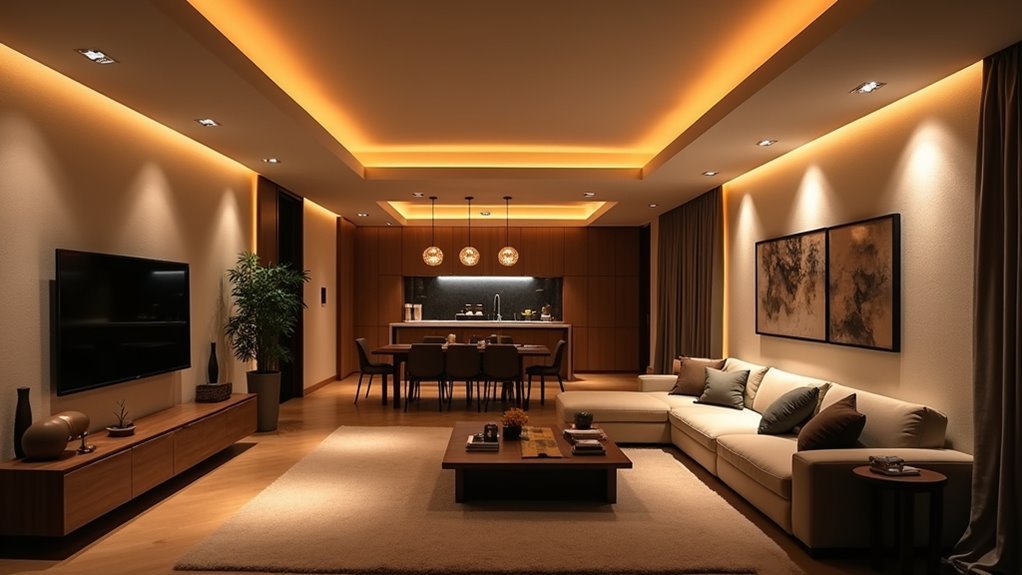
How can you transform your entire living space with just a single command? Smart lighting scenes are preconfigured settings that simultaneously adjust multiple devices to create specific ambiances for activities like movie nights, entertaining, or relaxing.
Transform your entire living space with a single command using smart lighting scenes that adjust multiple devices simultaneously.
You’ll control these scenes through mobile apps, voice commands, or automation routines, making your smart home technology incredibly convenient.
Popular platforms like Philips Hue, SmartThings, and Apple Home let you customize lighting scenes tailored to your preferences. You can incorporate various elements including light intensity, color temperature, and other smart devices for a thorough automation approach.
Beyond convenience, scenes promote energy efficiency by automating lighting based on schedules and routines, simplifying your smart device management while creating the perfect atmosphere effortlessly.
Choosing the Right Smart Lighting Products
Which smart lighting products will best suit your specific needs and budget?
Smart Bulbs come in two primary types: Full Color options offering infinite color possibilities and precise brightness control, and Tunable White variants providing natural daylight spectrum for enhanced alertness and relaxation.
Light Strips deliver dynamic colors while adapting to any length, perfect for kitchens and entertainment spaces.
Smart Switches integrate existing fixtures into your Smart Lighting ecosystem without rewiring, while Smart Plugs transform traditional lamps and appliances into controllable devices.
Consider your room’s purpose when selecting products—bedrooms benefit from tunable white bulbs, entertainment areas shine with colorful strips, and kitchens work well with adjustable strips.
Your budget and existing fixtures will ultimately determine the best combination for your home’s transformation.
Setting Up Your Smart Home Hub for Scene Control
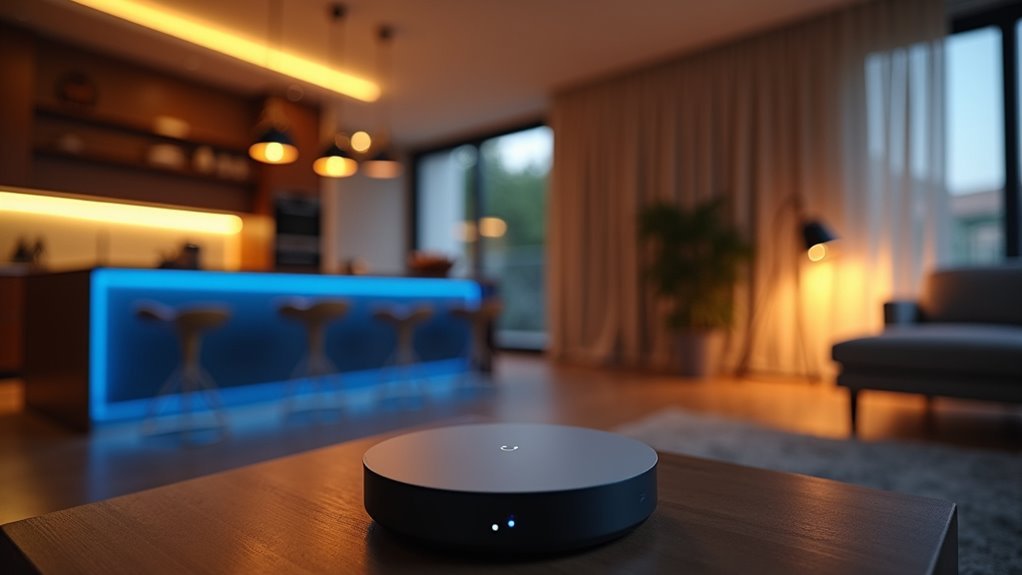
You’ll need to select the right hub device that supports your specific smart lighting brands and protocols to guarantee seamless scene control across your home.
The hub you choose becomes the central command center that’ll manage multiple lighting devices simultaneously, so compatibility is vital.
Once you’ve got your hub connected to your Wi-Fi network, you can begin integrating various smart lights into unified scenes that control multiple fixtures with a single command.
Hub Device Selection
The foundation of effective smart lighting scene control rests on selecting the right hub device for your home’s specific needs. Your smart home hub choice determines compatibility with existing devices and future expansion possibilities.
The Philips Hue Bridge excels for Hue-centric setups, offering seamless integration with Philips products. Samsung SmartThings Hub provides broader device compatibility across different brands, making it ideal for mixed ecosystems. Amazon Echo Plus combines hub functionality with voice control, perfect if you’re already invested in Alexa devices.
Consider your current smart lighting products, preferred voice assistant, and automation complexity when deciding. Each hub supports creating personalized lighting scenes, but their setup processes and device libraries vary considerably, affecting your overall smart home experience.
Multi-Device Scene Integration
Once you’ve chosen your hub device, connecting it to multiple smart lighting products releases the true power of scene automation across your entire home. Your smart home hub enables seamless integration across different manufacturers, letting you control Philips Hue, LIFX, and other brands simultaneously through one app.
Setting up involves connecting your hub to Wi-Fi and adding each lighting device through the manufacturer’s process. Once integrated, you’ll create sophisticated scenes that coordinate multiple devices with single commands.
| Scene Name | Lighting Action | Additional Devices |
|---|---|---|
| Movie Night | Dim living room 20% | Lower TV volume, close blinds |
| Good Morning | Gradually brighten bedroom | Start coffee maker, adjust thermostat |
| Dinner Party | Warm kitchen/dining lights | Activate music playlist |
| Security Mode | Flash all exterior lights | Arm alarm system |
| Bedtime | Turn off all lights | Lock doors, set sleep temperature |
This scene control transforms ordinary lighting into dynamic home automation.
Creating Custom Lighting Scenes for Every Activity
While adjusting individual lights throughout your home can become tedious, smart lighting scenes transform how you control your environment by grouping multiple lights and settings into single, customizable presets.
You can create custom lighting scenes using smart lighting apps like CyncApp, adjusting brightness, color, and settings for specific activities such as reading, entertaining, or relaxing. These programmable scenes enable one-touch activation, letting you change your room’s ambiance without manual adjustments.
You’ll save your favorite settings for different occasions, ensuring perfect lighting is just a tap away. Smart lighting systems like Philips Hue integrate seamlessly with other devices, while timers and schedules automate scene activation, creating dynamic experiences that adapt to your daily routines.
Programming Automated Schedules and Timers
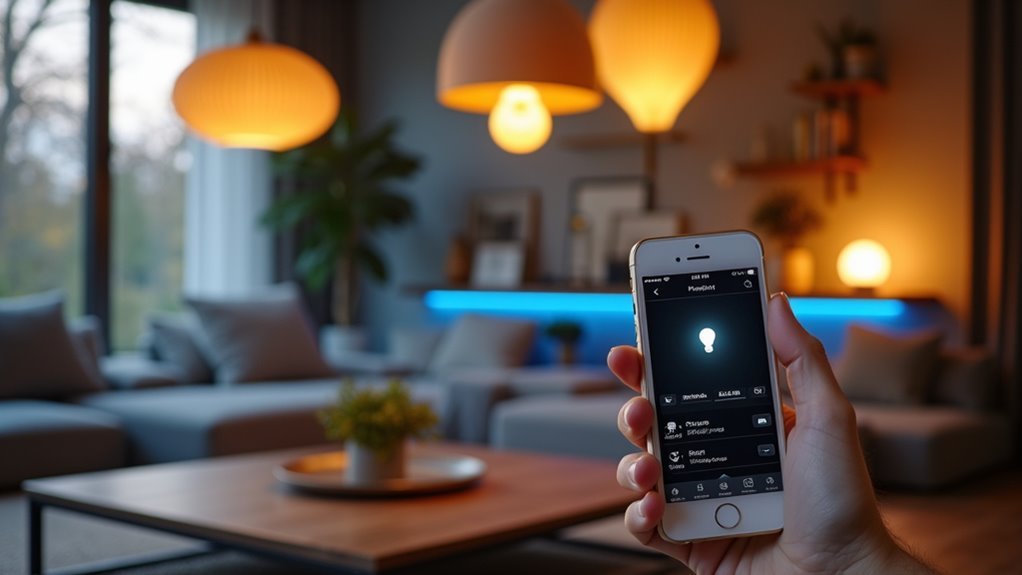
Since smart lighting scenes provide instant ambiance control, programming automated schedules and timers takes your system’s intelligence to the next level by eliminating manual intervention entirely.
You can set your smart lighting to automatically turn on and off at specific times, boosting both convenience and energy efficiency. Your system can track sunrise and sunset patterns, gradually adjusting brightness levels for natural changes throughout the day.
These automated schedules guarantee lights activate only when needed, greatly reducing electricity waste.
You’ll find customizable routines in most smart lighting apps, letting you create personalized schedules that match your daily activities.
Integrating these timers with voice control systems like Amazon Alexa or Google Home enables completely hands-free lighting management, making your home truly intelligent.
Voice Control Integration With Smart Assistants
You can create and activate specific lighting scenes through voice commands, instantly changing your home’s ambiance for movie nights or dinner parties.
Your voice assistant can respond to programmed routines, automatically dimming lights during bedtime or turning them on at sunrise.
This hands-free control enhances convenience and accessibility while creating seamless communication between your smart home devices.
Advanced Scene Management and Whole-Home Integration
You can expand your smart lighting beyond individual rooms by creating scenes that work across multiple platforms and trigger automatically based on your daily routines.
Multi-platform scene integration lets you control lights through different smart home ecosystems simultaneously, ensuring your Samsung SmartThings scene works seamlessly with your Apple HomeKit devices.
Automated scene triggers take this further by using sensors, schedules, and other smart devices to activate your lighting scenes without any manual input.
Multi-Platform Scene Integration
While individual smart home devices can create impressive lighting effects on their own, multi-platform scene integration transforms your entire home into a unified, intelligent environment.
You’ll create and manage lighting scenes across different smart home systems, ensuring consistent experiences regardless of which platform you’re using.
With advanced scene management, you can customize settings for specific activities like movie nights or dinner parties across all connected devices.
Whole-home integration synchronizes your lighting scenes with thermostats, security systems, and music players for seamless ambiance.
Platforms like SmartThings and Apple Home facilitate scene sharing between devices, enabling easy updates across multiple ecosystems.
Voice assistants like Amazon Alexa or Google Home enhance activation, providing hands-free control for effortless adjustments throughout your home.
Automated Scene Triggers
Taking multi-platform scene integration to the next level, automated scene triggers eliminate the need for manual activation by responding intelligently to your daily patterns and environmental changes.
Motion sensors create seamless experiences by instantly activating lights when you enter rooms, boosting both convenience and energy efficiency.
You can establish routines that automatically adjust lighting throughout your day—brightening lights each morning to enhance alertness and dimming them during evenings for relaxation.
Advanced home automation features like geofencing guarantee scenes activate as you arrive home or deactivate when you leave.
Security system integration adds another layer of functionality, automatically illuminating your entire home when alarms trigger.
These automated scene triggers transform your lighting from reactive to proactive, creating truly intelligent home automation.
Frequently Asked Questions
Can Smart Lighting Scenes Work During Power Outages or Internet Disruptions?
Smart lighting scenes won’t work during power outages since they need electricity. During internet disruptions, you can still control basic functions through local hubs or apps, but advanced features requiring cloud connectivity won’t function properly.
Do Smart Lighting Scenes Affect the Lifespan of LED Bulbs Negatively?
Smart lighting scenes don’t harm your LED bulbs’ lifespan. You’re actually extending their life since scenes often use dimmed settings, reducing heat and electrical stress compared to running bulbs at full brightness constantly.
What Happens to Lighting Scenes When Guests Use Traditional Wall Switches?
When guests flip traditional wall switches, you’ll lose your carefully programmed lighting scenes. The smart bulbs shut off completely, requiring you to manually restore your preferred settings through your smartphone app later.
Are Smart Lighting Scenes Compatible With Existing Dimmer Switches and Fixtures?
You’ll need to replace existing dimmer switches with smart ones for full compatibility. Most smart bulbs work with standard fixtures, but traditional dimmers can damage them. Check your bulb’s specifications before installation.
How Much Do Smart Lighting Scenes Typically Increase Monthly Electricity Bills?
You’ll typically see minimal increases in your electricity bills with smart lighting scenes. LED smart bulbs use 75-80% less energy than traditional bulbs, so you’re actually saving money despite added convenience and automation features.




Leave a Reply