

You’ve probably walked into a room and wished the lights would automatically adjust to match your mood or activity. Smart lighting scenes make this possible, transforming your home into a responsive environment that adapts throughout your day. Whether you’re starting your morning routine, settling in for movie night, or winding down before bed, you can create the perfect ambiance with just a few taps on your phone. The setup process isn’t as complicated as you might think.
What Are Smart Lighting Scenes and Why Use Them
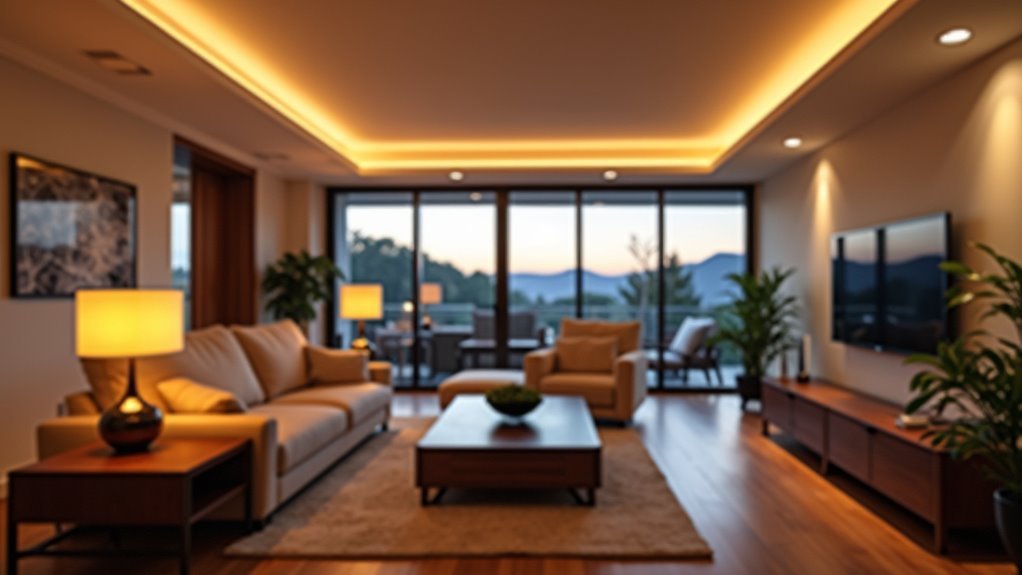
When you’re juggling multiple smart lights throughout your home, smart lighting scenes become your command center for creating the perfect atmosphere with a single tap or voice command.
These programmable settings adjust multiple lights’ colors and brightness simultaneously, eliminating the tedious process of manually tweaking each bulb individually.
Smart lighting scenes offer remarkable convenience and customization. You can create tailored environments for any activity—dimming lights for movie nights, brightening them for work sessions, or setting romantic ambiance for dinner.
The customizable lighting options adapt to your personal preferences and lifestyle.
Beyond convenience, lighting scenes boost energy efficiency by optimizing power consumption through precise control settings.
You’ll also enjoy automated scheduling that aligns with your daily routines, creating seamless changes throughout your day.
Essential Equipment Needed to Create Your First Lighting Scene
You’ll need two main components to get started with your first lighting scene: a smart hub and compatible light devices.
The hub acts as your command center, connecting to platforms like Google Home, Amazon Alexa, or Apple HomeKit to control everything remotely.
Your light devices can include smart bulbs that screw into existing fixtures or smart switches that replace your current wall switches.
Smart Hub Requirements
Before diving into your first lighting scene, understanding that a smart hub serves as the central nervous system of your smart home setup is essential.
You’ll need this device to control your lights seamlessly and enable advanced Home Automation features across your smart lighting system.
Popular options include Amazon Echo Plus, Samsung SmartThings Hub, and Apple HomePod.
While many smart bulbs work independently through Wi-Fi, a smart hub reveals enhanced functionality and more sophisticated scene creation.
These hubs support multiple protocols like Zigbee, Z-Wave, and Wi-Fi, ensuring different smart lighting brands work together harmoniously.
Before purchasing, verify compatibility with your chosen products.
This smart hub investment transforms basic lighting control into an all-encompassing system that responds to your lifestyle needs.
Compatible Light Devices
Many smart lighting newcomers wonder which devices they actually need to create their first scene.
You’ll need at least one compatible light device that integrates with your home network. Smart bulbs from brands like Philips Hue, Sengled, and Wyze offer excellent starting points, with white and color options ranging from $5 to $8.50.
Smart switches like Lutron Caseta and Leviton Decora can control multiple bulbs from one location, though they typically require neutral wire installation. You can also use smart plugs to convert regular lamps into controllable devices.
Verify your chosen compatible light devices support standard smart home protocols like Wi-Fi, Zigbee, or Z-Wave for seamless integration and reliable scene operation.
Setting Up Your Morning Energy Boost Scene

Creating a Morning Energy Boost Scene transforms your daily wake-up routine from a jarring alarm clock experience into a gentle, natural awakening that sets a positive tone for your entire day.
Use the Brilliant mobile app to program your smart lighting to gradually brighten, mimicking a natural sunrise effect. Simultaneously activate an energizing playlist to boost your mood and motivation.
Adjust your thermostat to maintain a comfortable temperature, ensuring you’ll feel cozy when stepping out of bed. Integrate smart coffee makers into the scene so they begin brewing as your lights brighten.
With one button tap, you’ll simplify multiple morning tasks, creating a seamless routine that energizes and organizes your day from the moment you wake up.
Designing the Perfect Movie Night Atmosphere
When evening arrives and you’re ready to unwind with your favorite film, transforming your living space into a cinema-worthy environment becomes effortless with smart home lighting scenes.
Smart lighting scenes instantly transform any ordinary living room into a professional-grade cinema experience with effortless automation.
Your Smart LED Bulbs can create the perfect Movie Night atmosphere by adjusting lighting levels throughout your home with a single command.
Here’s how to design your ideal movie experience:
- Dim living room lights to 30% – Creates cozy ambiance while keeping the screen as focal point
- Lower kitchen lights to 15% – Provides subtle illumination for snacks without disrupting the atmosphere
- Program a “Movie Night” scene – Automatically adjusts all lighting, secures doors, and sets audio to 50% volume
This Smart Home automation guarantees you’ll shift seamlessly into relaxation mode every time you’re ready to enjoy your favorite films.
Creating a Relaxing Evening Wind-Down Scene
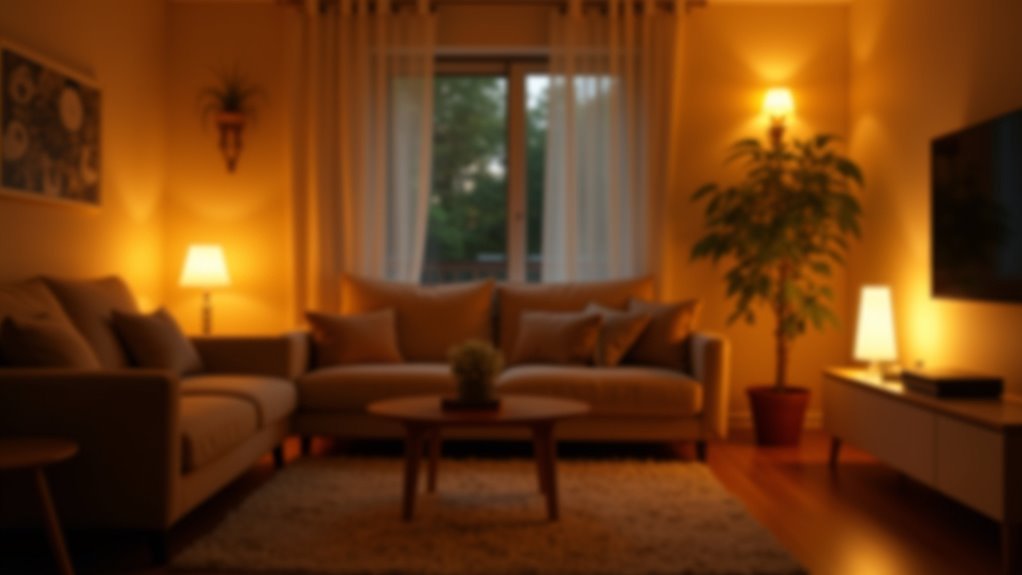
After setting up your movie night scene, you’ll want to create an evening wind-down atmosphere that helps your body prepare for sleep.
Start by gradually dimming your smart lights to 15-30% brightness rather than switching them off abruptly.
You should also shift to warm color temperatures around 2700K, which mimics the soft glow of sunset and signals your brain that it’s time to relax.
Dimming Lights Gradually
Since your body naturally begins preparing for sleep as daylight fades, you can harness this biological rhythm by gradually dimming your smart lights each evening.
Smart lighting systems make this process effortless by automating the dimming schedule, so you don’t need to manually adjust brightness levels throughout the night.
Start incorporating dimming lights into your evening routine with these simple steps:
- Set lights to begin dimming 2-3 hours before bedtime to signal your body it’s time to wind down.
- Customize dimming speed to mimic a natural sunset for maximum relaxation benefits.
- Reduce brightness to about 15% in the final hour before sleep to create a cozy environment.
This gradual shift reduces blue light exposure while creating the perfect atmosphere for reading or quiet activities before bed.
Setting Warm Color Temperatures
Why does the color of your lighting matter as much as brightness when creating the perfect evening atmosphere? Setting warm color temperatures between 2700K to 3000K signals your body it’s time to relax, reducing blue light exposure that interferes with sleep quality.
Smart lighting systems let you automate this shift seamlessly. You can customize and schedule warm color settings through apps, making your evening routine effortless and consistent.
| Time | Color Temperature | Purpose |
|---|---|---|
| 6-8 PM | 3000K | Gradual shift |
| 8-10 PM | 2700K | Active relaxation |
| 10+ PM | 2200K | Sleep preparation |
Combine warm colors with 15-30% brightness for maximum relaxation. Your smart lighting will automatically create this calming wind-down environment, preparing your mind for restful sleep without manual adjustments.
Building Your Away-From-Home Security Scene
When you’re away from home, your smart lighting becomes more than just convenience—it transforms into your first line of defense against potential intruders.
Creating an effective away scene requires strategic planning to simulate natural occupancy patterns. Your smart lighting system should randomly activate lights throughout different rooms at varied intervals, mimicking realistic home activity.
The best security systems don’t just monitor your home—they make it look like you never left.
Here’s how to build thorough security:
- Set up outdoor motion-sensor lights that instantly illuminate when movement’s detected around entry points.
- Use smart plugs to control lamps on scheduled timers, creating consistent evening routines.
- Sync your security cameras with interior lights to trigger illumination during motion detection.
Configure warm color temperatures during evening hours to maintain that welcoming, lived-in appearance.
This multi-layered approach makes your home an unattractive target while providing real-time alerts about suspicious activity.
Crafting the Ultimate Entertaining and Party Scene
When you’re hosting a party, you’ll want to create the perfect atmosphere that keeps your guests comfortable and energized throughout the night.
Start by setting your main living areas to 65% brightness—this gives you enough visibility while maintaining that warm, inviting glow that makes everyone feel relaxed.
You can elevate the experience by syncing your smart lights with your music system, allowing the colors and intensity to pulse with the beat and create a dynamic environment that evolves as your party progresses.
Perfect Ambiance Settings
How can you transform your living space into the perfect party venue with just a few taps on your smartphone? Smart lighting makes it effortless to create memorable gatherings. Your “Entertaining Scene” automatically sets Sonos music at 50% volume while adjusting kitchen and living room lights to 65% brightness—perfect for lively conversations.
Perfect ambiance requires three key elements:
- Customizable lighting scenes that sync with music, creating real-time reactions to beats
- Activity-specific brightness levels—bright for mingling, dimmed for intimate dining
- Voice assistants integration for hands-free control throughout your event
Don’t forget your “Welcome Home” scene that greets guests with warm, inviting hues.
These mood lighting combinations guarantee seamless changes between party phases, keeping you focused on hosting while your smart home handles the atmosphere perfectly.
Music and Light Sync
Picture your lights pulsing to the bass drop of your favorite song while colors shift from electric blue to vibrant purple across your entire living space. Your smart lighting system transforms ordinary gatherings into unforgettable experiences through music synchronization.
Most smart lights feature built-in visualizers that automatically detect audio patterns and translate them into dynamic lighting effects. You’ll customize scenes for different genres – energetic strobing for dance music or gentle color waves for acoustic sets.
Popular apps offer preset entertaining modes activated with simple voice commands. Real-time brightness and color adjustments match your music’s energy, making spaces feel alive and engaging.
Experiment with creating personalized scenes that respond to rhythm and beats. This technology turns your home into an immersive entertainment venue where lighting and music work together seamlessly.
Programming Your Midnight Navigation Scene
Since late-night trips to the bathroom or kitchen shouldn’t require blazing overhead lights that jolt you awake, programming a Midnight Navigation Scene becomes essential for maintaining your sleep cycle while ensuring safe movement through your home.
Set your smart lights to 15% brightness through your smart home app, creating gentle illumination that won’t disturb others.
Here’s how to optimize your setup:
- Configure motion sensors to automatically trigger the scene when entering designated areas.
- Schedule automated adjustments during typical nighttime hours for seamless activation.
- Save settings as presets in your mobile app for easy reapplication and future modifications.
This midnight navigation scene eliminates fumbling for switches while preserving your natural sleep rhythm, making those necessary nighttime movements safer and more comfortable.
Scheduling Automatic Scene Activation Throughout Your Day
While manually activating lighting scenes works perfectly for specific moments, automating these changes throughout your day transforms your smart home into a truly responsive environment that anticipates your needs.
Scheduling automatic scene activation through smart lighting apps lets you set specific times for each scene to enhance daily routines seamlessly.
Create a gradual sunrise effect by programming lights to slowly brighten each morning, promoting natural wake-up experiences. Evening scenes can automatically dim lights, signaling wind-down time.
Most systems offer customizable schedules for different weekdays, accommodating varying routines and preferences.
Integration with voice assistants enables setting reminders for scene activations, ensuring ideal lighting for specific tasks throughout your day. This automation eliminates the need to constantly adjust settings manually.
Using Voice Commands and Mobile Apps to Control Your Scenes
Two primary methods provide effortless control over your smart lighting scenes: voice commands and mobile apps.
Voice commands integrate seamlessly with platforms like Amazon Alexa, Google Assistant, or Apple HomeKit, enabling hands-free operation from anywhere in your home. You can set custom voice commands such as “Movie Night” or “Dinner Party” for quick scene shifts.
Transform any room instantly with simple voice commands like “Movie Night” for effortless smart lighting control.
Mobile apps offer thorough control through dedicated interfaces where you’ll create, customize, and activate lighting scenes with simple taps. These apps provide scheduling options and automation features based on time or occupancy.
Key control advantages include:
- Remote access – Control lighting scenes from anywhere for security and convenience
- Voice customization – Create personalized commands for different atmospheres
- App scheduling – Automate scenes to match your daily routine seamlessly
Troubleshooting Common Scene Setup Issues for New Users
Even with voice commands and mobile apps providing straightforward control, you’ll occasionally encounter setup challenges that prevent your lighting scenes from working as expected.
Start your troubleshooting by confirming all smart devices connect to the same Wi-Fi network, as different networks cause connectivity problems.
Double-check you’ve selected the correct devices when creating scenes—unselected devices won’t respond to commands.
Keep firmware and apps updated to avoid compatibility issues during scene setup.
Use your app’s built-in troubleshooting features to diagnose connectivity problems quickly.
If scheduled scenes aren’t triggering, examine your automation settings to verify the correct time and activation conditions are configured.
These systematic checks will resolve most beginner scene setup issues.
Frequently Asked Questions
How to Get Started With Smart Lighting?
Start by replacing regular bulbs with smart LED bulbs – they’re easy to install. Download the manufacturer’s app to control them remotely, then experiment with different brightness levels and colors for various activities.
What Is a Scene in a Smart Home?
A scene in your smart home is a preset configuration that automatically adjusts multiple devices with one command. You’ll control lighting, temperature, music, and other connected devices simultaneously to create specific moods or activities.
Is Smart Home Lighting Worth It?
Smart home lighting’s definitely worth it if you’re looking to save energy and add convenience. You’ll reduce electricity bills, control lights remotely, and create custom ambiance scenes that enhance your home’s comfort and security.
What Is the Cheapest Way to Start a Smart Home?
You’ll find smart bulbs are your cheapest starting point at just $5 each. Add smart plugs for around $15 to control existing lamps. Choose hub-free options from Wyze or Sengled to minimize costs.




Leave a Reply