

You’ve probably fumbled with multiple remotes while trying to find your favorite show, only to give up in frustration. Voice commands can transform your entertainment experience from chaotic to effortless, but not all commands are created equal. The right voice controls don’t just turn things on and off—they anticipate your needs and create seamless entertainment moments. Three specific commands stand out as game-changers that’ll revolutionize how you interact with your system.
Multi-Room Audio Control Commands

When you’re hosting a dinner party or simply relaxing at home, multi-room audio control commands transform how you manage music throughout your living space.
Voice commands like “Alexa, play music in the bedroom” or “Google Assistant, pause kitchen music” streamline audio management across different rooms. Your smart home device responds instantly to requests for specific playlists or genres in designated areas.
Smart home devices instantly respond to voice commands, allowing effortless control of music across multiple rooms with simple spoken requests.
You can easily control adjusting volume by saying “Lower the volume in the dining room” or completely switch off music in certain spaces. Popular assistants like Alexa and Google Assistant make these entertainment systems essential for modern smart homes.
Multi-room audio control eliminates the need for physical remotes, providing seamless command over your entire home’s audio experience.
Smart TV and Streaming Device Voice Controls
How much easier could your entertainment experience become with smart TV and streaming device voice controls? Modern voice commands have revolutionized how you interact with entertainment systems. “Watch Apple TV” has become the most popular streaming command, while basic controls like “Turn on/off the TV” rank second in usage.
| Command Type | Example Voice Commands | Compatible Devices |
|---|---|---|
| Content Access | “Watch Netflix”, “Play [movie name]” | Smart TV, Amazon Echo |
| Basic Controls | “Turn on/off TV”, “Volume up/down” | Smart TV, streaming device |
| Playback Management | “Pause”, “Stop the music” | Voice assistant, smart home control |
| Scene Control | “I’m home”, “Movie time” | Home automation systems |
Your voice assistant seamlessly integrates with smart home control, eliminating manual menu navigation for ideal entertainment experiences.
Personalized Entertainment Routine Commands
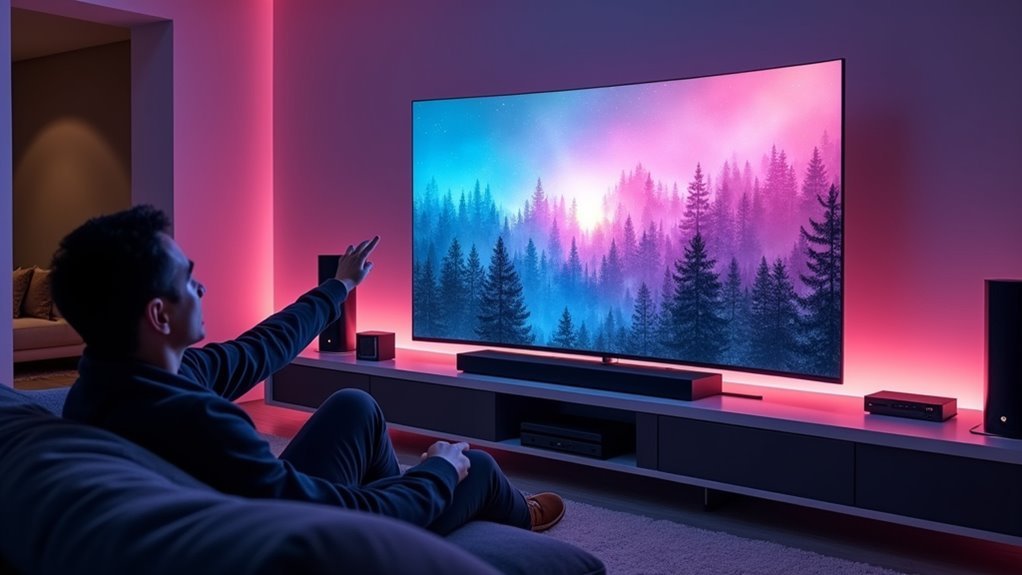
As you develop your smart home ecosystem, personalized entertainment routine commands transform scattered tasks into seamless experiences with a single voice prompt.
These commands revolutionize how voice control integrates into your daily lives.
Your “Good Morning” routine can simultaneously adjust lighting, open shades, and start your favorite playlist, creating an energizing atmosphere.
When you arrive home with full hands, saying “I’m Home” automatically configures your entertainment preferences.
Basic commands like “turn on/off the TV” and “turn on/off the music” eliminate juggling multiple remotes.
Scene commands such as “Watch Apple TV” provide instant access to preferred content without menu navigation.
The “Goodnight command” shuts down all entertainment devices, closes shades, and secures doors.
Configure these personalized entertainment routine commands through the Amazon Alexa app to optimize your smart home experience.
Frequently Asked Questions
What Is the Best Voice Command System?
Amazon Alexa and Google Assistant are your best options for voice command systems. They’ll offer you extensive device compatibility, intuitive interactions, and smart home integration that’ll streamline your daily routines effectively.
How Can I Control My TV With Voice Commands?
You can control your TV by connecting it to voice assistants like Alexa or Google Assistant, then use commands like “turn on TV,” “change channel,” or “open Netflix” for hands-free operation.
What Are the Alexa Voice Commands for Fire TV?
You can say “Alexa, turn on Fire TV,” “Alexa, watch [show name] on Fire TV,” or “Alexa, what’s playing?” You’ll control ESPN, check security footage, and make video calls hands-free.
What Do I Say to Alexa to Turn Off?
You can say “Alexa, turn off” followed by the specific device name like “the TV,” “the lights,” or “the fan.” For multiple devices, try “Alexa, goodnight” to activate a shutdown scene.




Leave a Reply