
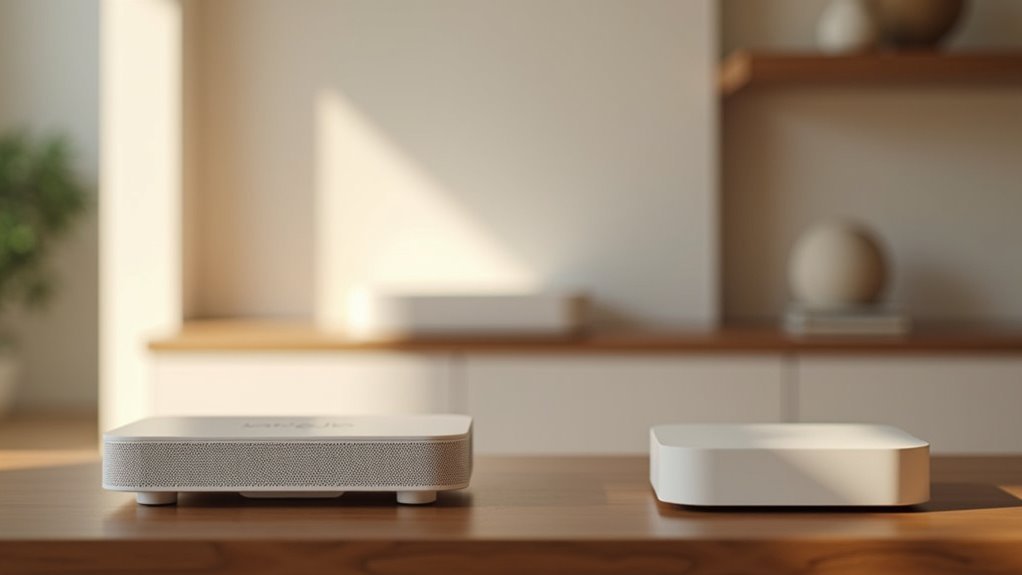
You’ve likely experienced the frustration of dead zones and dropped connections throughout your home, despite having what should be adequate WiFi coverage. A mesh network system can solve these connectivity issues, but only if you set it up correctly. Most people make critical mistakes during installation that actually worsen their network performance. These seven strategic steps will transform your unreliable WiFi into a seamless, high-performance network that reaches every corner of your space.
Calculate Your Home’s Coverage Requirements and Square Footage

Before purchasing any mesh WiFi system, you’ll need to accurately measure your home’s total square footage, including both indoor living spaces and outdoor areas where you want wireless coverage.
Calculate the total area by measuring each room and adding outdoor spaces like patios or garages where you need Wi-Fi access.
Remember that structural elements greatly impact signal transmission, typically reducing coverage by 25% or more.
For ideal mesh performance, plan for approximately 1,000 to 1,500 square feet per node in open areas, adjusting for obstacles.
Consider your connected devices and usage patterns when determining if you’ll need additional nodes.
Always check manufacturer specifications for coverage capabilities, as systems vary widely in their performance potential across different home layouts.
Position Your Main Router Node in an Optimal Central Location
You’ll want to place your main router node in the center of your home to maximize Wi-Fi coverage and minimize dead zones throughout your living space.
Position it on a shelf or table in an open area, away from walls and obstructions that can interfere with signal distribution.
Don’t hide your router in a closet or enclosed cabinet, as these confined spaces greatly weaken your Wi-Fi signal and limit overall coverage.
Central Home Placement Strategy
One fundamental principle separates successful mesh networks from disappointing ones: strategic placement of your main router node. Your central location choice directly impacts Wi-Fi coverage throughout your entire home.
Position your main router node in the heart of your living space, away from walls and obstructions that interfere with signal distribution. Elevate it above ground level to avoid furniture blocking transmissions to satellite nodes.
You’ll achieve peak performance by maintaining 40-50 feet between your main router and first satellite node for effective communication. Avoid closets or enclosed spaces that severely limit your home networking capabilities.
This central positioning strategy minimizes dead zones and guarantees your mesh Wi-Fi systems deliver consistent, reliable coverage to every corner of your home.
Avoid Enclosed Cabinet Areas
Where you place your main router node determines whether your mesh network thrives or struggles with connectivity issues. Enclosed cabinets create significant obstructions that weaken your Wi-Fi signal and create frustrating dead zones throughout your home.
- Skip the entertainment center – Enclosed spaces trap radio waves and reduce signal strength
- Avoid hiding behind furniture – Large objects block signals from reaching your devices effectively
- Stay away from closets – Confined areas limit ideal placement for maximum coverage
- Choose open shelving – Elevated positions in central location improve signal distribution
- Test signal performance – Use apps or LED indicators to verify interference isn’t affecting your mesh network
Your router needs breathing room to deliver consistent performance.
Position it where air flows freely, ensuring unobstructed communication between nodes and connected devices.
Place Satellite Nodes Using the Two-Room Rule Strategy

Strategic placement of satellite nodes determines whether your mesh network delivers seamless coverage or frustrating dead zones throughout your home.
You’ll achieve peak signal communication by following the two-room rule: position each satellite node within two rooms of both your main router and the next node. This guarantees reliable Wi-Fi signal strength throughout your wireless coverage area.
Keep satellite nodes within 30 feet of each other, especially between floors. Choose open, elevated spaces to minimize physical obstructions that weaken signals.
Don’t forget to verify power outlets are accessible since nodes need constant power.
Use in-app signal tests or LED indicators to confirm adequate signal strength before finalizing placement. This systematic approach creates robust wireless coverage without gaps.
Choose Between Wired and Wireless Backhaul Configuration
You’ll need to decide whether to connect your satellite nodes using Ethernet cables or rely on wireless connections between them.
Wired backhaul delivers faster speeds and rock-solid stability, but it requires running cables throughout your home.
Wireless backhaul offers easier setup and cleaner aesthetics, though you’ll trade some performance for that convenience.
Wired Backhaul Benefits
When deciding between wired and wireless backhaul configurations for your mesh network, wired connections deliver superior performance that’s hard to ignore.
Ethernet cables connecting your mesh nodes provide stable connections that eliminate signal loss and interference issues plaguing wireless setups.
Here’s why wired backhaul transforms your network:
- Multi-Gig performance – Essential for homes with Gigabit Internet or higher speeds
- Reduced signal hops – Direct connections guarantee ideal network performance between nodes
- Enhanced Wi-Fi coverage – Satellites placed 40-50 feet apart minimize dead zones effectively
- Superior gaming experience – Low latency and high bandwidth perfect for online gaming
- Streaming reliability – Maintains consistent 4K streaming without buffering interruptions
You’ll notice dramatically improved performance for critical applications requiring consistent, high-speed connectivity.
Wireless Setup Considerations
While wired backhaul offers unmatched performance, wireless configurations provide valuable flexibility for homes where running Ethernet cables isn’t practical or feasible.
When setting up wireless backhaul for your mesh system, you’ll need to position nodes within 40 to 50 feet of each other without obstructions to maintain strong signals. Place your main router and satellites in open areas to minimize signal interference from walls or furniture that can degrade network performance.
Consider mixing wired and wireless connections for ideal performance rather than relying solely on wireless backhaul. This hybrid configuration delivers improved seamless connectivity since wired connections aren’t affected by distance or obstacles.
Remember that wireless backhaul can introduce latency and signal loss, so strategic node placement becomes essential for maintaining your mesh network’s effectiveness.
Configure Your Network Settings Through the Mobile App
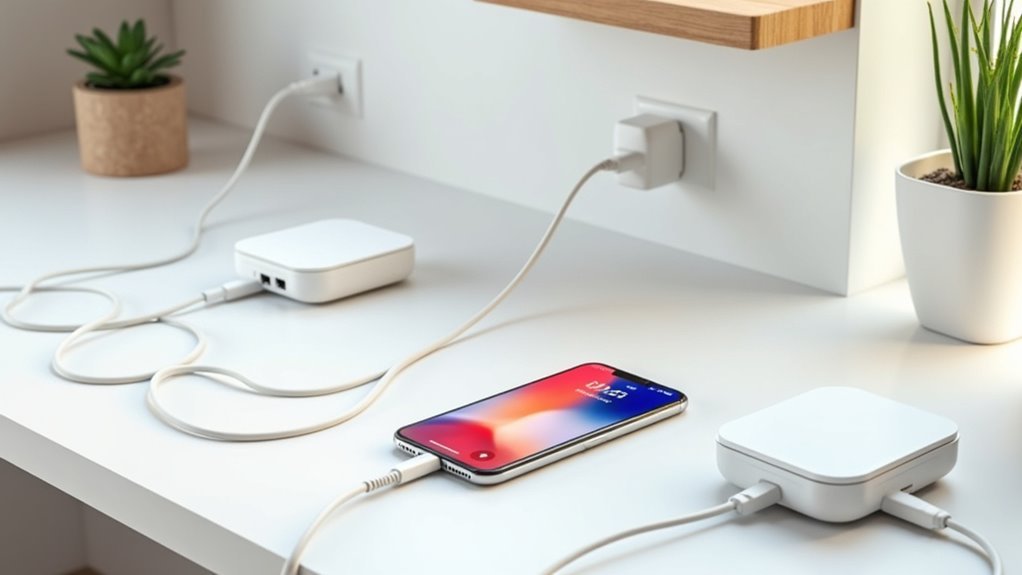
Most mesh WiFi systems come with a dedicated mobile app that streamlines the entire configuration process.
Modern mesh systems eliminate technical complexity by offering intuitive mobile apps that guide users through seamless network setup and management.
You’ll find these apps provide step-by-step guidance to configure your network settings efficiently.
- Download and install the dedicated mobile app for your specific mesh Wi-Fi system model
- Create your account and establish a strong administrator password to secure network access and management
- Set your network credentials by assigning a memorable SSID and robust password for device connections
- Optimize backhaul settings through the app, choosing between wired or wireless options based on your performance requirements
- Monitor and maintain your system by regularly checking for firmware updates and reviewing network analytics
The mobile app becomes your central hub for managing security, performance, and ongoing maintenance of your mesh network.
Test Signal Strength and Adjust Node Placement as Needed
After completing your initial mesh network configuration, you’ll need to test signal strength throughout your home to guarantee optimal coverage. Use your mesh nodes’ built-in indicators or mobile app to assess connection quality between your router and satellites.
Conduct speed tests at various locations to identify areas with weak Wi-Fi signals and determine ideal satellite node placement.
Follow the two-room rule when positioning nodes—keep each satellite within two rooms of your central location for effective communication.
If you’re experiencing dead zones, relocate nodes closer to affected areas and perform another round of signal strength testing to evaluate improvements.
Regularly monitor network performance through your system’s app, making adjustments as needed to maintain consistent Wi-Fi coverage and speed throughout your entire home.
Set Up Parental Controls and Quality of Service Settings
With your mesh network delivering reliable coverage throughout your home, you can now configure advanced features that give you greater control over internet usage and ideal performance.
Setting up parental controls and Quality of Service (QoS) settings guarantees every family member enjoys appropriate internet access while maintaining smooth network performance:
- Create individual profiles through your mobile app for each family member, setting time limits and content restrictions for their devices.
- Configure QoS settings to prioritize bandwidth allocation for high-demand activities like gaming and streaming.
- Use the pause button feature to temporarily disable internet access during meals or homework time.
- Enable monitoring tools to track internet usage patterns across all connected devices.
- Schedule regular adjustments to your settings as your family’s needs evolve.
Frequently Asked Questions
How to Best Set up Mesh Wifi?
Place your main router centrally and elevated. Position additional nodes within two rooms of each other in open spaces. Use mobile apps to check signal strength, consider wired backhaul connections, and regularly test performance throughout your home.
What Must Be Avoided in a Mesh Network?
You must avoid placing nodes too far apart, using daisy-chain topology, relying only on wireless backhaul, hiding the main router behind furniture, and neglecting firmware updates for peak performance.
Should I Turn off Router Wifi When Using Mesh?
You should turn off your router’s WiFi when using mesh to prevent signal interference. This eliminates conflicting networks, reduces dropped connections, and guarantees all devices connect only to your mesh system for peak performance.
What Is a Major Disadvantage of a Mesh Network?
You’ll face increased latency as your primary disadvantage with mesh networks. Each additional hop between nodes creates delays in data transmission, especially when nodes aren’t ideally positioned throughout your space.




Leave a Reply