
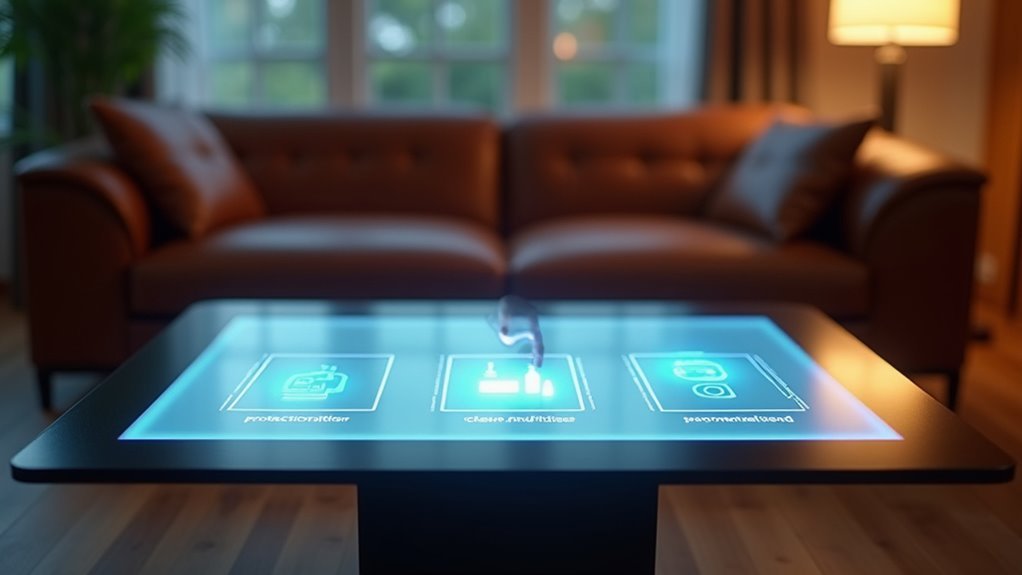
You’ve decided to build a touch-screen coffee table, but you’re quickly realizing there’s more to it than slapping a display onto a wooden frame. The difference between a frustrating gadget that collects dust and an impressive centerpiece that guests can’t stop using comes down to three critical decisions you’ll make during construction. Get these wrong, and you’ll end up with an expensive disappointment that responds poorly to touch and overheats within months.
Choose the Right Display and Surface Materials for Optimal Touch Response
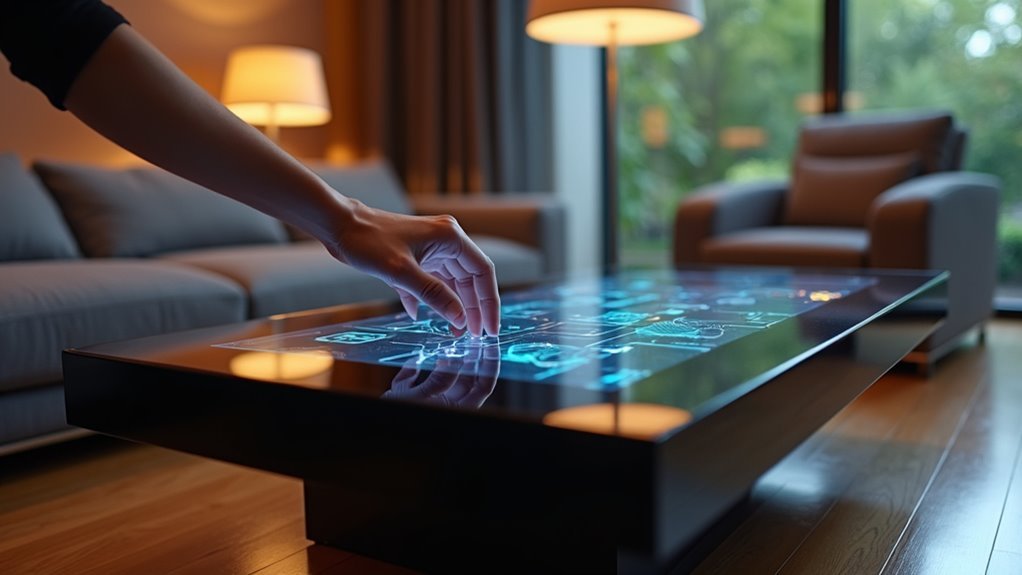
When building a touch-screen coffee table, you’ll want to start with a high-resolution display that uses capacitive touch technology, as this combination delivers the smoothest interactions and most responsive user experience.
For surface material, choose tempered glass or plexiglass—both offer scratch-resistant protection while enabling accurate touch detection.
You’ll need to keep your touch surface free from obstructions or reflective materials that interfere with responsive touch capabilities.
Consider the dimensions carefully, since larger surfaces provide more interaction space but require additional sensors for precise tracking.
Larger touch surfaces offer expanded interaction possibilities but demand more sophisticated sensor arrays to maintain accurate input detection across the entire area.
Test different combinations of your display and surface material to find the best configuration. Touch sensitivity varies between materials, so experimentation helps determine what works best for your specific setup.
Position CCD Sensors and IR LEDs for Maximum Detection Coverage
Strategic placement of your CCD sensors and IR LEDs determines whether you’ll achieve seamless touch detection or struggle with frustrating dead zones. Position your CCD sensors at opposite corners of the touch surface to maximize detection coverage and guarantee accurate coordinate readings across the entire area.
| Component | Minimum Quantity | Placement Strategy |
|---|---|---|
| CCD Sensors | 2 | Opposite corners |
| IR LEDs | 24 | Around edges |
| Reflective Mirrors | Variable | Strategic angles |
Install at least 24 IR LEDs around your touch surface edges for enhanced object recognition. Ensure even illumination to prevent blind spots that compromise detection accuracy. Incorporate reflective mirrors to expand your detection area by directing IR light toward sensors. While dual CCD sensors cover larger areas effectively, remember they’ll demand additional processing power, potentially affecting response speed.
Build a Sturdy Enclosure With Proper Ventilation and Wire Management
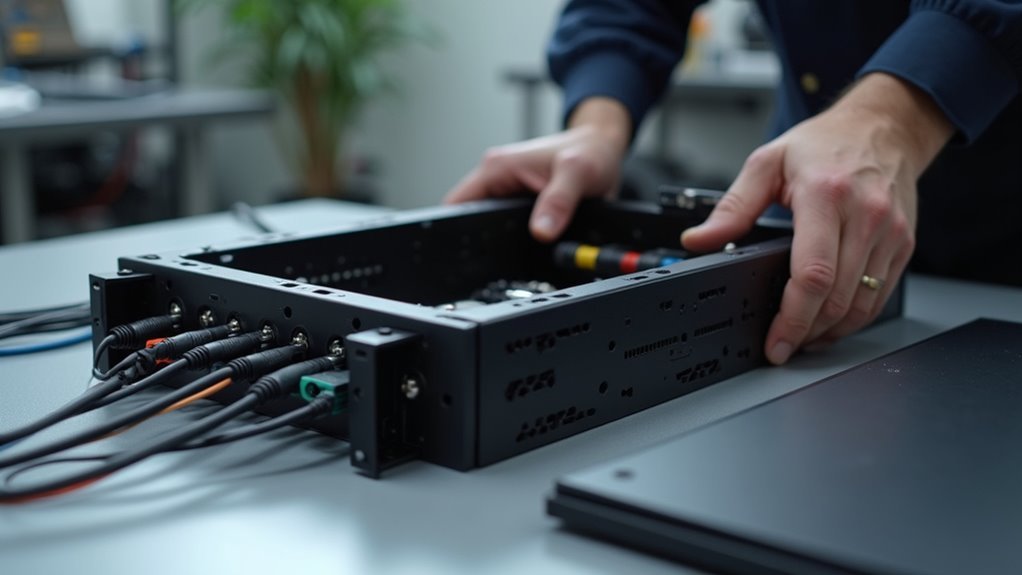
After establishing proper sensor placement, you’ll need to construct a robust enclosure that houses all components securely while maintaining ideal operating temperatures.
Build your sturdy structure using durable materials like plywood or MDF to support the TV’s weight effectively. Incorporate ventilation holes or mesh grilles for proper heat dissipation from your mini PC and monitor.
Strategic mounting with L-shaped brackets guarantees stability while keeping everything accessible for adjustments. Plan your layout to minimize clutter by organizing power supplies with Velcro organizers or cable management trays.
Cut precise openings for access points to facilitate easy connections to peripherals and power while maintaining a clean aesthetic. This organized approach prevents overheating and extends component lifespan.
Frequently Asked Questions
What Is the Rule of Thumb for a Coffee Table?
You should choose a coffee table that’s 16-18 inches high, two-thirds your sofa’s length, and positioned 14-18 inches from seating. Make certain it’s at least 18×30 inches for functionality and matches your room’s style.
How Do You Display Things on a Coffee Table?
You can display decorative items like books, candles, plants, or trays on a coffee table’s surface. Arrange objects in groups of odd numbers, vary heights for visual interest, and leave space for functionality.
What Should I Put in the Middle of My Coffee Table?
You should place a decorative tray in your coffee table’s center, then add a small plant or succulent for greenness. Include stacked art books for height variation and conversation starters with guests.
Does a Glass Coffee Table Make a Room Look Bigger?
Yes, a glass coffee table makes your room look bigger. Its transparency allows light to pass through and reduces visual bulk, creating an airy feel. You’ll notice the space flows more seamlessly and appears more open.




Leave a Reply