
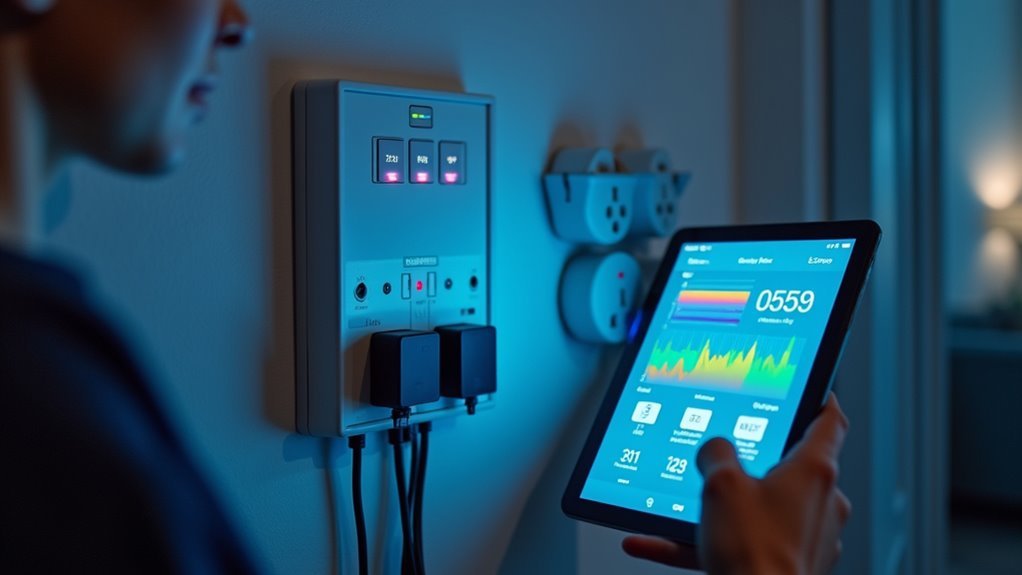
You’ve probably noticed your energy bills creeping higher each month, but you can’t pinpoint exactly what’s driving those costs. Home Assistant’s energy monitoring transforms your home into a smart utility tracker that reveals precisely where every kilowatt goes. By connecting smart meters, CT clamps, and energy sensors to your system, you’ll uncover hidden power drains and identify which appliances are secretly emptying your wallet while you sleep.
Understanding Home Assistant Energy Management Systems
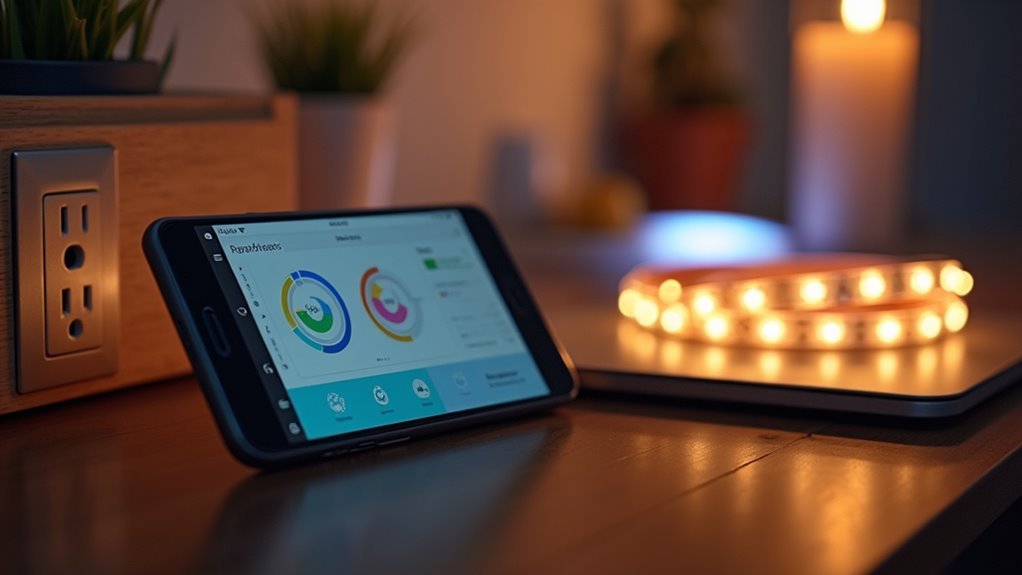
When you’re looking to gain control over your household energy consumption, Home Assistant’s energy management system serves as a powerful central hub that consolidates data from multiple sources including electricity, solar panels, gas, and water utilities.
This extensive energy monitoring platform transforms your home into an intelligent ecosystem where you can track real-time usage through compatible devices and smart meter integrations.
You’ll benefit from detailed insights into individual appliance consumption, enabling precise optimization of your energy efficiency.
The system’s energy dashboard visualizes consumption trends over time, helping you identify usage patterns and make data-driven decisions.
Setting Up Hardware for Energy Monitoring
You’ll need to choose between three main hardware approaches to monitor your home’s energy consumption in Home Assistant.
Direct meter connections through P1 ports offer the most extensive data if you’re in compatible regions, while CT clamp sensors provide flexible circuit-level monitoring for broader applications.
Smart plugs and devices give you targeted appliance monitoring that’s quick to set up and integrate.
Direct Meter Connection Methods
Direct meter connection methods offer the most accurate and reliable approach to energy monitoring in Home Assistant, as they tap directly into your existing utility infrastructure.
These smart energy meter connections eliminate guesswork by providing real-time data directly from your utility’s measurement source.
You’ll find several direct connection options available. P1 ports in European countries give you real-time access to your smart energy meter data.
For German users, SML integration retrieves real-time energy usage information seamlessly. The IEC62056-21 protocol uses infrared technology to read meter data accurately.
Pulse counters detect LED flashes from mechanical meters, converting them into usable Home Assistant data.
Each direct meter connection method guarantees precise energy usage tracking, making them superior to estimated calculations or indirect monitoring approaches.
CT Clamp Sensor Installation
Although CT clamp sensors don’t provide the pinpoint accuracy of direct meter connections, they offer an excellent middle ground between precision and installation simplicity for Home Assistant energy monitoring.
You’ll measure energy usage by clamping these sensors around insulated electrical wires, enabling non-intrusive current monitoring without direct electrical contact.
For installation, you’ll place the clamp around your target circuit’s wire and connect it to a hub or compatible device.
Off-the-shelf solutions like Shelly EM provide local APIs for seamless Home Assistant integration, while DIY ESPHome options offer customization flexibility.
Ensure proper clamp orientation to prevent negative readings—some devices allow app-based reading inversion.
If you’re unfamiliar with electrical wiring, consult a licensed professional for safe, regulation-compliant installation.
Smart Device Integration Options
When choosing smart devices for Home Assistant energy monitoring, you’ll find several integration pathways that balance ease of setup with data accuracy.
Smart device integration offers multiple approaches depending on your technical comfort level and monitoring requirements.
- Zigbee Energy Profile devices provide wireless connectivity with real-time consumption tracking through your existing Zigbee network.
- Smart plugs offer plug-and-play energy monitoring for individual appliances without electrical modifications.
- Local API devices like Shelly EM and Frient monitors deliver detailed usage data while maintaining network independence.
- P1 port connections enable direct meter integration in Netherlands, Belgium, and Luxembourg for extensive household monitoring.
Each option requires configuring device_class and state_class parameters within Home Assistant for proper energy monitoring functionality and accurate reporting.
Connecting to Your Electricity Meter
Before you can monitor your home’s energy consumption, you’ll need to establish a connection between Home Assistant and your electricity meter. Several methods enable real-time data extraction for accurate energy usage monitoring.
Connecting Home Assistant to your electricity meter unlocks real-time energy monitoring capabilities for comprehensive home consumption tracking.
If you’re in the Netherlands, Belgium, or Luxembourg, you can use the P1 port for direct meter connections. This provides efficient real-time data access from compatible meters.
For wireless monitoring, Zigbee Energy Profile integration works with certified hardware to extract energy data wirelessly from your electricity meter.
Pulse counters offer another approach by utilizing LED flashes from meters to measure consumption.
Additionally, the IEC62056-21 protocol enables infrared data reading, while Germany commonly uses SML (Smart Message Language) for meter integration, ensuring thorough monitoring capabilities.
Configuring CT Clamp Sensors for Real-Time Data

CT clamp sensors provide another effective method for monitoring your home’s energy usage through Home Assistant. These sensors detect current flowing through electrical wires, enabling real-time monitoring of your consumption patterns.
You can choose between off-the-shelf solutions and DIY approaches:
- Shelly EM devices offer local API integration for seamless Home Assistant connectivity
- ESPHome CT Clamp Current sensors provide customizable DIY monitoring solutions
- Professional installation may be required for safe electrical wiring work
- Proper configuration involves setting device_class, state_class, and unit_of_measurement parameters
Home Assistant calculates energy consumption using the Riemann sum integral method from instantaneous power readings.
Accurate setup guarantees your CT clamp sensors deliver reliable data for thorough energy tracking and optimization.
Establishing Energy Tariffs and Pricing
Setting up energy tariffs in Home Assistant transforms raw consumption data into meaningful cost insights that reflect your utility provider’s actual pricing structure. You can configure up to four distinct tariffs using YAML, enabling precise tracking of electricity usage costs throughout different time periods.
| Time Period | Tariff Type | Rate ($/kWh) |
|---|---|---|
| 08:00-17:00 | Day | 0.15 |
| 17:00-19:00 | Peak | 0.35 |
| 19:00-23:00 | Day | 0.15 |
| 23:00-08:00 | Off-Peak | 0.08 |
| Weekend | Off-Peak | 0.08 |
Each energy tariffs configuration requires specific pricing points for accurate cost calculations. You’ll need automations to switch between tariffs based on time-of-day schedules, ensuring your electricity usage aligns with your provider’s pricing structure and maximizes potential savings.
Creating Utility Meters and Device Categories

Utility meters serve as the foundation for translating your configured tariffs into actionable energy tracking within Home Assistant.
You’ll need to create separate meters for each tariff period, enabling precise monitoring of energy consumption during peak, off-peak, and shoulder pricing windows. This granular approach guarantees accurate cost calculations throughout different times of day.
Once your utility meters are established through YAML configuration, you can organize your monitored devices into logical groups:
- Cooking – Ovens, microwaves, dishwashers, and kitchen appliances
- Climate – HVAC systems, heaters, and air conditioning units
- Cleaning – Washing machines, dryers, and vacuum cleaners
- IT/Media – Computers, entertainment systems, and smart devices
These device categories streamline analysis by grouping similar appliances, making it easier to identify energy-hungry categories and optimize consumption patterns.
Integrating Smart Plugs and Energy Sensors
While utility meters provide the framework for energy tracking, smart plugs and energy sensors deliver the granular data needed to monitor individual devices and circuits throughout your home.
Smart plugs with energy monitoring capabilities track real-time energy consumption of specific appliances, revealing usage patterns and costs for each device. Home Assistant supports integration with various energy sensors, enabling you to monitor multiple circuits simultaneously and receive instantaneous power readings in watts or kilowatts.
You can configure these sensors to set personalized usage targets and receive alerts for unusual energy spikes, promoting proactive energy management.
Advanced devices like the Emporia Vue 2 and CT clamp sensors monitor high-consumption appliances across multiple circuits, enhancing your smart home’s energy monitoring effectiveness.
Building Custom Energy Dashboards
Once you’ve gathered energy data from your smart plugs and sensors, Home Assistant’s customizable dashboard system transforms this raw information into actionable insights through thorough visual displays.
You can create sophisticated energy dashboards that monitor consumption patterns across your entire home. These dashboards utilize various visualization methods to help you understand usage trends:
- Stacked bar charts display total energy consumption with breakdowns by room or appliance category
- Pie charts provide quick visual representations of energy distribution across different areas
- Apexcharts custom cards from HACS offer enhanced donut charts with configurable legends and labels
- Sensor grouping organizes devices into categories like Cooking, Climate, and Lighting for detailed tracking
Historical data retention enables running averages and trend calculations, empowering you to make informed decisions about your home’s energy efficiency.
Analyzing Consumption Data and Cost Savings
After building extensive energy dashboards, you’ll discover that Home Assistant’s analytical capabilities transform your consumption data into concrete cost-saving opportunities.
You can analyze historical consumption patterns to identify trends and inefficiencies in your energy use. Smart plugs and energy sensors help you pinpoint which appliances consume the most power, typically leading to 10%-20% savings on your bills.
The platform’s utility meters track costs based on your electricity company’s time-of-day pricing structures, ensuring accurate cost calculations.
Through SQL integration, you’ll calculate running averages of power consumption over specific periods, revealing insights into your usage habits. This detailed analysis empowers you to make informed decisions about appliance usage and timing, maximizing your cost savings potential.
Frequently Asked Questions
What Does an Energy Monitor Do?
You’ll track real-time energy consumption and production throughout your home. It measures power usage patterns, integrates with solar panels and batteries, calculates energy over time, and helps you optimize efficiency while reducing bills.
What Is the Energy Monitoring?
Energy monitoring tracks your real-time power consumption and usage patterns. You’ll measure electricity, gas, water, and solar energy through sensors and smart devices, helping you identify wasteful habits and optimize consumption for significant cost savings.
How Do You Use a Home Energy Monitor?
You’ll install CT clamp sensors on electrical wires, connect them to your monitoring device, then integrate with Home Assistant. Set usage targets, configure alerts for energy spikes, and analyze historical data to optimize consumption.
What Is the Difference Between Metering and Monitoring?
Metering tracks your total energy consumption over time for billing purposes, while monitoring shows real-time power usage patterns. You’ll use metering for overall consumption data and monitoring for immediate efficiency insights.




Leave a Reply