
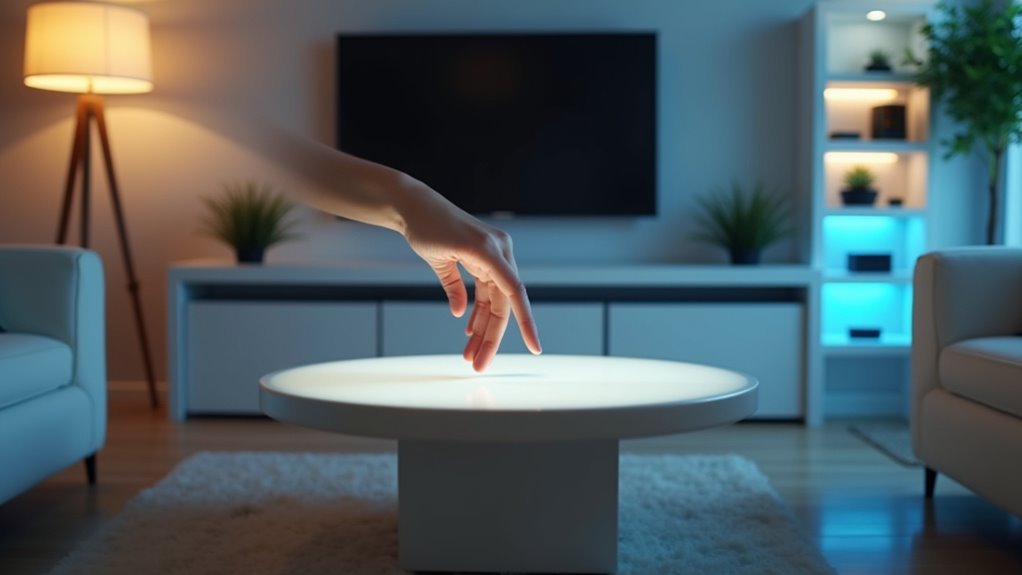
You’ve probably struggled with fumbling for light switches in the dark or wished your furniture could respond to simple hand movements. Gesture control lighting isn’t just futuristic fantasy anymore—it’s an achievable smart home upgrade that’ll transform how you interact with your living space. However, most DIY attempts fail because people overlook essential technical details that separate smooth, responsive systems from frustrating, glitchy installations that barely work when you need them most.
Sensor Placement for Optimal Gesture Detection
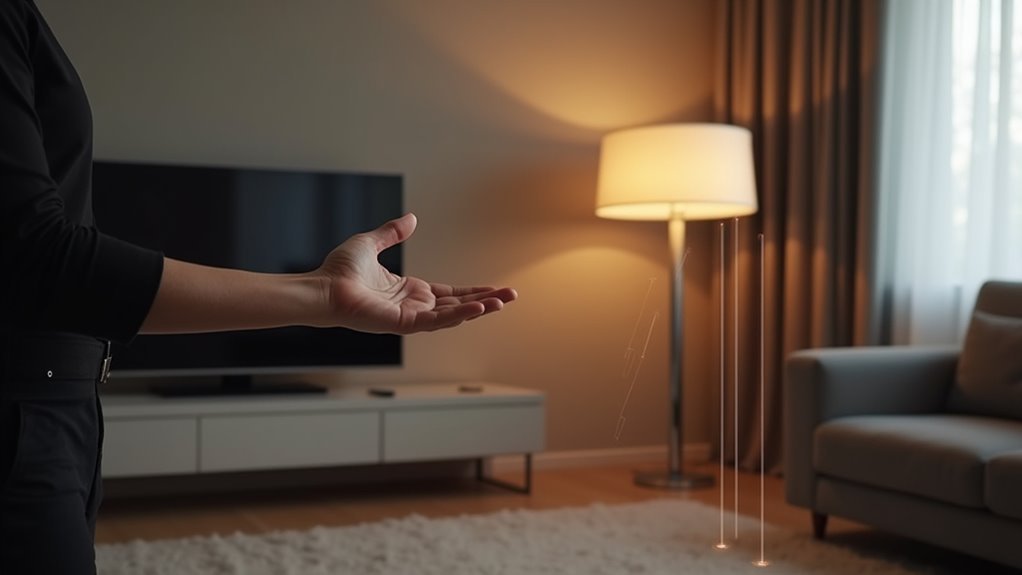
When setting up gesture control lighting in your furniture, you’ll find that sensor placement makes or breaks the entire system’s effectiveness. Position your sensors 1.5 to 2 meters above ground level to maximize detection range for both standing and sitting positions.
Proper sensor placement at 1.5-2 meters height is crucial for effective gesture control lighting that works for all users.
You’ll want to guarantee clear line of sight between sensors and gesture areas, removing any obstructions that could interfere with accuracy.
Choose wide-angle sensors to cover broader areas, giving you more movement flexibility. Experiment with different sensor angles since certain gestures are better captured from specific orientations. A sensor angled slightly downward might detect hand movements more effectively than one positioned straight ahead.
Regular testing and calibration in your chosen positions guarantees consistent performance. Adjust settings based on lighting conditions and user feedback to optimize how well sensors detect hand movements and control the lights.
Furniture Design Integration With Smart Lighting
Modern furniture design has evolved to seamlessly incorporate smart lighting technology, transforming ordinary pieces into interactive command centers for your home’s illumination.
You can now embed gesture sensors directly into tabletops and armrests, enabling effortless lighting control through simple hand movements. This furniture design integration eliminates traditional switches while creating a sleek, uncluttered aesthetic.
Your smart lighting system can utilize tunable white LED strips that respond to your gestures, automatically adjusting color temperatures for reading, working, or relaxing.
Modular furniture designs offer maximum versatility, allowing you to customize your setup based on room layout and personal preferences.
This gesture control technology not only enhances visual appeal but also promotes energy efficiency by letting you turn off lights in unoccupied areas with simple hand movements.
Gesture Recognition Technology Selection
You’ll need to choose between camera-based systems and dedicated sensors when selecting gesture recognition technology for your smart furniture.
Camera systems offer higher accuracy rates up to 99.5% but require good lighting conditions, while sensor-based options like radar or wearable devices work reliably in various environments.
Your machine learning model selection depends on whether you want simple on/off gestures or complex movement recognition requiring neural networks.
Camera Vs Sensor Systems
As you explore gesture control options for your lighting furniture, you’ll face a fundamental choice between camera-based and sensor-based recognition systems.
Camera systems offer superior gesture recognition capabilities, detecting a wider range of hand movements than sensor alternatives. However, they’re sensitive to lighting conditions and require powerful processors, potentially causing response delays.
Sensor-based systems excel in low-light environments and don’t need direct line-of-sight positioning. They deliver real-time responses with minimal computational demands, making them highly reliable across diverse settings.
While sensors struggle with complex gestures, they’re typically more budget-friendly than high-quality camera hardware.
Consider your specific needs: choose cameras for gesture variety and precision, or sensors for reliability and cost-effectiveness in your smart lighting setup.
Machine Learning Model Types
Once you’ve selected your hardware system, the machine learning model powering your gesture recognition becomes the critical factor determining accuracy and responsiveness.
You’ll find convolutional neural networks (CNNs) excel at processing image-based gestures, learning spatial patterns that translate into reliable control signals. For time-based gestures, long short-term memory networks (LSTMs) maintain context across sequential frames, ensuring smooth recognition flow.
Transfer learning accelerates your development by adapting pre-trained models to your specific lighting control needs. You can enhance performance using ensemble methods that combine multiple models through majority voting mechanisms.
For real-time furniture applications, lightweight architectures like MobileNet or Tiny YOLO deliver the speed you need.
Your machine learning model choice directly impacts whether users experience seamless gesture-to-light control or frustrating delays.
Power Management and Wiring Considerations
You’ll need to prioritize relay circuit safety when designing your gesture control lighting system’s electrical infrastructure.
Proper voltage load management becomes critical as you integrate multiple sensors, controllers, and LED fixtures into a single piece of furniture.
Your wiring setup must handle varying power demands while maintaining safe operating conditions throughout the entire system.
Relay Circuit Safety
When implementing gesture control lighting systems, relay circuit safety becomes paramount since you’re dealing with both low-voltage control signals and high-voltage lighting loads. You’ll need to guarantee your relay’s voltage and current ratings exceed your lamp requirements to prevent overheating and potential failures.
| Component | Safety Requirement | Wire Gauge |
|---|---|---|
| 15A Circuit | 14-gauge minimum | Fuse/breaker required |
| 20A Circuit | 12-gauge minimum | Fuse/breaker required |
| Relay Mount | Secure, dry location | Proper insulation |
Your lighting system’s power supply connections must use appropriate wire gauging and include overcurrent protection through fuses or breakers. Cover all exposed terminals with heat shrink tubing or electrical tape to prevent short circuits. Mount your relay board away from moisture and heat sources to maintain relay circuit safety and system reliability.
Voltage Load Management
Proper voltage load management forms the foundation of any reliable gesture-controlled lighting system, as exceeding your relay board’s capacity can lead to component failure or dangerous overheating.
You’ll need to calculate the total amperage of all connected fixtures before installation. Most 4-channel relay boards handle up to 10A, so make sure your lighting load stays within this limit.
When controlling multiple brightness levels through gesture commands, remember that dimmer circuits can create additional electrical stress on your relay board. Calculate each fixture’s maximum draw, then add them together for your total voltage load.
If you’re approaching the relay board’s capacity, consider splitting circuits or upgrading to a higher-rated board to maintain safe operation and peak performance.
Customizable Control Settings and User Interface
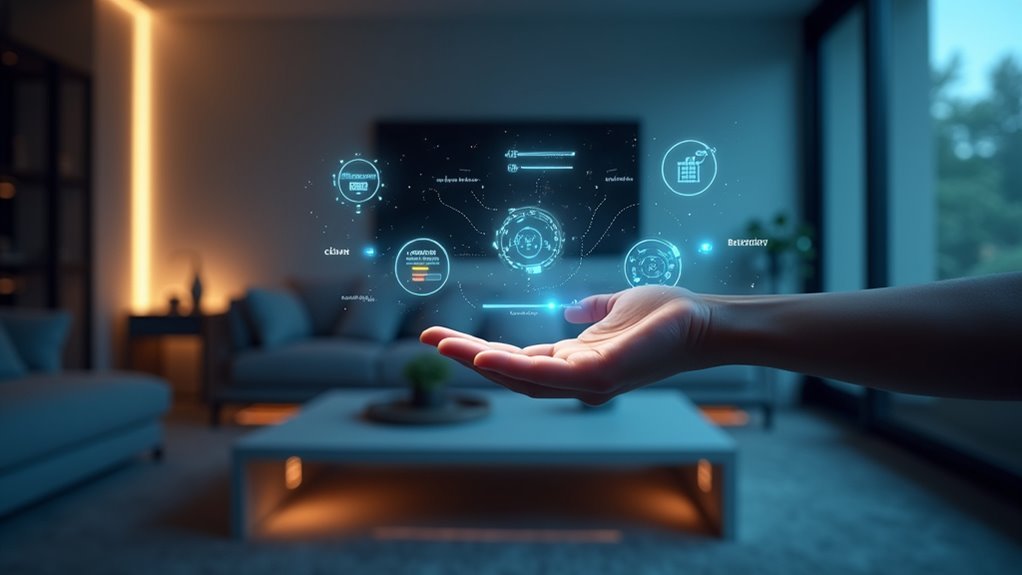
Modern gesture control lighting systems frequently offer extensive customization options that let you tailor the interface to match your specific needs and preferences.
You can define specific hand gestures for various lighting functions, such as turning lights on/off or adjusting brightness levels. The user interface adapts to provide visual feedback on gesture recognition, ensuring you receive confirmation of your actions.
These customizable control settings allow you to select from various gesture options, making the experience intuitive across different environments.
You’ll appreciate the system’s flexibility, which enables gesture reassignment as your habits change over time. Enhanced customization includes setting specific lighting scenes for activities like reading or entertaining, creating a more personalized lighting experience.
Safety Protocols for Electrical Components
Although gesture control lighting systems offer convenience and modern functionality, you must prioritize electrical safety to protect both your equipment and yourself from potential hazards. Following proper safety protocols guarantees your smart home operates reliably without compromising your well-being.
Connect all electrical components using appropriate jumper cables to prevent short circuits. Always power your relay board with stable 5V supply and connect it to the Raspberry Pi’s ground for proper circuit function.
When interrupting phase wires for lamp control, use insulated cables to prevent electrical shocks or fire hazards. Install fuses or circuit breakers for overload protection.
Regularly inspect connections and components for wear, corrosion, or damage. These safety protocols maintain your gesture control system’s integrity while protecting your smart home from electrical malfunctions.
Troubleshooting Common Gesture Response Issues
When your gesture control lighting system doesn’t respond as expected, you’ll need to systematically identify and resolve the underlying issues that affect recognition accuracy.
| Problem | Solution |
|---|---|
| Poor lighting conditions | Guarantee adequate illumination without glare |
| Obstructed camera view | Clear obstacles between sensor and hands |
| Inconsistent gesture recognition | Calibrate system after environmental changes |
| Slow response times | Check for software updates |
| Failed detected hand gesture | Adjust sensitivity settings |
First, examine your lighting environment. Gesture recognition struggles in dim or overly bright conditions, preventing accurate detection when you adjust the brightness. Maintain clear sight lines between cameras and your hands to avoid interference. Regular calibration accounts for furniture rearrangements or lighting changes. Update your application regularly for improved responsiveness. If your detected hand gesture isn’t consistently recognized, modify sensitivity settings to match your gesture speed and style.
Frequently Asked Questions
What Is the Average Cost Difference Between Gesture Control and Traditional Lighting Furniture?
You’ll typically pay 30-50% more for gesture-controlled lighting compared to traditional options. Smart furniture with motion sensors costs $200-800 more than standard pieces, depending on complexity and brand quality you choose.
How Long Does Gesture Control Lighting Furniture Typically Last Before Needing Replacement?
You’ll find gesture control lighting furniture typically lasts 5-10 years before replacement. The electronic sensors and LED components usually outlast traditional bulbs, but you’ll eventually need updates for improved technology or worn sensors.
Can Gesture Control Lighting Work Effectively With Pets and Children in the Room?
You’ll find gesture control lighting works well with pets and children present. Most systems can distinguish between intentional gestures and random movements, though you might need to adjust sensitivity settings for ideal performance.
What Happens to Gesture Controls During Power Outages or Electrical Storms?
During power outages, you’ll lose all gesture control functionality since the system requires electricity to operate. Electrical storms can damage sensitive electronics, so you should unplug gesture-controlled devices to prevent permanent damage from power surges.
Are There Specific Room Sizes Where Gesture Control Lighting Works Better?
You’ll find gesture controls work best in medium-sized rooms between 100-300 square feet. Small spaces can trigger false activations, while large rooms may have detection gaps or require multiple sensors for complete coverage.




Leave a Reply