
You’ve installed Home Assistant and you’re staring at a blank Lovelace dashboard, wondering where to start. The interface feels overwhelming with countless card options, but you don’t need to master them all at once. Three specific cards will transform your basic setup into a functional smart home control center that actually makes sense. These aren’t just pretty widgets—they’re the foundation pieces that’ll determine whether your dashboard becomes genuinely useful or just another frustrating tech experiment.
Button Card Component for Visual Status Indicators
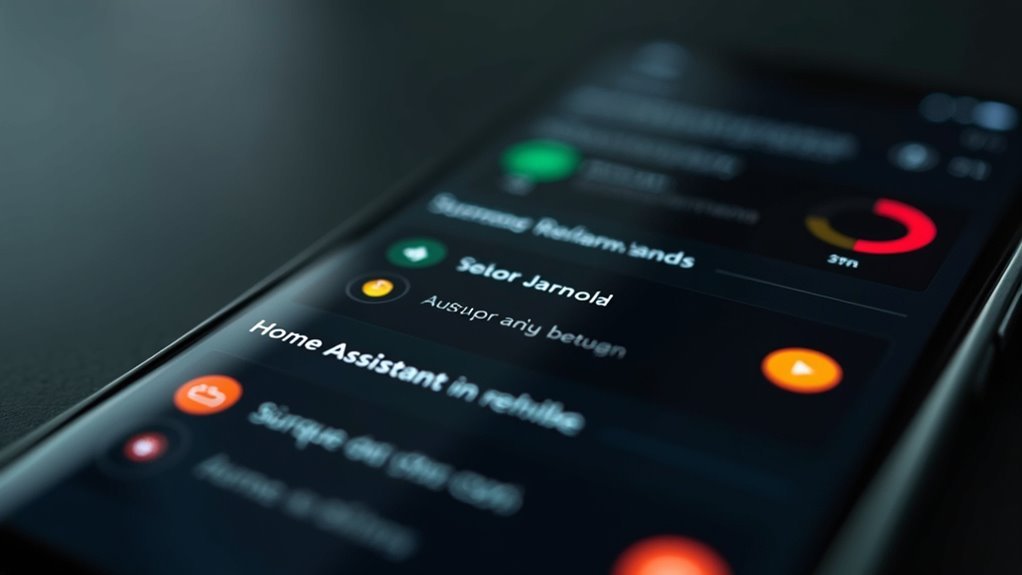
The button_card component transforms your Home Assistant interface into an interactive dashboard where you can create visually striking buttons that respond dynamically to your sensor states.
Transform your Home Assistant into a dynamic, interactive dashboard with visually striking buttons that respond to real-time sensor data.
This custom component enhances user interaction by automatically changing colors and icons based on real-time data from your sensors.
You’ll find the configuration remarkably flexible through template operators, allowing precise condition definitions for state changes. For example, you can set buttons to display white for empty states, blue for full, light blue for partial, and red for invalid conditions.
These visual status indicators provide immediate feedback about your smart home’s status.
The button_card integrates seamlessly into Lovelace UI, making it perfect for beginners.
GitHub documentation offers detailed installation guides and advanced customization examples to help you master this powerful component.
Mushroom Climate Card for Thermostat Control
While button cards excel at visual status displays, climate control requires specialized interface elements that can handle complex thermostat operations. The Mushroom Climate Card, developed by piitaya, delivers a minimalistic solution specifically designed for thermostat management in Home Assistant.
This card transforms your climate entity into an intuitive control interface with collapsible settings that maintain a clean appearance. You’ll appreciate its versatility across multiple operating modes and extensive customization options.
| Feature | Capability | Benefit |
|---|---|---|
| Operating Modes | Heat/Cool/Auto/Fan | Complete climate control |
| Interface Design | Collapsible controls | Cleaner user experience |
| Customization | Extensive options | Tailored functionality |
| Setup | Configuration examples | Seamless integration |
Custom configuration examples guide you through setup, ensuring smooth integration into your automation environment while maintaining the card’s signature minimalistic aesthetic.
Entities Card for Dashboard Organization

When dashboard organization becomes a priority, you’ll find the Entities Card serves as your central hub for displaying multiple entities within a single, streamlined interface.
This versatile card supports switches, lights, sensors, and other entity types, letting you create organized groups that make sense for your home automation setup.
You can customize titles, icons, and entity names to match your dashboard’s aesthetic while maintaining functionality. The entities card allows direct toggling of devices without maneuvering through multiple views, streamlining your Home Assistant experience.
Whether you’re grouping kitchen appliances or bedroom controls, this card provides quick access to essential functions.
Combine it with Glance or Button Cards for enhanced dashboard organization that’s both visually appealing and highly functional.
Frequently Asked Questions
Is the Raspberry Pi 5 Overkill for Home Assistant?
You’ll find the Raspberry Pi 5 overkill if you’re running basic Home Assistant setups. However, if you’re planning advanced integrations, multiple add-ons, or demanding automations, you’ll benefit from its enhanced performance capabilities.
Which Raspberry Pi Is Best for Home Assistant?
You’ll get the best performance with a Raspberry Pi 4 Model B (4GB or 8GB RAM). It handles multiple integrations smoothly while remaining cost-effective. The Pi 3B+ works for basic setups but may struggle with expansion.
How to Use Mushroom Cards With Home Assistant?
You’ll install Mushroom Cards through HACS by searching “Mushroom Cards” and following installation prompts. Then you can configure various card types like climate controls and media players using examples from the official documentation.
Is 32GB Enough for Home Assistant?
You’ll find 32GB sufficient for most Home Assistant setups, including basic add-ons and historical data. However, if you’re planning extensive integrations or custom components, consider upgrading to 64GB for future expansion.




Leave a Reply