
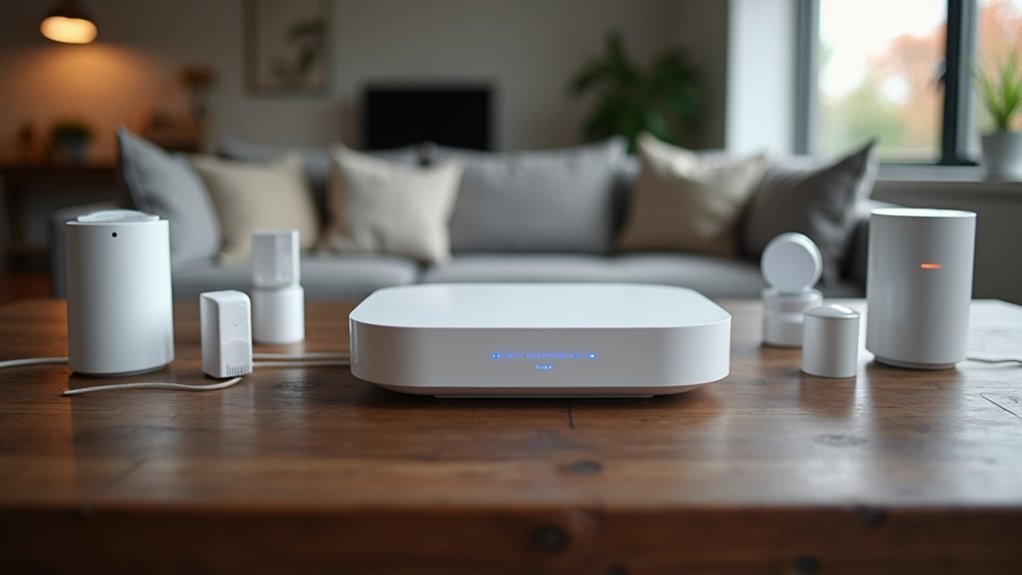
You’ve probably noticed smart home devices popping up everywhere, but here’s what most people don’t realize: without the right controller, you’re fundamentally buying expensive gadgets that can’t talk to each other. Your smart lights won’t coordinate with your thermostat, and your security system will operate in isolation. The controller is the brain that transforms individual devices into a cohesive, automated system—but choosing the wrong one could leave you frustrated and hundreds of dollars poorer.
What Are Home Automation Controllers and Why You Need One
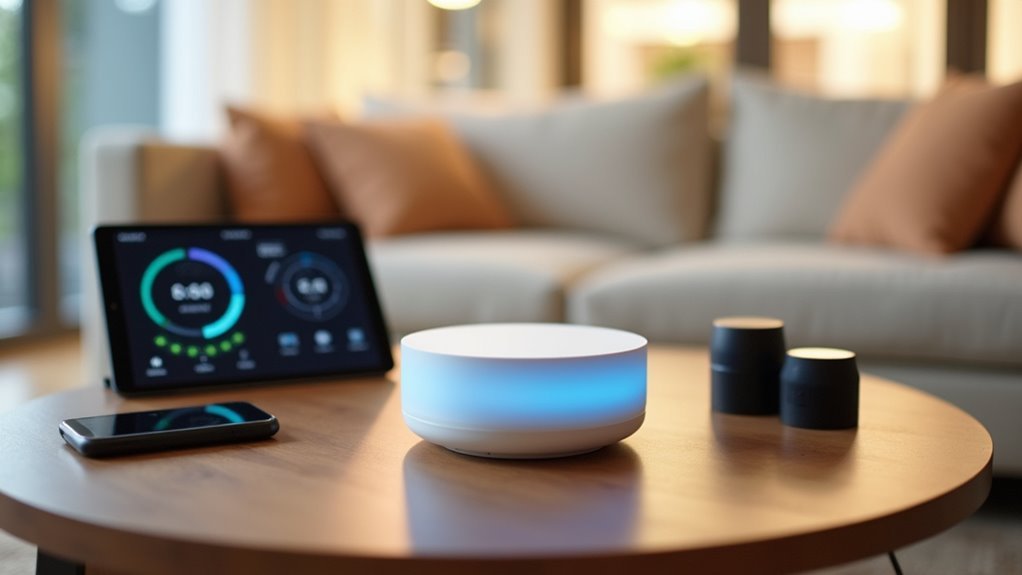
Imagine walking into your home and having every device automatically respond to your presence—lights dimming to your preferred setting, thermostat adjusting to the perfect temperature, and security system disarming itself.
This seamless experience becomes reality with home automation controllers, which serve as your smart home’s central hub. These controllers connect and manage all your smart home devices through one interface, eliminating the hassle of juggling multiple apps.
You’ll create automation routines that handle daily tasks automatically, from adjusting HVAC systems to enhancing security features. Most controllers support various wireless protocols like Z-Wave, Zigbee, and Wi-Fi, ensuring compatibility across different manufacturers.
This scalability means you can easily expand your system as needs change, improving energy efficiency and convenience.
Types of Home Automation Controllers Available
When you’re shopping for home automation controllers, you’ll encounter smart hubs that manage multiple devices and bridges that connect specific protocols to your network.
You’ll also need to evaluate which wireless protocols each controller supports, as this determines what devices you can connect and control.
Additionally, you can choose between local controllers that operate independently and cloud-based options that rely on internet connectivity for enhanced features and remote access.
Smart Hubs Vs Bridges
As you build your smart home ecosystem, you’ll encounter two primary types of controllers that serve distinctly different purposes: smart hubs and bridges.
Smart hubs act as all-encompassing control centers, managing multiple devices across various protocols like Z-Wave, Zigbee, and Wi-Fi. They offer advanced automation routines and extensive device compatibility, making them ideal for larger setups. The Samsung SmartThings Hub supports over 200 devices, while Amazon Echo Plus includes built-in Zigbee functionality.
Bridges focus on connecting specific device types to your smart home network. The Philips Hue Bridge exemplifies this approach, designed specifically for smart lighting systems.
While bridges are simpler and more limited in scope, they’re perfect for smaller ecosystems. Consider your setup’s scale when choosing—broad systems benefit from hubs, while specific device collections work well with bridges.
Wireless Protocol Compatibility
Understanding wireless protocol compatibility becomes essential once you’ve selected your controller type, since different protocols determine which devices can communicate with your system.
Smart home technology relies on four primary wireless protocols, each offering distinct advantages.
Z-Wave operates on 908.42 MHz in the US, providing reduced interference and enhanced range that’s perfect for home automation.
Zigbee utilizes 2.4 GHz frequency with excellent mesh networking capabilities, allowing devices to relay signals over longer distances without direct line-of-sight requirements.
Wi-Fi-based controllers leverage your existing home network for high-speed data transfer and remote smartphone control, though network congestion can limit performance.
Bluetooth works best for short-range connections requiring quick, direct communication with devices like smart speakers and portable gadgets.
Cloud-Based Controller Options
Since wireless protocols establish the foundation for device communication, cloud-based controllers represent the next evolution by leveraging internet connectivity to manage your entire smart home ecosystem remotely.
These controllers enable centralized control through smartphone apps or web interfaces, letting you operate lighting, security, and climate systems from anywhere.
Popular options include Amazon Alexa, Google Assistant, and Apple HomeKit, each offering unique features and broad compatibility with third-party smart devices.
You’ll benefit from their machine learning capabilities, which optimize performance and create personalized automation based on your habits.
These platforms integrate multiple manufacturers’ devices into one cohesive system, while encryption and two-factor authentication protect your data from unauthorized access.
Key Features to Look for in a Smart Home Hub
When you’re selecting a smart home hub, you’ll want to focus on three critical areas that’ll determine how well your system performs.
First, examine the device compatibility standards to guarantee your hub can communicate with all your current and future smart devices.
You should also evaluate the remote access capabilities and automation logic features, as these will define how flexibly and intelligently your smart home operates.
Device Compatibility Standards
One of the most critical considerations when selecting a smart home hub is its ability to communicate with devices across multiple wireless protocols. Device compatibility standards determine whether your hub can effectively control products from different manufacturers.
You’ll want a smart home hub that supports Z-Wave, Zigbee, and Wi-Fi protocols to maximize your device options and avoid vendor lock-in.
When evaluating wireless protocols, consider the range and reliability each offers. Z-Wave provides excellent mesh networking capabilities, while Zigbee excels at low-power communication. Wi-Fi devices offer high-speed connectivity but consume more power.
A user-friendly interface becomes essential when managing diverse device types. Look for hubs that automatically detect compatible devices and provide clear setup instructions, ensuring you can easily expand your smart home ecosystem without technical complications.
Remote Access Capabilities
Nothing beats the convenience of controlling your smart home from anywhere in the world, making remote access capabilities an essential feature in any hub you’re considering.
When choosing a smart home hub, prioritize models offering cloud-based access through secure, encrypted connections. This protects your data while ensuring you can monitor and control devices remotely via smartphone apps or web interfaces.
Look for hubs compatible with major voice assistants like Alexa or Google Assistant, expanding your remote control options through voice commands.
Advanced features like geofencing automatically adjust settings based on your location, optimizing energy efficiency and security.
Real-time notifications and alerts keep you informed about your home’s status, whether you’re at work or traveling internationally, providing complete peace of mind.
Automation Logic Features
While remote access gets you connected to your smart home, automation logic features transform scattered devices into an intelligent, cohesive system that anticipates your needs.
The best smart home hub offers robust automation capabilities that let you create complex routines where multiple devices work together seamlessly. You’ll want IFTTT functionality for conditional automations—like automatically turning on lights when your security camera detects motion after sunset.
Look for hubs with intuitive interfaces that make setting up automation rules straightforward, even for beginners. Compatibility with multiple protocols like Z-Wave, Zigbee, and Wi-Fi guarantees you can integrate devices from various manufacturers.
Advanced features like geofencing add another layer of convenience, automatically adjusting your home’s settings based on your smartphone’s location.
Popular Home Automation Platforms and Ecosystems
The landscape of home automation platforms has evolved into several dominant ecosystems, each competing for control of your smart home experience. When choosing a home automation system, you’ll encounter popular options like Amazon Alexa, Google Assistant, and Apple HomeKit as leading contenders.
Amazon Alexa dominates with over 100,000 compatible devices, making it the most versatile smart home system available. Google Assistant excels at seamless integration with Google services while delivering superior voice recognition through its smart speaker technology.
Apple HomeKit prioritizes privacy and security, letting you control devices via the Home app and Siri.
Don’t overlook Samsung SmartThings, which supports diverse devices with robust automation capabilities, or IFTTT for creating custom automations across different platforms and services.
Wireless Communication Protocols Explained

Behind every successful smart home platform runs a complex network of wireless communication protocols that determine how your devices talk to each other. Understanding these protocols helps you make informed decisions when building your home automation system.
| Protocol | Best For | Power Usage | Range |
|---|---|---|---|
| Wi-Fi | High-speed connectivity | Higher | Long |
| Z-Wave | Smart home devices | Low | Medium |
| Zigbee | Mesh networking | Low | Medium |
| Bluetooth | Device pairing | Medium | Short |
Wi-Fi offers excellent speed and device capacity but consumes more power. Z-Wave and Zigbee excel at creating reliable, low-power mesh networks specifically designed for smart home devices. Thread’s emerging as a promising mesh protocol, while Bluetooth works well for simple pairing tasks. Each protocol’s strengths determine your system’s effectiveness.
Setting Up Your First Home Automation Controller
When you’re ready to transform your house into a smart home, you’ll need to select the right controller type that matches your devices and budget.
The initial setup process involves connecting your hub to your network and configuring it through a mobile app to establish the foundation of your system.
Once your controller’s running, you can start adding your first devices to begin experiencing the convenience of centralized home automation.
Choosing Your Controller Type
Before diving into specific devices, you’ll need to select the type of controller that best fits your home and lifestyle. Home automation controllers fall into two main categories: centralized hubs like SmartThings or Hubitat, and cloud-based systems such as Amazon Alexa and Google Assistant. Both controllers manage device communication and integration effectively.
When making your choice, prioritize device compatibility by ensuring your controller supports multiple protocols including Z-Wave, Zigbee, and Wi-Fi. This approach maximizes your expansion options.
Look for user-friendly interfaces with smartphone apps that simplify setup and management. Consider scalability features that let you start small and gradually add devices. Voice assistants compatibility enhances convenience, while robust automation capabilities improve daily functionality and streamline your home management experience.
Initial Setup Process
Once you’ve selected your ideal controller type, the setup process begins with unboxing your hub and finding the perfect location for it.
Choose a central location with strong WiFi coverage to guarantee your central hub can communicate effectively with all devices throughout your home.
Connect your hub to your WiFi network following the manufacturer’s instructions. Download the dedicated smartphone app and create your account to begin pairing devices. The app will guide you through adding each smart device to your system.
After connecting your devices, you’ll set up routines and automations through the app. Define triggers and actions that match your lifestyle, such as morning routines that adjust lighting and temperature simultaneously.
Remember to check for firmware updates regularly to maintain ideal performance and security.
Adding First Devices
Three essential devices form the perfect starting point for your home automation journey: a smart speaker, smart light bulb, and smart thermostat.
These components establish a solid foundation for your smart home automation system.
Before purchasing, verify your devices are compatible with your central hub, whether it’s an Amazon Echo or Google Nest Hub.
This guarantees seamless integration and control throughout your system.
Follow each manufacturer’s instructions for connecting devices to your controller.
You’ll typically pair them through a mobile app or direct Wi-Fi connections.
Once connected, configure initial automation routines within your controller’s app.
Schedule lights to activate at sunset or program your smart thermostat based on daily schedules.
Finally, test each device regularly to confirm they respond correctly to commands and function properly.
Connecting Smart Devices to Your Hub
When you’re ready to expand your smart home ecosystem, connecting devices to your hub requires verifying compatibility with communication protocols like Wi-Fi, Z-Wave, or Zigbee. Once you’ve confirmed your smart devices are compatible, follow the manufacturer’s pairing instructions by putting devices in pairing mode and using your hub’s app for discovery.
| Protocol | Range | Best For |
|---|---|---|
| Wi-Fi | 150-300 feet | High-bandwidth devices |
| Z-Wave | 100 feet | Low-power sensors |
| Zigbee | 30-50 feet | Battery-powered devices |
| Bluetooth | 30 feet | Personal accessories |
| Thread | 100+ feet | Apple HomeKit devices |
Your hub’s interface lets you manage all connected devices, create automations, and set up routines. Keep firmware updated for peak performance and check your Wi-Fi strength if you experience connectivity issues.
Creating Basic Automation Rules and Scenes
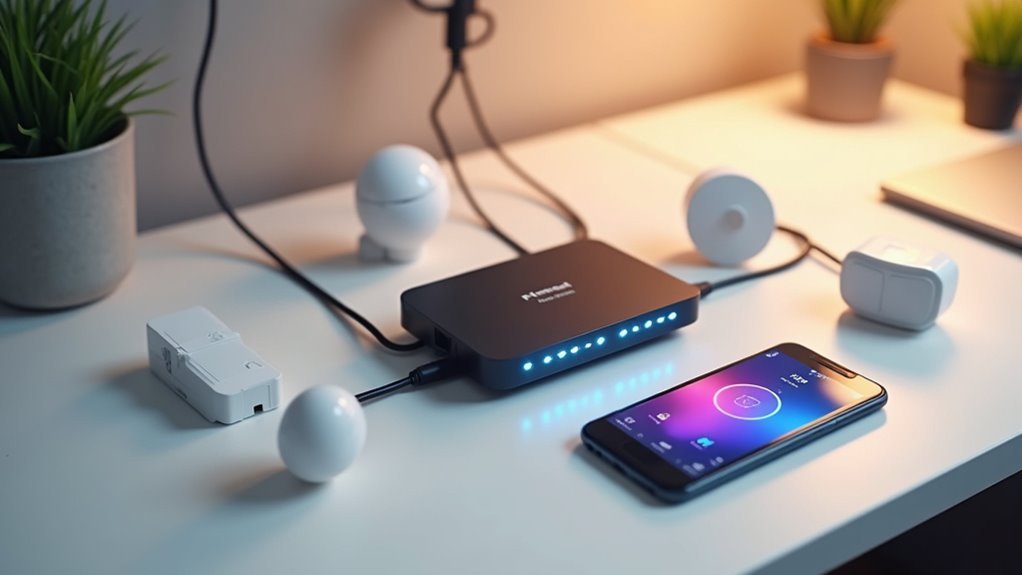
Now that you’ve connected your smart devices to your hub, you can create automation rules that trigger specific actions based on conditions like time, motion, or device status.
You’ll want to set up custom scenes that control multiple devices simultaneously with a single command, making your daily routines more seamless.
Understanding how to configure these triggers and scenes through your hub’s app will transform your connected devices into a truly automated smart home system.
Understanding Automation Rules
Once you’ve set up your smart home devices, automation rules become the brain that orchestrates how they work together seamlessly. These rules define specific conditions and actions that trigger automatic responses—like turning on lights when motion’s detected or activating security systems when you leave home.
You’ll find three common trigger types: schedules (turning off lights at midnight), status changes (door sensor alerts), and geofencing (location-based automation).
Most smart home platforms offer intuitive smartphone apps where you can easily create these rules alongside scenes that group multiple device actions under single voice commands.
To build effective automation, consider your daily routines and identify repetitive tasks you’d like streamlined for maximum convenience.
Creating Custom Scenes
Why manage each smart device individually when you can orchestrate them all with a single command? Creating custom scenes transforms your home automation experience by grouping multiple smart devices under one trigger.
You’ll design scenes like “Movie Night” that simultaneously dims lights, adjusts your thermostat, and activates your entertainment system.
Set up time-based triggers through your mobile app to automatically activate scenes at sunset or bedtime. Enhance your automation by integrating motion sensors and door sensors that respond to specific conditions, boosting both energy efficiency and security.
Voice control makes scene activation effortless—simply tell Alexa or Google Assistant to run your custom scenes.
Name your scenes intuitively and adjust settings to match your lifestyle preferences for seamless smart home control.
Setting Up Triggers
While scenes coordinate your devices beautifully, triggers serve as the intelligent brain that decides when to activate them automatically. These events initiate actions based on specific conditions like time, motion detection, or device status changes, transforming your house into a truly responsive environment.
You’ll create automation rules through your smart home app by selecting triggers, defining actions, and setting execution conditions. Common examples include turning on lights when motion’s detected or adjusting thermostats when you leave home. These rules enhance energy efficiency by ensuring devices operate only when needed.
Successful trigger implementation simplifies daily routines and improves security. Your devices work in unison according to scenarios you’ve defined, creating seamless home management that responds intelligently to your lifestyle patterns.
Voice Control Integration With Your Controller
As smart home technology continues advancing, voice control integration has become one of the most sought-after features for home automation controllers. You can now manage your home automation systems hands-free using popular voice assistants like Amazon Alexa, Google Assistant, and Apple’s Siri.
Most smart home controllers support multiple voice assistants, giving you centralized control through simple voice commands.
Multiple voice assistant compatibility ensures seamless integration across platforms, delivering unified smart home management through intuitive spoken commands.
You’ll find creating custom routines particularly useful—activate multiple devices simultaneously with a single command for enhanced convenience. Voice control also improves accessibility for individuals with mobility challenges, eliminating physical effort when interacting with devices.
For peak performance, verify your controller maintains a robust internet connection and regularly update firmware to keep voice integration running smoothly.
Mobile App Management and Remote Access
Beyond voice commands, your home automation controller’s mobile app serves as your primary hub for managing and monitoring devices from anywhere in the world. Mobile app management transforms how you interact with your smart home, offering complete remote access to lighting, thermostats, and home security systems through your smartphone or tablet.
| Feature | Basic Access | Premium Features |
|---|---|---|
| Device Control | On/Off commands | Scheduled routines |
| Security | Basic monitoring | Two-factor auth |
| Analytics | Limited data | Energy consumption tracking |
| Notifications | Simple alerts | Geofencing automation |
You’ll receive real-time notifications about unusual activity and system malfunctions. Most apps include geofencing capabilities that automate actions based on your location. Customize security settings, manage user permissions, and monitor energy consumption patterns to optimize your home’s efficiency while maintaining complete control remotely.
Troubleshooting Common Controller Issues
Even the most advanced home automation controllers encounter occasional hiccups that can disrupt your smart home’s seamless operation.
When troubleshooting issues, start by checking your controller’s proximity to your Wi-Fi router, as weak signals cause connectivity problems and sluggish device responses. If you’re experiencing glitches, restart your controller first—this simple step resolves many minor issues immediately.
Regular firmware updates are essential for ideal performance. Check your manufacturer’s website frequently, as these updates fix bugs and enhance functionality.
When devices become unresponsive, verify their integration status with your controller and confirm their individual power sources are working properly.
For persistent problems, consult your user manual or manufacturer’s website for model-specific troubleshooting guidance, since different systems have unique solutions.
Security Best Practices for Your Smart Home Hub
While troubleshooting keeps your smart home running smoothly, securing your hub against cyber threats requires equally vigilant attention. Your smart home hub serves as the central command center, making its security paramount to protecting your entire network.
Essential security measures include:
- Regular updates: Install firmware and software updates immediately to patch vulnerabilities and maintain peak performance.
- Strong authentication: Create unique passwords combining letters, numbers, and special characters, then enable two-factor authentication for additional protection.
- Network encryption: Configure your Wi-Fi with WPA3 encryption to secure communications between devices and your hub.
Beyond these fundamentals, regularly review device permissions to control hub access points.
This proactive approach limits potential entry routes for cyber threats while ensuring only authorized devices connect to your system.
Expanding Your System With Additional Devices
Once you’ve secured your smart home hub, you’ll naturally want to add more devices to access your system’s full potential. When you expand your automation system, prioritize compatibility with your existing hub for seamless integration.
| Device Type | Primary Function | Control Benefits | Integration Level |
|---|---|---|---|
| Smart Sensors | Monitor environment | Real-time automation triggers | High compatibility |
| Smart Plugs | Control non-smart appliances | Remote operation of everyday devices | Universal integration |
| Security Devices | Enhance home safety | Centralized monitoring and control | Hub-dependent |
| Smart Switches | Replace standard switches | Direct electrical control | Requires installation |
Smart sensors provide valuable data for responsive automation, while smart plugs instantly upgrade basic appliances. Security cameras and locks bolster safety through centralized control. Regularly review device compatibility and updates to guarantee harmonious operation and access to latest features.
Future-Proofing Your Home Automation Investment
Building a robust automation ecosystem requires strategic planning that extends beyond your immediate device needs.
Strategic automation planning demands looking beyond today’s requirements to build a foundation that adapts with evolving smart home technologies.
You’ll want to invest in a central hub that supports multiple wireless protocols like Z-Wave, Zigbee, and Wi-Fi to guarantee broad compatibility across manufacturers. This approach protects your investment as technology evolves.
Consider these essential future-proofing strategies:
- Choose controllers with regular firmware updates for enhanced security and performance
- Select hubs supporting the Matter standard for improved device interoperability
- Prioritize systems integrating with popular voice assistants like Alexa and Google Assistant
Scalability matters when planning your home network infrastructure.
You’ll need a controller capable of connecting numerous devices while supporting emerging technologies. This foresight prevents costly replacements and guarantees seamless expansion as your smart home needs grow.
Frequently Asked Questions
Do You Need a License for Home Automation?
You don’t need a license for DIY home automation installations in your own residence. However, you should check local regulations for permits on electrical work and verify any homeowner association rules before starting.
Is Home Automation Worth the Money?
You’ll likely find home automation worth the investment. You can save up to $180 annually on heating costs alone, plus enjoy enhanced security and convenience that 82% of homeowners value.
How Much Does It Cost to Build a Home Automation System?
You’ll spend $200-$500 for basic systems with smart lights and plugs. Advanced setups with thermostats and cameras cost $1,000-$5,000+. You can start small with DIY projects and expand gradually as your budget allows.
Is Home Automation Profitable?
You’ll find home automation quite profitable through 10-30% energy savings, 20-30% ROI over time, and 5-15% increased property value. You’re also entering a rapidly growing $150 billion market with excellent business opportunities.




Leave a Reply