
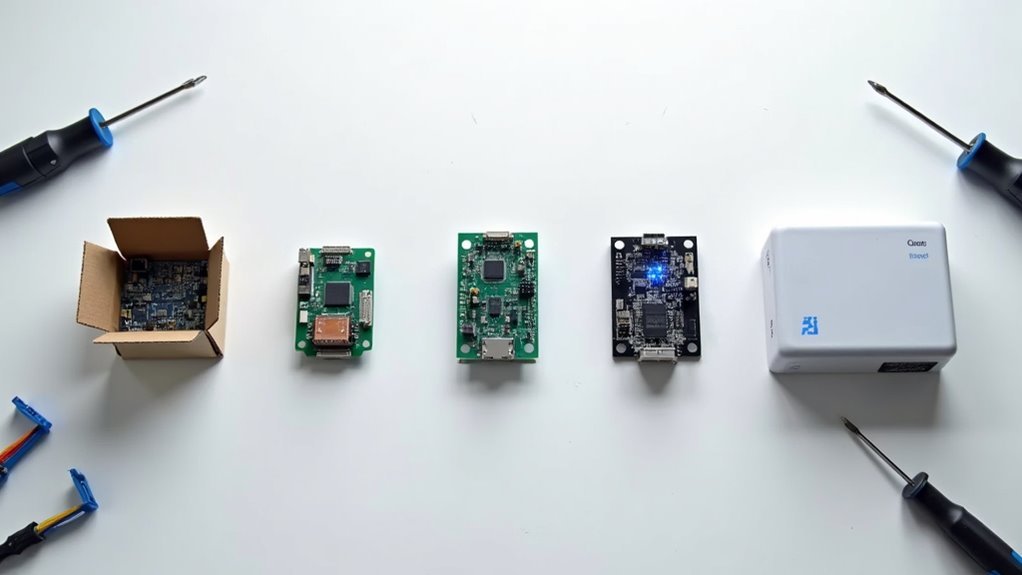
You’re ready to transform your house into a smart home, but installing home controllers isn’t as straightforward as plugging in a device and hoping for the best. Without proper planning and execution, you’ll face connectivity issues, device conflicts, and frustrating performance problems that’ll leave you questioning your investment. The difference between a seamless smart home experience and a technological nightmare comes down to following five critical steps that most homeowners completely overlook.
Assess Your Home’s Automation Needs and Compatible Devices
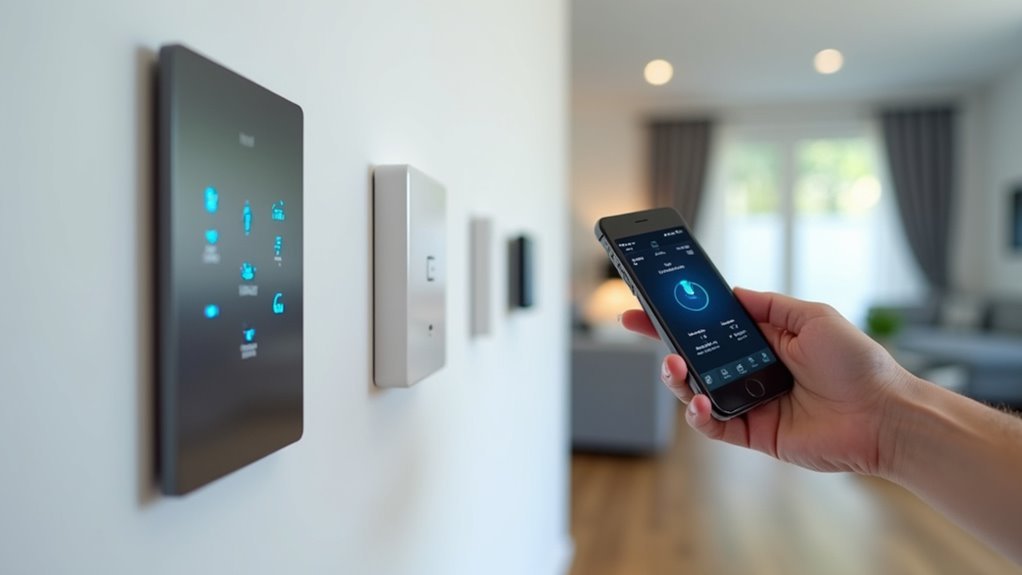
Before diving into any smart home installation, you’ll need to clearly define what you want your automation system to accomplish. Start by determining whether you’re prioritizing security, energy efficiency, or convenience.
Once you’ve established your goals, assess your needs by evaluating your existing devices and electrical infrastructure to guarantee compatibility with smart home technology protocols like Zigbee, Z-Wave, or Wi-Fi.
Research compatible devices that align with your objectives, focusing on core components such as smart lighting, thermostats, and security cameras for your initial setup.
Verify your internet connection can handle the increased load, as robust connectivity guarantees seamless integration between devices.
Finally, confirm your chosen home automation systems can work with a central hub or controller to streamline the installation process.
Select the Right Home Controller for Your System
Choosing the right home controller serves as the foundation of your entire automation system, directly impacting how well your devices communicate and perform together.
When selecting the right home controller, you’ll need to verify compatibility with your smart devices since different gadgets use specific communication protocols like Zigbee or Z-Wave. Look for controllers supporting a widely range of devices and brands to maximize flexibility.
Evaluate the user interface carefully—intuitive apps and voice control options enhance your management experience considerably. Consider connectivity options including Wi-Fi, Ethernet, and Bluetooth for stable device communication.
Finally, prioritize controllers offering ongoing support and regular software updates from manufacturers, ensuring enhanced functionality and security for your automation setup long-term.
Prepare Your Network Infrastructure and Connectivity

Your network infrastructure forms the backbone that’ll determine whether your home automation system operates smoothly or struggles with constant connectivity issues. Confirm your Wi-Fi network provides adequate coverage throughout your home since smart devices depend on a stable internet connection for seamless communication with your controller.
A robust network infrastructure is the foundation that determines whether your home automation system thrives or fails with connectivity problems.
Consider upgrading your router or installing Wi-Fi extenders if you discover dead zones where devices will operate. Verify your internet speed meets system requirements—aim for at least 25 Mbps to support multiple connected devices effectively.
Use Ethernet connections for critical components like security cameras to enhance reliability and reduce latency.
Maintain your network equipment regularly by installing firmware updates and monitoring device connectivity. This proactive approach prevents communication disruptions between your controller and smart devices, guaranteeing peak system performance.
Install and Configure Your Home Controller
Since your network infrastructure is properly configured, you can now focus on installing your home controller—the central hub that’ll orchestrate all your smart devices.
First, select a compatible home controller that supports necessary communication protocols like Zigbee, Z-Wave, or Wi-Fi. Follow manufacturer instructions to connect it to power and establish network connections via Wi-Fi or Ethernet.
Next, configure initial settings through the controller’s mobile app or web interface. Create your account and set security preferences while enabling device discovery.
Add smart devices by powering them on and ensuring they’re within range for successful integration.
Finally, customize automation routines, schedules, and scenes through the app interface. This’ll streamline your home automation experience and maximize functionality across all connected devices.
Test System Integration and Optimize Performance
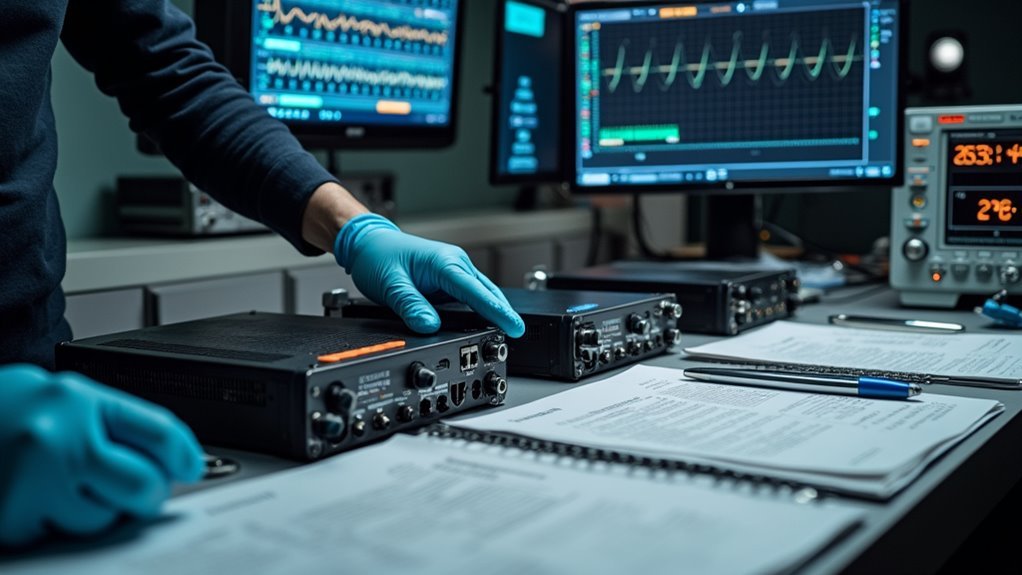
With your home controller configured and devices connected, it’s time to verify everything works together seamlessly. Test each smart device’s communication with the central hub to confirm proper response to commands and automation routines. Use mobile apps or voice assistants to validate remote control functionality.
| Performance Check | Action Required |
|---|---|
| Device Communication | Test all devices respond to hub commands |
| Automation Routines | Confirm triggers function as intended |
| Wi-Fi Signal Reliability | Check connection strength throughout home |
| Response Times | Monitor and adjust settings for optimization |
| System Updates | Schedule regular firmware and software checks |
Monitor your Wi-Fi signal reliability, as weak connections cause device disconnections and hinder system performance. Check automation response times and reposition devices if needed to optimize performance. Schedule routine system checks and updates to maintain long-term integration efficiency.
Frequently Asked Questions
How to Install a Home Automation System?
You’ll assess your home’s needs, choose a compatible central hub, install it following manufacturer instructions, add smart devices like lights and thermostats, then configure everything through the hub’s app.
How Much Does It Cost to Install a Smart Home System?
You’ll spend $100-$3,000 for DIY smart home systems, while professional installation adds $100-$300. Specialized components like lighting control ($500-$5,000), HVAC systems ($2,000-$10,000), and security features ($1,000-$5,000+) increase costs considerably.
Is Home Automation Profitable?
Yes, you’ll find home automation highly profitable. You can reduce energy costs by 10-15%, increase property value by 3-5%, lower insurance premiums by 20%, and benefit from the growing $79 billion market.
How Do I Convert My Home to a Smart Home?
You’ll start by identifying your automation needs, then select a compatible central hub. Next, you’ll install smart devices, configure them properly, and regularly update software to maintain security and performance.




Leave a Reply