
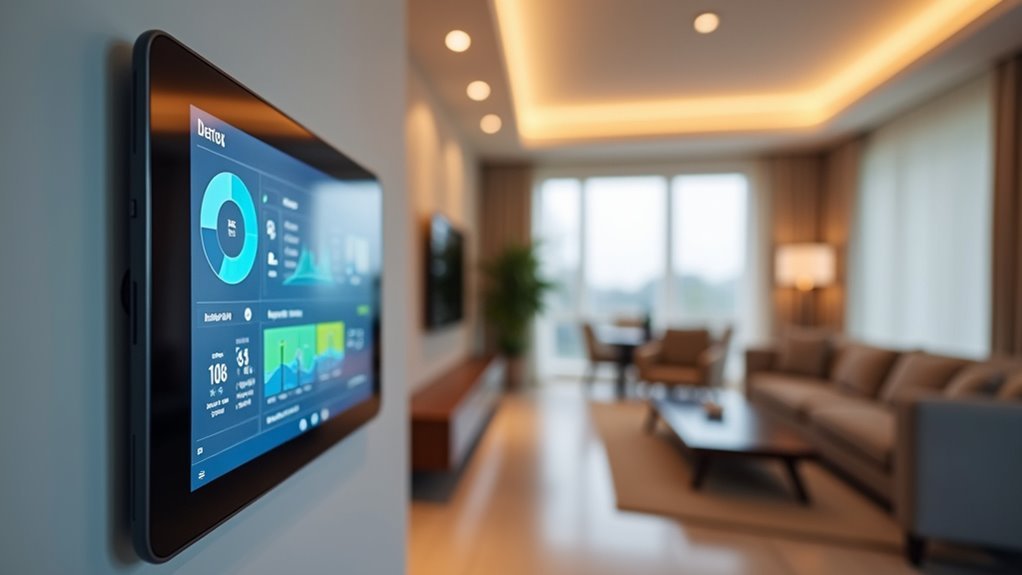
You’ve probably wondered whether connecting sensors to Home Assistant is worth the effort. The truth is, most people underestimate how dramatically these simple devices can transform their daily routines. Beyond basic temperature monitoring, sensors reveal automation possibilities that’ll surprise you – from detecting when you’re actually home to preventing costly energy waste you didn’t know existed. But there’s one capability that changes everything.
Real-Time Environmental Monitoring and Control
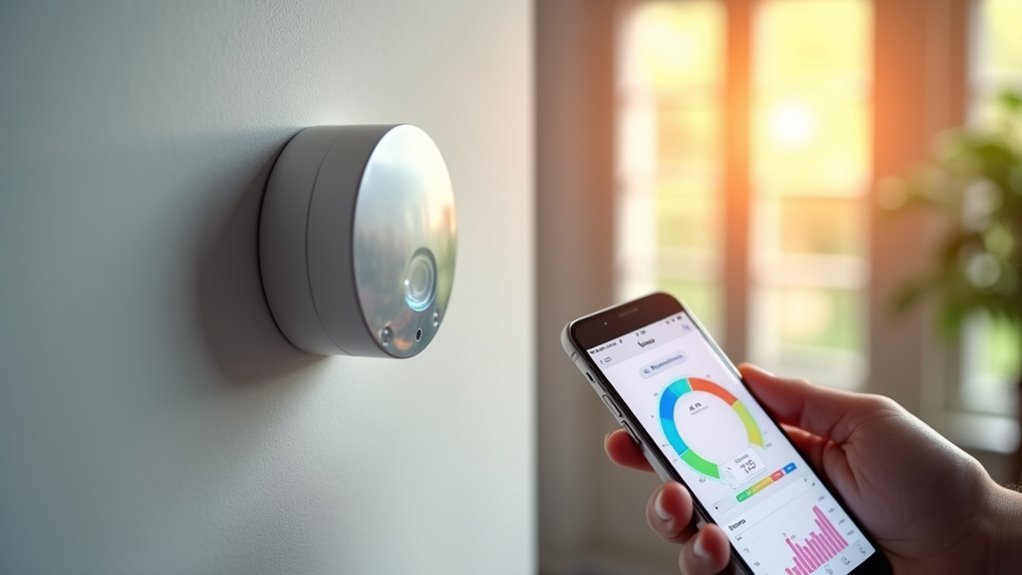
When you connect sensors to Home Assistant, you’ll gain immediate visibility into your home’s environmental conditions, from temperature and humidity levels to air quality measurements.
This real-time monitoring enables you to respond promptly to changes in your living environment.
Your connected sensors automatically trigger smart responses. Temperature readings adjust your heating and cooling systems for maximum energy efficiency, while humidity sensors activate dehumidifiers when levels exceed your preset thresholds.
Smart sensors create automated responses that optimize your home’s climate control systems while maximizing energy efficiency through intelligent environmental monitoring.
Motion detectors and door sensors enhance security by sending immediate alerts when unusual activity occurs.
The Home Assistant dashboard visualizes all sensor data, giving you instant insights into environmental status and trends over time.
This thorough monitoring system helps maintain ideal living conditions while reducing energy waste through intelligent automation.
Enhanced Security Through Motion and Door Detection
You can greatly boost your home’s security by connecting motion and door sensors to Home Assistant for thorough monitoring coverage.
Motion sensors enable automatic lighting control that illuminates dark areas when movement’s detected, while door sensors provide real-time status updates about entry points throughout your property.
These integrated detection systems work together to create multiple security layers that alert you instantly to any suspicious activity or unauthorized access attempts.
Motion-Based Lighting Control
As motion and door sensors integrate seamlessly with Home Assistant, they’ll transform your home into an intelligent environment that responds automatically to your presence. These sensors enable sophisticated lighting control that activates when you enter rooms and deactivates when you leave, maximizing energy efficiency while providing convenience.
| Room Type | Trigger Event | Automation Action | Time Condition | Energy Savings |
|---|---|---|---|---|
| Living Room | Motion detected | Lights turn on | After sunset | 30-40% |
| Bedroom | Door opens | Dim lights activate | Nighttime only | 25-35% |
| Kitchen | Motion sensed | Full brightness | Daytime/evening | 20-30% |
| Bathroom | Entry detected | Lights on instantly | 24/7 operation | 35-45% |
| Hallway | Movement triggers | Path lighting | Motion timeout | 40-50% |
You’ll create personalized scenarios combining motion detection with time-based rules, ensuring lights activate at sunset and automatically turn off after specified inactivity periods.
Door Status Monitoring
Door sensors act as your home’s digital sentries, instantly detecting when entry points open or close and sending real-time alerts directly to your smartphone.
Door status monitoring transforms basic security by tracking precise entry and exit times, letting you monitor family members and visitors effectively. You’ll receive immediate notifications if doors remain open too long, preventing security breaches and energy loss from HVAC systems working overtime.
When combined with motion sensors, door status monitoring creates a thorough security network that detects potential intruders and automatically triggers lighting systems.
This integration enables sophisticated occupancy detection, allowing your home to intelligently adjust lighting and climate settings based on detected presence, creating seamless automation that enhances both security and convenience.
Automated Energy Management and Cost Savings
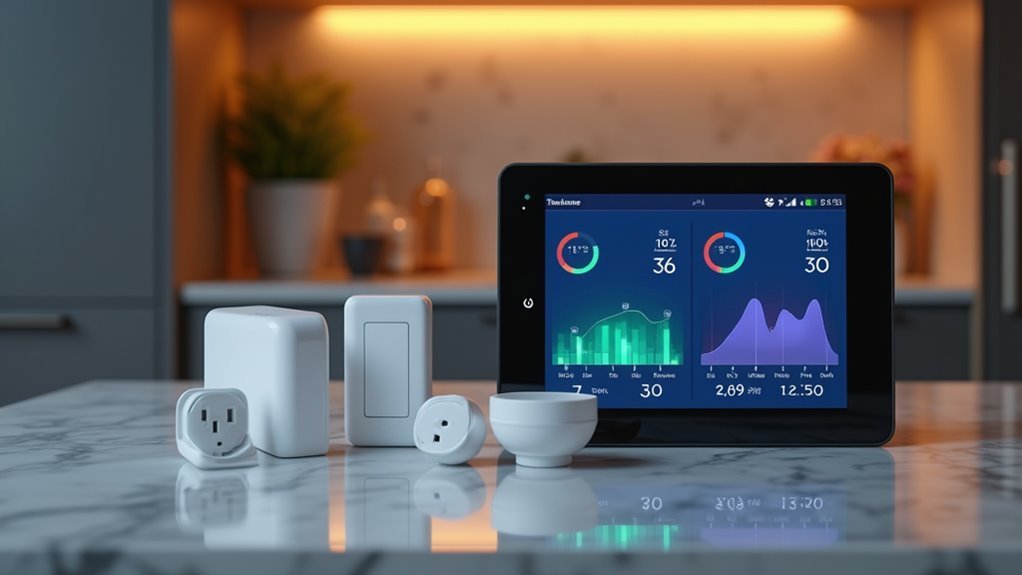
When you connect sensors to Home Assistant, you’ll activate powerful automated energy management capabilities that can dramatically reduce your utility bills.
These sensors make real-time monitoring possible, letting you identify energy-hungry appliances and adjust usage patterns accordingly. Smart plugs with integrated sensors track power consumption trends, triggering automated actions when usage exceeds set thresholds.
Occupancy and presence sensors automatically shut off lights and appliances in unoccupied rooms, delivering significant savings without sacrificing comfort.
Temperature and humidity sensors optimize your heating and cooling systems, maintaining efficient climate control while eliminating energy waste.
You can program automations to turn off high-consumption devices during peak pricing hours, resulting in substantial monthly cost reductions through strategic energy management.
Custom Notification Systems for Home Events
You’ll want to set up custom notifications that alert you when specific home events occur, keeping you informed of important changes even when you’re away.
Configure door open alerts to notify you if entry points remain unsecured beyond a set timeframe, while temperature threshold warnings can prompt immediate action when your home gets too hot or cold.
Set up occupancy detection events to trigger notifications when someone arrives or leaves, giving you real-time awareness of your home’s activity status.
Door Open Alerts
Although home security systems often focus on intrusion detection, one of the most practical applications you’ll implement involves monitoring doors throughout your house. Door open alerts notify you via mobile devices when doors remain ajar, preventing energy loss and security breaches.
You can configure sensors to trigger notifications based on specific conditions, like duration thresholds or occupancy status. Integration with Home Assistant creates customizable alert systems tailored to your preferences and schedules.
| Alert Type | Trigger Condition |
|---|---|
| Duration-based | Door open >15 minutes |
| Time-sensitive | Open after 10 PM |
| Energy-saving | HVAC running + door open |
| Security-focused | Unoccupied house + door open |
| Occupancy-aware | Motion detected + door open |
Combining door sensors with motion detectors enhances room usage insights while Home Assistant’s dashboard displays real-time door status.
Temperature Threshold Warnings
While door monitoring protects against security breaches and energy waste, temperature sensors provide equally valuable insights for maintaining ideal home conditions.
You can configure temperature threshold warnings to alert you when indoor temperatures exceed or drop below your designated levels, enabling proactive responses before comfort becomes compromised.
These automated notifications trigger actions like adjusting HVAC systems or sending alerts to your mobile devices when critical temperatures are reached. You’ll receive tailored alerts based on specific times or conditions, such as reminders to open windows when outdoor temperatures favor energy efficiency.
Your home becomes smarter by integrating temperature data with other devices like dehumidifiers, automatically preventing mold while improving air quality through coordinated humidity and temperature management.
Occupancy Detection Events
Since motion and door sensors excel at detecting presence changes, occupancy detection events become the cornerstone of intelligent home automation that responds to your daily movements.
These sensors around your home create a network that monitors occupancy patterns and triggers customized actions based on your presence.
You’ll transform your living space into an intelligent environment that adapts to your lifestyle:
- Automatically turn lights on when entering rooms and off when leaving for enhanced energy efficiency
- Receive custom notifications when doors remain open or rooms are occupied for security monitoring
- Adjust thermostat settings based on detected presence in specific areas
- Get alerts when rooms stay empty for extended periods to manage energy usage
- Visualize occupancy data on dashboards for informed automation decisions
Occupancy Detection for Intelligent Room Control
When you implement occupancy detection sensors in your Home Assistant setup, you’re adding a layer of intelligence that transforms how your home responds to daily activities.
These infrared-powered devices automatically detect when you’re present in a room, enabling seamless automation of lighting and HVAC systems based on real-time occupancy data.
You’ll create sophisticated automation rules that turn lights on when you enter and off when you leave, while simultaneously adjusting heating or cooling settings for ideal comfort and energy efficiency.
By combining door and motion sensors, you’re building a thorough monitoring system that tracks entry points and movement patterns throughout your home.
This integration provides valuable insights into your usage patterns, helping you refine automation strategies for maximum convenience and energy savings.
Air Quality Monitoring for Health and Comfort
As you expand your Home Assistant sensor network beyond occupancy detection, air quality monitoring becomes vital for creating a truly intelligent home environment that prioritizes your family’s health.
Air quality monitoring sensors detect volatile organic compounds, formaldehyde, and CO2 levels, providing real-time data that’s essential for preventing respiratory problems, headaches, and fatigue.
When you integrate these sensors with Home Assistant, you’ll enable automated responses like activating air purifiers when pollutant levels exceed safe thresholds.
- Track VOCs, formaldehyde, and CO2 for thorough air quality assessment
- Receive instant notifications when air quality deteriorates below healthy standards
- Automate air purifiers and ventilation systems based on sensor readings
- Monitor temperature and humidity alongside air quality for complete environmental control
- Take proactive measures before poor air quality affects your family’s wellbeing
Power Usage Tracking and Appliance Status
You can monitor your appliances’ power consumption in real-time by connecting energy monitoring sensors to Home Assistant, giving you instant visibility into which devices are drawing electricity and how much they’re using.
These sensors automatically detect when appliances complete their cycles by tracking power drops to zero, then send notifications to your phone so you’ll know exactly when your washing machine finishes or your dishwasher stops running.
This continuous monitoring reveals detailed energy consumption patterns across your home, helping you identify power-hungry devices and optimize your electricity usage for lower utility bills.
Real-Time Device Monitoring
While traditional electrical meters only show total household consumption, Home Assistant transforms your smart home into a detailed energy monitoring system that tracks individual devices in real time.
You’ll gain unprecedented visibility into your electricity usage patterns through real-time power usage tracking capabilities that monitor each connected appliance separately.
This all-encompassing monitoring approach provides actionable insights that help you optimize energy consumption and identify potential issues before they become costly problems.
- Smart plug integration displays live wattage consumption for any plugged-in device
- Energy monitoring sensors detect irregular consumption patterns indicating faulty appliances
- Automated alerts notify you when appliances complete their cycles by detecting zero power draw
- Peak usage identification reveals when your devices consume the most electricity
- Remote device control lets you turn appliances on or off based on current power data
Automated Completion Notifications
Power consumption patterns tell the complete story of your appliances’ operational cycles, and Home Assistant leverages this data to deliver precise completion notifications that keep you informed without constant manual checking.
When your washing machine’s power usage drops to 0W, you’ll receive instant automated completion notifications alerting you that the cycle has finished. This eliminates guesswork and prevents clothes from sitting in damp machines for hours.
You can configure these notifications for any appliance with measurable power consumption patterns. Your dishwasher, dryer, or even coffee maker can trigger alerts when their cycles complete.
Home Assistant sends push notifications directly to your smartphone, ensuring you’re always aware of appliance status regardless of your location in the house.
Energy Consumption Insights
Beyond simple completion alerts, Home Assistant transforms your connected sensors into an extensive energy monitoring system that reveals exactly how much power each appliance consumes throughout the day.
You’ll gain detailed energy consumption insights that help identify which devices are driving up your electricity bills and when they’re using the most power.
- Track real-time power usage of individual appliances through integrated smart plugs and sensors
- Identify energy-hungry devices that consume electricity even when seemingly “off” or in standby mode
- Monitor consumption patterns to optimize when you run high-power appliances during off-peak hours
- Use tools like Powercalc to analyze your energy data and discover potential savings opportunities
- Make informed decisions about device usage that reduce both your carbon footprint and monthly bills
Temperature-Based Climate Automation
As temperature sensors seamlessly integrate with Home Assistant, you’ll discover how automated climate control transforms your living space into a responsive environment that adapts to real-time conditions.
Temperature-based climate automation enables your heating and cooling systems to make real-time adjustments based on sensor data, ensuring ideal comfort while maximizing energy efficiency throughout your home.
You can set threshold values that automatically trigger specific actions, like activating air conditioning when temperatures exceed your preferred levels. The system also sends notifications when indoor temperatures drift outside your desired ranges, allowing proactive climate management.
Beyond basic temperature control, you can integrate smart dehumidifiers to respond automatically to humidity changes, enhancing overall air quality. Historical temperature data helps you analyze patterns and make informed decisions about energy usage strategies.
Seamless Device Integration Through Multiple Protocols
Through diverse communication protocols like MQTT, Zigbee, and Z-Wave, Home Assistant eliminates compatibility barriers between different sensor manufacturers and device types.
Home Assistant’s multi-protocol support breaks down vendor silos, creating true interoperability across your entire smart home ecosystem.
You’ll achieve seamless device integration regardless of which brands or technologies you choose for your smart home setup.
The MySensors framework automatically detects new devices, removing manual configuration headaches from your DIY projects.
ESPHome integration streamlines ESP-based device programming, letting you manage sensors efficiently through Wi-Fi connections.
You can mix hardware platforms like Raspberry Pi, ESP8266, and Arduino without worrying about compatibility issues.
- Connect temperature sensors from different manufacturers using various protocols
- Integrate motion detectors, door sensors, and light switches seamlessly
- Add custom DIY sensors alongside commercial smart home products
- Control devices locally through Zigbee without internet dependency
- Scale your system by adding new sensor types effortlessly
Local Control Without Internet Dependencies
Home Assistant’s greatest strength lies in its ability to operate independently from internet connections, giving you complete control over your smart home environment.
When you connect sensors through Zigbee, MySensors, or ESPHome, you’re establishing local control that doesn’t rely on cloud services. This means your automation continues working even during internet outages, ensuring lights turn on when motion’s detected and temperature adjustments happen instantly.
Local control eliminates latency issues that plague cloud-dependent systems. Your sensors communicate directly with Home Assistant, providing immediate responses to triggers.
You can block internet access for these devices while maintaining full functionality, which greatly reduces security vulnerabilities. Real-time data processing enables instant actions based on sensor readings, creating a more reliable and responsive smart home experience that’s entirely under your control.
Scalable Sensor Networks for Growing Smart Homes
When building your smart home, you’ll need a sensor network that grows alongside your expanding automation needs. Home Assistant delivers scalable sensor networks that accommodate multiple devices without performance degradation through efficient local control and diverse communication protocols like Zigbee and MQTT.
You can expand your system using several proven approaches:
- ESPHome integration – Program ESP devices easily for reliable sensor additions without cloud dependencies.
- MySensors framework – Automatically discover and configure new devices with minimal manual setup.
- Multiple protocol support – Connect various sensor types through different communication standards.
- Performance optimization – Add numerous sensors while maintaining system responsiveness.
- Data analysis capabilities – Gain insights for energy optimization, security enhancement, and comfort improvement.
This flexibility guarantees your smart home evolves efficiently as your automation requirements grow.
Data-Driven Home Optimization and Insights
Once your scalable sensor network is operational, the real value emerges through data analysis and actionable insights that transform raw measurements into meaningful home optimizations.
Your sensors continuously collect environmental data, revealing patterns that weren’t previously visible. Temperature and humidity sensors help optimize climate control efficiency, while presence and motion sensors enable occupancy-based automation that reduces energy waste. Air quality sensors track VOCs and CO2 levels, providing actionable data to improve your indoor environment and health.
| Sensor Type | Data Collected | Optimization Impact |
|---|---|---|
| Environmental | Temperature, Humidity | Climate Control Efficiency |
| Presence/Motion | Occupancy Patterns | Energy Savings Through Automation |
| Air Quality | VOCs, CO2 Levels | Health & Indoor Air Improvement |
| Power Monitoring | Usage Patterns, Consumption | Cost Reduction & Appliance Management |
Smart plugs and power monitoring devices reveal energy-hungry appliances, helping you adjust usage for cost savings while creating complex automation scenarios.
Frequently Asked Questions
What Is the Use of Sensors in Home Automation?
You’ll use sensors to monitor environmental conditions, detect motion and occupancy, automate lighting and appliances, control HVAC systems, enhance security, and create sophisticated automation scenarios that improve comfort, energy efficiency, and personalized living experiences.
What Is the Point of a Home Assistant?
You’ll centralize control of all your smart devices through one interface, automate tasks based on conditions you set, reduce cloud dependency for faster responses, and customize everything to match your specific home needs.
What Is a Sensor Home Assistant?
A sensor in Home Assistant is a device that collects environmental data like temperature, humidity, or motion. You’ll use these sensors to monitor your home’s conditions and trigger automated responses based on real-time information.
How Do You Integrate Sense With Home Assistant?
You’ll integrate sensors with Home Assistant using ESP8266 devices and MySensors, which automatically recognize connected sensors. ESPHome simplifies programming ESP devices, enabling Wi-Fi communication and seamless local control without manual configuration.




Leave a Reply