
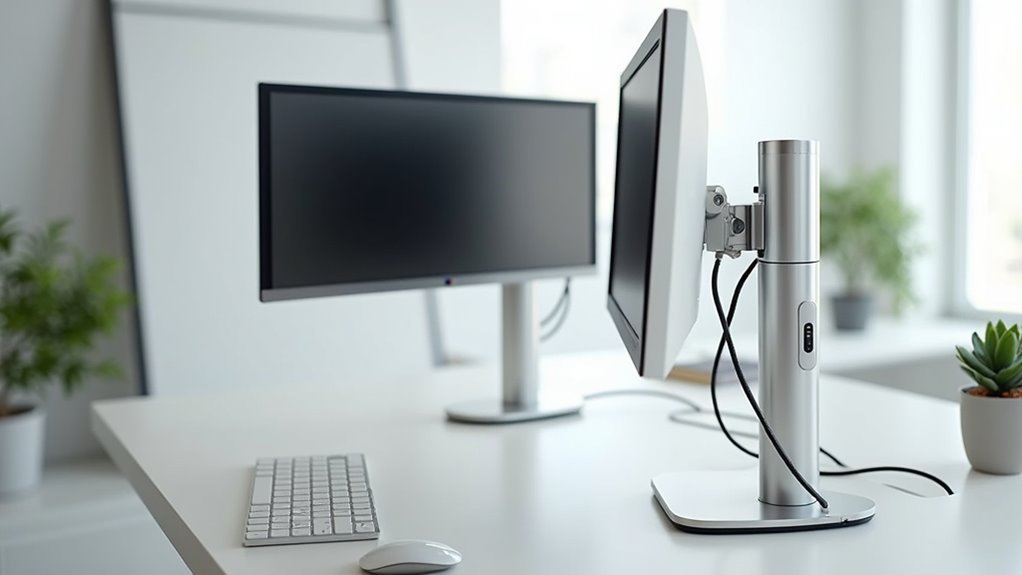
You’ve probably noticed how a simple height adjustment can transform your entire work experience, but manually cranking your desk up and down gets old fast. Converting your static workspace into a motorized workstation isn’t just about convenience—it’s about creating a dynamic environment that adapts to your body throughout the day. The right combination of actuators, smart controls, and ergonomic features can revolutionize how you approach your daily tasks, though the process requires careful planning to avoid costly mistakes.
Select the Right Linear Actuators and Control System
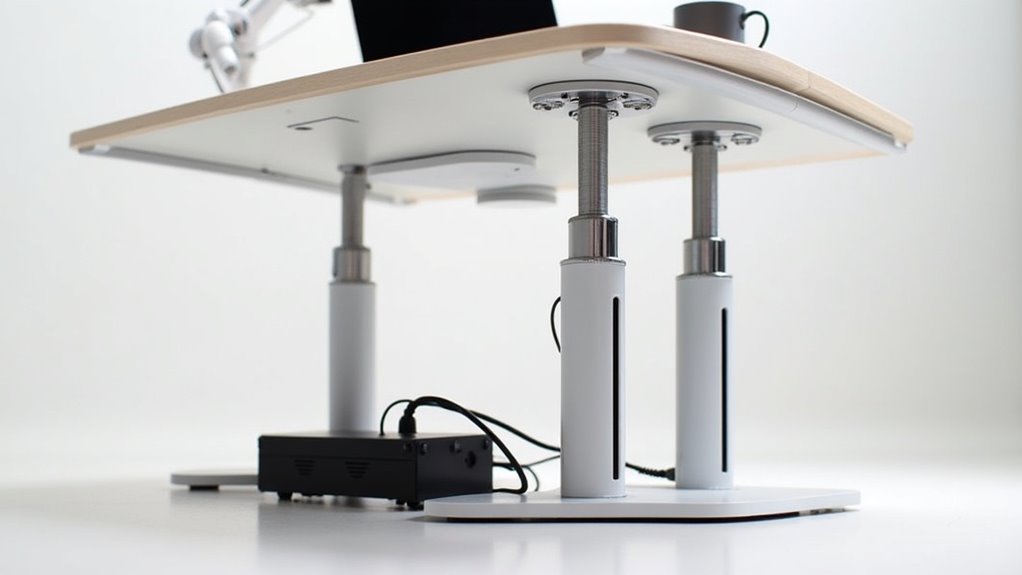
When transforming your desk into a motorized workstation, selecting the right linear actuators forms the foundation of your entire project.
You’ll want to prioritize the FLT-04 model for its exceptional strength and quality, effectively supporting multiple monitors and future modifications. Calculate the necessary torque to guarantee your actuators handle your desk’s weight and movement demands.
Your control system must include a reliable control panel and power supply to eliminate synchronization issues between actuators, enabling smooth height adjustments.
A dependable control system with synchronized power management prevents actuator timing issues and delivers seamless, professional-grade height transitions for your motorized desk.
Choose actuators with adjustable speed settings to enhance your shift experience between sitting and standing positions. Select a suitable stroke length that accommodates your desired height range, promoting ergonomic comfort and ideal usability for your motorized workstation.
Prepare Your Desktop and Mounting Surface
After securing your linear actuators and control system, you’ll need to create a solid foundation that can handle the mechanical demands of your motorized workstation.
Start by removing the top portion of your existing desk cabinet to create a clean workspace. Select a high-quality plywood sheet that matches your desk’s dimensions—this will serve as your primary mounting surface for the motorized legs.
Cut the plywood to fit securely in the opening left by your removed desk surface. Use #14 3/4″ sheet metal screws to attach the linear actuators firmly to the plywood, ensuring they can support your desk height adjustments and equipment weight.
Before installing the motor and control system, verify your mounting surface is completely level and secure to prevent operational instability.
Calculate Torque Requirements for Motor Selection
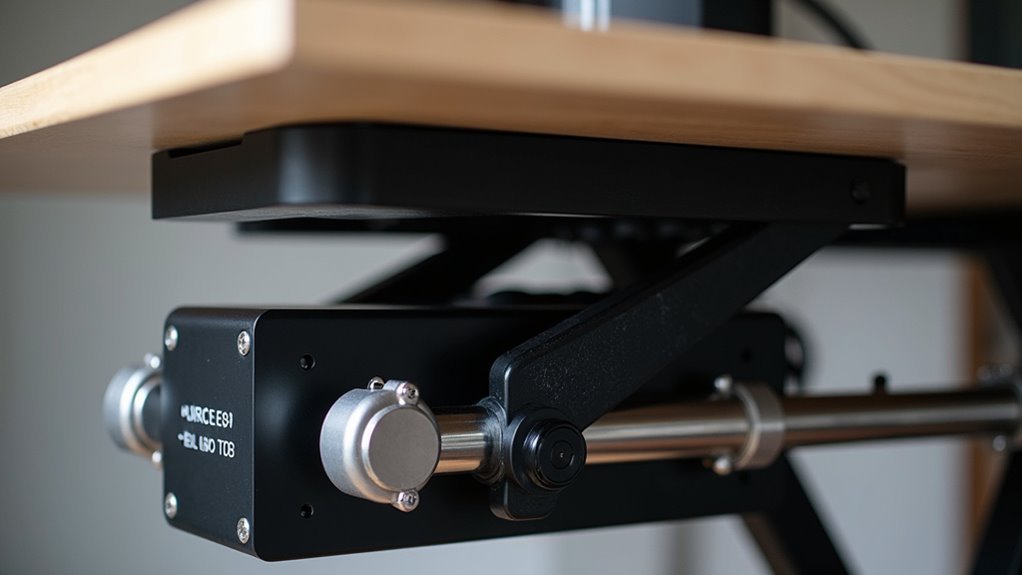
Determine your motor’s torque requirements by calculating the total force your motorized workstation must generate during height adjustments. Use the formula: Torque (T) = Force (F) x Lever Arm Length (r).
For instance, if your lever arm measures 10 cm and you need 19.95 kg of force to lift your desk, you’ll require 199.5 kg/cm of torque.
When evaluating desk converters, include the weight of monitors, laptops, and accessories in your calculations. Your motor selection should exceed the calculated torque by including a safety margin to prevent mechanical failure.
Review the motor’s RPM and torque specifications carefully—insufficient torque leads to slow height adjustment or grinding issues. You’ll need to upgrade to a higher-torque motor if your current selection can’t handle the workload effectively.
Install IoT Controls and Smart Home Integration
Once you’ve secured the proper motor torque, you’ll transform your workstation into a smart device by integrating IoT controls that enable remote height adjustments through your smartphone.
The ESP32 microcontroller provides seamless Bluetooth Low Energy communication, connecting your standing desk converter to apps for effortless control.
Install a TFMini-S LiDAR sensor to precisely measure and adjust the height with accuracy. Store your preferred positions in EEPROM for instant recall of custom presets.
- Never strain again – adjust the height from anywhere in your room
- Feel the future – voice commands through Google Assistant make your desk respond instantly
- Experience total freedom – Smart Home integration lets you create automated routines
Develop a custom iOS app for intuitive preset management, making your desk the centerpiece of your connected workspace.
Add Ergonomic Accessories and Safety Features

While your motorized workstation now responds to voice commands and smartphone controls, you’ll need ergonomic accessories and safety features to protect your health and equipment.
Install a keyboard tray for independent height adjustment, ensuring proper wrist positioning and reduced typing strain. Add a monitor arm to position your screen at eye level, preventing neck discomfort during long work sessions.
Implement anti-collision safety features in your motorized system to automatically detect obstructions and prevent accidents or damage. Place a non-slip mat on your desk surface to stabilize devices during movement.
Most importantly, regularly adjust your desk height following ergonomic standards—maintain 90-degree elbow angles and monitor alignment at eye level.
These adjustments considerably boost comfort and productivity while protecting your long-term health.
Frequently Asked Questions
How Can I Turn My Regular Desk Into a Standing Desk?
You can convert your regular desk by installing linear actuators like the FLT-04 model, replacing the desktop with quality plywood, and securing everything with #14 3/4″ sheet metal screws for stability.
Do Chiropractors Recommend Standing Desks?
Yes, chiropractors recommend standing desks because they’ll help improve your posture and reduce back pain from sitting. You’ll need proper height adjustments and regular movement to maximize benefits.
Can I Turn Any Desk Into a Standing Desk?
You can convert almost any desk into a standing desk using converters, adjustable legs, or DIY risers. Just verify your desk’s weight capacity handles your equipment before making modifications.
What Is the Best Standing Desk Converter?
You’ll find the WorkFit-TL stands out as top choice, offering excellent stability, adjustable height settings, and accommodation for various monitor sizes. It’s quick-assembly design makes installation effortless while providing ergonomic benefits.




Leave a Reply