
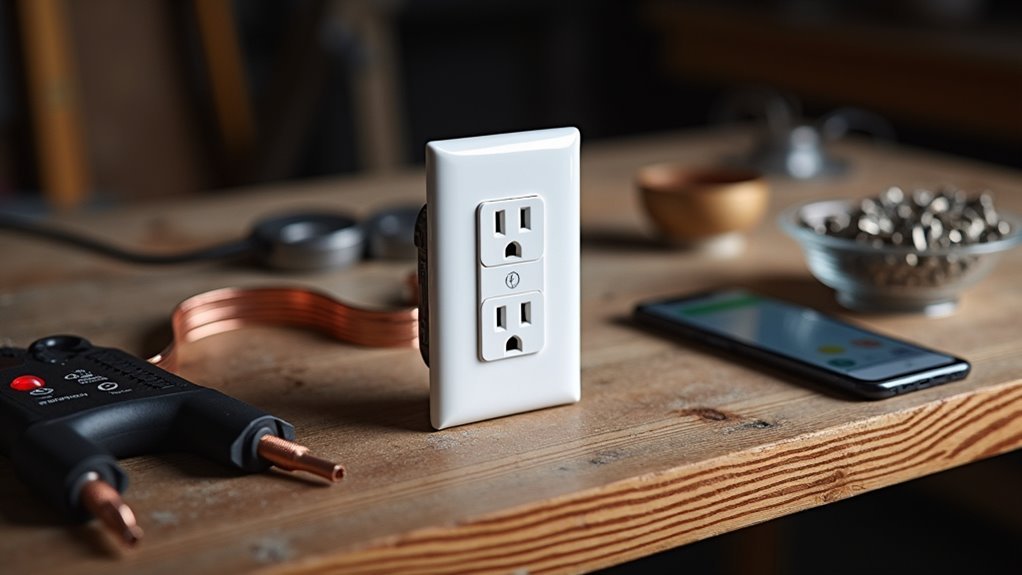
You’ve probably assumed that creating a smart home requires expensive hubs and complex installations, but that’s simply not true. Modern smart outlets can transform your living space without any central hub whatsoever. These Wi-Fi enabled devices connect directly to your home network, giving you instant control over lamps, appliances, and electronics from anywhere. The real challenge isn’t the technology—it’s knowing which strategies will save you time, money, and frustration during setup.
Choose the Right Wi-Fi Enabled Smart Plug for Direct Connection
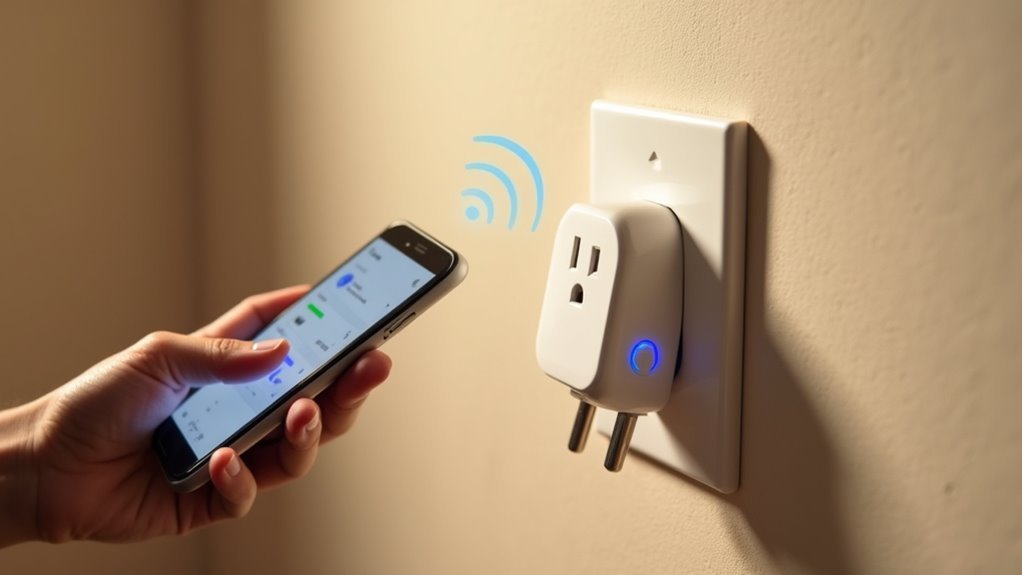
Why complicate your smart home setup with unnecessary hubs when you can choose a Wi-Fi enabled smart plug that connects directly to your existing network? You’ll eliminate potential failure points and streamline your home automation experience by selecting devices that work independently.
When shopping for the perfect smart plug, prioritize models compatible with popular voice assistants like Amazon Alexa and Google Assistant. This guarantees seamless integration into your existing ecosystem. Confirm the device operates on 2.4 GHz frequency for ideal range and connectivity with most routers.
Don’t overlook energy monitoring capabilities that provide real-time power consumption data. These features help you track usage and reduce electricity bills. Choose compact designs that won’t block neighboring outlets, maximizing your power strip efficiency. The right selection simplifies your setup process considerably.
Download and Set Up the Manufacturer’s Smartphone App
Once you’ve selected your Wi-Fi enabled smart plug, you’ll need to download the manufacturer’s dedicated smartphone app to control and configure your device.
Head to your phone’s app store and search for the specific app tied to your smart plug model, like Smart Life or Kasa. Download the app and create an account using your email address.
Open the app and tap the “+” or “Add Device” button to begin setup. You’ll need to enter your Wi-Fi credentials when prompted to connect your smart plug to your home network.
Access your app’s device setup menu and input your home Wi-Fi network credentials to establish the smart plug connection.
After successful connection, customize your device settings by naming your smart plug and creating automated schedules. This app becomes your central control hub for managing all device functions.
Connect Your Smart Plug to Your Home Wi-Fi Network
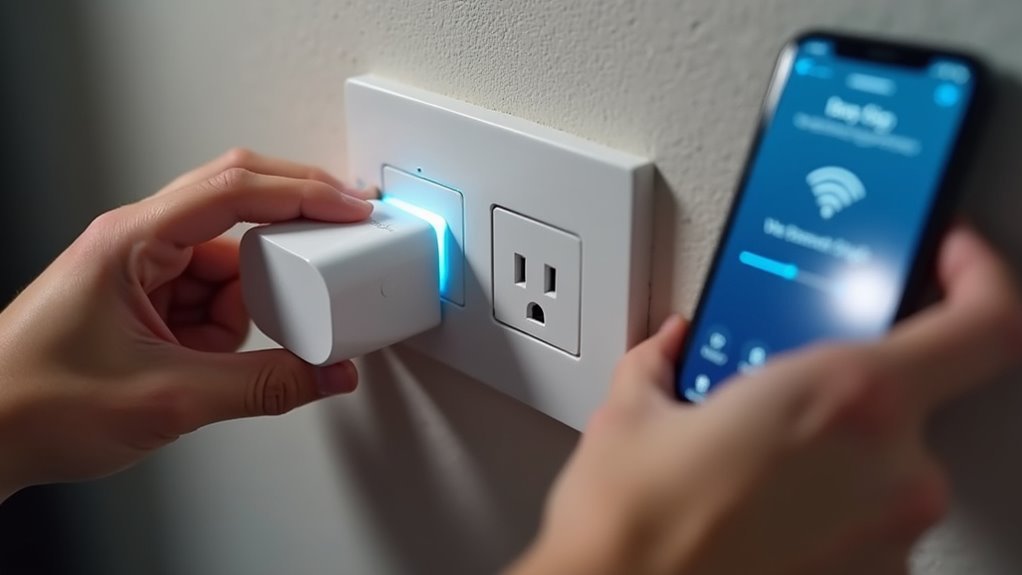
With your app downloaded and account created, you’re ready to establish the Wi-Fi connection that brings your smart plug online. The process varies slightly by smart plug brand, but the fundamentals remain consistent across manufacturers.
Follow these steps to connect your smart plug to your home Wi-Fi network:
- Enter pairing mode – Press and hold the smart plug’s power button until the indicator light flashes rapidly, signaling it’s ready for connection.
- Input your Wi-Fi network credentials – Open the app on your phone and select your network name, then enter your password (ensure you’re using 2.4 GHz if required).
- Complete setup – The app will confirm successful connection, enabling remote control functionality for your newly connected smart device.
Test Remote Control Functionality Before Final Installation
How can you be certain your smart plug will respond reliably when you need it most? Testing remote control functionality before final installation guarantees your smart technology works flawlessly.
First, verify your smart plug maintains stable connection to your home Wi-Fi network by using the companion app to toggle connected devices on and off from different locations.
Next, test voice commands through Amazon Alexa or Google Assistant to confirm seamless integration.
Monitor the app’s real-time status updates to make sure they accurately reflect your appliance’s current power state.
Finally, experiment with scheduling features by programming devices to activate at specific times.
This thorough testing validates that your smart plug delivers consistent remote control functionality across all features before permanent setup.
Configure Voice Assistant Integration for Hands-Free Operation
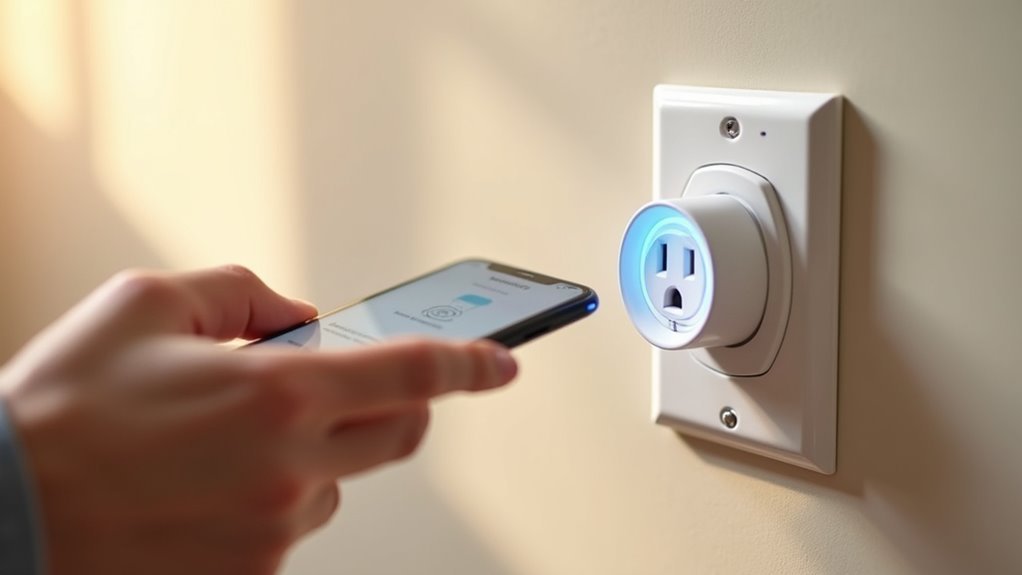
After confirming your smart plug responds reliably to remote commands, you’ll want to set up voice assistant integration for true hands-free control.
Smart plugs become exponentially more useful when connected to Amazon Alexa or Google Assistant, transforming basic outlets into responsive smart home products.
Here’s your integration roadmap:
- Verify compatibility – Confirm your smart plug works with your chosen voice assistant platform before proceeding with setup.
- Download the corresponding app – Install Amazon Alexa or Google Assistant apps, then follow device pairing instructions to add your plug.
- Assign room locations – Organize plugs by specific rooms for clearer voice commands and better control features.
Enable voice control by saying “turn on bedroom lamp” or similar commands.
Regular firmware updates promote peak energy consumption monitoring and compatibility with new features.
Set Up Automated Schedules and Timer Functions
Once you’ve established voice control, you’ll discover that automated schedules and timers represent the true power of smart plug technology.
You can set schedules directly through your companion app, creating multiple timed routines that automate your home throughout the day. Configure lights to activate at sunset or appliances to shut down at bedtime for ideal energy efficiency.
Timer functions prove invaluable for devices requiring limited operation periods. Set countdown timers for coffee makers, lamps, or chargers that automatically disconnect after specified durations.
Your voice assistants can activate these schedules hands-free, simply by speaking commands.
The flexibility of smart plugs shines when modifying existing schedules. You’ll easily adjust or delete timers within the app, adapting to changing routines without reconfiguring your entire setup.
Enable Energy Monitoring to Track Power Usage
While scheduling functions enhance convenience, energy monitoring capabilities transform your smart plugs into powerful cost-saving tools.
Your smart outlet’s companion app provides detailed insights that help you track power usage and reduce electricity costs effectively.
Energy monitoring through smart plugs delivers three key benefits:
- Real-time consumption tracking – Monitor which devices consume the most power, enabling informed decisions about your energy consumption patterns.
- Off-peak scheduling insights – Identify ideal times to run high-energy appliances during cheaper electricity rate periods.
- Faulty appliance detection – Spot devices using excessive power, prompting timely maintenance or replacement before costs escalate.
This monitoring capability typically reduces energy consumption by 20% for regularly used appliances, making your smart outlet conversion a smart financial investment.
Optimize Placement for Strong Wi-Fi Signal Coverage
You’ll want to test your Wi-Fi signal strength at the planned outlet location before installing your smart plug to guarantee reliable connectivity.
Keep your smart plug within 30 feet of your router and avoid placing it near thick walls, metal appliances, or other electronics that can block or interfere with the signal.
Position the outlet at an unobstructed height where furniture won’t block the signal path to maximize performance.
Check Wi-Fi Signal Strength
Where should you position your smart plug to ascertain reliable connectivity?
You’ll need to check Wi-Fi signal strength to guarantee ideal performance. Measuring signal intensity at your smart plug’s location helps establish a stable connection and prevents connectivity issues.
Use these steps to verify your Wi-Fi signal strength:
- Download a signal strength app and measure at the smart plug location, targeting at least -70 dBm for reliable operation.
- Avoid interference sources like microwaves, cordless phones, and metal objects that can disrupt your connectivity quality.
- Install Wi-Fi extenders or mesh networks in larger homes or areas with dead zones to boost coverage.
Position your smart plug within 30 feet of your router and away from large furniture or metal barriers that obstruct signals for maximum connectivity quality.
Avoid Physical Network Obstructions
Physical obstructions between your smart plug and router can dramatically weaken Wi-Fi signals, causing frequent disconnections and poor performance.
You’ll want to avoid placing smart plugs near large metal objects like refrigerators or microwaves, as they create signal interference that disrupts connectivity. Thick walls and floors also block Wi-Fi signals considerably, so position your devices strategically around these barriers.
For optimum connectivity, elevate smart plugs on shelves or higher surfaces where they’ll receive better signal reception.
The physical design of your space matters – maintain clear line of sight to your router whenever possible. If placement limitations exist, consider installing Wi-Fi extenders or mesh systems to improve network coverage in problem areas, ensuring your smart plugs maintain stable connections throughout your home.
Strategic Router Distance Planning
Strategic router placement serves as the foundation for reliable smart plug connectivity throughout your home.
You’ll need to take into account distance, elevation, and interference sources when positioning your router for ideal Wi-Fi performance.
Follow these placement strategies to maximize signal strength:
- Position centrally – Place your router in the middle of your home to distribute signals evenly and minimize dead zones where smart plugs might struggle to connect.
- Elevate the device – Mount your router on a shelf or high surface, avoiding floor placement and wall obstructions that weaken transmission.
- Maintain proper spacing – Keep your router away from microwaves and cordless phones that cause interference.
If you’re experiencing connectivity issues with multiple devices, think about upgrading to a dual-band router or mesh network system.
Create Custom Device Names and Room Assignments
Room assignments create an organized smart home by grouping smart plugs according to their physical location. This enhancement provides a user-friendly experience when maneuvering your app and enables precise voice commands with digital assistants.
| Room | Device Name | Voice Command Example |
|---|---|---|
| Kitchen | Coffee Maker | “Turn on kitchen coffee maker” |
| Living Room | Table Lamp | “Turn off living room table lamp” |
| Bedroom | Humidifier | “Turn on bedroom humidifier” |
| Office | Desk Fan | “Turn off office desk fan” |
Troubleshoot Common Connectivity Issues Without Technical Support
Why does your smart plug suddenly stop responding when it worked perfectly yesterday? Connectivity issues plague smart plugs more than any other home gadgets, but you can resolve most problems without calling technical support.
Start with these essential troubleshooting steps:
- Check your Wi-Fi router proximity – Verify your smart outlet sits within range of strong signal coverage, as distance creates the most common connectivity failures.
- Restart and reconnect – Unplug your smart plug for ten seconds, then plug it back in to refresh the connection and clear temporary glitches.
- Reset through your companion app – Use factory reset options when devices become completely unresponsive, then reconfigure from scratch.
Don’t forget regular firmware updates through your app maintain peak performance and prevent future connectivity issues.
Frequently Asked Questions
What Should You Not Plug Into a Smart Plug?
You shouldn’t plug high-wattage appliances, motor-driven devices, medical equipment, heat-generating appliances, or sensitive electronics into smart plugs. They can cause fires, damage equipment, create health risks, or experience power interruptions that’ll harm your devices.
What Are the Disadvantages of Smart Plugs?
You’ll face Wi-Fi dependency issues, ecosystem compatibility problems, response delays, and outlet blockage. Smart plugs can’t control hardwired appliances, may experience connectivity interruptions, and their size often obstructs neighboring sockets.
What Is the Difference Between a Smart Plug and a Smart Socket?
You’ll find smart plugs are portable devices that plug into existing outlets, while smart sockets permanently replace your entire outlet with built-in smart technology requiring electrical installation work.
What Is the Easiest Smart Plug to Install?
You’ll find the TP-Link Kasa Smart Wi-Fi Plug Mini easiest to install. It doesn’t require a hub, connects directly to your Wi-Fi, and offers user-friendly setup through simple app instructions.




Leave a Reply