
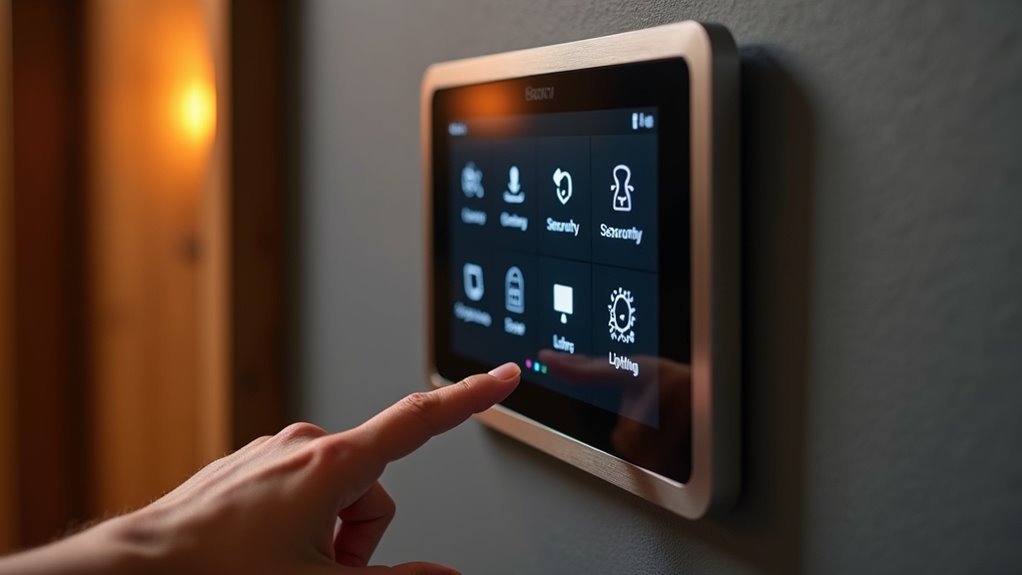
You’re likely frustrated with juggling multiple apps just to control your smart devices, and you’re not alone. A perfect home control panel should eliminate this chaos by creating one unified command center that actually works reliably. But here’s what most people don’t realize: the difference between a good panel and a perfect one isn’t just about fancy features—it’s about understanding the critical components that determine whether your investment becomes your home’s brain or just another expensive gadget.
Understanding Smart Home Control Panel Fundamentals
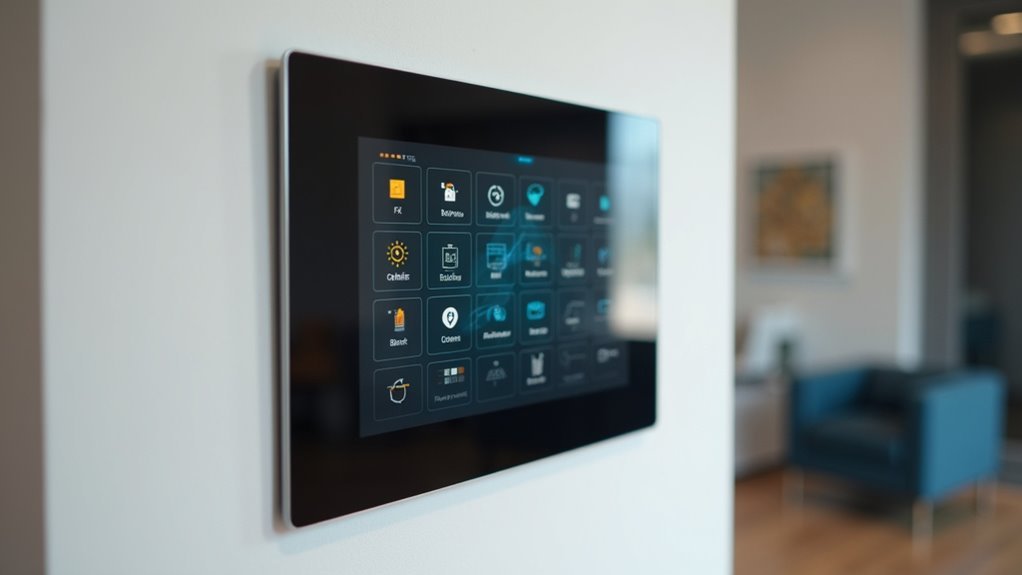
Three core components define every smart home control panel: the central hub that processes commands, the user interface that displays controls, and the communication protocols that connect your devices.
Your smart home control panel serves as the command center, managing everything from lighting to security systems through Wi-Fi, Zigbee, or Z-Wave connections.
The user interface determines how easily you’ll navigate daily controls. Whether it’s a wall-mounted touchscreen or mobile app, you’ll want intuitive design that simplifies complex tasks.
Device compatibility guarantees your panel works with existing smart devices, creating unified automation throughout your home.
Modern panels integrate voice assistants for hands-free operation, delivering a seamless user experience.
This combination of hardware, software, and connectivity transforms individual smart devices into a cohesive ecosystem you can control effortlessly.
Essential Hardware Components for Optimal Performance
While software creates the smart home experience, hardware components determine whether your control panel performs reliably under daily demands. Your smart control panel needs a robust processor—ARM Cortex or x86-based—paired with at least 2GB RAM for smooth multitasking. The high-resolution touchscreen should deliver 1280×800 pixels minimum, sized 4-10 inches for ideal visibility.
| Component | Specifications |
|---|---|
| Processing Power | ARM Cortex/x86 + 2GB RAM |
| Display Quality | 1280×800 pixels, 4-10 inches |
| Connectivity Suite | Wi-Fi, Ethernet, Bluetooth, Zigbee, Z-Wave |
Essential wireless protocols include Wi-Fi, Ethernet, Bluetooth, Zigbee, and Z-Wave for thorough device integration. You’ll want backup battery power and PoE capability ensuring uninterrupted operation during outages. Critical security features include biometric authentication and hardware-based encryption protecting against unauthorized access.
Universal Device Compatibility Across All Brands
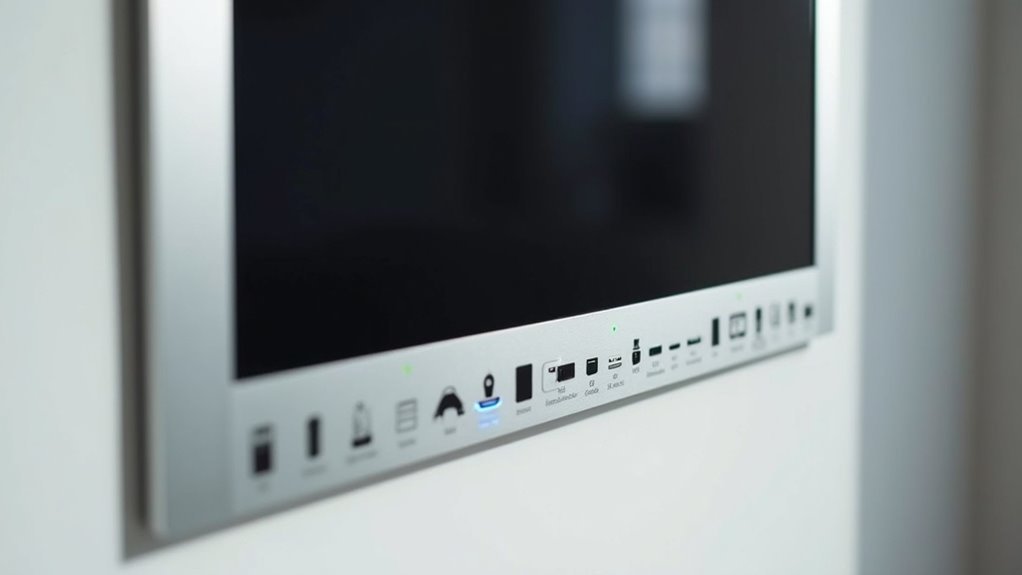
Beyond hardware specifications, your control panel’s true value emerges through its ability to communicate with devices from every major manufacturer.
Universal device compatibility transforms your space into a cohesive smart home ecosystem where brand barriers disappear.
Your centralized control system should seamlessly integrate these essential categories:
- Lighting and Climate – Zigbee, KNX, and Wi-Fi protocols for extensive environmental management
- Security Infrastructure – Cameras, alarms, smart locks, and intercoms for complete protection
- Entertainment Systems – AV equipment, smart TVs, and motorized curtains for ambiance control
- Energy Management – Monitoring devices with Tuya, Google Assistant, and Alexa integration
This extensive compatibility empowers you to select the best IoT devices without worrying about integration limitations, creating a unified smart technology environment that adapts to your preferences.
Intuitive User Interface Design Principles
You’ll want your home control panel’s interface to guide users naturally through clear visual hierarchy and logical layout that makes essential functions immediately obvious.
Your touch-friendly navigation elements should respond instantly to gestures while providing adequate spacing and feedback that prevents accidental inputs.
You can transform the user experience by offering robust personalization options that let homeowners customize layouts, themes, and control arrangements to match their specific needs and preferences.
Visual Hierarchy and Layout
The foundation of exceptional home control panel design rests on creating a visual hierarchy that instantly communicates what matters most.
You’ll want to leverage size, color, and strategic placement to guide users’ attention naturally to critical functions first.
An effective visual hierarchy transforms your interface into an intuitive, user-friendly experience through these key elements:
- Size prioritization – Make frequently used controls larger and more prominent
- Color coding – Use distinct colors to categorize functions and indicate status
- Strategic placement – Position essential controls in prime visual real estate
- Clear labeling – Combine descriptive text with recognizable icons
Customizable layouts empower users to personalize their experience, while consistent design elements reduce cognitive load.
This approach guarantees your intuitive interface adapts to individual preferences without sacrificing usability.
Touch-Friendly Navigation Elements
When designing touch-friendly navigation elements for your home control panel, prioritizing finger-sized targets becomes essential for creating an interface that works flawlessly across all user demographics.
You’ll want to implement large, easily tappable buttons that minimize accidental presses while accommodating users of all ages. Incorporate gesture-based touch controls like swipe and pinch motions to create intuitive interfaces that feel natural and responsive.
Visual feedback through animations and color changes reinforces your actions, greatly improving user experience. A customizable dashboard allows you to arrange frequently used features prominently, ensuring seamless interaction with your most important controls.
Personalization and Customization Options
Since every homeowner has unique preferences and daily routines, implementing robust personalization and customization options transforms your control panel from a generic interface into a tailored command center that truly reflects your lifestyle.
An intuitive user interface should adapt to you, not force you to adapt to it.
Essential personalization features include:
- Customizable dashboard layouts that prioritize your most-used devices and functions for instant access
- Theme personalization options allowing visual alignment with your home’s aesthetic and personal taste preferences
- Multilingual support guaranteeing accessibility regardless of your technical background or native language
- Scene control integration enabling custom automation like “Good Morning” or “Movie Mode” for seamless multi-device management
These customization capabilities guarantee your control panel evolves with your changing needs and preferences.
Reliable Connectivity Options and Network Protocols
While designing your perfect home control panel, you’ll want to prioritize connectivity options that keep your smart home running smoothly regardless of network conditions.
Reliable connectivity options should include dual-band Wi-Fi and Bluetooth support for versatile device communication across different networks. Your panel needs multiple network protocols like Zigbee and Z-Wave integration, enabling seamless connections with smart devices from various manufacturers.
Ethernet and PoE capability guarantees stable network connections while providing consistent power supply for enhanced operational reliability.
You’ll also need offline mode fallback functionality, maintaining device control even when internet connectivity fails. Fast response times are essential for immediate device interaction, creating smooth user experiences.
These connectivity features work together to deliver consistent performance, assuring your home automation system remains responsive and dependable under all circumstances.
Advanced Security Features and Data Protection

Multiple layers of security protection form the foundation of any robust home control panel, safeguarding your smart home ecosystem from cyber threats and unauthorized access.
Advanced security features guarantee your system remains impenetrable while maintaining seamless functionality.
Essential security components include:
- Encrypted Data Transmission – TLS/SSL protocols protect information flowing between your devices, preventing interception during communication.
- User Authentication Controls – Role-based access management restricts system control to authorized individuals only, enhancing overall security management.
- Remote Access Protection – Emergency locking and disabling capabilities let you secure your panel from unauthorized access instantly when needed.
- Automated Security Updates – Over-the-air updates deliver timely patches, keeping your system protected against emerging vulnerabilities without manual intervention.
Enterprise users benefit from encrypted local storage and VPN compatibility for enhanced data protection.
Customizable Dashboard Layouts for Personal Preferences
You’ll want your home control panel to reflect your unique lifestyle and preferences through a personalized interface design that puts your most-used controls front and center.
Your dashboard should adapt to different situations with scene-based control options that group related devices together for specific activities or times of day.
This customization transforms a generic control system into an intuitive extension of how you actually live and interact with your smart home.
Personalized Interface Design
Since every household operates differently, your home control panel should adapt to match your unique lifestyle and preferences.
Personalized interface design transforms a generic control system into your customized command center through intuitive user interface elements that respond to your specific needs.
Effective personalized interface design includes:
- Customizable dashboard layouts that organize your most-used devices and functions prominently
- Personalized menus for each family member, providing quick access to their preferred controls
- Theme personalization options with color schemes and styles matching your home’s aesthetic
- Automation settings like “Good Night” modes that control multiple devices with one touch
Clear labels, recognizable icons, and logical navigation guarantee everyone can operate the system effortlessly, regardless of their technical expertise.
Scene-Based Control Options
Although modern homes contain dozens of connected devices, scene-based control options eliminate the complexity by grouping multiple functions into single, intelligent commands. You can create personalized scenes like “Good Morning” or “Movie Mode” that simultaneously adjust lights, thermostat, and security settings with one tap.
These customizable dashboards transform your smart home experience by automating daily routines through an intuitive interface that understands your lifestyle patterns.
The scene-based control options streamline everything from entertainment to security, letting you dim lights, lock doors, and set temperatures instantly. Your personalized interfaces adapt to family schedules, ensuring ideal comfort and convenience.
Theme customization and multilingual support make these dashboards accessible to everyone in your household, creating a truly tailored control experience.
Mobile App Integration for Remote Access
When you’re away from home, a dedicated mobile app transforms your smartphone into a powerful remote control center for your entire smart home system.
This mobile app provides seamless remote access to all your smart devices, revolutionizing your home automation user experience with unparalleled convenience and control.
The mobile app delivers extensive functionality through:
The mobile app delivers extensive functionality through comprehensive remote control capabilities that keep you connected to your smart home ecosystem.
- Real-time notifications – Instant alerts from security cameras, smoke sensors, and other monitoring devices keep you informed of your home’s status.
- Immediate adjustments – Modify settings and automation routines instantly when situations change or issues arise.
- 24/7 connectivity – Continuous access guarantees your smart home system remains responsive around the clock.
- Personalized scheduling – Create custom automation routines for lights, thermostats, and other devices while away.
Voice Control and Smart Assistant Compatibility
While mobile apps excel at remote control functionality, voice commands provide the most intuitive way to interact with your smart home control panel during daily activities.
Voice control eliminates the need to locate devices or navigate interfaces, enabling hands-free control when your hands are full or dirty.
Smart assistant compatibility with Amazon Alexa, Google Assistant, and Apple HomeKit guarantees seamless integration across ecosystems, enhancing your overall user experience.
Advanced voice recognition technology processes natural language commands, allowing you to speak conversationally rather than memorizing specific phrases.
You’ll appreciate creating automation routines through voice commands like “Good Night,” which can simultaneously dim lights, lock doors, and adjust thermostats.
Built-in microphones and speakers enable direct command execution without requiring additional devices.
Sensor Integration for Automated Responses
Beyond voice commands, sensor integration transforms your control panel into an intelligent hub that anticipates your needs through automated responses.
These smart sensors work seamlessly alongside voice control features to create a truly responsive user experience.
Your control panel becomes more intuitive with these integrated sensors:
- Proximity sensors detect your approach and automatically wake the display while adjusting brightness levels.
- Ambient light sensors optimize screen visibility by automatically dimming or brightening based on surrounding conditions.
- Temperature sensors trigger HVAC systems only when necessary, maintaining comfort while maximizing energy efficiency.
- Motion detectors instantly activate security cameras and send real-time alerts when unauthorized movement occurs.
This sensor integration eliminates manual adjustments while enhancing security and convenience, making your home truly intelligent.
Power Management and Backup Solutions
As your home control panel evolves into the central nervous system of your smart home, reliable power management becomes critical for maintaining uninterrupted operation.
You’ll need built-in battery backup solutions, preferably lithium-ion batteries, to keep everything running smoothly during power outages.
Power over Ethernet capability streamlines your installation by delivering both power and network connectivity through a single cable.
Advanced power management features let you monitor energy consumption across connected devices, promoting energy efficiency and reducing costs.
You can’t overlook surge protection mechanisms that shield your investment from voltage spikes and electrical fluctuations.
Remote management capabilities enable you to adjust device power settings from anywhere, optimizing usage patterns and maximizing convenience while maintaining complete control over your smart home ecosystem.
Installation Flexibility and Mounting Options
You’ll find that modern home control panels offer three primary installation approaches to match your specific needs and room layout.
Wall mount solutions provide permanent, space-saving installations that integrate seamlessly into your home’s design, while tabletop placement options give you the flexibility to position controls exactly where you need them most.
Portable installation methods take convenience a step further, allowing you to move your control panel between rooms or take it with you as your daily routine changes.
Wall Mount Solutions
Most wall-mounted smart home control panels offer multiple installation approaches that adapt to your specific room layout and usage preferences. Flexible mounting options include flush, angled, or swivel configurations that enhance visibility and accessibility throughout your home.
Key installation considerations include:
- Mounting Style – Choose flush, angled, or swivel positions for best viewing angles
- Aesthetic Integration – Select customizable bezels that complement your existing décor
- Connection Method – Utilize wired connections like Ethernet or PoE for stable network performance
- Maintenance Access – Implement quick-release mounting mechanisms for easy panel removal
These wall-mounted smart home control panels provide permanent solutions while maintaining design flexibility. You’ll minimize visible wiring through strategic placement and guarantee seamless integration with your home’s aesthetic.
The combination of sturdy mounting hardware and accessible maintenance features creates an excellent balance between functionality and convenience.
Tabletop Placement Options
Tabletop control panels deliver unmatched flexibility by transforming your smart home interface into a portable command center that moves wherever you need it most.
These versatile devices feature adjustable stands that let you achieve ideal viewing angles while maintaining stability on any surface. You’ll appreciate the compact designs that minimize space usage without sacrificing functionality or screen quality.
Many models offer integrated batteries for portable use, eliminating dependence on fixed power sources. This freedom lets you relocate your control hub from kitchen counters to bedside tables effortlessly.
Flexible mounting options enhance versatility further—you can switch between tabletop placement options and wall mounting as your needs change.
Whether you’re controlling lighting, temperature, or security systems, tabletop placement options guarantee your smart home interface remains accessible and convenient.
Portable Installation Methods
Installation freedom defines the core advantage of portable home control panels, offering multiple mounting solutions that adapt to your unique space requirements.
These portable installation methods utilize lightweight materials that make repositioning effortless, while integrated batteries guarantee functionality regardless of power outlet locations.
Flexible placement becomes achievable through diverse mounting options:
- Wall mounts – Secure attachment for permanent positioning in high-traffic areas
- Adhesive mounts – Damage-free installation that preserves wall surfaces
- Magnetic mounts – Instant repositioning capability for metal surfaces
- Under-cabinet installations – Space-saving solutions for kitchens and workspaces
You’ll appreciate how these systems accommodate everything from vehicle installations to temporary setups.
The combination of battery power and versatile mounting hardware means you can establish control points wherever they’re most convenient, creating a truly customized smart home experience.
Scalability and Future-Proofing Capabilities
When you’re investing in a home control panel, you’ll want a system that grows with your smart home rather than one that becomes obsolete within a few years. Scalability guarantees you can easily add new devices without requiring a complete system overhaul.
Future-proofing capabilities include support for multiple communication protocols like Zigbee, Z-Wave, and Wi-Fi, allowing integration with diverse devices as technologies emerge.
You’ll benefit from robust architecture that facilitates over-the-air updates, automatically delivering security patches and feature enhancements. The ability to customize your user interface adapts to changing preferences and new functionalities, accommodating emerging smart home trends.
Investing in panels with fast multi-core processors and reliable storage options supports performance longevity, enabling your system to handle increased devices and complex automation tasks as your smart home evolves.
Professional Development Vs DIY Implementation
Although professional development requires a higher upfront investment, you’ll gain access to specialized teams that bring expertise in firmware engineering, hardware design, and user interface enhancement to your smart home control panel project.
Professional development delivers specialized expertise in firmware engineering, hardware design, and interface enhancement despite higher initial costs.
While DIY implementation offers initial cost savings and personal customization, it often compromises peak performance and reliability. A professional installer guarantees your home automation systems meet industry standards through thorough testing and quality assurance.
Consider these key advantages of professional development:
- Security Testing – Thorough vulnerability assessments protect your smart devices from potential threats.
- Compatibility Verification – Extensive testing guarantees seamless integration across all connected devices.
- User Interface Excellence – Professional teams create intuitive interfaces based on requirement analysis and user feedback.
- Long-term Durability – Adherence to best practices enhances your control panel’s longevity and performance consistency.
Frequently Asked Questions
What Are the Characteristics of Control Panel?
You’ll find control panels feature touchscreen interfaces, wireless connectivity protocols, customizable dashboards, processing power for multitasking, and reliable network connections. They’re designed to centralize device management and provide intuitive user interaction capabilities.
What Are the Three Types of Control Panel?
You’ll encounter three main control panel types: cloud or standalone panels that connect through IoT gateways, embedded panels with built-in controls, and directly-connected panels using Bluetooth for immediate device access.
What Is a Smart Control Panel?
A smart control panel’s your centralized device that wirelessly manages all your connected home gadgets through one interface. You’ll control lighting, temperature, security, and automation while integrating with voice assistants for hands-free operation.
What Is a Main Control Panel?
A main control panel is your smart home’s central command center. You’ll use its touchscreen interface to manage all connected devices from one location. It communicates through Wi-Fi, Zigbee, and Z-Wave protocols for seamless integration.




Leave a Reply