

You can program sophisticated smart lighting systems without writing a single line of code. Today’s no-code platforms transform complex automation into drag-and-drop simplicity, letting you create custom scenes, schedules, and responses that’ll adapt to your lifestyle. However, choosing the wrong approach from the start will leave you frustrated with a system that doesn’t work as intended.
Understanding No-Code Smart Lighting Solutions
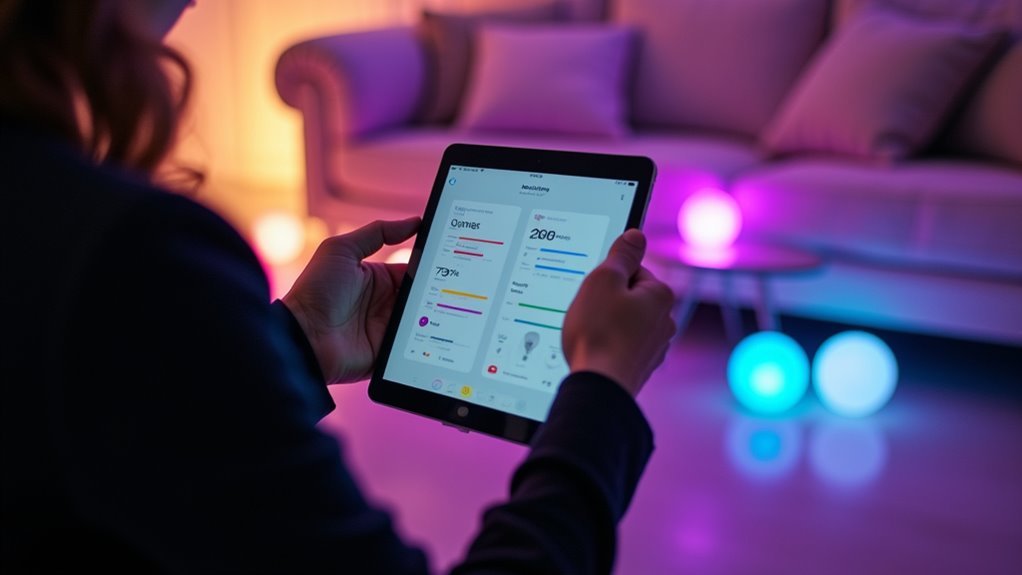
While smart lighting once demanded programming expertise, no-code solutions now let you configure and control your lighting systems through intuitive visual interfaces.
These no-code platforms eliminate programming knowledge requirements entirely, replacing complex coding with simple drag-and-drop functionality. You’ll create custom lighting scenes and automation schedules quickly and efficiently through visual selections rather than technical commands.
Programming expertise no longer required—create custom lighting scenes through intuitive visual controls.
Most platforms support multiple communication protocols like Zigbee and Wi-Fi, ensuring your smart lighting devices remain compatible regardless of brand or model.
You can define specific behaviors such as color temperature adjustments and brightness levels through straightforward menu selections. The speed is remarkable—platforms like Tuya IoT Development can prepare smart lighting models for mass production in just 15 minutes, demonstrating how accessible and efficient modern no-code development has become.
Benefits of Programming Lights Without Coding Skills
Since no-code platforms eliminate technical barriers, you’ll find that programming smart lights becomes an intuitive process that saves time and boosts satisfaction. You can create customized light settings through visual interfaces, adjusting colors and brightness with just a few clicks. This dramatically reduces setup time compared to traditional programming methods.
A no-code platform enables seamless integration across various protocols like Zigbee and Wi-Fi, ensuring compatibility with different devices in your smart home automation system. You’ll easily develop energy management scenarios, scheduling lights to turn off during peak hours without requiring technical skills.
The accessibility increases your engagement and satisfaction as you personalize lighting to match specific moods and activities. You can set up lighting schedules and automation effortlessly, making your home energy-efficient while creating perfect ambiance for situations.
Essential Hardware Components for Automated Lighting
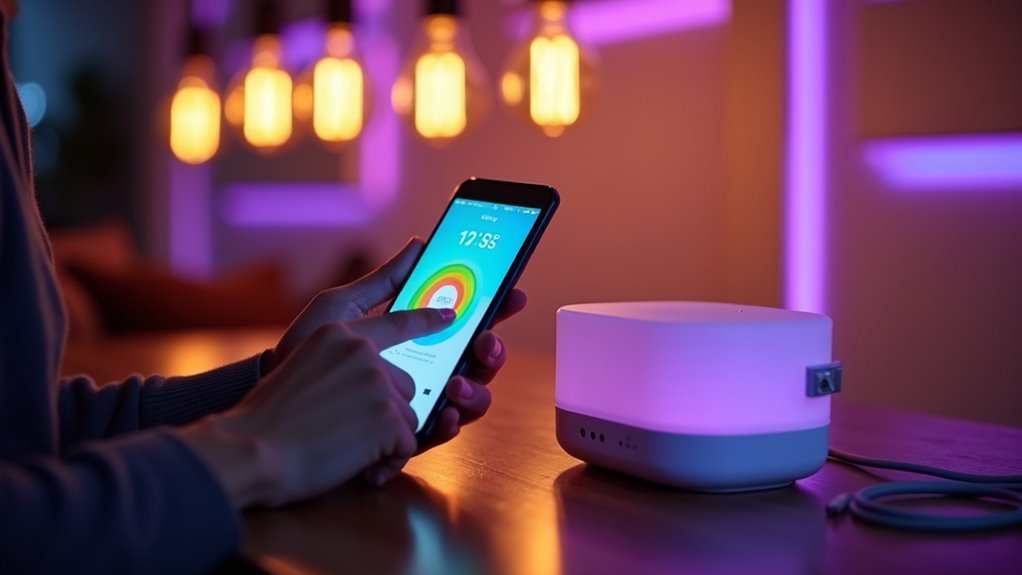
You’ll need specific hardware components to build an effective automated lighting system in your home.
Smart bulbs and switches form the foundation of your setup, providing the basic control and connectivity you need for remote operation.
Sensors and controllers then enhance this foundation by adding automated responses and centralized management capabilities.
Smart Bulbs and Switches
As the foundation of automated lighting systems, smart bulbs and switches transform ordinary fixtures into intelligent devices that respond to your schedules, preferences, and voice commands.
Smart bulbs like Philips Hue utilize Zigbee technology, allowing you to create automated routines that adjust brightness and color temperature throughout the day.
However, smart switches and dimmers work much better for main lighting since they provide manual control and maintain consistent power to fixtures. Unlike smart bulbs, you won’t face issues when someone accidentally turns off the switch.
These devices support multiple protocols including Zigbee, Z-Wave, and Wi-Fi, ensuring seamless integration with various smart home ecosystems.
Light strips offer flexible ambient lighting options, while devices with “smart bulb mode” enable physical control without losing network connectivity altogether.
Sensors and Controllers
Essential sensors like motion detectors and light sensors continuously monitor your environment, feeding data to smart controllers that automatically adjust lighting based on occupancy, ambient conditions, and your programmed preferences.
These sensors detect physical stimuli including motion, light levels, and temperature changes. Controllers then process this information to manage your lighting system’s overall operation, letting you create automation routines through mobile apps or voice commands.
Actuators serve as the bridge between sensors and your lights, converting sensor signals into actionable commands that adjust brightness, color, and power states.
Popular communication protocols like Zigbee, Z-Wave, and Wi-Fi guarantee reliable interaction between all components. You’ll program advanced scenarios like automatically illuminating rooms when you enter or dimming lights based on natural daylight levels, creating a responsive smart lighting ecosystem.
Selecting the Best No-Code Platform for Your Needs
Why waste time evaluating countless no-code platforms when specific criteria can quickly identify the best solution for smart lighting development?
You’ll need a platform offering visual configuration dashboards that eliminate coding requirements entirely. Tuya IoT excels in no-code development through drag-and-drop design tools, letting you create customized control panels without design expertise.
Visual drag-and-drop tools eliminate coding requirements, enabling customized control panel creation without technical expertise.
Prioritize development speed—you can deploy smart lighting solutions in just 15 minutes with efficient platforms.
Protocol compatibility matters greatly; verify your platform supports Wi-Fi and Zigbee for maximum device compatibility.
Cost-effectiveness should drive your decision. Seek platforms offering one-time module costs covering full system functions, no additional cloud authorization fees, and bulk purchasing options.
These criteria separate viable platforms from inadequate alternatives, guaranteeing you’ll select the most suitable solution for your needs.
Setting Up Smart Bulbs and Switches
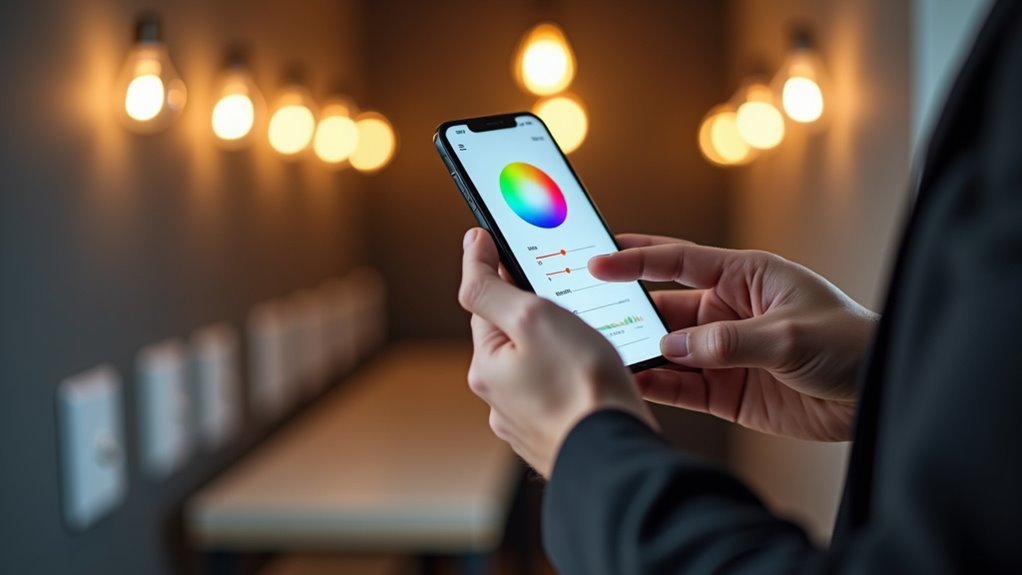
Once you’ve selected your no-code platform, you’ll move into the physical installation phase where smart bulbs and switches transform your entire lighting system.
Smart bulbs offer immediate compatibility with protocols like Zigbee or Wi-Fi, making integration straightforward. However, when installing smart switches, you’ll need to ascertain compatibility with your electrical system and lighting type to maintain proper manual control.
Your no-code smart setup involves three essential steps:
- Install smart bulbs in fixtures where you want color-changing and dimming capabilities.
- Replace standard switches with smart dimmers for main lighting areas requiring reliable manual control operation.
- Configure lighting features like scheduling and automation through your platform’s intuitive visual interface.
Smart dimmers provide superior reliability compared to smart bulbs, as they don’t require constant power and preserve functionality while enabling advanced programming features.
Creating Basic Lighting Schedules and Timers
Once you’ve installed your smart bulbs and switches, you’ll want to create automated schedules that control when your lights turn on and off throughout the day.
Setting daily schedules lets you establish consistent lighting patterns that match your routine, while timer rules give you precise control over specific lighting durations.
These basic automation features form the foundation of a smart lighting system that works without constant manual intervention.
Setting Daily Schedules
When you want to automate your lighting routine, smart lights offer scheduling features that automatically turn lights on and off based on your daily preferences.
Smart lighting apps make setting daily schedules straightforward through intuitive interfaces that require just a few taps. You’ll save energy while enjoying convenient lighting that matches your lifestyle perfectly.
Most advanced scheduling systems provide these essential key features:
- Weekly customization – Configure different schedules for each day of the week to accommodate varying routines
- Activity-based timers – Set lights to gradually brighten for morning wake-ups or dim for evening relaxation
- Automatic adjustments – Enable geofencing to trigger lights when you arrive home or leave
These smart scheduling options eliminate manual light switching while creating the perfect ambiance for every moment of your day.
Creating Timer Rules
While daily schedules handle your routine lighting needs, timer rules deliver the precise control required for specific automation scenarios.
You can customize timer rules to accommodate various situations, such as waking up to gradually brightening lights or having lights automatically turn off after a set period of time.
Smart lighting apps offer intuitive interfaces that let you create lighting schedules by selecting desired times and adjusting brightness levels without any coding skills required.
You’ll find automation features integrate seamlessly with motion sensors, enabling lights to turn on when someone enters a room and turn off after certain periods of inactivity.
Most solutions support multiple programming options, allowing you to create recurring schedules for weekdays, weekends, or specific dates, enhancing both convenience and energy efficiency.
Designing Custom Lighting Scenes and Moods
Since lighting dramatically affects mood and productivity, creating personalized scenes allows you to optimize your environment for different activities throughout the day.
No-code platforms make designing custom lighting scenes effortless through visual dashboards where you’ll select brightness, color temperature, and effects without programming knowledge.
You can establish automated routines that adjust your smart home devices based on activity:
- Bright white light for focused work sessions
- Warm amber tones for evening relaxation
- Gentle dimmed lighting for nighttime routines
Motion sensors enhance these custom lighting scenes by automatically triggering scene changes when you enter rooms.
Zigbee and Wi-Fi protocols guarantee seamless integration across devices, while drag-and-drop tools let you customize scenarios instantly.
This transforms complex lighting automation into simple visual configuration.
Integrating Motion Sensors for Automatic Control
Motion sensors transform your carefully designed lighting scenes into a truly automated experience that responds instantly to your presence.
You’ll integrate these sensors with your smart lighting system through no-code platforms, programming them to trigger specific scenarios like adjusting brightness or color temperature when you enter a room. Most systems support Zigbee and Wi-Fi communication protocols, ensuring seamless compatibility with various motion sensors available in the market today.
Beyond convenience, you’re enhancing energy efficiency by automatically turning lights on and off based on detected movement. This automation also improves home security, deterring potential intruders with responsive lighting.
You can create personalized experiences that gradually increase light intensity as you approach, even mimicking natural lighting patterns throughout the day for ideal comfort and enhanced ambiance.
Programming Voice Commands for Lighting Control
Once you’ve automated lighting with motion sensors, voice commands deliver the ultimate hands-free control through natural speech recognition.
Smart lighting systems integrate seamlessly with Amazon Alexa and Google Assistant, enabling effortless programming without any coding skills required.
You’ll configure voice commands through three essential steps:
- Platform Integration – Connect your smart lighting devices to voice assistants through user-friendly apps.
- Custom Commands – Create personalized phrases like “dim the living room lights” using natural language processing.
- Advanced Routines – Program complex scenarios where single commands like “goodnight” control multiple devices simultaneously.
Standardized communication protocols like Zigbee and Z-Wave guarantee seamless compatibility across different brands.
You can easily modify these voice commands through smart home apps, seamlessly tailoring your lighting control to match your lifestyle preferences and daily routines.
Advanced Automation With Conditional Rules
While voice commands provide hands-free control, conditional rules reveal truly intelligent automation that responds to your environment without any input from you.
You’ll create sophisticated scenarios where your smart lights automatically adjust based on specific triggers like time of day, motion detection, or temperature changes. Set lights to turn on at sunset, dim when the room’s occupied, or brighten during cloudy weather.
Most no-code platforms offer visual interfaces that make setting up conditional rules simple – no programming knowledge required. You can integrate sensors and cameras to create more complex automations easily.
Visual programming eliminates technical barriers, making sophisticated smart home automations accessible to everyone.
For security, configure lights to activate when motion’s detected during specific hours, creating an occupancy illusion when you’re away. These conditional rules enhance convenience while improving energy efficiency through truly intelligent environmental responses.
Energy Monitoring and Cost Optimization
Smart lighting’s energy monitoring capabilities turn your intelligent system into a cost-optimization powerhouse.
You’ll track real-time consumption patterns, identifying high-usage periods and adjusting schedules accordingly. LED bulbs alone reduce electricity usage by up to 75% compared to incandescent alternatives, dramatically lowering utility bills.
Your app’s analytics tools reveal energy trends, helping you optimize settings during peak hours.
Here are three key cost optimization strategies:
- Motion Sensor Integration – Automatically turns lights on/off based on occupancy, delivering up to 30% household energy savings
- Peak Hour Scheduling – Program lights to minimize usage during expensive energy periods using app analytics
- Remote Automation – Set time-based and occupancy rules that eliminate unnecessary lighting waste
This energy monitoring approach transforms your lighting system into a money-saving tool that continuously reduces energy expenditure.
Security Features for Smart Lighting Systems
Beyond saving money on utility bills, your smart lighting system doubles as a thorough security network that protects your home around the clock.
You’ll receive automated alerts when motion detection triggers, keeping you informed of unusual activity. Through mobile apps, you can monitor and control your lights remotely in real-time from anywhere.
Schedule lighting routines or create randomized patterns that simulate occupancy, deterring potential intruders when you’re away. Your smart homes benefit from synchronized responses – lights automatically illuminate when security cameras detect movement or alarms activate.
Regular firmware updates protect against vulnerabilities, ensuring your home security system operates safely. These connected devices work together, transforming ordinary lighting into extensive protection that constantly adapts to your specific needs while maintaining vigilance over your property.
Troubleshooting Common Setup Issues
When your smart lights won’t connect or respond properly, systematic troubleshooting steps can quickly resolve most common issues. Connectivity problems often stem from basic setup oversights that you can usually fix easily.
1. Verify compatibility and network connection – Confirm your lights support your chosen app and communication protocols like Zigbee or Wi-Fi.
Check that devices are powered on and connected to the same network as your controlling device.
2. Reset and re-add unresponsive devices – If lights won’t respond, reset them and add them back to your app.
This resolves most configuration errors and connectivity issues.
3. Update firmware and consult resources – Always keep your smart lights’ firmware current to prevent functionality problems.
Use manufacturer troubleshooting guides or online resources to address specific error codes.
Expanding Your Smart Lighting Network
Once you’ve mastered troubleshooting your initial setup, expanding your smart lighting network becomes a straightforward way to enhance your home’s functionality.
You’ll want to integrate devices using communication protocols like Zigbee, Z-Wave, and Wi-Fi for improved compatibility and expanded control options. Smart dimmers and switches provide more reliable control of smart lighting compared to bulbs, which work best for accent lighting since they require constant power supply.
Incorporate motion sensors to automate lighting based on occupancy, greatly improving energy efficiency and overall convenience. A central hub effectively manages devices from different manufacturers, creating a cohesive experience with scheduled routines and remote access capabilities.
Smart lighting apps simplify extensive network management, allowing you to easily customize various lighting scenarios and efficiently monitor real-time energy usage patterns.
Frequently Asked Questions
How Do You Program Smart Lights?
You program smart lights using no-code platforms like Tuya’s visual interface. You’ll drag-and-drop to create automation routines, schedule on/off times, adjust brightness based on motion sensors, and integrate with other smart home devices quite seamlessly.
How to Connect Smart Lights Without Apps?
You don’t need apps to connect smart lights—instead use their built-in physical controls, Zigbee/Z-Wave hubs with compatible switches, traditional switches in smart bulb mode, flashing custom firmware, or integrating motion sensors for automatic functionality.
How to Control Multiple Smart Lights at Once?
You’ll create groups in your smart home app to control multiple lights simultaneously. Set up automation routines for scheduled operations, use voice commands through Alexa or Google Assistant, and leverage Zigbee protocols for unified control.
Can Smart Lights Be Controlled Remotely?
You can definitely control smart lights remotely through mobile apps that’re connected to the internet. You’ll adjust brightness, turn lights on or off, and set schedules from anywhere worldwide using Wi-Fi, Zigbee, or Bluetooth protocols.




Leave a Reply