

You’re probably paying too much for a smart home system that doesn’t give you the control you deserve. Commercial hubs lock you into expensive ecosystems with limited customization options, while a Raspberry Pi costs under $100 and transforms into a powerhouse that manages everything from lights to security cameras. What most people don’t realize is how this tiny computer outperforms systems costing ten times more.
Cost-Effective Alternative to Commercial Smart Home Systems
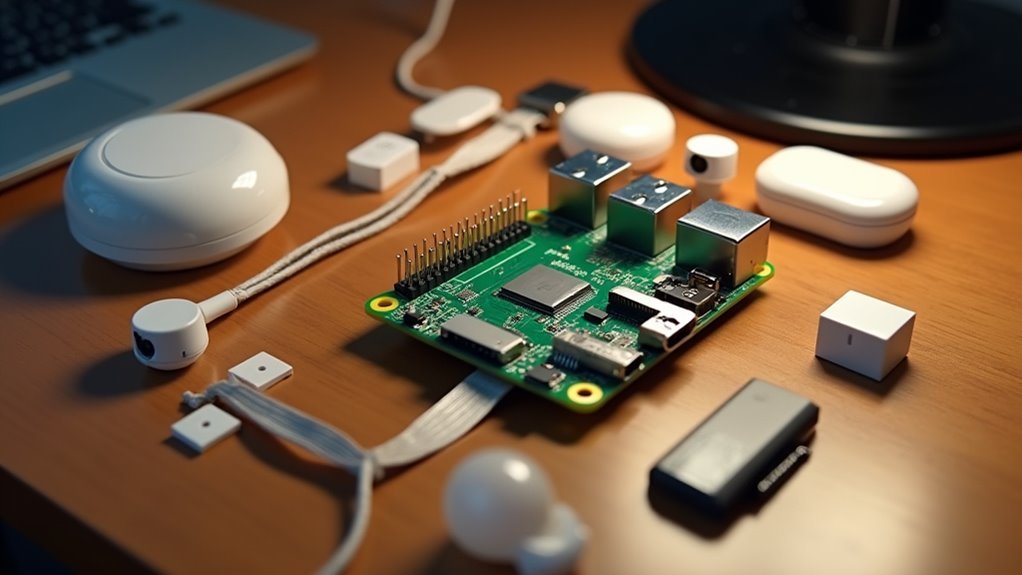
Within minutes of unboxing your first Raspberry Pi, you’ll realize you’re holding a $35-55 board that can replace smart home systems costing hundreds or even thousands of dollars.
Your total setup investment averages $100-150, making this the most cost-effective path to home automation.
Commercial smart home systems burden you with ongoing subscription fees, but Raspberry Pi’s open-source nature eliminates these recurring costs entirely.
You’ll typically recover your investment within the first year through reduced operational expenses.
The real advantage lies in unlimited customization options that proprietary systems can’t match.
You’re free to experiment with various devices and automation setups without financial risk, while enjoying long-term savings that compound over time.
This affordability empowers genuine innovation in your smart home journey.
Open-Source Freedom and Customization Capabilities
Beyond the financial benefits, your Raspberry Pi releases something far more valuable: complete control over your smart home’s software and functionality.
The open-source nature means you’re never locked into proprietary systems that dictate how you manage your devices. You can freely modify software, implement custom automation scripts using YAML or visual editors, and create personalized routines that match your lifestyle perfectly.
Your customization options are virtually limitless thanks to community-developed plugins and integrations.
Whether you prefer Home Assistant OS or Ubuntu Server, you’ll choose the operating system that best suits your home automation goals.
The robust community support guarantees continuous updates and expanding capabilities, allowing your Raspberry Pi setup to evolve with new technologies and changing needs over time.
Extensive Hardware Compatibility and Device Support
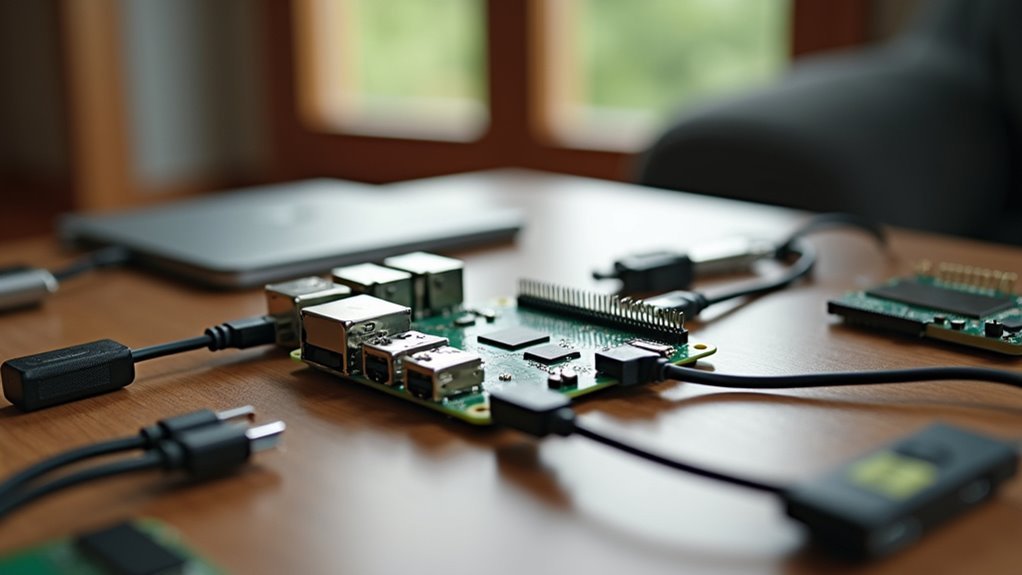
The backbone of any effective home automation system is its ability to communicate with devices across multiple protocols, and your Raspberry Pi excels in this connectivity arena.
With extensive hardware compatibility spanning Wi-Fi, Zigbee, Z-Wave, and Bluetooth, you’ll seamlessly integrate smart home devices from different manufacturers without compatibility headaches.
Home Assistant transforms your Raspberry Pi into a powerhouse hub with over 1,800 integrations, ensuring device support for virtually any smart home component you choose.
Your Pi’s versatility handles everything from low-power sensors to high-demand appliances effortlessly.
You can expand connectivity protocols using USB dongles, adapting to various ecosystems as needed.
The active Raspberry Pi community continuously develops new integrations, constantly improving your hub’s capabilities and expanding compatible device options.
Simple Setup Process for Beginners and Experts
You’ll find that setting up a Raspberry Pi as a home hub requires minimal hardware and can be accomplished in just a few straightforward steps.
Whether you’re a complete beginner or an experienced user, the process starts with gathering the essential components and selecting the right software approach for your needs.
Let’s examine what hardware you’ll need and walk through the installation process that gets your home automation system running quickly.
Hardware Requirements Overview
Before diving into software configuration, gathering the right hardware components will determine your home hub’s reliability and performance.
You’ll need a Raspberry Pi 4 Model B with at least 2GB of RAM for your home automation hub. This model provides sufficient USB ports for connecting peripherals and sensors.
A high-quality 32GB microSD card is essential since it’ll house your operating system and automation data.
Don’t skimp here—card quality directly impacts system stability. The official USB-C power supply guarantees consistent operation without voltage drops that cause crashes.
For network connection, use an Ethernet cable during initial setup for reliability.
You’ll also need a well-ventilated case to prevent overheating during continuous operation.
Finally, gather a USB keyboard and HDMI cable for initial configuration before shifting to remote management.
Software Installation Steps
Getting your Raspberry Pi home hub software running involves five straightforward steps that’ll have you controlling smart devices within an hour.
The installation process transforms your device into a powerful smart home system through Home Assistant Operating System.
Here’s your setup roadmap:
- Download and Flash: Get the latest Home Assistant OS from the official website, then use Raspberry Pi Imager to flash it onto a 32GB microSD card for peak performance.
- Connect and Boot: Insert the microSD into your Pi, connect an Ethernet cable, and power up using the official USB-C adapter.
- Configure Interface: Navigate to homeassistant.local:8123 in your browser, create your admin account, and complete the Home Assistant setup wizard.
Regular backups make sure your smart home system stays protected.
Robust Performance With Raspberry Pi 5 Specifications
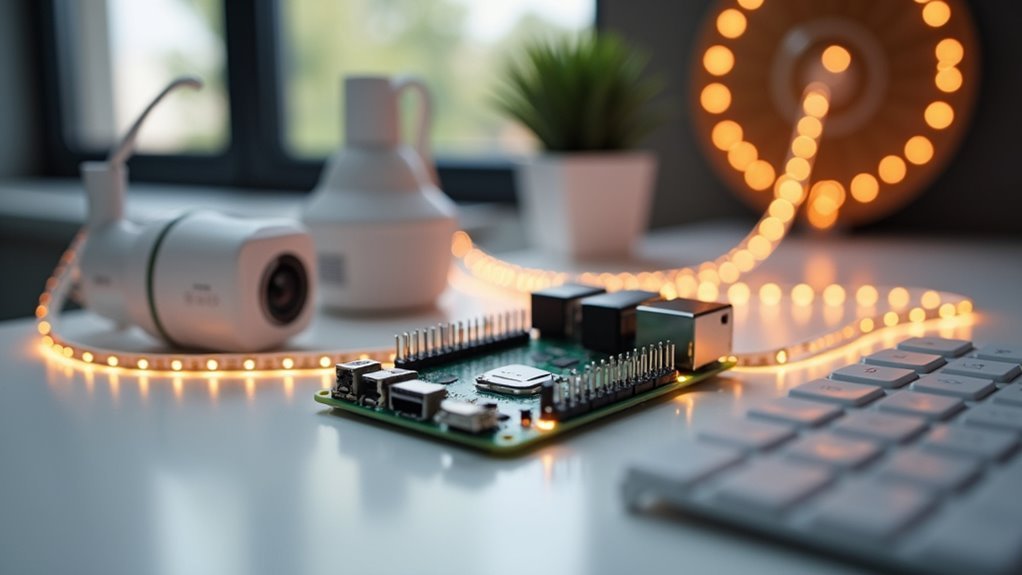
When you’re building a home hub that needs to handle multiple smart devices simultaneously, the Raspberry Pi 5’s specifications deliver the performance you’ll need.
The Rockchip RK3568 Quad-Core ARM Cortex-A55 SoC runs at up to 2.4GHz, providing robust performance and processing power for demanding home automation hub tasks. You’ll benefit from 4GB of LPDDR4 RAM as standard, with 2GB and 8GB options available to manage your smart devices effectively.
The dual-band WiFi 6 and Bluetooth 5.0 guarantee excellent connectivity with your network and devices.
The Gigabit Ethernet port supports Power over Ethernet, simplifying installation while maintaining reliable connections. Multiple USB 3.0 and USB-C ports expand your connectivity options, making the Raspberry Pi 5 incredibly versatile for any home automation setup.
Home Assistant Integration and Management Features
Home Assistant transforms your Raspberry Pi 5 into a powerful central command center that seamlessly integrates with virtually any smart device in your home. This home automation software supports Wi-Fi, Zigbee, and Z-Wave protocols, ensuring thorough compatibility with thousands of supported devices.
Setting up Home Assistant integration on your Raspberry Pi smart home involves three key steps:
- Installation: Flash the Home Assistant Operating System onto your microSD card and connect via Ethernet for ideal stability.
- Device Integration: Use the intuitive interface to add smart devices through installation plugins for enhanced smart home management.
- Automation Setup: Create custom automation rules using YAML scripts or the visual editor for personalized routines.
Regular updates and community support keep your system current with emerging technologies.
Advanced Security and Access Control Options
Five critical security layers protect your Raspberry Pi home hub from unauthorized access and potential cyber threats.
First, you’ll change default passwords and implement strong credentials across all services. Next, enable SSH key-based authentication while disabling password logins to prevent brute-force attacks.
Configure UFW firewall to block unnecessary ports and isolate your Raspberry Pi from external threats. You’ll create robust access control through role-based user permissions, ensuring each account has appropriate system privileges. Implement two-factor authentication for additional login security.
Regular security maintenance includes auditing access logs, reviewing user permissions, and updating passwords periodically.
These advanced security measures transform your Raspberry Pi into a fortress-like home hub that maintains automation convenience while protecting against vulnerabilities and unauthorized intrusions.
Flexible Protocol Support for All Smart Device Types
Since modern smart homes contain devices from dozens of manufacturers using different communication standards, your Raspberry Pi hub’s ability to speak multiple protocols becomes essential for universal compatibility.
Raspberry Pi offers unmatched flexibility through its support for Wi-Fi, Bluetooth, Zigbee or Z-Wave, and other connectivity options.
Your smart home hubs benefit from this versatility in three key ways:
- USB dongles enable seamless integration with Zigbee and Z-Wave smart devices without additional hardware investments.
- Popular ecosystem compatibility lets you connect Ring, Nest, Philips Hue, and SmartThings products effortlessly.
- GPIO pin access allows custom sensor integration for unique automation solutions.
When Home Assistant runs on your Raspberry Pi, you’ll gain access to thousands of supported devices, creating a truly unified smart home experience.
Community-Driven Support and Continuous Development
While many commercial smart home platforms rely on slow corporate development cycles, your Raspberry Pi home hub thrives on an incredibly active community that drives rapid innovation and extensive support.
You’ll find countless forums, blogs, and social media groups where enthusiasts share troubleshooting tips and creative automation ideas. Home Assistant exemplifies this community-driven approach, receiving weekly updates that continuously improve functionality and device compatibility.
Through the Home Assistant Community Store (HACS), you can access custom integrations created by fellow users, expanding your system’s capabilities beyond commercial limitations.
Extensive online documentation and tutorials make setup accessible for beginners. The collaborative Raspberry Pi ecosystem encourages you to contribute your own modifications, fostering continuous development and innovation that keeps your home automation system cutting-edge.
Energy Efficient Operation and Environmental Benefits
Beyond the collaborative advantages of community support, your Raspberry Pi home hub delivers remarkable energy efficient operation that benefits both your wallet and the environment. At just 15 watts, it consumes considerably less power than traditional PCs requiring 50-100 watts or more.
Here’s how your Raspberry Pi promotes sustainable living practices:
- Reduced electricity bills – Lower power consumption translates directly into monthly savings on your energy costs.
- Minimized carbon footprint – Operating as a local hub reduces reliance on cloud services, decreasing data transmission emissions.
- E-waste reduction – Your home automation system encourages repairs and upgrades rather than replacing entire proprietary systems.
You’ll also enable energy monitoring and automation capabilities that optimize household usage patterns, making your Raspberry Pi an environmentally conscious choice for modern homes.
Scalable Architecture for Growing Smart Home Needs
You’ll find that Raspberry Pi’s modular design lets you expand your smart home system piece by piece, adding USB dongles for protocols like Zigbee or Z-Wave as your device collection grows.
When you need more processing power or storage capacity, you can upgrade components like adding an SSD or switching to a higher-spec Pi model without rebuilding your entire setup.
This scalable approach means you won’t hit the device limits that plague many commercial hubs, and you can adapt your system’s architecture to match your home’s evolving automation needs.
Modular Component Expansion
As your smart home needs evolve, the Raspberry Pi’s modular architecture guarantees you won’t hit a dead end with your automation setup.
Unlike proprietary hubs that lock you into specific ecosystems, the Raspberry Pi’s modular design lets you adapt to changing technology without starting over.
You can expand your system in three key ways:
- Hardware flexibility – Simply plug in USB dongles for Zigbee, Z-Wave, or other protocols as new smart devices enter the market.
- Software scalability – Home Assistant’s extensive library supports virtually any IoT devices you want to integrate.
- Incremental growth – Start small with basic automation and gradually expand to complex multi-room systems without replacing your hub.
This modular approach means you’re investing in a platform that grows with your needs, not against them.
Future-Ready Hardware Upgrades
The Raspberry Pi 5’s robust hardware specifications position it perfectly for handling tomorrow’s smart home demands.
You’ll benefit from the powerful Rockchip RK3568 Quad-Core ARM Cortex-A55 SoC that supports future software updates, guaranteeing your smart home hub remains current as technology advances.
With up to 8GB of RAM, you can manage multiple smart devices without performance bottlenecks as your automation network expands.
The modular design means you won’t need a complete system overhaul when upgrading – simply swap to newer Raspberry Pi models while maintaining your existing setup.
Dual-band WiFi 6 delivers the bandwidth necessary for expanding device networks, while compatibility with Zigbee and Z-Wave protocols guarantees seamless integration of emerging smart home technologies, making your investment truly future-proof.
Remote Access and Control Capabilities
Why settle for controlling your smart home only when you’re physically present? Your Raspberry Pi transforms into a powerful remote command center, giving you complete control over your smart devices from anywhere in the world.
Transform your Raspberry Pi into a global command center for seamless smart home control from anywhere on Earth.
Through Home Assistant and secure connections using SSH and SSL certificates, you’ll access your entire automation system safely.
Here’s what makes remote access exceptional:
- Secure Web Interface – Access your dashboard through encrypted connections that protect your data from unauthorized intrusion.
- Mobile App Integration – Receive real-time notifications and control devices instantly through dedicated smartphone applications.
- Role-Based Access Control – Customize permissions for family members, determining exactly which devices each person can control remotely.
You’ll maintain complete privacy while enjoying unprecedented convenience and control over your connected home ecosystem.
Automation Scripting and Custom Programming Options
When you’re ready to unfasten your Raspberry Pi’s true potential, automation scripting transforms your smart home from a collection of devices into an intelligent, responsive ecosystem.
Home Assistant offers multiple programming approaches to match your skill level. You can start with the visual automation editor for drag-and-drop simplicity, then advance to YAML scripting for precise custom programming control.
Node-RED integration provides flow-based programming that makes complex logic visually manageable through interconnected nodes. For maximum flexibility, AppDaemon lets you write Python scripts with advanced functionality beyond standard configurations.
Blueprint templates accelerate your automation development by providing pre-made templates you can import and customize, eliminating repetitive coding while maintaining complete control over your smart home’s behavior.
Long-Term Reliability and Maintenance Benefits
Building a smart home hub requires thinking beyond initial setup to long-term operation, and Raspberry Pi’s open-source foundation delivers exceptional durability advantages that proprietary systems can’t match.
You’ll maintain control over updates without vendor dependency, ensuring long-term usability and security.
For maximum reliability, consider these hardware upgrades:
- Replace microSD cards with SSDs – They’re more durable for write-intensive applications like Home Assistant.
- Enable automatic backup configurations – You’ll recover quickly from any system failures.
- Schedule regular software updates – The active Raspberry Pi community provides consistent security patches.
The extensive documentation and supportive user community give you troubleshooting resources whenever issues arise.
You can automate maintenance tasks, keeping your reliable system responsive for years while avoiding the frustrations of abandoned proprietary platforms.
Frequently Asked Questions
Why Is the Raspberry Pi so Good?
You’ll love Raspberry Pi’s affordability at just $35, powerful quad-core processor, extensive connectivity options, open-source flexibility, and massive community support. It’s versatile, customizable, and doesn’t lock you into expensive proprietary systems.
Is Raspberry Pi Good for Home Automation?
You’ll find Raspberry Pi excellent for home automation since it’s cost-effective, supports multiple protocols like Wi-Fi and Zigbee, handles complex automations reliably, and doesn’t require subscription fees like commercial systems.
Is a Raspberry Pi Good Enough for Home Assistant?
Yes, you’ll find a Raspberry Pi 5 with 8GB RAM runs Home Assistant excellently. It’s got enough processing power for multiple smart devices, costs under $100, and performs reliably with SSD storage.
Why Is Raspberry Pi Good for Iot?
You’ll find Raspberry Pi excels at IoT because it’s affordable, supports multiple connectivity protocols like Wi-Fi and Zigbee, offers customizable open-source software, and provides extensive community support for development.




Leave a Reply