
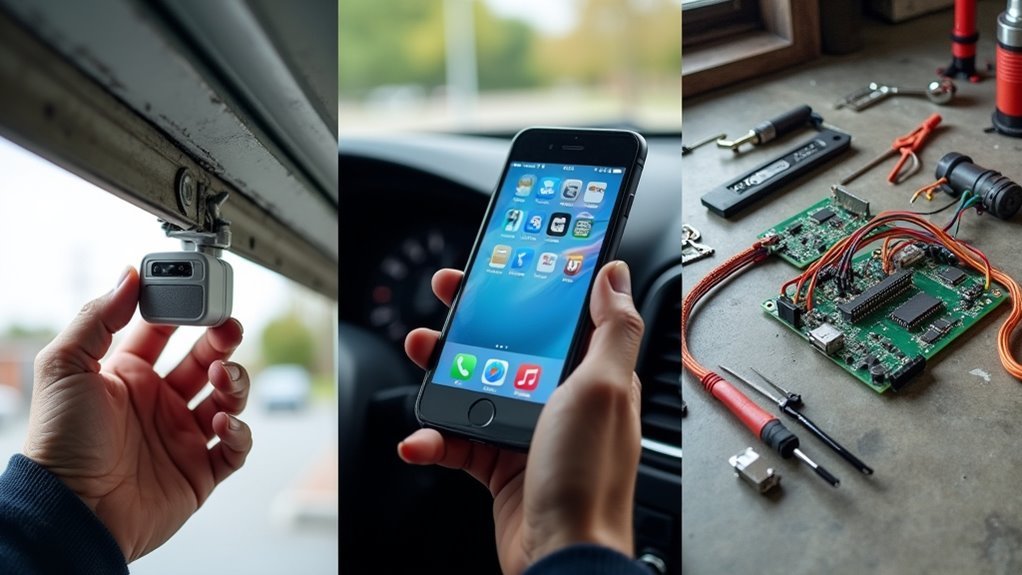
You’ve decided to upgrade your garage with smart monitoring technology, but there’s more to successful installation than simply mounting a device and downloading an app. Three critical steps will determine whether your new system becomes a reliable home security asset or an expensive source of frustration. Skip any of these essential preparation and configuration phases, and you’ll likely find yourself troubleshooting connectivity issues or discovering incompatibility problems after it’s too late.
Ensure Strong Wi-Fi Signal Coverage Before Installing Your Smart Garage Hub

Before you mount your smart garage hub, you’ll need to verify your Wi-Fi signal reaches the garage with sufficient strength. Your smart devices require at least two bars for effective communication with your home network.
Test the signal strength in your garage before installation to guarantee adequate coverage. Position your smart garage hub within 50 feet of your Wi-Fi router for a reliable connection.
Always test your garage’s Wi-Fi signal strength before installing your smart hub to ensure reliable connectivity and optimal performance.
Check for obstructions like walls or large metal objects that could interfere with the signal. If you’re experiencing weak connectivity, consider installing a Wi-Fi extender in the garage area.
This’ll boost the signal strength and improve performance for your smart garage hub and other connected devices. Proper planning prevents connectivity issues after installation.
Check Compatibility Between Your Existing Garage Door Opener and Smart Controller
Once you’ve confirmed adequate Wi-Fi coverage, you’ll need to verify your garage door opener’s compatibility with smart controllers.
First, check compatibility by confirming your existing garage door opener was manufactured after 1993, as most smart garage door systems like myQ Smart Garage Control work with these models.
Verify your opener has standard safety sensors, which smart controllers require for proper functionality.
Review your opener model specifications carefully, as certain Chamberlain Group models from 2010-2021 and Linear openers aren’t compatible.
Use the manufacturer’s compatibility checker to confirm your specific model works with the smart controller.
Before you install, verify the hub can be positioned within 50 feet of your Wi-Fi router for peak performance.
Configure App Settings and Test Remote Monitoring Features After Installation

After completing the physical installation, you’ll need to download the myQ app and create an account to access your system’s remote monitoring capabilities.
Once downloaded, customize app settings to receive real-time notifications about your garage door status, keeping you constantly informed of any activity.
Test remote operation by opening and closing your garage door through the app to verify everything functions properly after installation.
Configure the app to set schedules for automatic closing times, greatly enhancing your home’s security and daily convenience.
Don’t forget to explore integration options that connect your garage door system with other smart home devices, creating a thorough monitoring experience that streamlines your entire home automation setup.
Frequently Asked Questions
Where Should Garage Door Sensors Be Placed?
You should place garage door sensors in the top right or left corner, at least six feet above ground. Confirm they’re within fifty feet of your Wi-Fi router and away from electrical interference.
What Is the Best Way to Align Garage Door Sensors?
Position sensors at identical heights, guarantee they’re facing each other directly, use a level to check they’re perfectly vertical, then test by closing the door and readjust if it reverses unexpectedly.
How Can I Make My Garage Door Remote Work Better?
You’ll improve your garage door remote’s performance by replacing weak batteries regularly, ensuring clear line-of-sight between remote and opener, checking compatibility with your specific model, and maintaining strong Wi-Fi for smart remotes.
How Far Should a Garage Door Sensor Be From the Floor?
You should install your garage door sensor about 6 feet above the floor in the top corner. This height prevents interference from pets and ground obstacles while ensuring reliable detection of your door’s position.




Leave a Reply