
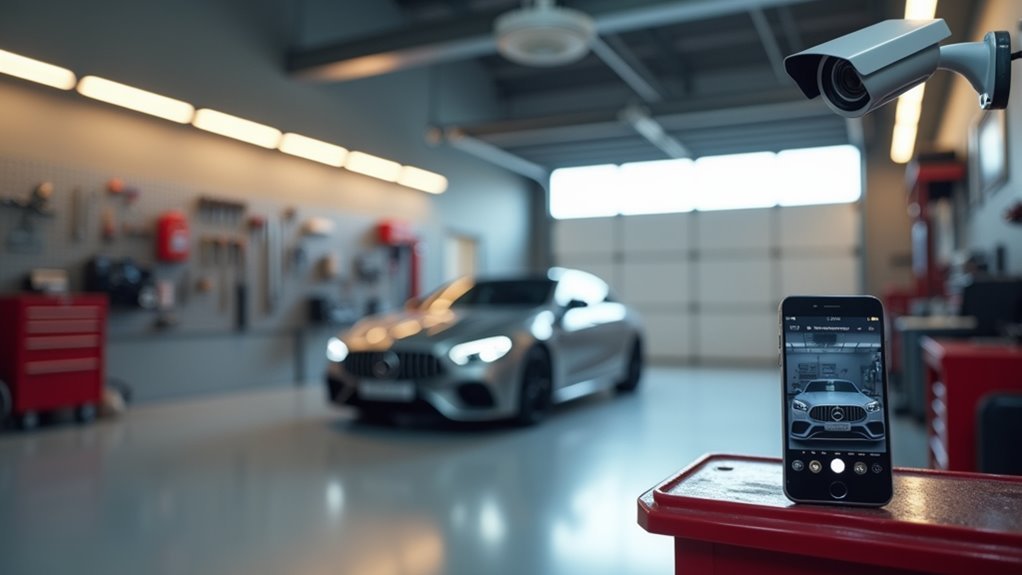
Your garage houses valuable possessions, from expensive tools to vehicles, yet it’s often the most vulnerable entry point to your home. Installing security cameras isn’t just about mounting a device and hoping for the best—you’ll need to contemplate camera types, strategic positioning, power solutions, and network connectivity to create an effective surveillance system. The difference between a successful installation and a waste of money depends on understanding these critical integration factors.
Choose the Right Camera Type for Your Garage Environment
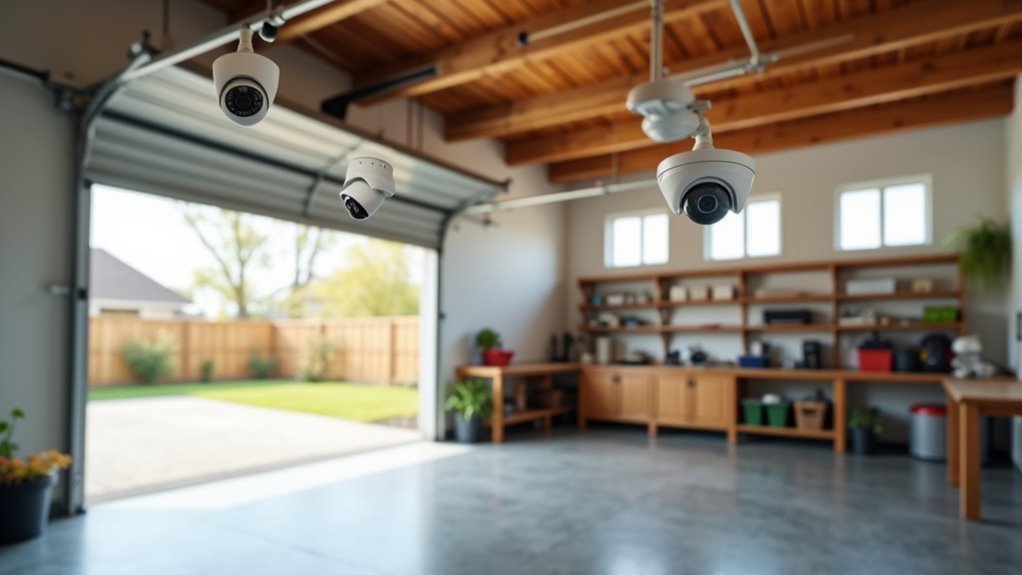
When securing your garage, you’ll need to select cameras specifically designed to withstand the unique challenges of this environment.
Choose outdoor security cameras with weather resistance rated IP65 or higher to handle rain and temperature extremes. High-definition resolution of 4K guarantees you’ll capture clear facial features and license plate details.
Weather-resistant IP65+ outdoor cameras with 4K resolution ensure crystal-clear facial recognition and license plate capture in any conditions.
Night vision capabilities using infrared technology maintain visibility during dark hours when break-ins commonly occur.
Wide-angle lenses of 120 degrees or more reduce the total cameras needed while covering larger areas effectively.
Motion detection features provide real-time alerts to your smartphone, enabling immediate response to suspicious activity.
These specifications work together to create a thorough surveillance system that protects your garage investment around the clock.
Strategic Placement for Maximum Coverage and Deterrence
After selecting appropriate cameras, you’ll maximize their effectiveness by positioning them strategically throughout your garage space. Mount cameras at entrance and exit points to capture all vehicle and pedestrian movements. Keep cameras below 7 feet for ideal facial recognition capabilities, ensuring clear identification of potential intruders.
| Location | Camera Type | Key Benefits |
|---|---|---|
| Entrances/Exits | Fixed with wide-angle lenses | Maximum coverage of access points |
| Large garage areas | PTZ cameras | Dynamic monitoring and zoom capability |
| Well-lit zones | Standard security cameras | Enhanced night monitoring effectiveness |
| Corner positions | Wide-angle (120+ degrees) | Minimized blind spots and deterrent visibility |
Use wide-angle lenses exceeding 120 degrees to reduce blind spots and camera requirements. Install cameras in well-lit areas for superior night monitoring. PTZ cameras provide excellent deterrent value in larger spaces while maintaining thorough surveillance coverage.
Optimize Power Supply Options for Reliable Operation
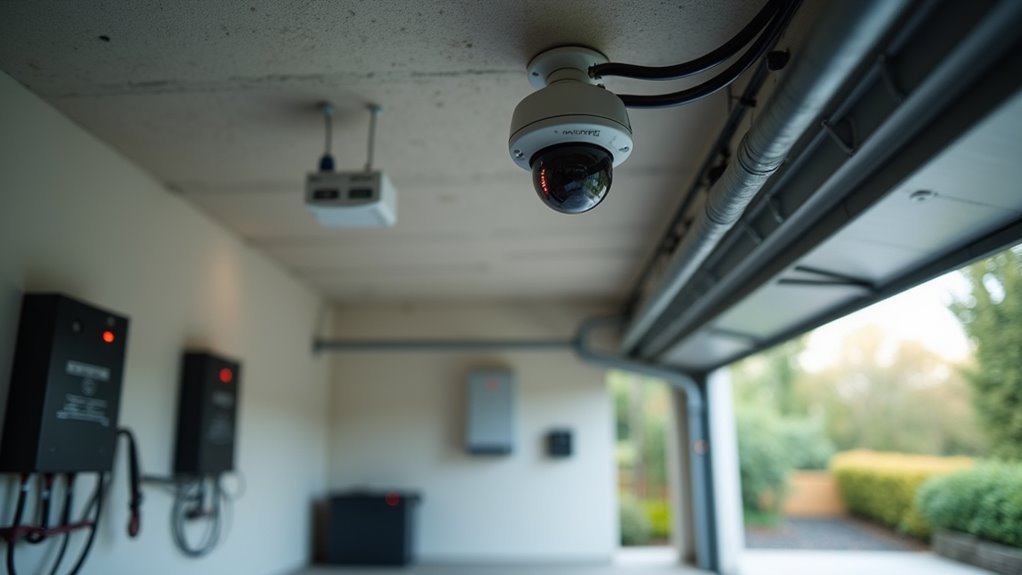
You’ll need a reliable power supply strategy to keep your garage security cameras running consistently, especially during power outages or adverse weather conditions.
Power over Ethernet (PoE) systems offer the most streamlined approach by delivering both power and data through a single cable, while battery backup systems guarantee continuous operation during electrical failures.
For remote garage locations or off-grid installations, solar power solutions can provide sustainable energy independence without relying on your home’s electrical grid.
Power Over Ethernet Benefits
| PoE Advantage | Benefit |
|---|---|
| Remote placement | Position security cameras anywhere without nearby outlets |
| Cost savings | Reduce electrical work expenses |
| Centralized power management | Monitor and control device power remotely |
You’ll gain exceptional flexibility in camera positioning, placing devices in ideal locations regardless of power outlet availability. Centralized power management enables remote access to monitor and shut down cameras when unnecessary, improving energy efficiency. PoE installations typically incorporate uninterruptible power supplies, ensuring continuous operation during power outages and maintaining reliable surveillance coverage.
Battery Backup Systems
Choose an uninterruptible power supply (UPS) that includes surge protection and power conditioning to shield your cameras from voltage fluctuations.
You can’t afford unexpected failures, so you’ll want to test and maintain your system regularly, replacing batteries when necessary.
Integrating smart home connectivity provides real-time alerts for low battery levels, enabling proactive management of your security infrastructure.
This combination guarantees your garage surveillance remains operational regardless of power disruptions.
Solar Power Solutions
When traditional power sources aren’t feasible for your garage location, solar power solutions offer an independent and sustainable energy alternative that eliminates complex wiring requirements.
Many security cameras designed for solar integration include built-in panels and rechargeable batteries, ensuring continuous operation during cloudy periods. Typical solar panels generate 10-20 watts, providing adequate power for low-energy cameras while maintaining reliable performance.
Installation becomes greatly simpler without extensive electrical work, particularly beneficial for detached garages where running power lines proves challenging or expensive. The batteries maintain camera functionality during extended poor weather conditions, preventing security gaps.
Regular maintenance involves cleaning solar panels to remove dirt and debris, which directly impacts efficiency and system longevity for consistent camera operation.
Configure Motion Detection Settings to Minimize False Alarms
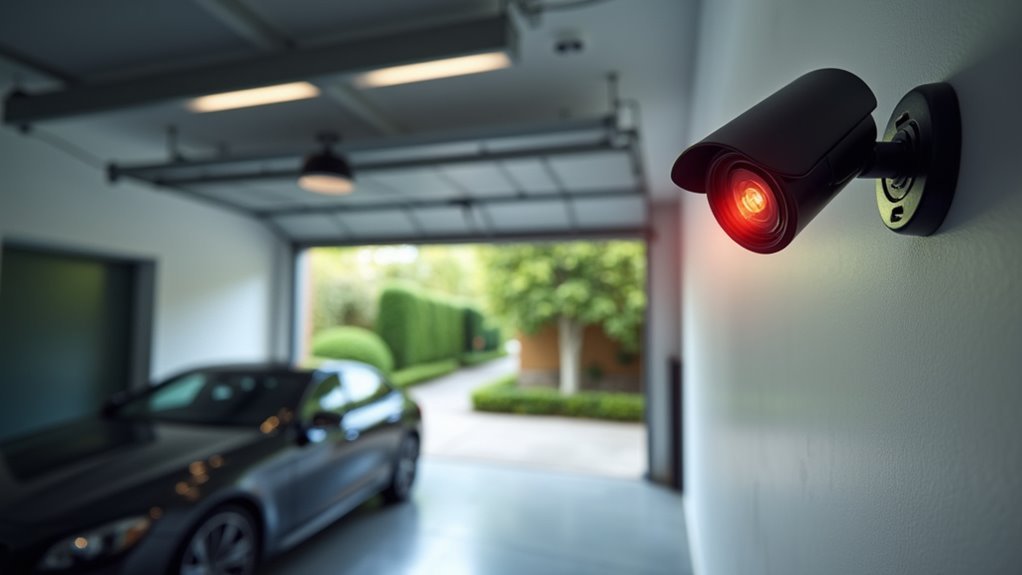
Since motion detection serves as the backbone of your garage security camera system, fine-tuning these settings becomes essential for maintaining effective surveillance without bombarding you with irrelevant notifications.
Start by adjusting sensitivity to lower levels, preventing false alarms from passing cars or animals. Establish custom motion detection zones focusing on critical areas while excluding irrelevant spaces near your camera placement.
Implement delays between detection events to avoid repeated alerts from identical activities during real-time monitoring. Review settings seasonally as environmental factors like wind-blown foliage can trigger unnecessary notifications.
Consider upgrading to security cameras with AI technology features like person detection, which distinguishes between humans and inanimate objects. These intelligent systems greatly reduce false alarms while maintaining reliable surveillance coverage for your garage security needs.
Ensure Proper Wi-Fi Connectivity and Network Security
Optimizing motion detection settings sets the foundation for effective monitoring, but your garage security cameras can only perform reliably with stable network connectivity and robust security measures.
Enhance Wi-Fi connectivity by installing extenders in your garage or using dedicated point-to-point devices like Ubiquiti NanoStation M5s for uninterrupted video feeds. Powerline Ethernet adapters offer another solution, transmitting data through existing electrical wiring—just guarantee both adapters operate on the same power phase.
Strengthen network security by changing default passwords and implementing VPN protection to prevent unauthorized access.
You’ll also need to schedule regular firmware updates to maintain the latest security features and protect against vulnerabilities.
These measures collectively guarantee your garage camera system remains both functional and secure against potential threats.
Integrate With Smart Home Systems and Garage Door Openers
While network security forms the backbone of your garage camera system, integrating these devices with your smart home ecosystem and garage door openers creates an all-encompassing security solution that’s both powerful and convenient.
You’ll gain centralized control through a single interface, allowing real-time monitoring of your entire garage security setup. Modern garage door openers connect seamlessly to smart home systems, sending instant notifications when doors open or close.
Set up automation routines that trigger your security cameras to record whenever the garage door activates, ensuring you capture critical moments. Choose cameras with quality video feeds and two-way audio for enhanced communication.
Voice control through Alexa or Google Assistant provides hands-free remote control access to both your cameras and garage door openers.
Set Up Real-Time Alerts and Remote Monitoring
You’ll want to configure motion detection alerts on your garage security cameras to receive instant notifications when movement occurs around your property.
Enable remote access features through Wi-Fi connectivity and dedicated mobile apps so you can monitor live feeds and review footage from anywhere.
These real-time capabilities guarantee you’re immediately aware of any suspicious activity or unauthorized garage door openings, even when you’re away from home.
Configure Motion Detection Alerts
Once you’ve installed your garage security camera, configuring motion detection alerts becomes your next critical step for maintaining effective surveillance.
Start by enabling real-time alerts to your smartphone or email, ensuring you’re instantly notified when movement occurs. Adjust your security camera system’s sensitivity settings to minimize false alarms from passing cars or animals while maintaining reliable detection.
Focus on establishing motion detection zones that cover critical areas of your garage, regularly reviewing and refining these zones for ideal coverage.
Enable remote monitoring through your camera’s app to view live footage from anywhere. Consider integrating with your smart home system to automate responses like activating lights or triggering other security measures when motion’s detected.
Enable Remote Access Features
After configuring motion detection, enabling remote access features transforms your garage security camera into a thorough monitoring solution you can control from anywhere. Your security camera system requires Wi-Fi connectivity or Ethernet capabilities to facilitate remote monitoring through mobile apps or web interfaces.
| Feature | Function | Benefit |
|---|---|---|
| Real-time alerts | Push notifications for motion detection | Immediate security awareness |
| Two-way audio | Remote communication capability | Enhanced response to threats |
| Smart home systems | Integrated monitoring interface | Centralized control dashboard |
Set up real-time alerts for instant notifications when movement occurs. Enable two-way audio to communicate with individuals near your garage remotely. Check compatibility with smart home systems for seamless integration. Regular software updates maintain secure remote access and protect against vulnerabilities while ensuring reliable video storage functionality.
Weatherproof Your Installation for Long-Term Durability
When harsh weather conditions threaten your garage security system, protecting your cameras from the elements becomes critical for maintaining reliable surveillance over time.
You’ll need cameras with IP65 ratings or higher to guarantee weatherproof functionality against rain, snow, and temperature extremes. Use weather-resistant mounting brackets and enclosures to shield components from moisture damage during installation.
Secure all exposed wiring in conduits or cable protectors to prevent weather-related wear.
Regular maintenance involves inspecting camera surfaces and removing debris, dirt, or ice buildup that compromises performance. For extreme climates, consider cameras with integrated heaters or fans to prevent condensation and freezing issues.
Routine camera cleaning and debris removal ensures optimal performance, while heating elements prevent condensation damage in harsh weather conditions.
This proactive approach to weatherproofing guarantees your security system’s durability and peak performance throughout changing seasons.
Plan Storage Solutions for Video Recording and Evidence
While weatherproofing protects your cameras from physical damage, establishing robust storage solutions guarantees you’ll actually capture and retain the evidence you need when security incidents occur. Your garage security system needs adequate storage capacity for high-definition video recording, whether through an NVR or cloud storage platform.
| Storage Solution | Advantages | Considerations |
|---|---|---|
| Network Video Recorder (NVR) | Local control, no monthly fees | Requires physical space, theft risk |
| Cloud Storage | Remote access, automatic backup | Monthly costs, internet dependency |
| Hybrid System | Best of both worlds | Higher initial investment |
Configure motion-triggered recording to maximize efficiency and implement a retention policy keeping footage for at least 30 days. Don’t forget regular backups and video management software with search capabilities for quick retrieval during security events.
Maintain and Update Your Camera System for Peak Performance
Setting up proper storage keeps your footage safe, but your camera system needs ongoing maintenance to deliver reliable protection over time.
Regularly check your garage security camera functionality, including video feed quality, to guarantee you’re capturing clear footage. Update the camera firmware periodically to maintain security features and protect against vulnerabilities hackers might exploit.
Clean camera lenses every few months to remove dirt and debris that obstruct visibility.
Review recorded footage routinely to identify security issues or patterns requiring strategy adjustments. Periodically reassess your camera positioning to adjust the cameras for ideal coverage. This evaluation helps eliminate blind spots and enhances overall security effectiveness.
Consistent maintenance guarantees your surveillance system continues protecting your garage and valuable belongings with maximum reliability and performance.
Frequently Asked Questions
Should I Put a Security Camera in the Garage?
You should install a garage security camera because it monitors a vulnerable entry point burglars often target. It’ll protect your vehicles, stored valuables, and provide real-time alerts for suspicious activity.
How Can I Improve My Garage Door Security?
You’ll want to upgrade your opener with rolling codes, install quality deadbolts, add reinforcement kits, and conduct regular inspections. Don’t forget outdoor security cameras for real-time monitoring and deterrence.
How Can I Boost My Wireless Security Camera Signal?
You can boost your wireless security camera signal by positioning it closer to your Wi-Fi router, using a Wi-Fi extender, checking for interference from electronics, and regularly updating the camera’s firmware.
Can Security Cameras Interfere With Garage Door Openers?
Yes, you can experience interference if your security cameras operate on the same frequency as older garage door openers. You’ll avoid this by using modern rolling code openers and proper camera placement.




Leave a Reply