
You’re probably overpaying for electricity without even knowing it. Most homeowners don’t realize they’re wasting energy on appliances that silently drain power 24/7, or that simple timing changes could slash their bills by hundreds of dollars annually. The good news? Modern monitoring technology can reveal exactly where your money’s disappearing and show you precisely which changes will make the biggest impact on your monthly expenses.
Understanding Your Current Energy Consumption Patterns
Why does your electricity bill seem to climb higher each month despite your best intentions to conserve energy? Understanding your current energy consumption patterns is the foundation of effective monitoring.
Rising electricity bills despite conservation efforts highlight the critical need to understand and monitor your home’s energy consumption patterns.
The average American household uses about 877 kWh monthly, but your usage depends on your appliances and their efficiency levels.
To track your energy usage effectively, start by analyzing your energy bills for unusual spikes. Energy monitoring devices provide real-time data that helps identify peak consumption times, especially during summer months when air conditioning drives costs up.
These tools reveal “vampire loads” from standby appliances, accounting for roughly 10% of total consumption. By establishing baseline patterns, you’ll pinpoint inefficiencies and reduce energy waste systematically.
Choosing the Right Energy Monitoring Device for Your Needs
You’ll need to evaluate your budget since smart plugs cost $12-$40 while whole-house monitors range from $150-$200.
Compare device features like real-time data capabilities, detailed consumption insights, and smart home compatibility to match your specific monitoring goals.
Consider whether you can handle plug-and-play installation or if you’ll need professional help for more complex whole-house systems.
Budget and Cost Considerations
When choosing an energy monitoring device, your budget becomes a crucial factor since extensive home energy monitors typically cost between $150 and $200. Energy monitoring systems connecting to electrical panels provide detailed insights but increase installation costs. Consider your potential return on this initial expenditure.
| Device Type | Price Range | Installation Cost |
|---|---|---|
| Smart Plugs | $11.99-$39.99 | None |
| Basic Monitors | $150-$200 | Low-Medium |
| Panel Systems | $150-$200 | Medium-High |
| Professional Install | $200+ | High |
Smart plugs offer affordable entry points for monitoring individual devices without full home energy monitoring commitment. Prioritize devices delivering accurate real-time data and detailed usage patterns. Users typically achieve 8% energy savings on energy bills after installation, helping offset costs over time. Assess your current usage to determine if potential energy savings justify your budget and cost considerations.
Device Features Comparison
After establishing your budget, the specific features of energy monitoring devices determine which option best fits your home’s needs.
You’ll choose between plug-in models for individual appliances and whole-house monitors that track overall consumption. Look for real-time data reporting and historical usage analysis to identify consumption patterns effectively.
Verify your chosen device offers user-friendly interfaces and smart home compatibility for seamless integration into existing networks. Prioritize devices that can simultaneously monitor multiple appliances, helping you identify energy-hungry devices throughout your home.
The most valuable features include actionable insights and automated alerts that motivate behavioral changes. These smart monitoring capabilities can help you optimize usage habits and potentially reduce your energy bills by 8% or more after installation.
Installation Requirements Assessment
Before purchasing any energy monitoring device, evaluate your home’s electrical setup and your technical comfort level to determine the most suitable installation approach.
Installation complexity varies considerably between monitoring types. A whole-house monitor requires professional installation and breaker box access, costing $150-$200 but providing extensive real-time data tracking with appliance identification capabilities.
Conversely, a plug-in energy monitor offers user-friendly setup starting at $11.99, though it monitors individual devices only.
Consider your budget alongside desired features. Check compatibility with existing smart home systems if you want integrated control.
Whole-house monitors typically offer advanced analytics and seamless integration, while plug-in devices provide basic monitoring without electrical panel modifications. Your choice should align with both your technical abilities and monitoring goals.
Installing Smart Plugs to Track Individual Appliances
You’ll find that setting up smart plugs like the TP-Link Kasa Smart Wi-Fi Plug Slim is straightforward and requires just a few simple steps to start monitoring your appliances’ energy consumption.
It’s essential to choose devices that’re compatible with your home’s Wi-Fi network and can handle your appliances’ power requirements.
Once installed, you’ll be able to read detailed energy data including real-time kWh usage and costs, giving you the insights needed to identify energy hogs and optimize your home’s electricity consumption.
Smart Plug Setup Process
Installing smart plug with energy monitoring capabilities transforms how you track individual appliance consumption throughout your home.
You’ll start by selecting devices like the TP-Link Kasa Smart Wi-Fi Plug Slim, which provides extensive energy monitoring features. Simply plug it into any outlet, then connect your appliances directly to monitor their real-time information instantly.
Download the corresponding mobile app to complete setup and access detailed energy consumption data. The app displays historical data, revealing usage patterns and identifying energy-hungry devices.
Configure scheduling features to optimize energy usage by automatically turning off appliances when they’re not needed, eliminating vampire energy leaks.
Regular monitoring through the mobile app helps you make informed decisions about energy efficiency improvements, ultimately reducing your electricity bills while maximizing your home’s overall performance.
Choosing Compatible Devices
When selecting smart plugs for energy monitoring, compatibility with your existing home network and devices becomes the foundation of effective appliance tracking. You’ll want to ascertain your chosen smart plugs can seamlessly integrate with your Wi-Fi network and any existing home automation systems you’re using.
Consider these key compatibility factors when choosing smart plugs to monitor energy consumption:
| Compatibility Factor | Examples |
|---|---|
| Wi-Fi Standards | 802.11n, 802.11ac |
| Home Automation Platforms | Alexa, Google Home, Apple HomeKit |
| App Integration | Native apps, third-party monitoring software |
Popular options like TP-Link Kasa Smart Wi-Fi Plug Slim and Emporia Smart Plug offer thorough compatibility features. These devices let you track and analyze energy usage patterns across multiple appliances while providing real-time data on your connected devices’ consumption habits.
Reading Energy Data
How effectively can you interpret the wealth of energy data that smart plugs collect once they’re monitoring your appliances?
Start by examining kilowatt-hour consumption patterns in real-time to understand your home energy consumption habits. You’ll quickly identify which devices consume the most power and spot “vampire loads” that drain energy when appliances aren’t actively running.
Use mobile apps to analyze trends over weeks and months, comparing energy-efficient appliances against older models. This data helps you reduce unnecessary energy costs by prioritizing which devices need replacement or scheduling adjustments.
Take advantage of remote control features to turn off high-consumption appliances during peak rate periods. Smart scheduling based on your monitoring your energy consumption data maximizes savings automatically.
Setting Up Whole-House Energy Monitoring Systems
While you might feel overwhelmed by the prospect of monitoring your home’s energy usage, whole-house energy monitoring systems offer a straightforward solution that attaches directly to your electrical panel.
These systems provide real-time data on your overall energy consumption, helping you identify high-power draws and optimize usage patterns effectively.
You’ll save an average of 8% on energy bills by using these monitoring systems to track consumption and encourage behavioral changes.
Advanced models like the Sense Home Energy Monitor can pinpoint appliances consuming energy when not actively used, identifying costly “vampire loads.”
The detailed peak usage data lets you shift energy-intensive tasks to off-peak periods to reduce costs associated with higher electricity rates during peak hours.
Identifying and Eliminating Vampire Energy Drains
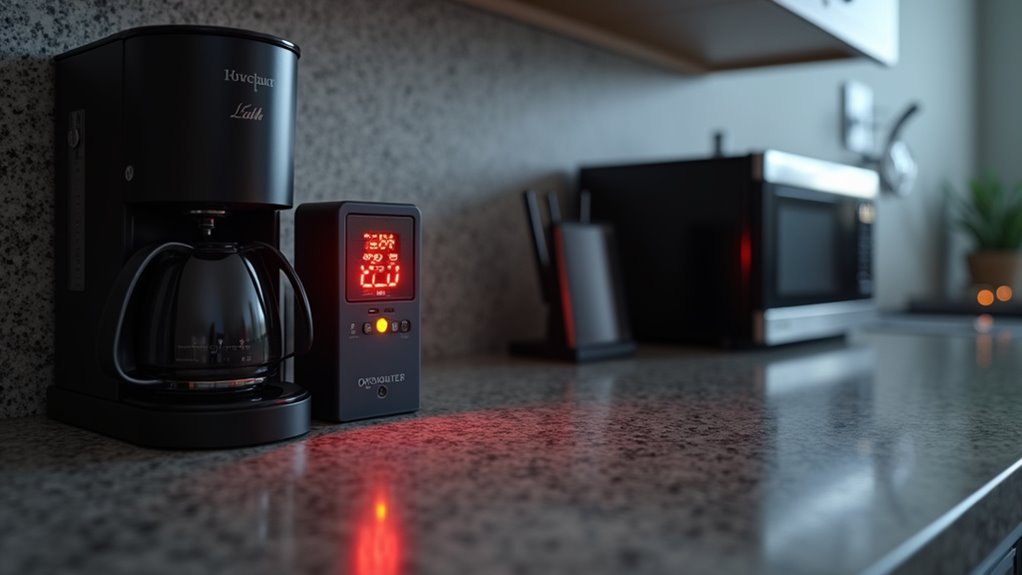
Although you’ve installed a whole-house monitoring system, you’re still missing a significant source of energy waste that quietly drains power 24/7.
These vampire energy drains cost Americans $19 billion annually, making your home less energy efficient than possible. Your monitoring works best when you track and manage these hidden culprits.
Focus on chargers, televisions, computers, and kitchen appliances that consume power while off. Use energy vampire calculators to analyze your energy usage and identify the worst offenders among your appliances and devices.
Smart plugs eliminate these drains automatically, while unplugging devices manually works too. Both strategies help reduce your energy bills by approximately 10%.
Regular bill reviews reveal unusual spikes, ensuring your monitoring system captures all consumption patterns effectively.
Using Real-Time Data to Optimize Peak Usage Times
Beyond eliminating vampire drains, your home energy monitor’s real-time data reveals another powerful money-saving opportunity: optimizing when you use electricity throughout the day.
Peak usage times typically occur during early evenings when energy rates are highest. Your monitor work helps identify these expensive periods, enabling cost-saving adjustments through strategic scheduling.
- Shift high-energy tasks like laundry and dishwashing to off-peak hours when electricity rates are lower
- Track simultaneous device usage to avoid demand spikes that increase your electricity consumption costs
- Monitor peak demand patterns to reduce energy use during expensive rate periods, potentially cutting bills by 8%
- Integrate smart home technologies to automate thermostat adjustments and other energy-saving actions during peak times
This data-driven approach helps you reduce costs while maintaining comfort.
Creating Energy-Saving Goals and Tracking Your Progress
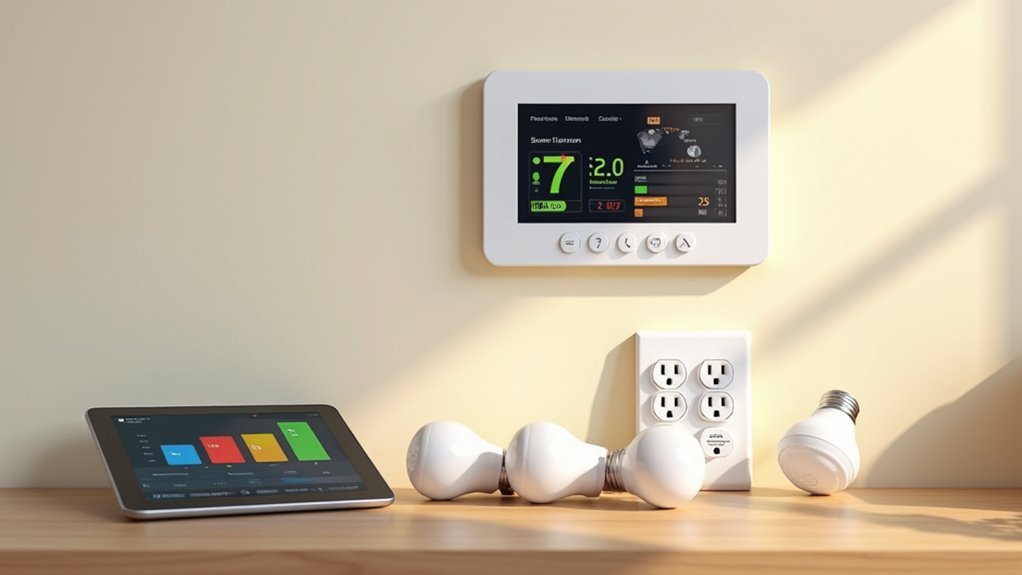
Once you’ve mastered real-time monitoring, setting specific energy-saving goals transforms your data into measurable progress.
Start by analyzing past electricity bills to establish realistic targets—most homes average 786 kWh monthly at $84.07. Use your home energy monitor to track real-time energy consumption and identify high-energy appliances draining your budget.
Track your energy monitor data against past bills to spot which appliances are secretly inflating your monthly costs.
Set concrete objectives like reducing your energy bill by 8%, which many users achieve after installing monitoring systems. Track progress by reviewing electricity usage data regularly, reinforcing positive changes while motivating continued optimization.
Adjust your energy-saving goals seasonally since summer months typically spike consumption. Focus on reducing energy from major appliances and shifting heavy usage to off-peak hours for maximum savings.
Frequently Asked Questions
What Is the Best Way to Monitor Energy Usage?
You’ll get the best results by installing a home energy monitor that connects to your electrical panel. It’ll provide real-time consumption data, identify energy-wasting appliances, and help you reduce bills considerably.
How Can I Tell What Is Using so Much Electricity in My House?
Use plug load monitors like Kill A Watt to check individual devices, or install whole-house monitors like Sense. Check your bill for spikes and unplug devices to eliminate vampire energy drains.
How to Check Power Usage in Home?
You’ll need a home energy monitor connected to your electrical panel for real-time data, or use plug-in monitors like Kill A Watt for individual devices to track consumption.
How Can I Tell What Is Draining My Electricity?
You can identify electricity drains by using smart plugs to monitor individual appliances, checking your electricity bill for usage spikes, and calculating standby power waste from devices left plugged in.




Leave a Reply