
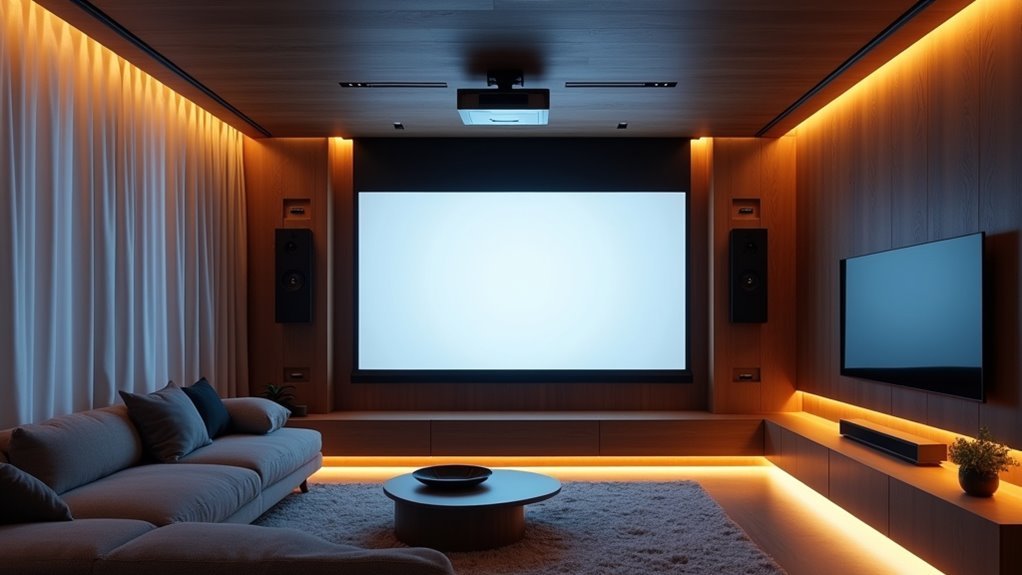
You’ve probably experienced the frustration of juggling multiple remotes, adjusting settings manually, and waiting for your projector to warm up while your family grows impatient. Modern home automation systems can transform this chaotic experience into seamless entertainment at the touch of a button. But the real question isn’t whether automation makes projectors easier to use—it’s whether you’re missing out on capabilities that go far beyond simple convenience.
The Evolution of Projector Technology in Modern Homes
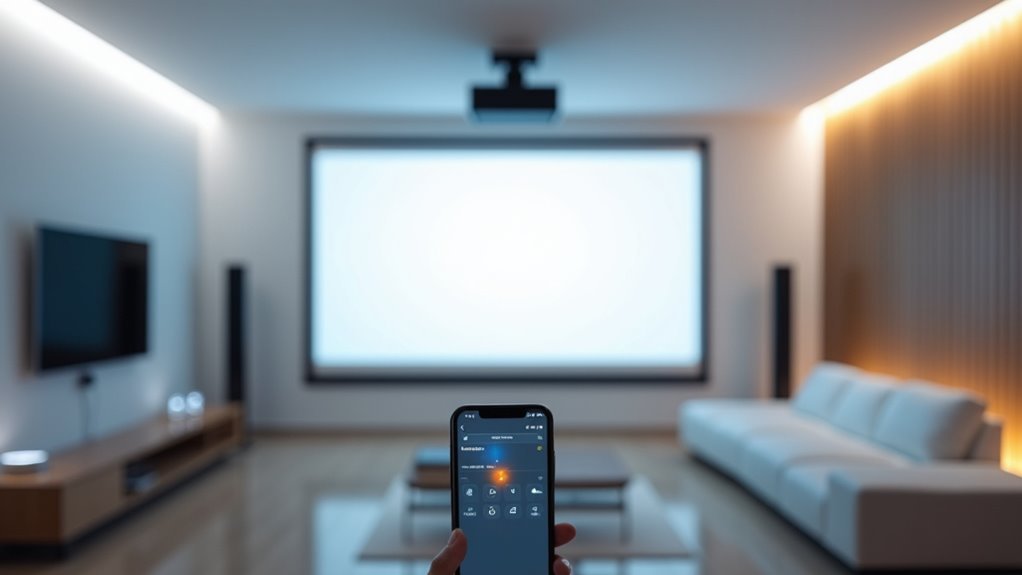
Since 2019, projector technology has transformed dramatically, bringing high-resolution 4K capabilities and enhanced brightness levels directly into your living room.
You’re no longer limited to dim basement theaters or dedicated media rooms. Today’s projectors perform exceptionally well in various lighting conditions, making them practical for everyday use throughout your home.
Modern projectors break free from dark room constraints, delivering exceptional performance in bright spaces for versatile home entertainment anywhere.
The introduction of portable options like the Hachi Infinite M1 demonstrates how projector technology now supports 10-point multitouch interaction, converting any surface into an interactive display.
You’ll find pico projectors available for around $170, offering cost-effective alternatives to bulky televisions while eliminating screen clutter.
These innovations seamlessly integrate with smart home systems, providing voice control and wireless streaming capabilities that enhance your connected living experience.
Benefits of Automated Projector Control Systems
When you integrate projectors into your home automation system, you’ll experience seamless connectivity that allows your projector to work harmoniously with lights, audio equipment, and other smart devices.
This integration dramatically enhances your user experience by enabling voice commands, automatic scene optimization, and programmable on/off schedules that respond to your daily routines.
You’ll also benefit from simplified multi-device control through a single hub, eliminating the need to juggle multiple remotes or apps while creating the perfect entertainment environment.
Seamless Smart Home Integration
Although traditional projector setups often require juggling multiple remotes and manual adjustments, integrating your projector into a smart home automation system transforms your entertainment experience into a seamless, one-touch operation.
Your smart home theater becomes truly intelligent when projectors communicate bidirectionally with central hubs, providing real-time status updates and enabling automated power management for maximum energy efficiency.
You’ll enjoy hands-free control through voice commands with Alexa or Google Assistant, making your system accessible to everyone in your household.
Two-way communication guarantees you’re always informed about your projector’s status, while automated commands handle power cycles intelligently.
This integration eliminates the clutter of multiple fixed displays, creating a cleaner aesthetic while maintaining versatile viewing options throughout your living space.
Enhanced User Experience
Automated projector control systems revolutionize how you interact with your home entertainment setup, turning complex multi-step operations into effortless single commands that coordinate your entire media environment.
You’ll experience unprecedented convenience as your projector seamlessly integrates with your home theater system, automatically adjusting settings based on your activity preferences.
When you’re ready for movie night, your projector won’t just turn on—it’ll optimize brightness, contrast, and audio settings while dimming lights simultaneously.
Gaming sessions become instantly immersive with preset configurations that enhance visual performance.
You’ll also appreciate how your projector displays notifications directly on walls without interrupting ongoing activities, creating a more integrated living experience.
This streamlined control eliminates the frustration of managing multiple devices individually.
Simplified Multi-Device Control
Because managing multiple devices through separate apps and remotes creates unnecessary complexity, integrated projector control systems eliminate this frustration by centralizing everything into one intuitive interface.
You’ll control your projector alongside lighting, audio, and screens from a single smart home hub, dramatically reducing clutter and confusion.
Voice control compatibility with Alexa and Google Assistant lets you operate everything hands-free during movie nights or presentations.
You can create customizable scenes like “Movie Night” that automatically adjust projector settings, screen position, lighting, and audio with one command.
Smart outlets with 12v triggers enable automated power management based on your preferences.
This home automation integration streamlines your experience across various media sources, eliminating the need for juggling multiple remotes or switching between different apps constantly.
Voice Control Integration With Smart Projectors
Voice control integration transforms smart projectors into effortlessly manageable entertainment hubs that respond to your spoken commands. You can adjust brightness, volume, and input sources without touching a remote or manual control.
Smart projectors seamlessly integrate with Amazon Alexa and Google Assistant through built-in compatibility with popular home automation hubs.
You’ll experience enhanced convenience by programming voice commands to trigger complete entertainment scenes. Say one phrase, and your projector starts while lights automatically dim, creating an immersive movie experience.
This hands-free operation eliminates remote clutter and simplifies your interaction with entertainment systems. Voice control makes operating your projector intuitive and efficient, whether you’re adjusting settings mid-movie or switching between different input sources for various devices.
Creating Custom Theater Scenes With Automation
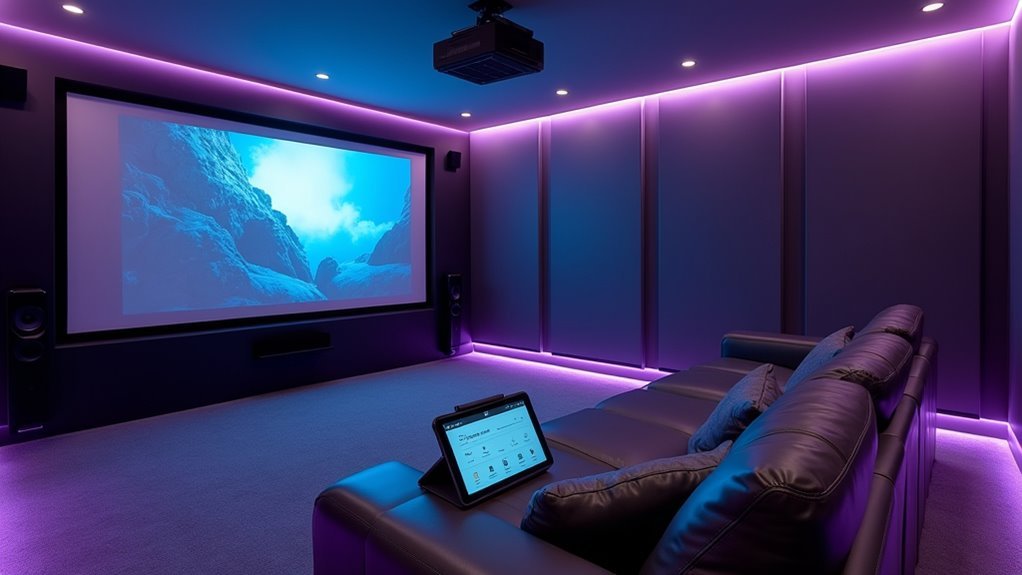
When you create custom theater scenes, you’ll transform your entertainment space with a single command that orchestrates multiple devices simultaneously.
Your “Movie Night” scene can automatically lower the projector screen, dim lights, set the projector to your preferred input, adjust audio levels, and silence distracting notifications—all creating the perfect cinematic atmosphere instantly.
Transform your entertainment space instantly with automated scenes that control lighting, audio, screens, and notifications through a single command.
You can activate these custom theater scenes through voice commands or a single app button press, eliminating the hassle of juggling multiple remotes.
Beyond movies, you’ll enjoy tailored scenes like “Gaming” or “Background Music” that optimize lighting and audio configurations for specific activities.
This integration streamlines your entire entertainment setup, reducing device complexity while enhancing your viewing experience through seamless automation.
Wireless Connectivity and Streaming Capabilities
Modern projectors equipped with Wi-Fi and Bluetooth connectivity eliminate the cable clutter that once complicated home theater setups.
You’ll find built-in streaming apps in models like the Aurzen EAZZE D1 Pro that remove the need for external devices, streamlining your entertainment experience.
Voice control integration with Alexa or Google Assistant lets you operate your projector hands-free, making it a natural fit for smart home environments.
Wireless connectivity enables your projector to communicate with other smart devices, automatically adjusting lighting and audio settings based on your preferences or programmed scenes.
As projector technology advances, you’ll discover higher brightness and resolution options becoming more affordable, making it easier to integrate superior visual experiences into your home automation system.
Smart Outlet Power Management for Projectors
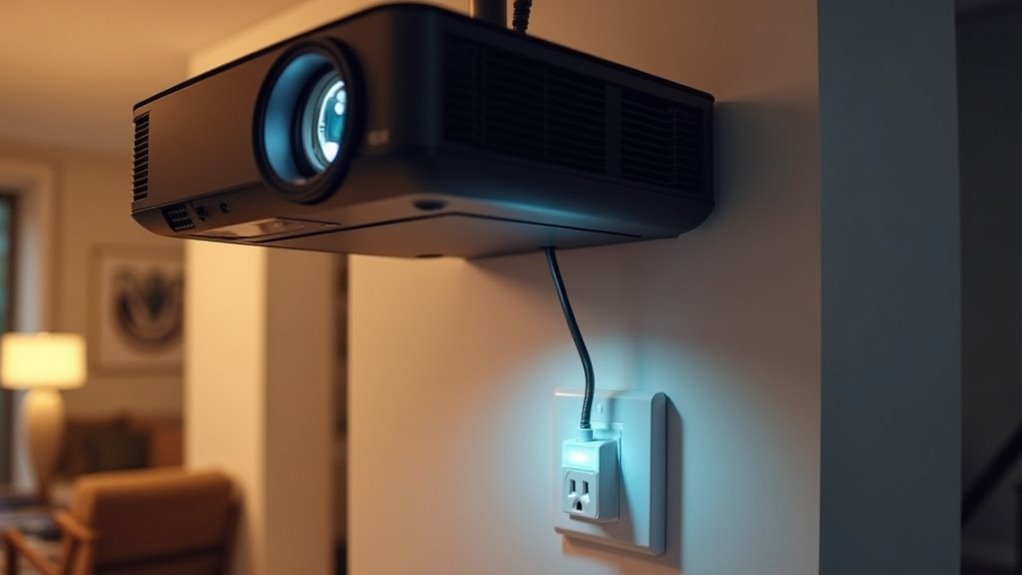
You can transform your projector into a smart device by connecting it to a smart outlet, giving you direct power control through voice commands and automated scheduling.
This setup works seamlessly with Alexa or Google Home, letting you say “turn on the theater” to power up your entire entertainment system.
However, you’ll need to contemplate how frequent power cycling affects your projector’s lamp or laser lifespan before implementing automated routines.
Direct Power Control Benefits
Smart outlet power management transforms how you’ll interact with your projector by eliminating the need for manual power cycling through remote controls or wall switches.
Direct power control through smart outlets enables your projector to automatically power on when you activate the outlet, streamlining your entertainment experience greatly.
You’ll enjoy seamless integration with voice assistants like Alexa and Google Home, allowing effortless voice-controlled operation.
Smart outlets also manage connected devices such as screen motors using 12v triggers, creating a cohesive automation ecosystem.
Energy efficiency becomes effortless as you schedule power cycles, reducing unnecessary consumption when your projector isn’t in use.
However, you must verify compatibility between your projector settings and smart outlet functions to maintain lamp longevity and avoid bypassing essential shutdown sequences.
Voice Assistant Integration
Enable your projector’s Direct Power ON setting to automatically start when the smart outlet supplies power. This eliminates multiple device management steps during entertainment sessions.
Voice control also enhances energy management—you’ll guarantee devices power off completely when not needed, extending your projector’s lifespan.
Smart outlets help mitigate risks from bypassing normal shutdown sequences while providing convenient hands-free control for your entire home theater setup.
Projector Lifespan Considerations
Convenience shouldn’t come at the expense of your projector’s longevity. When implementing smart outlet power management, you’re fundamentally bypassing normal shutdown sequences that help preserve your equipment.
This approach can markedly shorten your projector’s lifespan and lamp life if not handled properly. You’ll need to carefully configure Direct Power ON settings and monitor your projector’s behavior regularly.
While smart outlets offer seamless integration with voice assistants and enhance your home’s entertainment automation, they require strategic implementation. Consider scheduling power cycles during off-peak hours and ensuring your projector has adequate cooling time between uses.
Regular maintenance becomes vital when automating your setup. Monitor lamp hours, check for overheating, and verify that automated power management isn’t causing premature equipment failure through proper projector lifespan considerations.
Harmony Hub and Universal Remote Integration
Although the Harmony Hub excels at consolidating control over multiple home devices, integrating projectors requires careful consideration of its communication limitations.
The Harmony Hub primarily relies on IR and RF signals rather than direct IP control, which means you’ll likely need to run an IR sensor lead directly to your projector for reliable operation.
However, you can leverage the Harmony Hub’s ability to trigger SmartThings virtual switches, opening additional automation possibilities for your projector setup.
If you encounter compatibility issues, consider alternative solutions like MyUremote or global cache IR blasters for non-IP devices.
For ideal integration, plan to run extra CAT cable to accommodate 12v triggers and other essential controls that’ll guarantee seamless projector operation.
Lighting Synchronization With Projection Systems
When you synchronize your projector with your home’s lighting system, you transform static movie nights into dynamic, immersive experiences that respond to on-screen action. Your lights automatically dim or change colors based on specific scenes, creating atmosphere that matches the content perfectly.
Smart outlets and 12v triggers guarantee seamless coordination between your projector and lighting systems, eliminating manual adjustments.
Voice control integration lets you command both devices simultaneously, setting ideal ambiance for gaming or entertainment with simple verbal instructions.
During presentations, lighting synchronization facilitates smooth shifts by automatically highlighting projected content without interruption.
This automation streamlines your entire viewing experience, whether you’re watching movies, gaming, or conducting business presentations. The result is effortless ambiance control that enhances every projected moment.
Audio System Coordination for Enhanced Entertainment
You’ll transform your entertainment experience when you coordinate your projector with audio systems for synchronized audio-visual control that eliminates timing issues between sound and picture.
This integration lets you create seamless multi-room sound setups where audio follows your content from room to room, maintaining consistent quality throughout your home.
Your automation system can manage both projector settings and audio outputs simultaneously, giving you cinema-quality performance with the convenience of unified control.
Synchronized Audio-Visual Control
Since modern home automation systems excel at orchestrating multiple devices simultaneously, integrating your projector with audio components creates a seamless entertainment experience that responds to single commands. You’ll achieve true synchronized audio-visual control when your system adjusts video and audio settings together, eliminating the hassle of managing multiple remotes.
| Scene Type | Visual Action | Audio Response |
|---|---|---|
| Movie Night | Lowers screen, dims lights | Adjusts surround sound levels |
| Gaming | Optimizes display brightness | Enhances directional audio |
| Sports | Maximizes screen size | Boosts commentary clarity |
Voice commands simplify everything—you can start movies while simultaneously adjusting volume levels. Modern projectors support seamless connectivity with high-end audio systems, enabling real-time adjustments that improve sound clarity and balance for enhanced dialogue and overall engagement.
Multi-Room Sound Integration
Taking synchronized control beyond individual rooms, multi-room sound integration transforms your entire home into a coordinated entertainment ecosystem.
When you integrate projectors with your multi-room audio setup, you’ll create immersive environments that adapt seamlessly to different activities throughout your house.
Your smart home hub coordinates both visual and audio elements, enabling effortless changes between rooms while maintaining perfect synchronization.
Voice control through Alexa or Google Assistant lets you customize scenes and automate your entire entertainment experience.
Multi-room sound integration delivers these coordinated experiences:
- Movie night ambiance – Surround sound flows from your theater room into adjacent spaces
- Gaming atmosphere – Audio extends beyond your primary gaming area into hallways
- Party mode – Synchronized music and visuals create unified entertainment zones
- Quiet zones – Isolated audio control maintains peaceful areas during active entertainment
Screen and Display Automation Options
When integrating projectors into your home automation system, you’ll need to evaluate multiple control methods since many projectors lack the 12v trigger inputs found in traditional AV equipment. Smart outlets provide the simplest solution, offering compatibility with HomeKit, Google Home, and Alexa while ensuring your projector automatically powers on when receiving electricity.
For advanced setups, Crestron and AMX systems with IP connectivity deliver sophisticated control options. The Harmony Hub manages projectors through IR and RF control, though you’ll need additional hardware like IR sensor leads since it doesn’t support IP control directly.
| Control Method | Compatibility | Best For |
|---|---|---|
| Smart Outlets | Voice assistants | Basic automation |
| IP Control | Crestron/AMX | Advanced systems |
| IR/RF Hub | Harmony devices | Mixed equipment |
Proper power management optimizes your screen automation efficiency.
Multi-Room Projector Network Setup
You’ll need robust network infrastructure to support multiple projectors streaming high-quality content simultaneously across your home.
Your system requires sufficient bandwidth, reliable Wi-Fi coverage, and possibly dedicated ethernet connections to prevent lag or quality degradation.
A centralized control hub becomes essential for managing all projectors from one interface, allowing you to route content seamlessly between rooms and coordinate synchronized displays.
Network Infrastructure Requirements
Since multi-room projector setups demand seamless communication between devices, you’ll need a robust network infrastructure that can handle simultaneous streaming and automation commands across your entire home.
Your network infrastructure must deliver at least 100 Mbps internet speed to support multiple projectors streaming content simultaneously.
Consider these essential components:
- Wired Ethernet connections – Run cables directly to projectors for maximum stability and reduced latency, especially in larger homes with heavy device loads.
- Powerline adapters – Extend connectivity to hard-to-reach projector locations where running Ethernet cables isn’t practical.
- Mesh Wi-Fi systems – Eliminate dead zones and guarantee consistent coverage throughout every room.
- Compatible network protocols – Verify all projectors support the same Wi-Fi standard (Wi-Fi 5 or 6) for ideal interoperability and performance.
Centralized Control Systems
With your network infrastructure properly configured, a centralized control system becomes the command center that unifies all your projectors under one intelligent interface.
You’ll manage multiple projectors across different rooms without juggling separate remotes or apps. These centralized control systems enable seamless shifts between streaming services, gaming consoles, and other media sources with simple touch commands.
High-end projectors with built-in connectivity features pair effortlessly with your home automation hub, providing two-way communication for real-time status updates.
You can program customized scenes that automatically adjust projector positioning and lighting for specific activities like movie nights or presentations. The system streamlines your experience by triggering automated actions based on events, optimizing your entertainment environment instantly.
Cost-Effective Automation Solutions for Every Budget
Although home automation might seem expensive at first glance, integrating projectors into your smart home setup offers surprisingly affordable ways to create immersive entertainment experiences throughout your house.
Cost-effective automation solutions for every budget make it possible to transform any room into an entertainment hub without breaking the bank.
Smart home entertainment doesn’t require massive investments when you choose the right projector automation strategies for your space.
Here’s how projectors deliver maximum value:
- Replace multiple fixed screens – One portable projector eliminates the need for expensive TVs in every room, reducing clutter while saving thousands of dollars.
- Budget-friendly pico projectors – Starting around $170, these compact devices bring cinema-quality experiences to any space.
- Smart outlet control – Automate your projector through existing home systems without costly specialized equipment.
- Leverage existing audio – Pair with current Bluetooth speakers or soundbars for complete theater experiences.
Troubleshooting Common Integration Challenges
Setting up your budget-friendly projector automation sounds straightforward until you encounter the technical roadblocks that can derail your smart home plans.
You’ll face control interface compatibility issues when your projector lacks IP connectivity for systems like Crestron or Control4. Missing 12v trigger inputs complicate screen automation, forcing workarounds that aren’t always elegant.
Your Harmony Hub can manage IR control, but you’ll need to run sensor leads since it doesn’t support IP. Third-party apps like MyUremote or Simple Control paired with dedicated IR blasters offer effective solutions for non-IP projectors.
Don’t bypass normal shutdown sequences when automating power management – this shortens your projector’s lifespan.
Plan for these challenges early to avoid costly surprises.
Future-Proofing Your Smart Projector Investment
Since display technology evolves rapidly, you’ll want to select projectors that won’t become obsolete within a few years.
Future-proofing your smart projector investment requires careful consideration of emerging technologies and compatibility features that’ll keep your home entertainment system current.
Key specifications for long-term value:
- High-resolution displays – Choose 1080p or 4K models with minimum 350 ANSI lumens for crisp visuals that’ll remain sharp as content quality improves.
- Built-in streaming capabilities – Integrated apps and wireless connectivity eliminate external device dependencies while enabling seamless updates.
- Smart assistants integration – Voice control and automation compatibility guarantee effortless upgrades as new technologies emerge.
- Flexible connectivity options – Multi-device support and customizable interfaces adapt to changing technology landscapes.
These future-focused features protect your investment while maintaining cutting-edge functionality.
Frequently Asked Questions
What Are the Advantages of a Projector?
You’ll enjoy larger displays up to 100 inches, reduce room clutter by eliminating multiple screens, control smart devices through touch interaction, and multitask better with wall notifications that don’t interrupt activities.
Why Is a Projector a Useful Device?
You’ll find projectors create massive displays from tiny devices, replacing multiple screens while reducing clutter. They’re affordable, offer flexible placement, and provide immersive entertainment experiences that traditional TVs simply can’t match.
When Should Projectors Be Used?
You should use projectors when you’re hosting movie nights, need large displays for gaming, want interactive wall controls, require flexible screens in multi-purpose rooms, or have limited space.
What Are the Advantages of Projector Over TV?
You’ll get massive screen sizes up to 100+ inches, flexible placement anywhere, immersive wall-filling visuals, touchscreen interaction capabilities, and reduced clutter compared to fixed TVs that can’t match projectors’ versatility.




Leave a Reply