
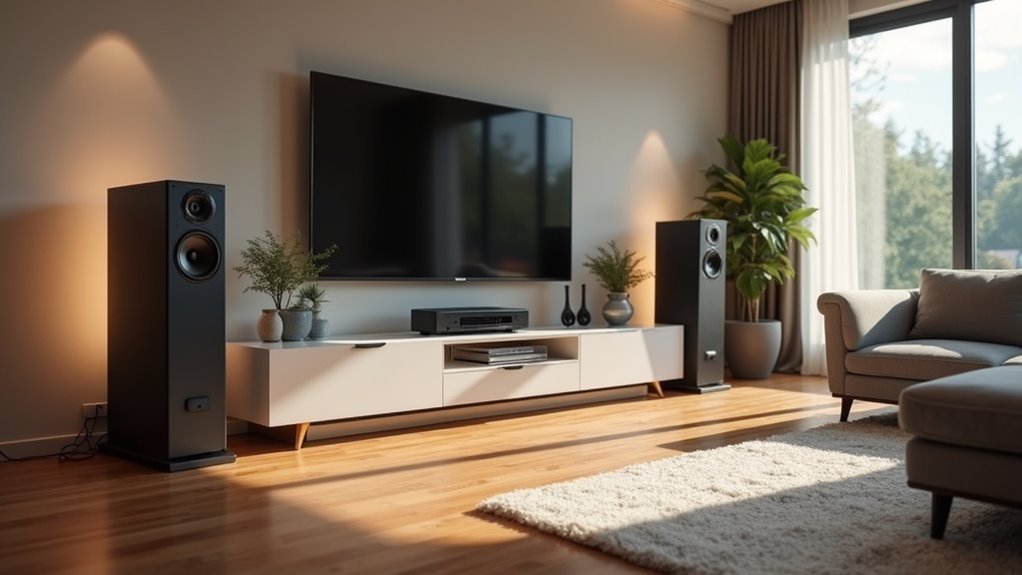
You’ve invested in multiple speakers throughout your home, but they’re creating an echo-filled mess instead of the seamless audio experience you expected. The culprit isn’t your equipment—it’s the synchronization. When speakers play even milliseconds apart, you’ll notice annoying delays that destroy the immersive sound you’re after. However, three precise adjustments can transform your disjointed setup into a perfectly coordinated system that’ll make every room feel like your personal concert hall.
Position Speakers for Optimal Distance and Angle Alignment
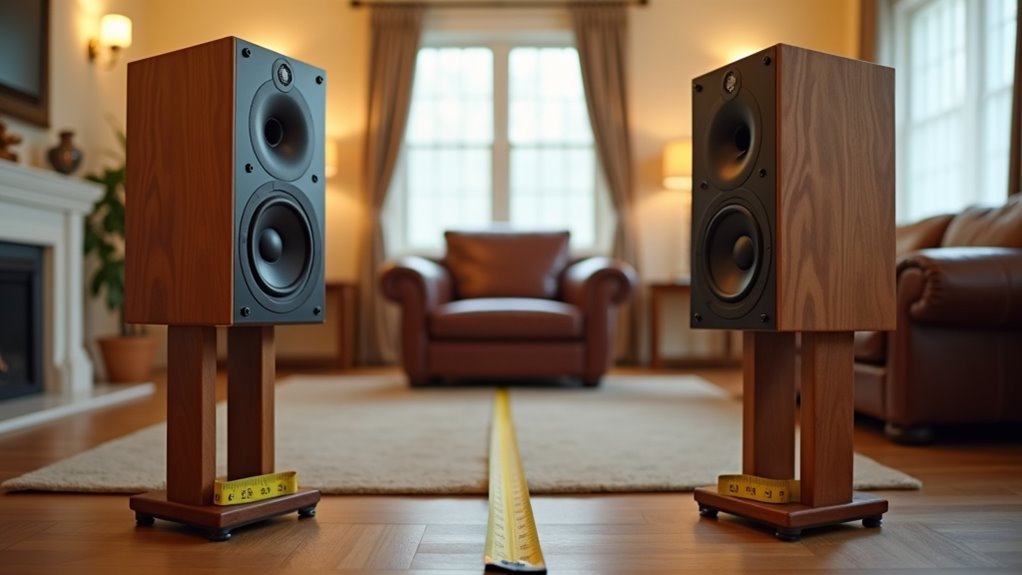
Proper speaker positioning forms the foundation of any high-quality synchronized audio system. To position speakers effectively, create an equilateral triangle between your listening position and both speakers for ideal soundstage.
Creating an equilateral triangle between your listening position and speakers establishes the foundation for optimal stereo imaging and soundstage quality.
Maintain 4 feet separation for bookshelf speakers and 8 feet for floorstanding units to achieve precise stereo imaging. Place tweeters at ear level to maximize sound clarity across your multiroom system.
Keep speakers 2-3 feet from walls to prevent reflections that compromise audio quality. The toe-in angle requires careful adjustment—angle speakers slightly inward toward your listening position for enhanced stereo imaging.
Experiment with small toe-in adjustments until you achieve the most coherent soundstage. Proper speaker placement guarantees your synchronized system delivers consistent, high-quality audio throughout your home, creating an immersive listening experience in every room.
Configure Network Timing and Audio Delay Settings
Once you’ve positioned your speakers correctly, network configuration becomes the next priority for achieving flawless audio synchronization.
Connect all devices to the same Wi-Fi network to minimize latency and maintain stable connections across your audio systems. Use your speaker control app’s audio delay settings to adjust timing differences between speakers, compensating for processing delays or distance variations.
Modern systems like a Sonos system offer automatic sound synchronization features that detect and correct audio delays.
Start by playing test tracks through your streaming services and gradually adjust settings until all speakers align flawlessly. Regular firmware updates guarantee peak performance and enhanced synchronization capabilities.
This careful network timing configuration transforms your synchronized audio setup into a seamless listening experience throughout your home.
Calibrate Volume Levels Across All Connected Rooms
After establishing solid network timing, you’ll need to balance volume levels across every connected room to create a cohesive listening experience.
Start by using your multiroom systems’ calibration microphone if available—this automatically adjusts levels based on each listening area’s acoustics and speaker placement. Without auto-calibration, manually adjust each connected room’s volume through your app, considering room size since larger spaces need higher settings for consistent sound.
Use individual speaker controls to fine-tune levels for different audio equipment and activities. Your system should let you adjust volume independently while maintaining synchronization across rooms.
Remember to recalibrate when adding new speakers or changing layouts. Regular adjustments guarantee balanced audio throughout your home, creating seamless shifts as you move between spaces.
Frequently Asked Questions
What Is the 1/3/1/5 Rule for Speaker Placement?
You’ll position speakers one-third into your room’s length, maintain one foot from side walls, and space them five feet apart. This creates ideal sound distribution, minimizes reflections, and guarantees balanced stereo imaging.
How Do You Sync Speakers Together?
You’ll connect all speakers to the same Wi-Fi network, then use your manufacturer’s app to create speaker groups. Confirm they’re multiroom-compatible and update firmware regularly for peak syncing performance.
How to Arrange Speakers for the Best Sound?
Position your speakers in an equilateral triangle with your listening spot. Keep them 4-8 feet apart, 2-3 feet from walls, with tweeters at ear height. Angle them slightly inward for ideal stereo imaging.
How to Get Clear Sound From Speakers?
Position your speakers at ear level, keep them 2-3 feet from walls, angle them toward your listening spot, and isolate turntables from vibrations to achieve crisp, clear sound quality.




Leave a Reply