
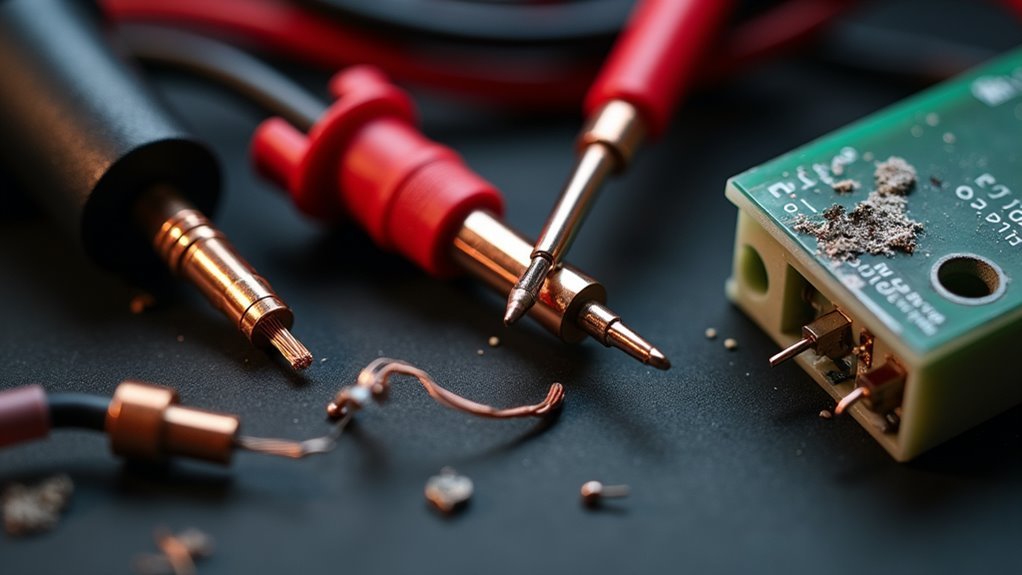
You’ve installed motion sensors throughout your property, but they’re not responding consistently or have stopped working altogether. Before you consider replacing expensive equipment or calling a technician, there are three systematic approaches that can resolve most connection issues. These troubleshooting methods address the most common culprits behind sensor failures and will save you both time and money when applied correctly.
Check Power Supply and Electrical Connections
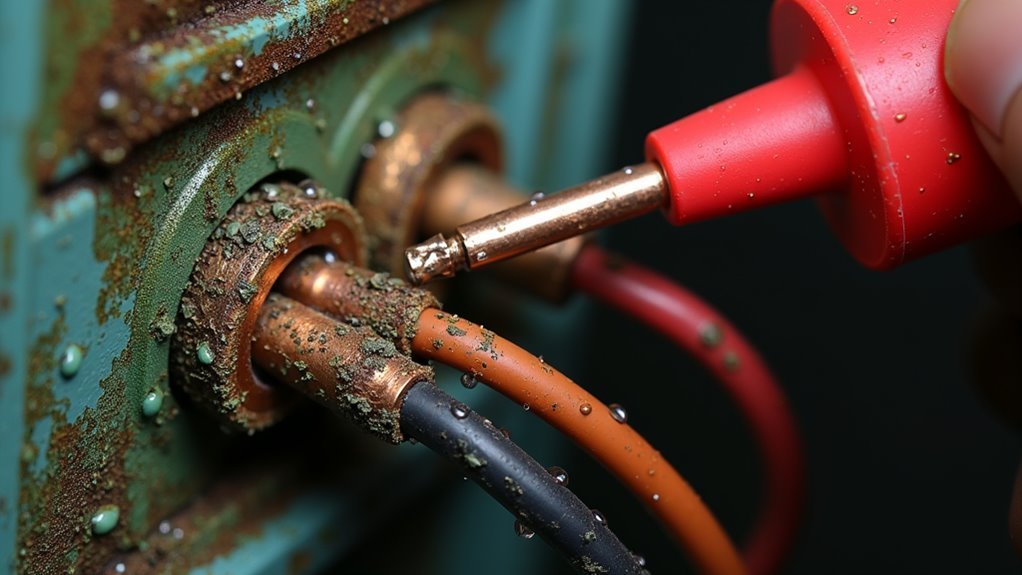
When your motion sensor stops working, the first step involves checking whether it’s receiving adequate power. Start by examining your circuit breaker to verify it hasn’t tripped, as this represents one of the most common issues affecting motion detectors.
Use a voltage tester to measure between hot and neutral wires on the LINE side of any connected GFCI outlet, expecting around 120 volts. Zero voltage readings indicate upstream electrical problems requiring immediate attention.
Next, inspect all electrical connections at both the GFCI outlet and motion sensor itself. Loose or damaged splices frequently interrupt power supply, preventing your device from functioning properly.
Examine the complete wiring path for obstructions or damage that might affect electricity flow. When motion detectors can’t detect motion, it’s often because compromised electrical connections have disrupted their power supply entirely.
Resolve Interference From Wireless Devices
After confirming your motion sensor has proper power and secure connections, wireless interference often emerges as the next culprit behind erratic behavior.
WiFi access points, routers, and other wireless devices can disrupt your sensor’s ability to detect movement accurately, causing false triggers and reduced performance.
Wireless devices like WiFi routers interfere with motion sensors, creating false alarms and diminished detection performance.
Maintain at least 10-15 feet between your motion sensor and wireless devices to minimize interference.
If distance isn’t possible, use shielding materials like aluminum foil or concrete blocks to reduce RF penetration.
Consider relocating your wireless access point further from sensors.
For persistent interference issues, switch to hardwired sensors designed for high-interference environments.
They’re less susceptible to wireless disruptions.
Test your sensor regularly with wireless devices on and off to identify specific interference sources affecting detection accuracy.
Test and Replace Faulty Sensor Components
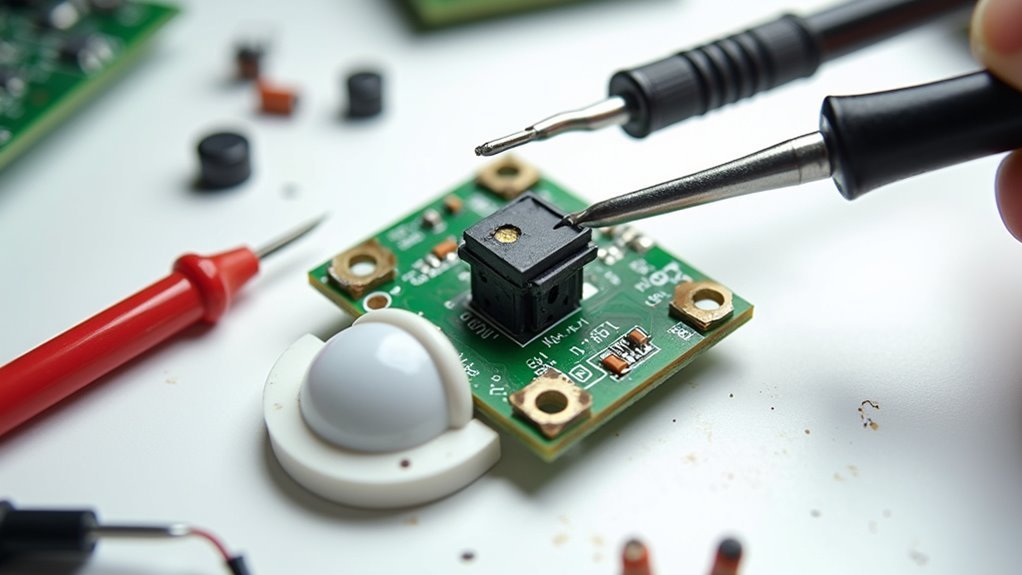
While wireless interference can disrupt sensor performance, internal component failures often require a more systematic approach to identify and resolve.
Start by testing your motion detector light with a multimeter to check for power issues in the circuit. Measure voltage at connection points to guarantee adequate electrical supply reaches the sensor.
If power’s sufficient, examine the sensor unit itself for physical damage or worn components. You’ll need to adjust the sensitivity settings during testing to rule out calibration problems.
When Motion Sensor Lights continue malfunctioning despite proper power and settings, it’s time to replace faulty sensor components. This includes damaged wiring, corroded connections, or the entire sensor assembly.
Light detection components may also need replacement if the photocell isn’t responding correctly to ambient conditions.
Frequently Asked Questions
What Causes a Motion Sensor to Stop Working?
Your motion sensor stops working when you’ve got dead batteries, dirty solar panels blocking sunlight, incorrect placement without proper exposure, faulty sensors from damage, or environmental interference from extreme temperatures.
How Do I Reset My Outdoor Motion Sensor?
Turn off power at the circuit breaker or remove batteries, wait thirty seconds, then restore power. Press the reset button if available, adjust sensitivity settings, and re-sync with your smart home system.
What Can Interfere With Motion Sensors?
WiFi access points, HVAC vents, direct sunlight, dirty lenses, and RF interference from electronic devices can disrupt your motion sensors. You’ll experience false alarms or missed detections when these factors affect heat signatures or cause radio frequency interference.
How Do You Fix a Motion Sensor on an Outdoor Light?
You’ll need to check the battery power first, then clean any dirt from the solar panel, adjust sensitivity settings, reposition for clear sight lines, and inspect wiring connections.




Leave a Reply