
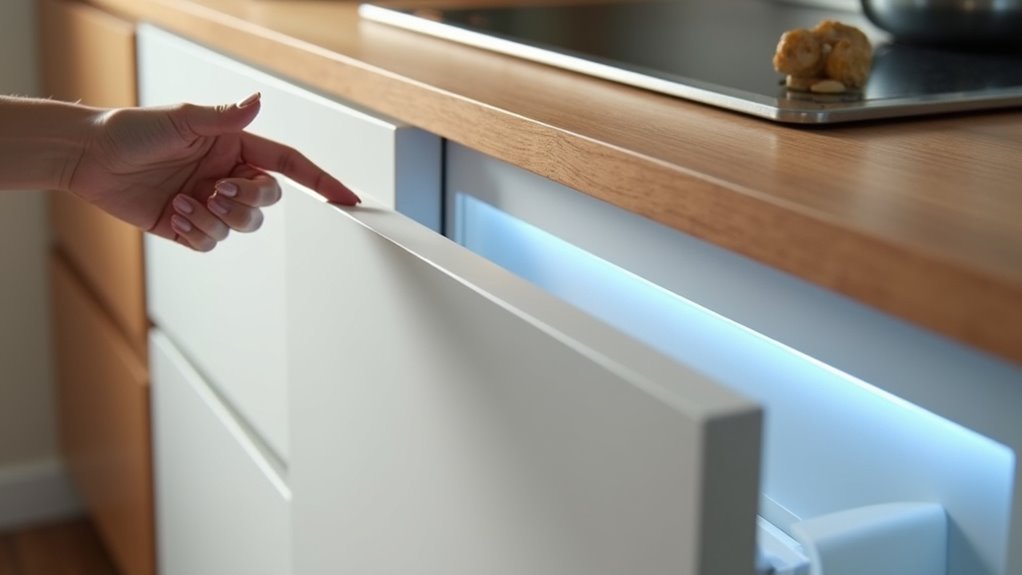
You’ve probably found yourself struggling with cabinet doors while your hands are full of ingredients or dirty from meal prep. Voice-activated cabinets eliminate this frustration by responding to simple commands, opening automatically when you need them most. However, installing these smart systems isn’t as straightforward as mounting traditional hardware. The success of your project depends entirely on understanding which components work together and how proper planning can prevent costly mistakes that could leave you worse off than when you started.
What Are Voice-Activated Storage Cabinets?
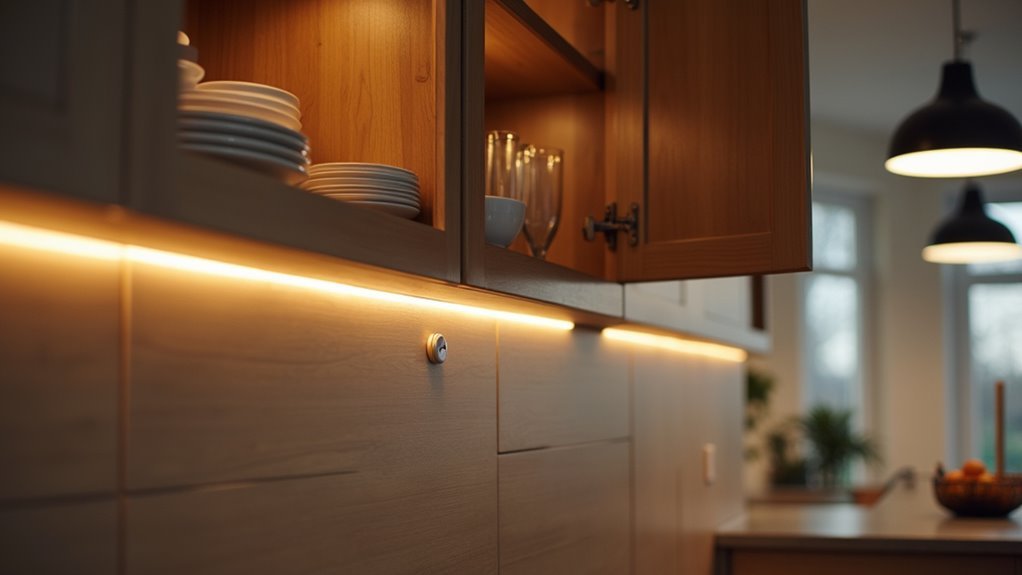
Convenience drives the innovation behind voice-activated storage cabinets, smart home solutions that let you open and access cabinet doors using simple voice commands through devices like Amazon Alexa or Google Assistant.
You’ll find these cabinets particularly useful in busy cooking environments where your hands are full or dirty, eliminating the need to physically touch cabinet handles.
These smart storage solutions integrate seamlessly into smart homes, offering touchless mechanisms like motion sensors or foot pedals that complement voice control functionality.
Smart storage cabinets combine voice activation with motion sensors and foot pedals for completely hands-free access in modern automated homes.
You’ll benefit from reduced germ transmission since minimal surface contact is required. The technology aligns with growing home automation trends, providing you with modern, efficient storage that enhances your daily routines while maintaining a cleaner, more hygienic living space.
Essential Components for Smart Cabinet Systems
You’ll need three core components to build an effective voice-activated cabinet system.
Voice control integration connects your cabinets to smart assistants like Alexa or Google Assistant for hands-free commands.
Motion sensor technology and smart connectivity requirements complete the foundation, enabling automatic detection and seamless network integration.
Voice Control Integration
When implementing voice control integration for smart cabinet systems, you’ll need several essential components working together to create a seamless user experience. Your system must be compatible with popular smart home assistants like Amazon Alexa and Google Assistant for peak functionality.
You’ll require a stable Wi-Fi connection, typically operating on a 2.4GHz network, plus a dedicated control module or app for customization.
Voice commands allow you to effortlessly open or close cabinets when your hands are occupied during cooking or meal prep. You can use a voice command to turn cabinet mechanisms on or off, and configure your smart life to match your daily routines.
Most systems include backup controls like touch sensors or foot pedals, ensuring reliability if voice recognition temporarily fails during operation.
Motion Sensor Technology
Motion sensor technology transforms how you interact with smart cabinets by detecting your presence through infrared sensors that monitor movement within a preset range.
You’ll experience immediate access as these sensors respond within milliseconds, eliminating the need for physical contact with cabinet doors or handles.
You can customize your system’s responsiveness through adjustable sensitivity settings, ensuring the sensors react precisely to your preferences.
When integrated with existing smart home platforms, you’ll control the smart cabinet system using voice commands through Alexa or Google Assistant.
The energy-efficient design uses low-power technology, so you won’t worry about excessive energy consumption.
Your smart cabinet remains operational for extended periods while maintaining peak performance.
This motion sensor technology creates seamless, hands-free cabinet access that perfectly complements voice-activated features.
Smart Connectivity Requirements
Smart connectivity forms the backbone of any voice-activated cabinet system, requiring several essential components that work together seamlessly.
You’ll need a stable 2.4GHz Wi-Fi network to guarantee reliable communication between your cabinet and voice control assistants like Alexa or Google Assistant. The smart hub or module serves as the central control point, integrating with your cabinet’s mechanism to process voice commands effectively.
Your system requires sensors and actuators as vital hardware components that enable touchless operation and respond to voice triggers.
You’ll also want customizable apps that let you manage settings, control access permissions, and automate daily routines.
During installation, you must connect all components to a power source and verify proper alignment with your smart hub for peak performance and long-term reliability.
Planning Your DIY Voice-Activated Cabinet Project
Before diving into construction, you’ll need to map out every component of your voice-activated cabinet system to guarantee seamless integration and functionality.
Start by selecting a cabinet design that matches your kitchen’s style while accommodating the technology. Choose your voice command system—Amazon Alexa, Google Assistant, or LINAK—ensuring it integrates with your existing smart home devices.
Plan sensor placement strategically, positioning touch sensors or foot pedals where they’re easily accessible.
Map out your electrical requirements, identifying power sources and Wi-Fi connectivity points. You might need additional wiring or proximity to existing outlets.
Create a detailed installation timeline that includes thorough testing phases.
You’ll need to calibrate voice command sensitivity and verify all sensors respond correctly before considering your project complete.
Compatible Voice Assistant Platforms
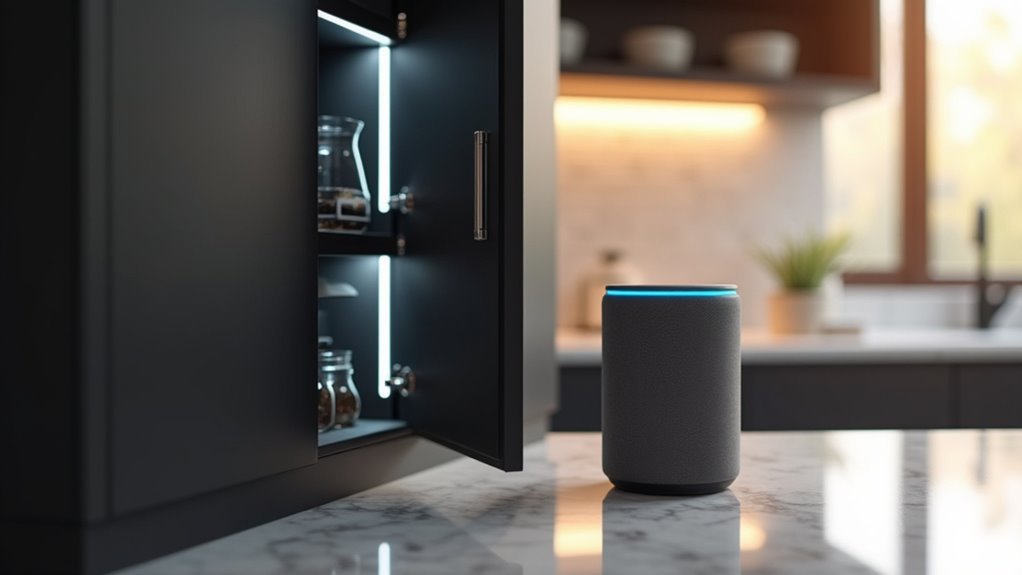
Three major voice assistant platforms dominate the voice-activated cabinet market, each offering distinct advantages for your smart kitchen setup.
Amazon Alexa leads with extensive compatibility and customizable voice command options that let you tailor cabinet operations to your preferences.
Amazon Alexa’s extensive compatibility and customizable voice commands make it the top choice for personalized smart cabinet control.
Google Home Assistant excels in natural language processing, making interactions feel more conversational and intuitive.
Apple Siri integrates seamlessly if you’re already invested in the Apple ecosystem.
Each platform supports simultaneous device control, so you can operate cabinets alongside other smart appliances with single commands.
Most manufacturers design their systems to work across all three platforms, giving you flexibility in choice.
You’ll also get smartphone app control as backup, ensuring cabinet access even when voice commands aren’t practical.
Required Tools and Materials
You’ll need specific hardware components and installation tools to successfully set up your voice-activated cabinet system.
The essential hardware includes a WiFi2LIN module for connectivity, while your tool kit should contain a screwdriver, measuring tape, level, and potentially a drill for mounting.
Having these items ready before you begin guarantees a smooth installation process and proper system functionality.
Essential Hardware Components
Success in building voice-activated cabinets depends on gathering the right hardware components before you begin installation.
You’ll need a WiFi module like the WiFi2LIN to connect your cabinet with smart home systems for seamless voice command integration with Alexa or Google Assistant.
Motion sensors or touch sensors are essential for detecting your presence and triggering opening mechanisms automatically.
Consider installing foot pedals or switches as backup activation methods when voice commands aren’t practical.
Don’t overlook the mechanical components—high-quality hinges and mechanisms guarantee smooth operation while supporting the additional weight of automated hardware.
These components must handle repeated use without compromising performance.
Finally, gather basic installation tools including screwdrivers, drills, and levels for secure mounting and proper alignment during setup.
Installation Tool Requirements
Having the proper hardware components ready sets you up for the next step—gathering the specific tools and materials needed for installation. Meeting the installation tool requirements guarantees you’ll complete your project efficiently without unexpected delays or complications.
You’ll need basic tools including a drill, screwdriver, level, measuring tape, and stud finder for secure mounting. Cable management materials like clips and zip ties keep wiring organized. Don’t forget your power source requirements—plan an outlet or power strip location for the voice control module.
| Basic Tools | Specialized Components |
|---|---|
| Drill, screwdriver, level | Touch sensor/foot pedal kit |
| Measuring tape, stud finder | Cable clips, zip ties |
| Power strip/outlet access | 2.4GHz Wi-Fi connection |
Step-by-Step Installation Process

Installing your voice-activated cabinet system requires careful preparation and the right equipment from the start.
You’ll transform your kitchen into a modern, touchless environment by following these essential steps:
- Connect the WiFi2LIN module – Wire your cabinet mechanisms to the module and configure it for your home’s 2.4GHz network compatibility.
- Mount the hardware securely – Install cabinet and drawer components using provided screws, then organize cables with adhesive tape or clips.
- Test voice commands – Verify your remote control functionality through Alexa or Google Assistant to confirm responsive operation.
- Customize app settings – Fine-tune sensitivity levels and activation methods through the companion app for personalized voice recognition and ideal performance.
Wiring and Connectivity Setup
While proper hardware installation forms the foundation of your system, establishing reliable wiring and connectivity determines whether your voice-activated cabinets will respond consistently to commands.
You’ll need to connect your cabinet to a 2.4GHz Wi-Fi network, as most smart devices require this frequency for peak performance.
Install a WiFi2LIN module to seamlessly integrate your cabinet with Alexa or Google Assistant. Follow the manufacturer’s wiring instructions precisely—improper connections cause malfunctions and prevent proper voice command recognition.
Use a cable management system to keep wiring organized and prevent damage during installation.
Before completing setup, securely mount all components including sensors and power sources.
Test each element’s functionality to verify your voice-activated system responds reliably to every voice command you issue.
Programming Voice Commands and Controls
Your cabinet’s wired connections enable the next step: configuring voice commands that’ll control cabinet access with simple spoken instructions.
Programming voice commands requires connecting your cabinet to a compatible smart home assistant like Amazon Alexa or Google Assistant through their dedicated apps.
- Create custom commands in the app that trigger specific cabinet actions like opening, closing, or locking mechanisms for enhanced convenience and accessibility.
- Learn the syntax requirements for each smart assistant, as they use unique phrases and keywords to execute desired actions effectively.
- Update firmware regularly for both your cabinet system and smart assistant to maintain compatibility and access latest voice recognition improvements.
- Test commands thoroughly in various scenarios, considering ambient noise and distance factors that affect responsiveness.
Safety Considerations and Best Practices
Once you’ve programmed your voice commands, implementing proper safety measures becomes essential to prevent accidents and guarantee dependable operation.
Install your cabinet where the voice control system clearly detects commands, minimizing accidental opening or malfunction risks. Clean sensors and mechanisms regularly to prevent dirt buildup that interferes with functionality.
Activate safety features like voice command lockouts or manual locks to prevent unintended access by children or pets.
Test your system’s responsiveness frequently to guarantee dependable operation and reduce user frustration. Educate all household members and guests on proper operation procedures to prevent confusion and potential mishaps.
These best practices maintain ideal performance while creating a secure environment for everyone in your home.
Troubleshooting Common Technical Issues
Even with proper installation and safety measures in place, you’ll occasionally encounter technical glitches that prevent your voice-activated cabinet from responding correctly.
When your command to turn on/off functions fails or light modes on smart cabinets malfunction, systematic troubleshooting will restore functionality.
- Check Wi-Fi Connection: Confirm your cabinet connects to a 2.4GHz network, as most voice-activated devices require this frequency for ideal performance.
- Update Firmware: Download manufacturer updates to improve functionality and resolve bugs affecting voice recognition.
- Reset Control Module: Unplug the voice control system for several seconds, then reconnect to re-establish communication.
- Verify App Integration: Confirm your voice assistant links properly to the cabinet’s app with enabled permissions for voice control features.
Cost Breakdown and Budget Planning
After resolving technical issues, you’ll want to establish a realistic budget for your voice-activated cabinet project. Your cost breakdown should include $200 to $1,500 per cabinet, depending on technology and materials.
Budget planning requires adding 20-30% above traditional cabinet costs for touchless mechanisms and advanced features.
Don’t forget ongoing expenses in your calculations. Annual maintenance and repairs typically cost $50 to $200 per cabinet, varying with usage and technology reliability.
You’ll also need $100 to $300 for one-time smart home system integration.
However, consider the long-term benefits. Smart lighting and appliances can deliver up to 80% energy savings, offsetting initial investments.
Factor these potential savings into your budget planning to understand your project’s true financial impact over time.
Maintenance and Long-Term Care
While initial installation marks the beginning of your voice-activated cabinet journey, proper maintenance determines how long you’ll enjoy seamless operation.
Your smart cabinets need consistent care to function reliably for years to come.
Regular maintenance ensures your voice-activated cabinets deliver dependable performance and maximum longevity for your smart kitchen investment.
Essential maintenance tasks include:
- Clean sensors regularly – Remove dirt and grease buildup from touchless sensors to maintain responsiveness and prevent functionality issues.
- Schedule periodic inspections – Check electronic components like sensors and motors quarterly to identify potential malfunctions before they become costly problems.
- Update firmware consistently – Use the manufacturer’s app to install updates that improve performance and reveal new features.
- Lubricate moving parts – Apply lubricant to hinges and motors as needed to prevent wear and guarantee smooth cabinet operation throughout their lifespan.
Frequently Asked Questions
Can Voice-Activated Cabinets Work During Power Outages or Internet Disruptions?
You’ll lose voice activation during power outages since these cabinets need electricity. Internet disruptions won’t affect basic voice commands if your cabinet processes them locally, but cloud-dependent features won’t work.
Are Voice-Activated Cabinets Secure From Unauthorized Access by Visitors or Intruders?
You’ll find voice-activated cabinets offer reasonable security through voice recognition technology, but they’re not foolproof. Sophisticated intruders might bypass systems using recordings or mimicry, so you shouldn’t rely solely on voice activation for highly sensitive items.
Do Voice Commands Work Properly in Noisy Environments Like Busy Kitchens?
You’ll find voice commands struggle in noisy kitchens with running appliances, sizzling pans, and conversations. Background noise interferes with recognition accuracy, so you’d need quieter moments or closer proximity for reliable cabinet activation.
Can Multiple Family Members Use Different Voice Commands for the Same Cabinet?
You can easily program multiple voice commands for the same cabinet, allowing each family member to use their preferred phrases. Most systems recognize different voices and let you customize commands for everyone’s convenience.
Will Voice-Activated Cabinets Increase My Home Insurance Premiums or Property Taxes?
Voice-activated cabinets typically won’t increase your home insurance premiums since they’re considered minor home improvements. Property taxes shouldn’t rise either, as they don’t greatly boost your home’s assessed value.




Leave a Reply