
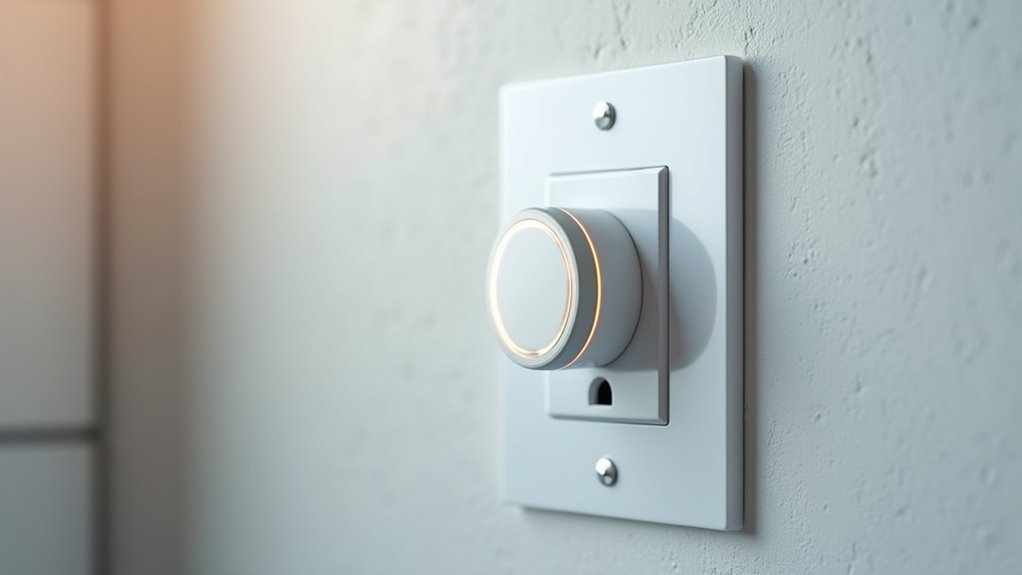
You’ve probably reached behind furniture countless times to unplug devices or fumbled for switches in the dark. Traditional outlets force you into inconvenient positions and create energy waste through forgotten appliances. Voice-controlled outlets eliminate these daily frustrations while cutting your electricity bills by up to 15%. But there’s more to this upgrade than simple convenience—the real benefits emerge when you understand how voice technology transforms your relationship with home energy management.
Understanding Voice Control Technology in Modern Power Outlets
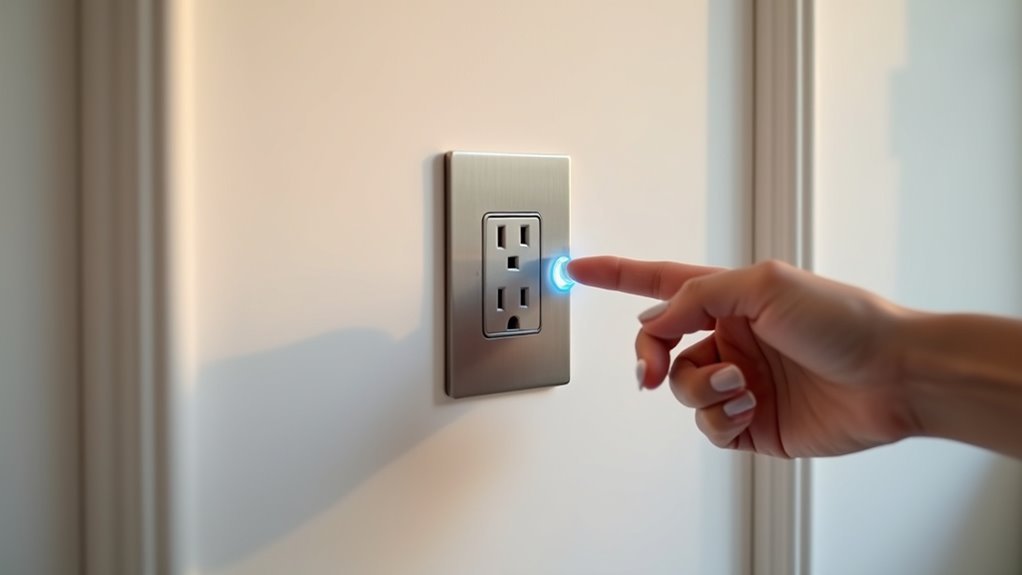
How often do you find yourself struggling to reach an outlet behind furniture or wishing you could turn off that lamp across the room without getting up?
Voice control technology in modern power outlets solves these everyday frustrations by transforming ordinary electrical access points into responsive command centers.
Voice-controlled outlets transform basic electrical access into intelligent command centers that respond instantly to your spoken instructions.
These smart outlets don’t require complex Wi-Fi setups or smartphone apps – they’re designed for straightforward plug-and-play installation. You can control devices up to 10A and 1250W using simple voice commands, making them perfect for lights, fans, and coffee makers.
Beyond convenience, this technology promotes energy efficiency by eliminating phantom loads and helping you better manage device usage throughout your home.
Essential Components for Converting Standard Outlets to Voice Command
You’ll need specific hardware components to transform your standard outlets into voice-controlled command centers.
The conversion process requires smart outlet devices like the Tessan Voice Control Outlet that can handle up to 10A and 1250W loads for most household appliances.
Once you’ve gathered the right equipment, the installation setup becomes a straightforward plug-and-play process that doesn’t require complex wiring or technical expertise.
Required Hardware Components
Converting any standard electrical outlet into a voice-controlled command center requires specific hardware components that work together to enable hands-free operation.
The core element you’ll need is a smart voice control outlet that supports plug-and-play functionality without requiring Wi-Fi connections or mobile apps.
Essential hardware components include:
- Voice-enabled smart outlets – Support up to 10A and 1250W for controlling various appliances like lights, fans, and coffee makers
- Compact, lightweight devices – Guarantee portability for use in homes, hotels, or event venues
- Power failure memory modules – Retain settings after outages to automatically restore previous device states
- Smart home ecosystems integration – Enable seamless control of multiple devices through unified voice commands
These components create thorough energy management solutions that transform ordinary outlets into intelligent command centers.
Installation Setup Process
Three straightforward steps transform your standard outlet into a voice-controlled power hub.
First, you’ll need to verify your wall box contains the necessary Line, Neutral, and Ground wires for proper installation. Smart outlets require these connections to function safely and effectively.
Second, select a voice control outlet that doesn’t require Wi-Fi connectivity, like the Tessan Voice Control Outlet, which simplifies the setup process considerably. Confirm your chosen device works with copper or copper-clad wiring in dry, indoor locations for peak performance.
Third, follow the manufacturer’s installation video carefully or hire a qualified electrician to guarantee compliance with electrical codes.
Once installed, you’ll configure the outlet through its compatible app, enabling seamless voice control of your connected devices.
Step-by-Step Installation Process for Voice-Controlled Power Systems
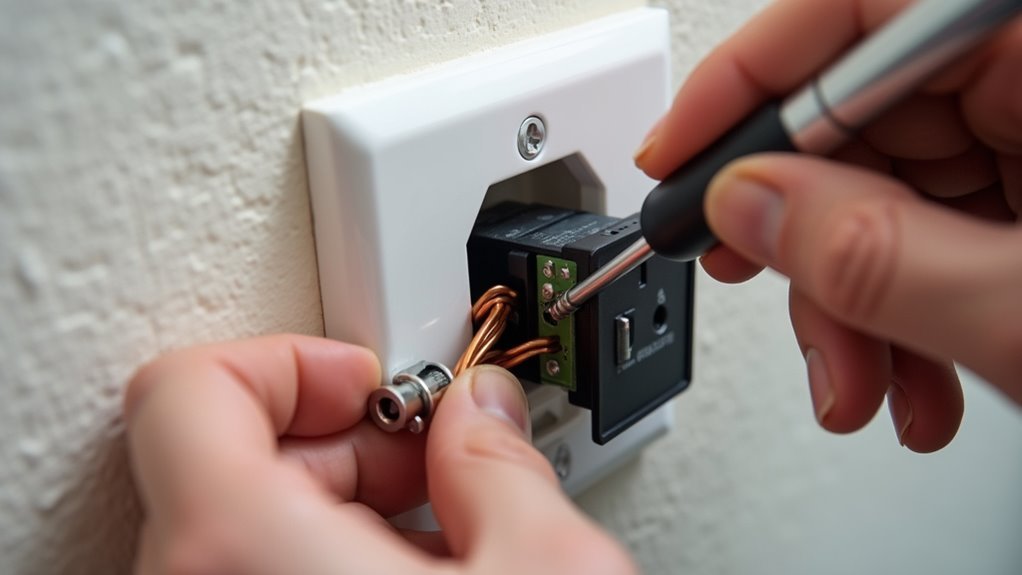
Before diving into installation, gather your materials and verify you’ve selected a compatible voice-controlled outlet that matches your needs and electrical setup.
The Tessan Voice Control Outlet offers a straightforward solution that doesn’t require Wi-Fi or apps, making it ideal for seamless integration into your home automation systems.
Follow these essential steps for proper installation:
- Confirm your wall box contains Line, Neutral, and Ground wires as required by electrical codes
- Follow the plug-and-play instructions provided with your voice control outlet for safe connection
- Test voice commands immediately after installation to verify responsiveness
- Connect compatible devices like lights and appliances to maximize functionality
After completing the installation, you’ll enjoy convenient voice-operated control that enhances daily life and provides accessibility for users with mobility challenges.
Compatible Voice Assistants and Integration Options
Once you’ve successfully installed your voice-controlled power system, you’ll want to understand which compatible voice assistants work with your setup and how to maximize integration possibilities. The Tessan Voice Control Outlet works seamlessly with major platforms, eliminating the need for dedicated apps or complex Wi-Fi configurations.
| Voice Assistant | Integration Method | Smart Home Compatibility |
|---|---|---|
| Amazon Alexa | Direct connection | Full ecosystem support |
| Google Assistant | Plug-and-play setup | Seamless device linking |
| Multiple platforms | Simultaneous operation | Cross-platform control |
You can control via voice commands across different assistants simultaneously, making it perfect for diverse smart home environments. The plug-and-play functionality guarantees quick integration into existing ecosystems, supporting up to 1250W for various appliances and creating efficient hands-free operation throughout your space.
Safety Considerations During DIY Smart Outlet Conversion

While smart outlet conversion offers exciting automation possibilities, electrical safety must remain your top priority throughout the entire process.
Before beginning any installation, you’ll need to verify your electrical system can handle smart outlets supporting up to 10A and 1250W. Always turn off power at the circuit breaker to prevent electrical shocks during conversion.
Essential safety steps include:
- Using compatible copper or copper-clad wiring with proper Line, Neutral, and Ground connections
- Ensuring your outlet box meets current electrical codes and safety standards
- Hiring a qualified electrician if you’re uncertain about procedures or wiring conditions
- Conducting regular inspections post-installation for wear, malfunction, or overheating signs
Improper installation creates serious hazards like electrical fires, making professional consultation worthwhile when safety questions arise.
Troubleshooting Common Voice Command Setup Challenges
When you’re setting up voice command outlets, you’ll likely encounter three main challenges that can frustrate even experienced DIY enthusiasts.
Your device mightn’t recognize commands properly, power settings could reset unexpectedly, or the voice sensitivity mightn’t respond as expected.
Let’s examine each issue and explore practical solutions to get your smart outlets working reliably.
Device Recognition Problems
Although voice command centers promise effortless device control, you’ll occasionally encounter recognition problems that can frustrate even the most tech-savvy users.
Device recognition issues during voice command setup typically stem from compatibility problems, making it crucial to verify your outlet works with your specific voice assistant.
- Check that connected devices stay within operational limits of 10A and 1250W to prevent recognition failures
- Confirm clear articulation when speaking commands, as misinterpretation leads to device recognition errors
- Verify power status of connected devices before troubleshooting further issues
- Update firmware regularly to improve recognition capabilities and resolve common setup challenges
Consider voice command centers like the Tessan Voice Control Outlet that eliminate Wi-Fi and app requirements, greatly reducing compatibility problems and simplifying your setup process.
Power Memory Failures
Beyond device recognition challenges, power memory failures present another hurdle you’ll face with voice command outlets. When power outages disrupt operations, these failures can leave your devices in unexpected states.
Fortunately, the Tessan Voice Control Outlet automatically restores devices to their previous settings after power interruptions, eliminating this common frustration.
You’ll want to guarantee proper setup since voice command outlets rely on correct configuration to function effectively after outages. With support for up to 10A and 1250W, these outlets handle various devices efficiently even following power failures.
Regular inspections help identify connectivity problems that may arise from power memory failures. Understanding this power failure memory feature enhances your experience, providing confidence that essential devices will operate as intended after unexpected outages.
Voice Sensitivity Issues
Voice sensitivity issues frequently stem from less-than-ideal positioning and environmental factors that interfere with your outlet’s microphone capabilities.
When you place your smart outlet too far from where you typically stand, voice commands won’t register consistently. Background noise from appliances or conversations also disrupts microphone performance.
To improve voice recognition accuracy, consider these solutions:
- Position the outlet’s microphone facing toward your usual location and make sure nothing obstructs it
- Minimize background noise during voice command usage
- Install regular firmware updates to resolve existing sensitivity problems
- Test voice commands in different environments to identify problematic conditions
Testing various scenarios helps you pinpoint specific factors affecting sensitivity.
Once you’ve identified these issues, you can make targeted adjustments for maximum performance and reliable voice command recognition.
Maximizing Energy Efficiency Through Voice-Activated Power Management
When you’re looking to cut your electricity costs, voice-activated power management offers one of the most effective solutions for eliminating phantom energy loads that drain your wallet even when devices aren’t actively in use.
Smart outlets with voice control capabilities let you identify and eliminate energy waste through simple commands, managing your usage patterns more effectively than traditional manual switching.
You can program these outlets to automatically turn off lights and appliances when they’re not needed, enhancing energy efficiency throughout your home.
The Tessan Voice Control Outlet supports up to 10A and 1250W, making it suitable for various devices while providing effortless energy management.
Additionally, the power failure memory function guarantees your essential equipment maintains peak efficiency by restoring previous states after outages.
Frequently Asked Questions
What Is the Point of Smart Plugs?
You’ll gain voice control over any device, manage energy consumption efficiently, and automate your home without Wi-Fi or apps. Smart plugs make daily tasks easier while providing backup power memory functionality.
Why Do Some Outlets Have a Sideways T?
You’ll find sideways T outlets in specialized settings where they prevent accidental disconnections and reduce tripping hazards. They’re designed for secure connections in commercial or industrial applications requiring reliable power.
What Is the Difference Between Smart Plugs and Smart Outlets?
Smart plugs insert into your existing outlets to control one device, while smart outlets replace your wall outlets entirely. You’ll get higher wattage capacity, multi-device control, and better home automation integration with smart outlets.
What Is a Voice Control Smart Plug?
A voice control smart plug lets you operate devices through spoken commands without needing Wi-Fi, apps, or hubs. You simply plug it in and control appliances like lights or coffee makers using your voice.




Leave a Reply