
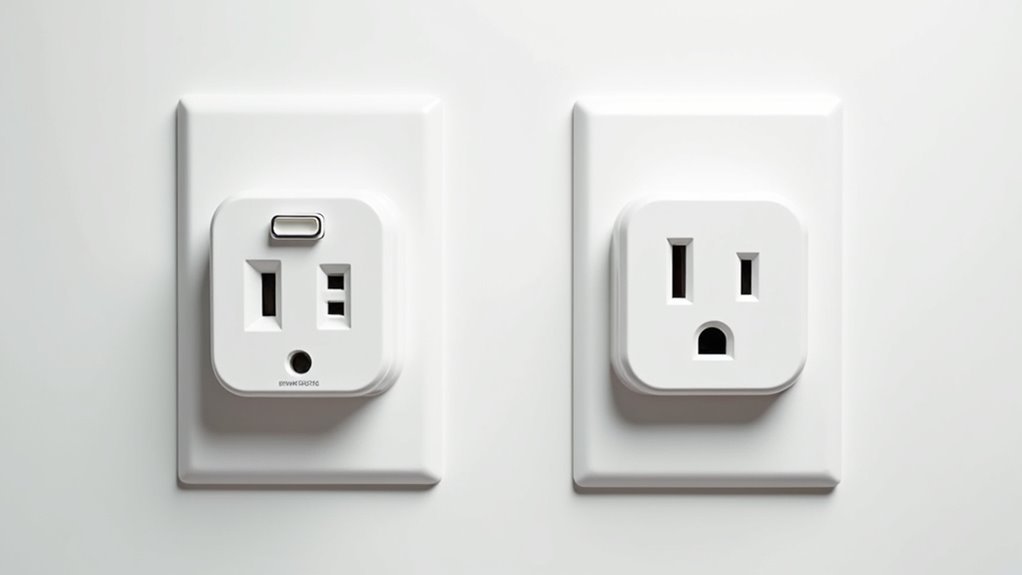
You’ve probably walked past countless outlets in your home without realizing their untapped potential. Those simple wall sockets can become intelligent gateways to a smarter living space with the right technology. Smart plugs transform any standard outlet into a connected device that responds to your voice, schedule, and smartphone commands. However, choosing the wrong smart socket or installing it incorrectly can lead to frustrating connectivity issues that’ll leave you questioning whether the upgrade was worth it.
Understanding WiFi Smart Socket Technology

When you plug a WiFi smart socket into any standard electrical outlet, you’re instantly transforming that basic connection point into a sophisticated control hub for your home automation system.
These WiFi smart sockets convert regular outlets into smart outlets using wireless protocols like Wi-Fi, Zigbee, and Z-Wave to connect your appliances to your home network.
You’ll control connected devices through a smartphone app or voice commands with Amazon Alexa and Google Assistant.
The user-friendly installation requires no technical expertise—simply plug in and configure through the companion app.
Energy monitoring capabilities let you track power consumption, potentially reducing your electricity bill.
Scheduling features enable automated control, turning devices on or off at predetermined times for enhanced convenience and efficiency.
Choosing the Right Smart Plug for Your Home
Now that you understand how WiFi smart sockets work, selecting the perfect model for your specific needs requires careful consideration of several key factors.
Choosing the right smart socket involves evaluating compatibility, connectivity, energy monitoring, user experience, and reliability to maximize your investment.
When shopping for smart plugs, you’ll want to evaluate these essential features:
- Compatibility – Ascertain your chosen smart home devices work seamlessly with Amazon Alexa, Google Assistant, or Apple HomeKit.
- Connectivity – Choose Wi-Fi enabled models that integrate well with your existing network infrastructure.
- Energy monitoring – Look for plugs that track power usage to improve energy efficiency and reduce costs.
- User experience – Select products with intuitive companion app designs for effortless setup and management.
- Reliability – Read customer reviews to verify consistent performance and durability.
These considerations will help you choose smart plugs that enhance your home automation while delivering reliable, long-term value.
Step-by-Step Installation Process

Installing a WiFi smart socket takes just five simple steps that you can complete in under 10 minutes.
First, plug your smart plugs into any standard electrical outlet and power them on to begin the setup process.
Next, download the manufacturer’s companion app from your device’s app store and create an account or log in.
Third, activate pairing mode by pressing the power button until the indicator light flashes.
Fourth, follow the app’s instructions to connect your device to your home Wi-Fi network, entering your password when prompted.
Finally, name your smart plug for easy identification.
You can now manage remotely and integrate with voice assistants.
Connecting Smart Plugs to Your Home Network
The network connection process forms the backbone of your smart plug’s functionality, enabling remote control and automation features.
Network connectivity serves as the foundation for smart plug operation, unlocking wireless control and intelligent home automation capabilities.
Once you’ve completed the physical installation, you’ll need to connect your smart outlet to your home network through Wi-Fi. This establishes communication between your devices and the smart plugs, allowing seamless control from anywhere.
Follow these essential steps to connect your smart plugs:
- Plug the smart outlet into a power source and guarantee it’s receiving electricity
- Download the manufacturer’s app from your smartphone’s app store
- Press the power button until the indicator light flashes to activate pairing mode
- Enter your Wi-Fi credentials through the app’s setup wizard
- Name your smart plug within the app for easy identification and management
Your smart plugs are now integrated into your home network system.
Setting Up Voice Control and Mobile Apps

Once you’ve connected your smart plugs to your home network, you’ll want to integrate them with voice assistants like Alexa or Google Assistant for hands-free control.
Download the corresponding app and follow the setup instructions to link your devices, enabling voice commands that let you turn appliances on or off with simple phrases.
You’ll also need to configure the mobile app settings to create schedules, routines, and customize how you control your connected devices from your smartphone.
Voice Assistant Integration
Modern smart sockets truly shine when you integrate them with voice assistant integration like Amazon Alexa or Google Assistant. This seamless connection transforms how you control your home appliances, making daily routines incredibly convenient.
Setting up voice commands requires linking your smart plugs through the manufacturer’s smartphone app, then enabling the corresponding skill in your voice assistant’s settings. Once configured, you’ll enjoy hands-free control that enhances home security and energy management.
- Say “Alexa, turn on the coffee maker” for morning convenience
- Use “Hey Google, turn off all lights” for bedtime routines
- Set schedules through voice commands for automated control
- Monitor energy consumption via integrated app tracking
- Create custom routines combining multiple device actions
This integration streamlines your smart home experience while providing greater control over energy consumption and daily convenience.
Mobile App Configuration
While voice commands provide incredible convenience, you’ll need to properly configure your mobile app first to access this functionality.
Start by downloading your smart plugs’ companion app from your device’s app store and create an account. Verify compatibility with your preferred smart home hub like Amazon Alexa before proceeding.
During setup, press the power button on your smart plugs until the indicator light flashes, activating pairing mode. Follow the app’s prompts to connect these smart devices to your Wi-Fi network.
Once connected, assign descriptive names that’ll make voice control easier. Complete the process by linking your companion app to your voice assistant platform, enabling you to control the power of connected devices effortlessly.
Advanced Automation and Scheduling Features
Beyond basic on/off functionality, WiFi smart sockets release sophisticated automation capabilities that transform how you control your home’s electrical devices.
These advanced automation and scheduling features let you create custom routines that maximize energy efficiency while enhancing convenience through your smartphone app.
Smart plugs offer powerful remote scheduling options that give you complete control over your home’s appliances:
- Custom time schedules – Program devices to operate during off-peak electricity hours for lower energy costs
- IFTTT integration – Create complex scenarios like turning on lights when outdoor cameras detect motion
- Real-time responsive routines – Automatically adjust appliance settings based on current conditions like temperature
- Anywhere access – Manage all connected devices remotely via smartphone app
- Energy optimization – ascertain appliances only run when needed
Troubleshooting Common Connection Issues
Even the most reliable WiFi smart sockets can encounter connectivity issues that disrupt your home automation routines. When your smart plug becomes unresponsive, start by checking your Wi-Fi connection’s strength and proximity.
Reset the smart plug by holding the power button until the indicator light flashes, then reconnect it to your network.
Ensure your smartphone app is updated to the latest version, as updates resolve bugs affecting connection stability.
Verify your smart plug is compatible with your Wi-Fi network’s frequency support – most devices only work with 2.4 GHz networks, not 5 GHz.
If pairing fails, reboot the router to refresh network connections.
These steps will help you connect directly and restore your smart socket’s functionality efficiently.
Frequently Asked Questions
How Do You Make a Plug Socket Smart?
You’ll insert a smart plug into your existing outlet, then download the manufacturer’s app to connect it to your Wi-Fi network and configure settings for remote control.
What Are the Disadvantages of Smart Plugs?
You’ll face compatibility issues with older appliances, potential Wi-Fi connectivity problems, privacy concerns from data collection, and inconvenience if you’re not comfortable using smartphone apps for control.
Can You Get a Wireless Plug Socket?
Yes, you can get wireless plug sockets called smart plugs. They’ll connect to your Wi-Fi network, letting you control plugged-in devices remotely through smartphone apps for convenient home automation.
Can You Plug Anything Into a Smart Plug?
You can’t plug everything into smart plugs. Avoid high-wattage appliances exceeding amp limits, devices with mechanical switches, and equipment requiring constant power like refrigerators or medical devices for safety.




Leave a Reply